Author: Admin

  • How to Clean a Printer in 5 Easy Steps

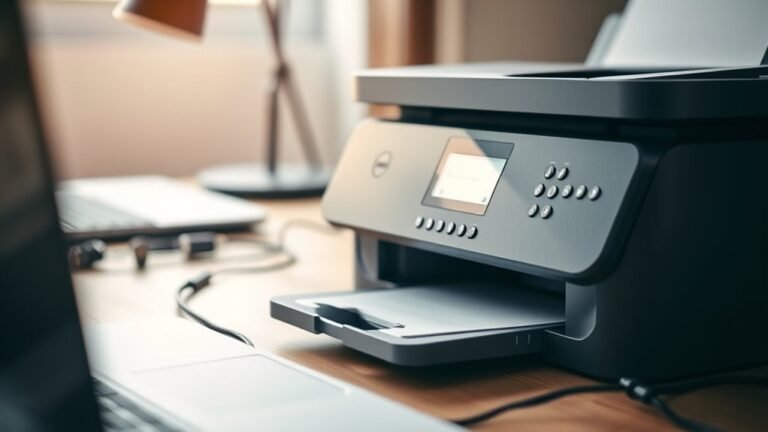
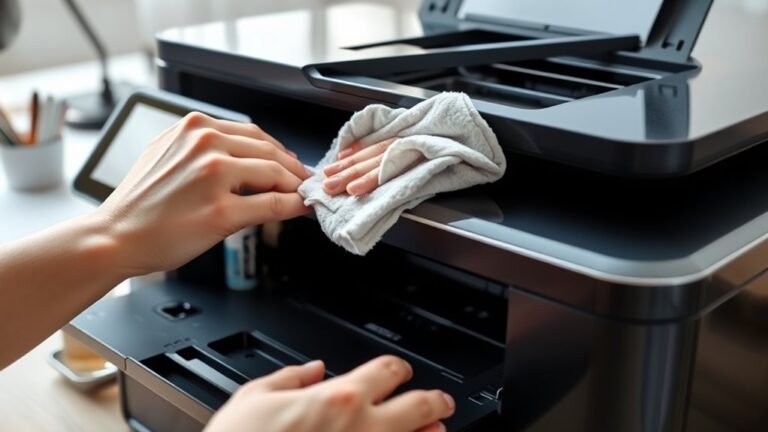
    Turn off and unplug your printer, then open the top cover to access the printhead. Run a nozzle check to spot clogs and run the automatic printhead cleaning up to three times if needed.

    If the prints still look bad, manually clean the printhead and rollers with a damp lint-free cloth. Finally, print a test page to check your results.

    If your printer still isn’t working right, there are more detailed steps you can try to restore it fully.
  • What Is a Cricket Printer and How Does It Work?

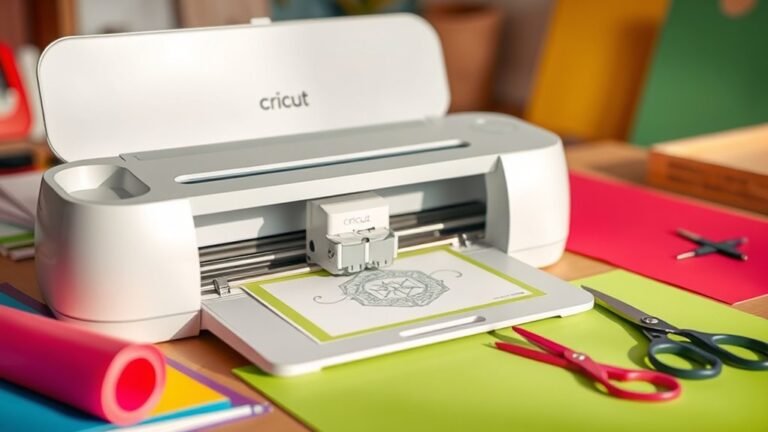
    A Cricut machine isn’t a printer but a precision cutting tool that crafts intricate designs on materials like paper, vinyl, and fabric. You create or select your design in Cricut Design Space, then send it to the machine.

    It uses specialized blades and tools to cut, draw, or emboss your project. It handles everything from thin cardstock to leather, adjusting settings automatically.

    If you want to explore popular models, tools, and project ideas, there’s plenty more to discover. It’s pretty fun once you get the hang of it!

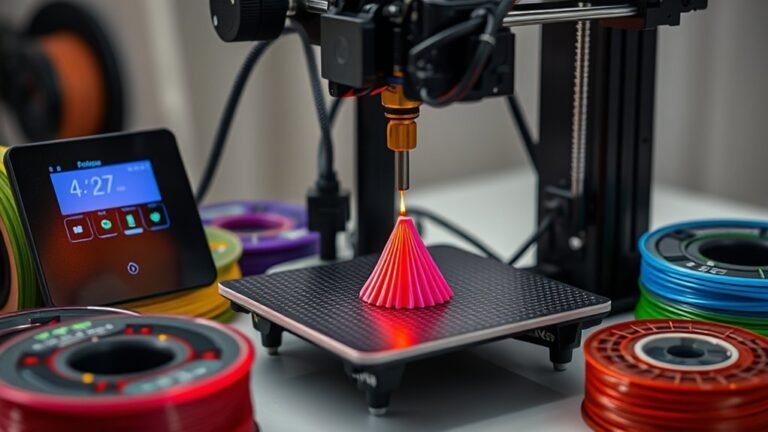
  • 5 Factors That Affect How Much Filament a 3D Printer Does Use

    You control filament use by considering five key factors. Your model’s shape and volume impact how much filament builds the part’s strength and detail.

    Infill percentage and pattern drastically affect material consumption—efficient patterns save filament while maintaining durability. Wall thickness and top layers add strength but use more filament.

    Supports can increase usage, so minimizing or optimizing them helps. Finally, layer height and filament joining influence print time and waste.

    Knowing these lets you fine-tune costs and quality effectively. It’s all about finding the right balance for your specific print.

  • What Does Driver Is Unavailable Mean for Printers?

    When your printer shows “Driver is unavailable,” it means Windows can’t find or load the correct driver for your device. This stops the printer from working properly.

    This often happens if the driver is outdated, corrupted, or incompatible with your Windows version or system architecture. Sometimes, system settings might block it too.

    Fixing it usually involves checking driver versions and reinstalling the right one. Keep going, and you’ll discover how to solve this and avoid future printer issues.

  • How to Fix Can’t Ping Network Printer Issues

    If you can’t ping your network printer, first verify your PC and printer share the same subnet and that the printer uses a static IP. Recreate the printer’s TCP/IP port on your PC to match the correct IP and protocol (RAW 9100).

    Temporarily disable your PC and router firewalls to rule out blocking issues. Also, check your router, switch, and wireless settings to confirm proper connectivity.

    Keep going to uncover detailed steps and fixes for your printer connection. You’ll get it sorted out in no time!

  • How to Measure Legal Printer Paper Size

    To measure legal printer paper size, first place the sheet flat in portrait orientation, making sure the shorter edge is horizontal. Use a rigid ruler or digital caliper, aligning the zero mark exactly at the paper’s edge to avoid errors.

    Next, confirm the width is 8.5 inches and the length is 14 inches, or their metric equivalents. It’s a good idea to check multiple sheets for consistency.

    Also, avoid curled or folded edges to get an accurate measurement. Remember, getting the measurement right can really affect your printing and filing setups later on.

  • How to Put a Printer Online Step by Step

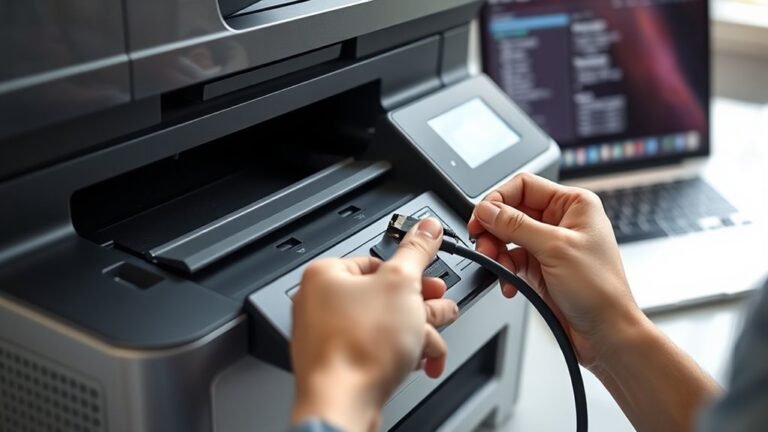
    To put your printer online, first make sure it’s powered on and connected to your PC or network. Also, check that it displays a ready status.

    If things aren’t looking right, try restarting your printer and router. Sometimes that’s all it takes to fix the issue.

    Next, check that your printer shows up in Windows settings and isn’t set to “Use Printer Offline.” You’ll want to set it as your default device too.

    Don’t forget to clear any stuck print jobs from the queue. Those can cause headaches if left unattended.

    If you’re still having trouble, restart the Print Spooler service. Running the Windows troubleshooter can also give you some extra help.

    Feel free to explore more detailed steps if you need to fully resolve any issues. It’s worth getting everything running smoothly!

  • How Much Do Metal 3D Printers Cost in 2027: 3 Price Ranges

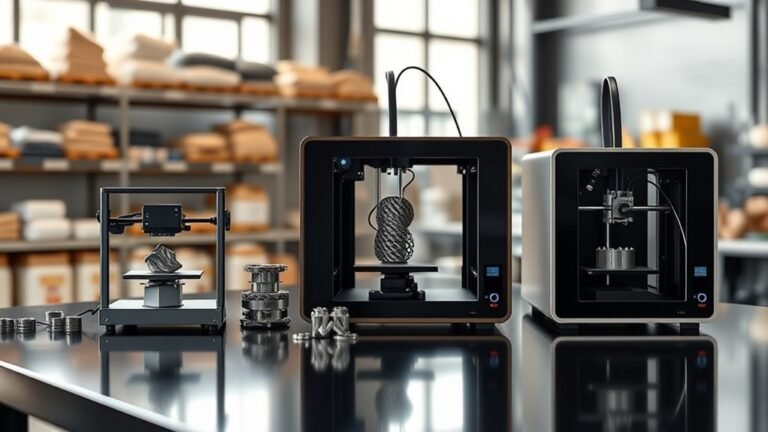
    Metal 3D printers in 2027 typically fall into three price ranges: entry-level systems cost $20K to $80K, offering basic metal-capable printing.

    Mid-range machines range from $120K to $400K, ideal for prototyping and moderate production.

    For high-end needs, especially larger builds or reactive metals, expect prices above $250K, with total installed costs sometimes exceeding $1 million.

    Your choice depends on budget, application, and required features. Exploring these will help you find the best fit.

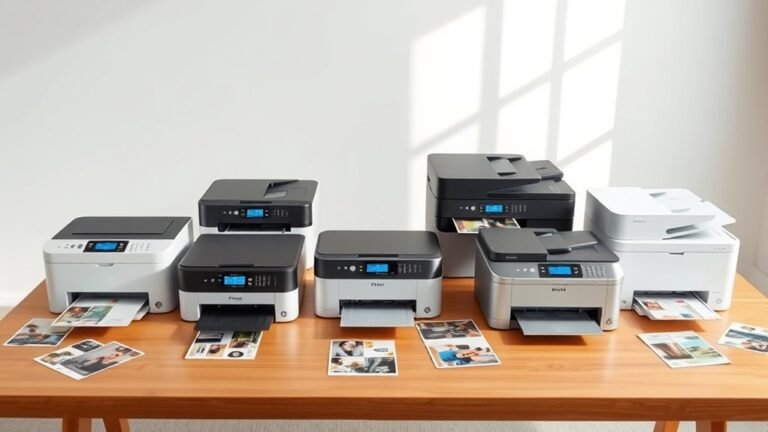
  • 7 Good Printers for Home Use in 2027

    You’ll want a printer that fits your home needs—whether that’s sharp black-and-white text with a mono laser like the HP LaserJet M209d or vibrant color from refillable tanks like the Epson EcoTank ET-2980 or Canon Pixma G6020.

    If you need scanning and copying, all-in-ones like the HP OfficeJet Pro 8035 offer great multitasking with an automatic document feeder. Compact wireless models save space and enable easy mobile printing.

    Keep looking to find the perfect match for your workflow and budget. It’s all about what works best for you!

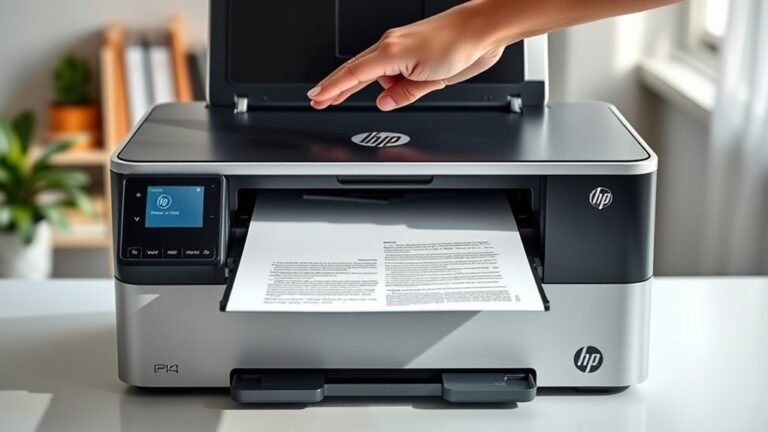
  • How to Scan a Document on an HP Printer in 5 Easy Steps

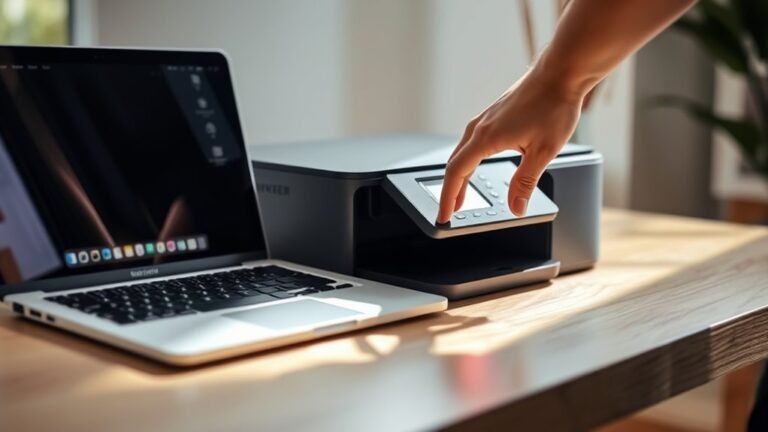
    To scan a document on your HP printer, first place it face-down on the scanner glass and open the HP scanning software. Next, set your scan preferences to save as a PDF and pick a resolution—150 dpi for standard text or 300 dpi for more detail.

    Choose the folder where you want to save your file, then start the scan. Afterward, preview your PDF to make sure it’s clear and complete.

    Keep going to discover helpful tips for perfect scans every time.