7 Good Printers for Home Use in 2027
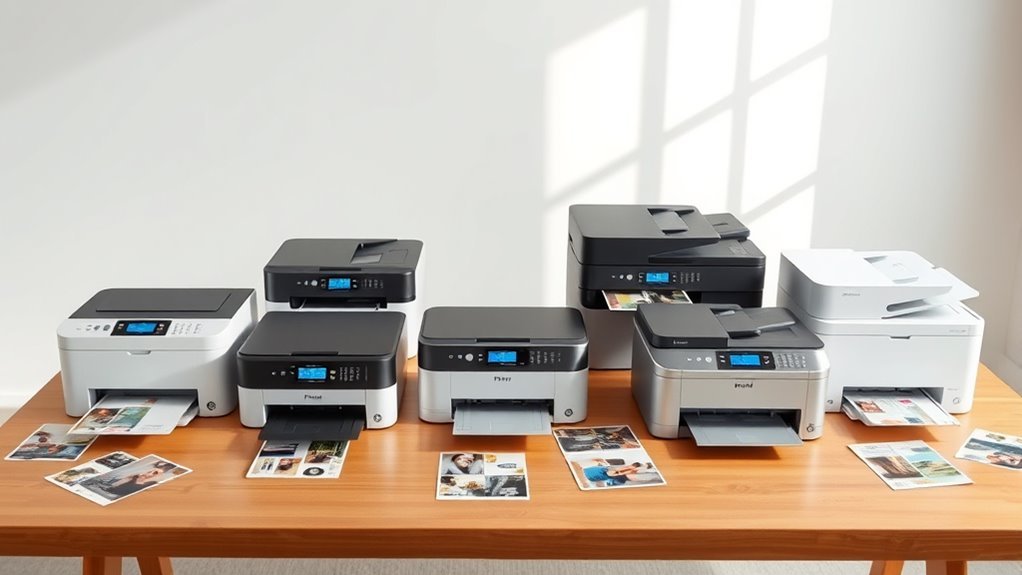
You’ll want a printer that fits your home needs—whether that’s sharp black-and-white text with a mono laser like the HP LaserJet M209d or vibrant color from refillable tanks like the Epson EcoTank ET-2980 or Canon Pixma G6020. Home printers come in all shapes and sizes, so finding one that suits your space and printing habits is key.
If you need scanning and copying, all-in-ones like the HP OfficeJet Pro 8035 offer great multitasking with an automatic document feeder. Compact wireless models save space and enable easy mobile printing. Keep looking to find the perfect match for your workflow and budget.
Key Takeaways
– Choose EcoTank printers like Epson ET-2980 for low running costs and high-volume color printing with refillable tanks.
They’re perfect if you print a lot and want to save on ink over time.
– Monochrome laser printers, such as HP LaserJet M209d, suit infrequent black-and-white printing with low maintenance and no ink drying.
So, if you mostly print text and want hassle-free operation, these are a great pick.
– All-in-one models like Brother MFC-J497DW offer printing, scanning, and copying, ideal for versatile home office use.
It’s like having a mini office right at home, covering all your basic needs.
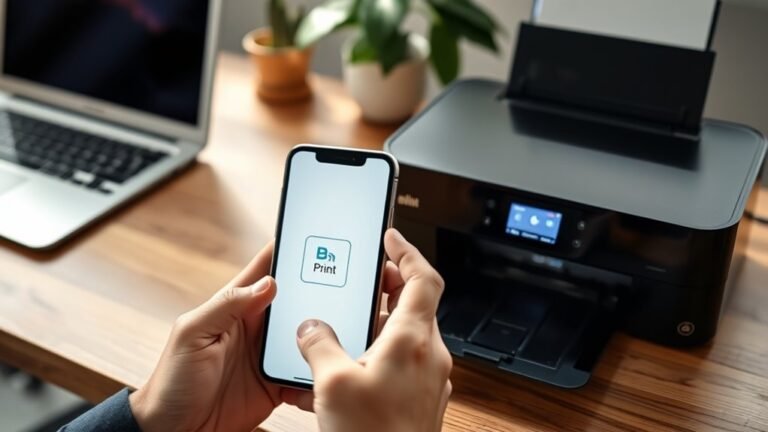
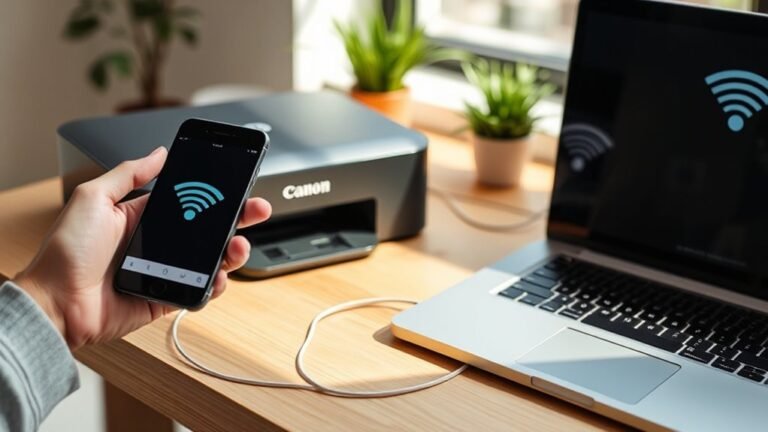
– Compact wireless printers, such as Canon Pixma TS5320, save space and support mobile printing via Wi-Fi and AirPrint.
They’re super handy if you want to print straight from your phone or tablet without any cables.
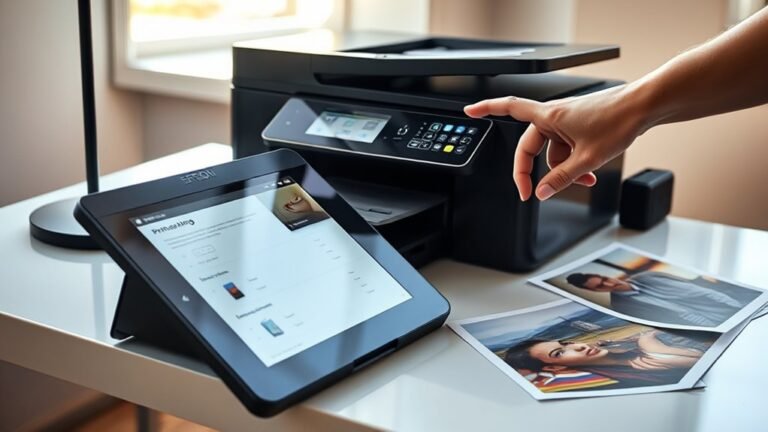
– Dedicated photo printers and photo-capable inkjets provide the best color fidelity for vibrant photo prints at home.
If you love printing pictures, these will bring your photos to life with rich colors.
Choosing the Right Home Printer: Key Factors to Consider
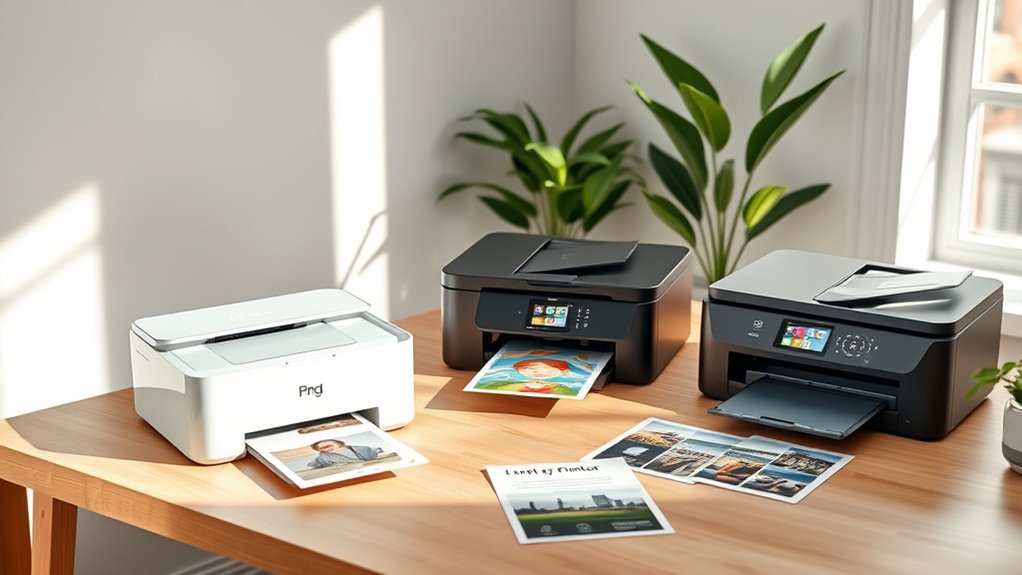
When choosing a home printer, you’ll want to take into account how often and what you print most. If you mainly print black‑and‑white documents infrequently, a monochrome laser printer is low-maintenance and cost-effective.
For frequent color or photo printing, consider an inkjet with refillable tanks, like an EcoTank. It might have a higher upfront price, but it lowers the cost per page in the long run.
Decide if you need an all‑in‑one model to handle scanning and copying. This is super useful for home office tasks, but keep in mind it may increase the size and cost of the printer.
Also, check connectivity options to match your setup. USB works great for single PC use, while Wi-Fi and Ethernet are better if you have multiple devices.
Finally, think about the monthly duty cycle, paper capacity, and duplex printing. These features help match your printing volume and save paper efficiently.
Differences Between Home Inkjet, Laser, and EcoTank Printers
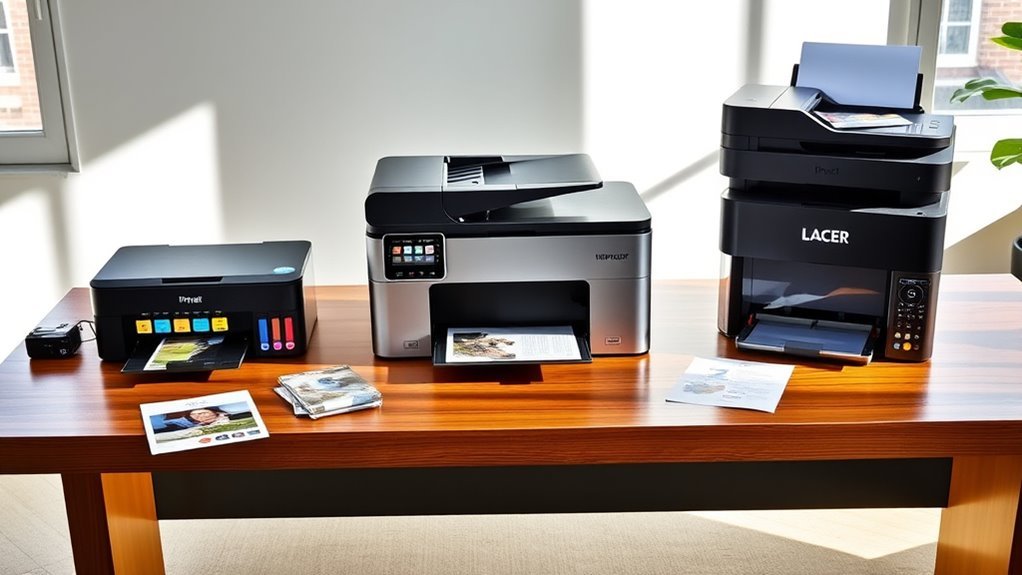
When choosing between inkjet and laser printers, you’ll want to take into account what you print most—color photos or black-and-white documents. Inkjet printers give you vibrant color at a higher ink cost, while lasers offer speed and low running expenses for text.
EcoTank models cost more upfront but save you money over time with refillable ink tanks. They’re a great option if you print a lot and want to avoid constantly buying new cartridges.
Inkjet Versus Laser
Although choosing between inkjet, laser, and EcoTank printers can feel overwhelming, understanding their core differences helps you pick the best fit for your home printing needs. Inkjet printers excel in photo printing with vivid colors but often come with higher cost per page.
Laser printers, especially monochrome laser models, offer low-maintenance reliability and lower per-page costs, ideal for a home office focused on black-and-white documents. EcoTank printers combine the benefits of inkjets with bulk ink tanks, reducing running costs markedly.
Inkjet printers deliver superior color quality but use ink cartridges that dry out.
Monochrome laser printers use toner cartridges that last longer and suit infrequent printing. Color laser printers provide fast, crisp color prints but have higher upfront prices.
EcoTank printers offer low cost per page with large ink reservoirs for high volume printing.
EcoTank Cost Benefits
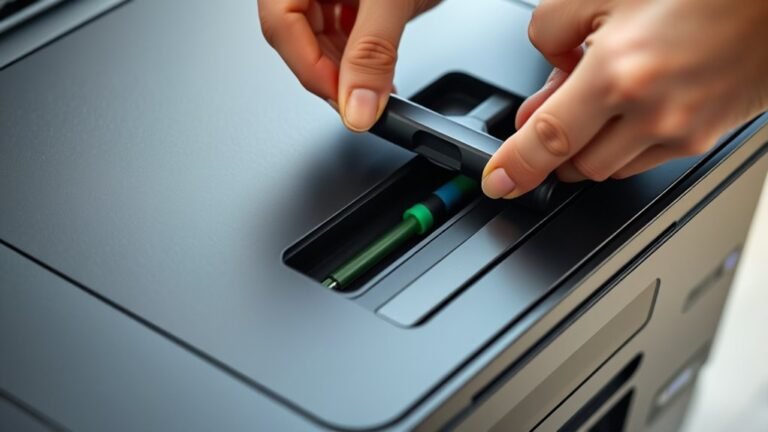
Many home users find Epson EcoTank printers appealing because they dramatically lower printing costs through large, refillable ink tanks. These tanks come pre-filled with enough ink for thousands of pages.
As an ink tank printer, an Epson EcoTank offers low running costs with a cost per page often under 2 cents. That’s much cheaper than typical cartridge-based inkjets.
While the upfront cost versus total cost of ownership can seem high, the massive ink yield and affordable bottled refills make it a smart investment if you print frequently. For home office use, EcoTank multifunction AIOs combine scanning and copying with these savings.
However, if you print mostly black-and-white or infrequently, a monochrome laser might suit you better. Toner won’t dry out and often offers faster text printing than ink tanks.
Print Quality and Duty Cycle: What Matters Most for Home Use
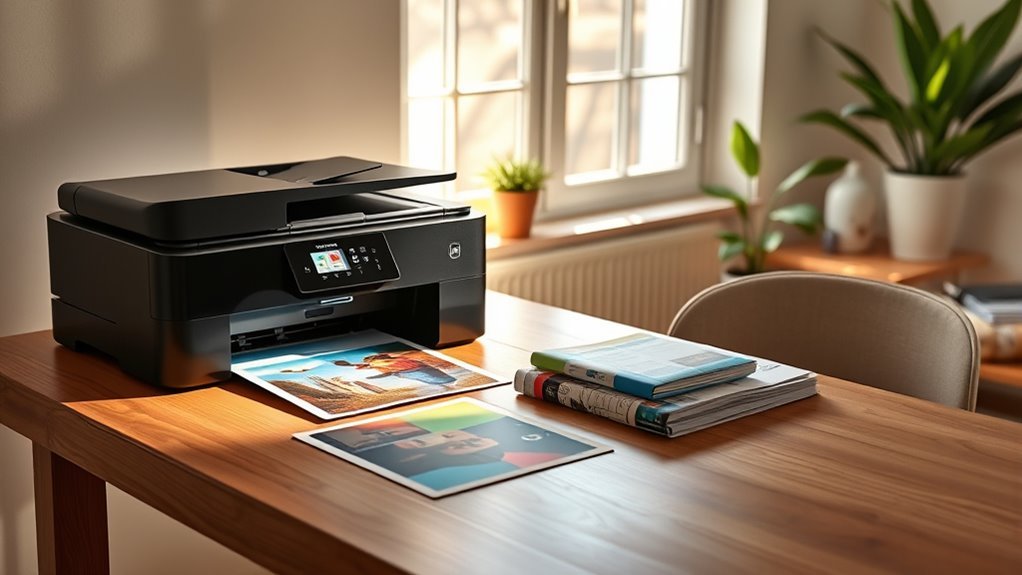
You want a printer that matches your print quality needs and monthly workload without breaking down. Understanding duty cycles helps you pick a model that handles your typical pages while balancing speed and longevity.
Let’s explore how these factors come together for the best home printing experience.
Print Quality Essentials
Choosing the right printer for your home hinges largely on print quality and how much you plan to print each month. Here’s what to take into account:
For sharp text documents, a mono laser printer like the HP LaserJet M209d delivers crisp, fast results with minimal per-page cost.
If you want vibrant photos, opt for an inkjet or dedicated photo printer using glossy photo paper for the best color fidelity.
EcoTank models offer low per-page cost and suit moderate duty cycles. But watch for nozzle clogging if you print infrequently.
Toner-based lasers handle intermittent use better since toner doesn’t dry out, unlike inkjet nozzles prone to clogging after inactivity.
Balancing print quality needs with your expected monthly volume guarantees you pick a printer that fits your home use perfectly.
Understanding Duty Cycles
Although print quality often takes center stage, understanding a printer’s duty cycle is equally important to make certain it meets your home’s printing demands. The duty cycle defines the maximum monthly pages a home printer can handle without accelerated wear.
Aim for a model with a duty cycle at least 2–3 times your expected printing volume. For example, if you print 100 pages monthly, choose a printer rated for 300 or more.
Laser printers typically offer higher durability with long-life toner consumables. Inkjets, especially those without EcoTank systems, risk clogging if underused.
Photo-capable inkjets often have lower recommended monthly volumes. So, if you print color occasionally, prioritize print quality and ink system over duty cycle.
Balancing duty cycle and consumable life ensures your printer stays reliable and cost-effective. It’s all about finding the right fit for how you print.
Balancing Speed And Longevity
Understanding your printer’s duty cycle gives a clear picture of its durability, but speed and longevity also play pivotal roles in matching your home printing needs. Whether you opt for an inkjet or laser, consider these factors:
Choose a monochrome laser for fast, reliable text printing that won’t suffer from toner drying out during infrequent use. Inkjet EcoTank models excel at color prints with a low cost per page and long ink intervals.
Look for duplex and automatic document feeder (ADF) features to boost efficiency and extend your printer’s lifespan. Make certain the printer’s duty cycle comfortably exceeds your monthly page volume to avoid overworking it.
Balancing these elements helps you select a home printer that’s both speedy and built to last. It’s all about finding the right fit for your printing habits.
Connectivity Options and Why They Matter for Home Printers
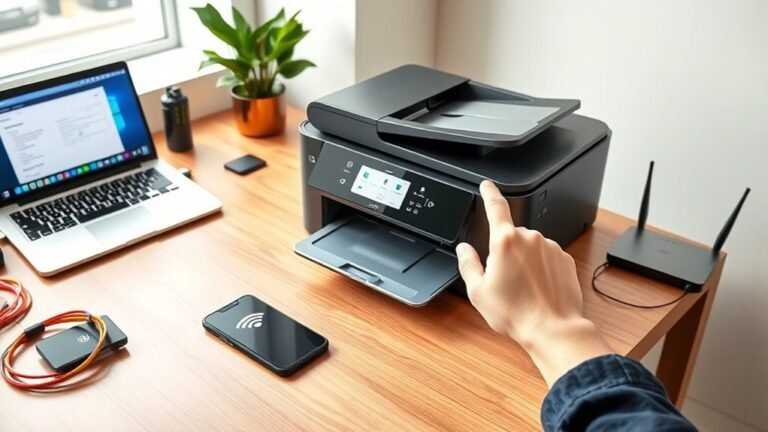
When you pick a home printer, the connectivity options it offers can make a big difference in how easily you print from your devices. Wi‑Fi and Wi‑Fi Direct let you print wirelessly from multiple devices, supporting mobile printing through apps like HP Smart, Epson iPrint, and AirPrint.
Choosing a home printer with Wi‑Fi and Wi‑Fi Direct simplifies wireless printing from multiple devices and mobile apps.
USB connections suit single-user setups but limit network sharing and mobile access. Ethernet adds a reliable wired option, ideal for stable network sharing in busier home environments.
Some printers also include Bluetooth for quick, proximity-based connections. Choosing a printer with flexible options—Wi‑Fi, Ethernet, USB, and Bluetooth—ensures you can print seamlessly from phones, tablets, or laptops.
This flexibility matters as your household’s printing needs evolve, making connectivity a key factor in picking the right home printer for 2027.
Top All-in-One Printers for Home Offices
Finding the right all-in-one printer for your home office means balancing speed, features, and cost. The best printers combine multifunction convenience with reliability.
Consider these top All-in-One options:
- Brother MFC‑L2900DW offers fast mono laser prints, a 50-sheet ADF, and low toners/ink costs. It’s ideal for heavy black-and-white workflows.
- Epson EcoTank ET‑2980 features refillable ink tanks with low running costs. This one’s perfect for frequent color printing and scanning.
- Canon Pixma TS8350 excels in vibrant photo-quality prints but may lack an ADF on some models. Keep in mind it also has higher ink expenses.
- HP OfficeJet Pro 8035 provides versatile color document handling, a 35-sheet ADF, and mobile app support. That makes remote printing super easy.
Each suits different home office needs, so pick the one matching your workflow and budget.
Budget-Friendly Home Printers With Low Running Costs
All-in-one printers offer great convenience, but if you’re focused on saving money over time, budget-friendly models with low running costs deserve a closer look.
The Epson EcoTank ET-1910 stands out as a budget ink‑tank printer with an impressively low cost per page—around 1.1¢ for color and 0.38¢ for mono—thanks to its large ink yields.
If you mainly print black and white, the HP LaserJet M209d mono laser might save you more, since toner won’t dry out and offers a low cost per page with minimal maintenance.
Brother INKvestment printers strike a good balance, providing high‑yield cartridges and affordable consumables.
When choosing, consider the total cost of ownership, including upfront price plus running costs, to find the best fit for your home printing needs.
Compact and Wireless Home Printers Perfect for Small Spaces
If you’re working with a tiny desk or limited space, choosing a compact printer that doesn’t sacrifice features is key. Wireless connectivity lets you avoid clutter, and all-in-one models add scanning without bulk.
Consider these for small desks:
- Canon Pixma TS5320: compact with Wi‑Fi and AirPrint support
- Brother MFC-L2900DW: all-in-one with a 50-sheet ADF and duplex scanning
- Epson EcoTank ET-1810: refillable tanks offer extremely low running costs in a compact design
- Brother HL-L2460DW: mono laser option ideal for text printing with reliable toner that won’t dry out
Using Wi‑Fi Direct or mobile apps, you can print directly from your phone or tablet. This keeps your space clean and efficient.
Frequently Asked Questions
How Do Printer Warranties Handle Accidental Damage or Malfunctions?
Printer warranties usually don’t cover accidental damage, but they handle malfunctions caused by defects.
You’ll need to check specific terms, as some offer extended plans or accidental damage protection for extra peace of mind.
Can I Recycle Printer Cartridges Locally or Through Manufacturer Programs?
Yes, you can recycle printer cartridges locally at many stores or through manufacturer programs. They often provide free return envelopes or drop-off points, making it easy for you to recycle responsibly and reduce waste.
It’s pretty convenient, really. Just pop your used cartridges into the provided packaging or drop them off at a nearby location. This way, you’re helping the environment without any hassle.
Are There Eco-Friendly Printing Options to Reduce Environmental Impact?
You can choose eco-friendly printing options, but they often cost more upfront. However, using refillable cartridges, recycled paper, and energy-efficient printers helps you reduce waste and save money long-term while protecting the environment.
It might seem like a bigger investment at first, but it really pays off over time. Plus, it feels good knowing you’re doing your part for the planet. Small changes like these can make a big difference!
How Often Should I Perform Maintenance to Keep My Printer Running Smoothly?
You should perform printer maintenance every 3 to 6 months, depending on usage.
Clean the print heads, check for paper jams, and update firmware regularly to keep your printer running smoothly. This helps you avoid costly repairs down the line.
What Are the Best Practices for Storing Printers During Long Periods of Inactivity?
You should unplug your printer, remove cartridges, and store them in airtight containers. Keep the printer covered in a dust-free, cool, dry place.
Before using it again, run a test print to prevent clogs and damage. This little step can save you a lot of trouble down the road.
Conclusion
Choosing the right home printer is like finding the perfect companion for your creative journey—it should fit your space, budget, and needs seamlessly. Whether you opt for inkjet’s vibrant strokes, laser’s swift precision, or EcoTank’s steady flow, your ideal printer will transform everyday tasks into effortless art.
Embrace connectivity options that weave your devices together, turning your home office into a smooth, productive symphony of print. With so many good printers for home use in 2027, you can find one that matches your lifestyle perfectly. Your perfect printer awaits—ready to bring your ideas to life with ease and style.