How to Setup Canon Printer in 5 Easy Steps
To set up your Canon printer in five easy steps, start by unboxing it and placing plain A4 paper in the tray before powering it on.
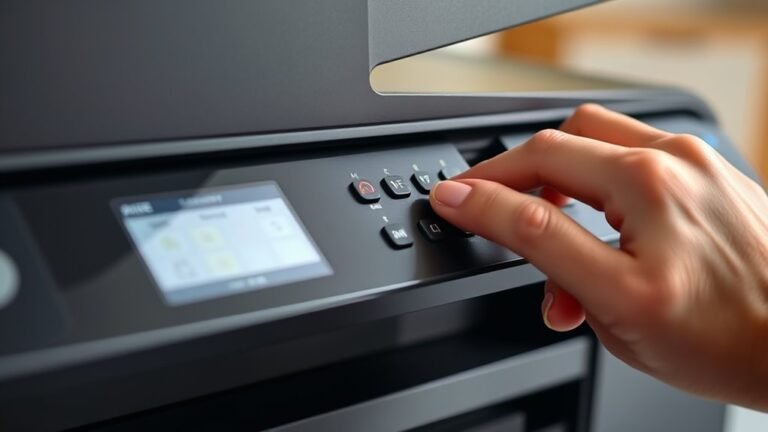
Next, install the ink cartridges and select your preferred language on the control panel. It’s pretty straightforward!
Then, align the printer and calibrate the scanner to make sure everything works accurately.
After that, download and install the Canon software from their support site. This step helps your computer and printer communicate smoothly.
Finally, connect your printer via WiFi or USB cable for seamless printing. You’re all set!
Keep going to discover detailed tips for each step.