How Much Do Metal 3D Printers Cost in 2027: 3 Price Ranges
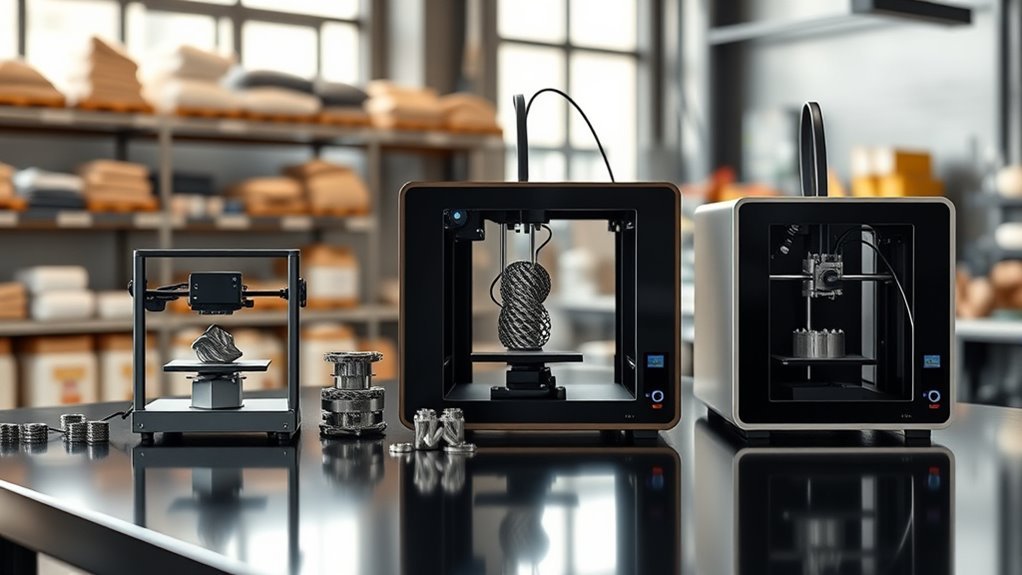
Metal 3D printers in 2027 typically fall into three price ranges, giving you options whether you’re just starting out or scaling up production.
Entry-level systems cost between $20K and $80K, perfect for basic metal-capable printing without breaking the bank.
Mid-range machines range from $120K to $400K and are ideal if you need solid prototyping capabilities or moderate production runs.
These offer a good balance of features and price.
For high-end needs, especially if you’re working with larger builds or reactive metals, expect prices above $250K.
Keep in mind, total installed costs can sometimes exceed $1 million.
Your choice really depends on your budget, what you want to print, and the features you need.
Taking the time to explore these options will help you find the best fit for your metal 3D printing projects.
Key Takeaways
- Entry-level metal 3D printers cost between $20K and $80K, excluding sintering ovens and extras.
- Small metal binder jet or metal-FDM systems range from $50K to $150K.
- Mid-range SLM/DMLS machines are priced between $120K and $400K, suitable for prototyping and small production.
- High-end systems for reactive metals and large builds cost from $250K to over $750K.
- Total installed costs, including peripherals and safety upgrades, can increase prices by 10% to 100%.
And often, the total can even exceed $1 million when you factor everything in.
What Factors Influence Metal 3D Printer Prices in 2027?
When you’re considering metal 3D printers in 2027, the price hinges largely on the machine type and its capabilities. Small metal binder jet or metal-FDM systems start around $50–$150K, while mid-range SLM DMLS machines typically cost $150–400K.
High-end systems for reactive metals can exceed $250–700K. But beyond the base price, the total installed cost includes peripheral equipment like powder handling stations, sintering ovens, and safety upgrades. These extras can push costs from $150K to over $1M.
Material costs vary notably; specialty metal powders like titanium increase operating expenses. Throughput and productivity also impact per-part pricing—faster build speeds and better yields help lower costs.
And don’t forget service and maintenance, which add 10–25% or more annually. This covers support, spare parts, and operator training, all of which keep things running smoothly.
Typical Price Ranges for Metal 3D Printers in 2027
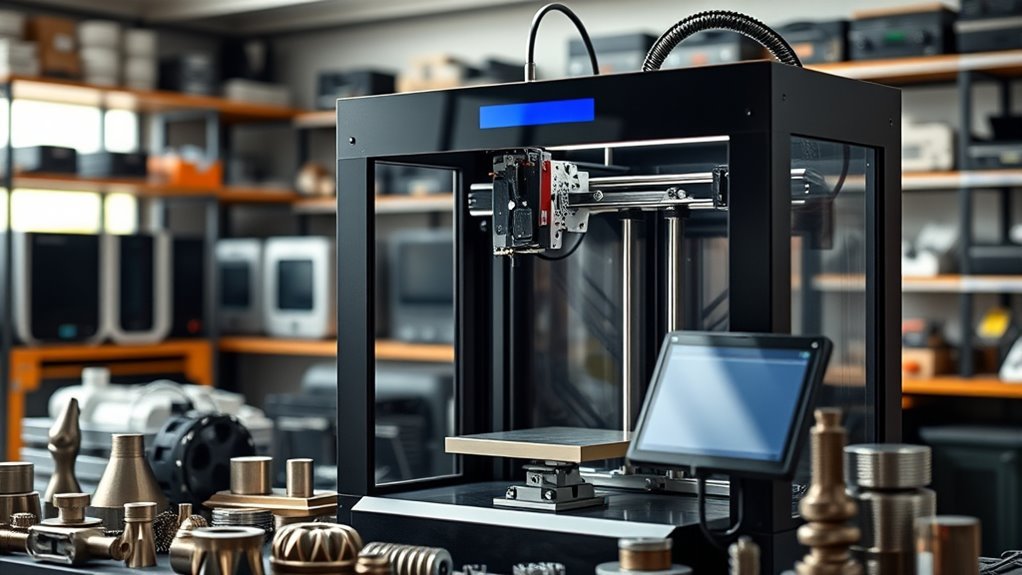
Understanding the factors that affect metal 3D printer prices helps you grasp the typical cost ranges you’ll encounter in 2027. Metal 3D printers vary widely based on technology and capabilities. Here’s what you can expect:
Entry-level metal-capable systems cost between $20,000 and $80,000, excluding sintering ovens and extra gear.
Mid-range industrial printers, often DMLS/SLM for prototyping, list from $120,000 to $350,000.
High-end DMLS/SLM machines designed for titanium and larger builds range from $250,000 to $750,000+.
Total installed cost often adds 10–100% for post-processing, safety upgrades, and powder handling.
Keep in mind, consumables and service contracts can increase first-year ownership costs by 20–40% beyond the printer price ranges.
How to Choose the Right Metal 3D Printer for Your Budget and Applications
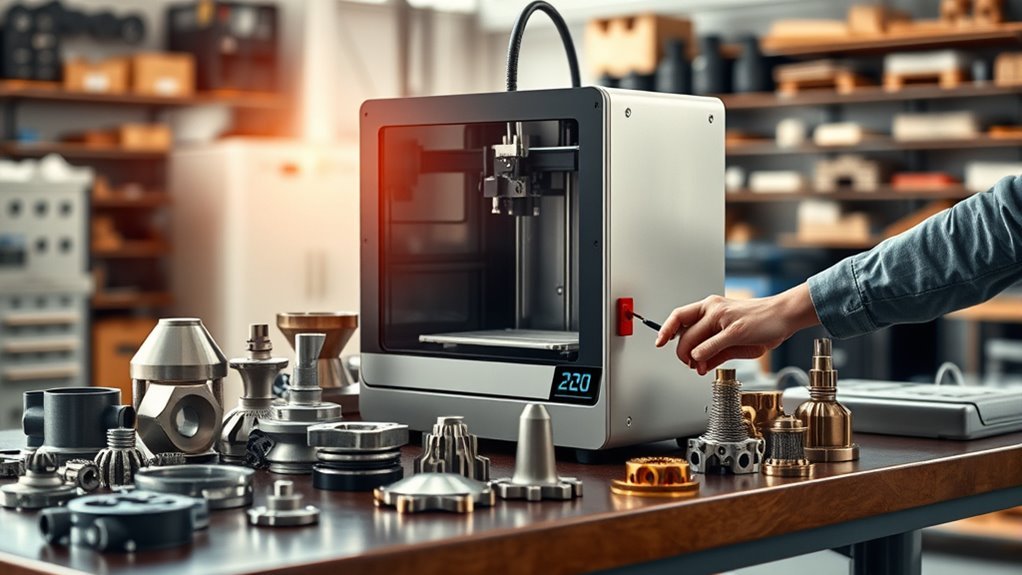
Picking the right metal 3D printer means balancing your budget with your specific application needs. For low metal 3D printer cost, metal-filled FDM plus a sintering oven works well for prototyping small parts. On the other hand, DMLS/SLM prices suit aerospace-grade, high-performance jobs.
Don’t forget about operating consumables, post-processing expenses, and facility and safety upgrades that impact total cost. Throughput and build volume also matter when you analyze your per-part cost.
| Application Need | Recommended Tech |
|---|---|
| Small prototypes | Metal-filled FDM + Sintering Oven |
| Aerospace parts | DMLS/SLM |
| Large parts/production | Binder-jet, DED |
| Budget-conscious | Metal-filled FDM |
Make sure to match your choice to part size, tolerance, and metal additive manufacturing goals. It’s all about finding what works best for your specific needs.
Frequently Asked Questions
How Much Do 3D Printers Cost?
You can expect 3D printers to cost anywhere from $5,000 for entry-level metal options up to $500,000+ for industrial-grade machines.
But don’t forget, there are ongoing expenses too, like materials, maintenance, and post-processing equipment. These all add up and increase your total investment.
Is There a 3D Printer That Can Print Metal?
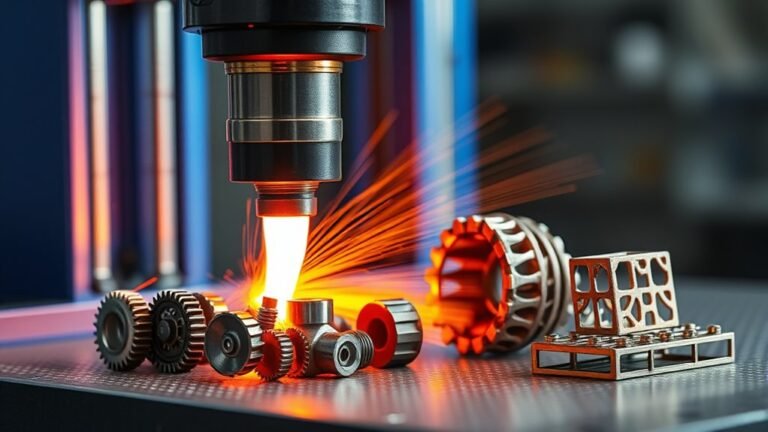
Just like a knight forging armor, you can print metal using 3D printers like DMLS or metal-FDM. These machines create strong parts, but you’ll need extra gear for safety and finishing.
It’s pretty amazing how these printers work, right? Just remember, handling metal powder or parts requires care to keep things safe. And once your part is printed, some cleanup and finishing touches are usually needed to get it just right.
Can You Get a 3D Printer for $100?
You can get a 3D printer for $100, but it’ll be basic with limited precision and a small build volume. It’ll likely need frequent repairs too.
Plus, you’ll probably spend more on filament and upgrades if you want decent results. So, it’s doable, but don’t expect top-notch quality right out of the box.
What Is the Resale Value of 3D Printers?
You can expect your industrial metal 3D printer to retain about 50%–80% of its value if it’s a recent model with good service history.
Timing your sale well can really boost what you get back.
Conclusion
So, you’re ready to drop some serious cash on a metal 3D printer in 2027? Just remember, whether you’re splurging on the luxury model or hunting for a bargain, these machines don’t come with a “print gold” button—yet.
Choose wisely, or you might end up with a pricey paperweight instead of a cutting-edge creation tool. But hey, who needs a budget when you can have shiny metal dreams, right?
When it comes to metal 3D printers in 2027, prices can vary widely. From entry-level options perfect for startups to high-end machines designed for industrial use, there’s something for every budget. Understanding these price ranges helps you make an informed decision, ensuring your investment matches your manufacturing needs.
So, whether you’re after affordability or top-tier performance, knowing how much metal 3D printers cost in 2027 will guide you to the right choice. After all, a smart buy today can turn into your most valuable tool tomorrow.