Blog

  • Is FlashForge a Good 3D Printer?

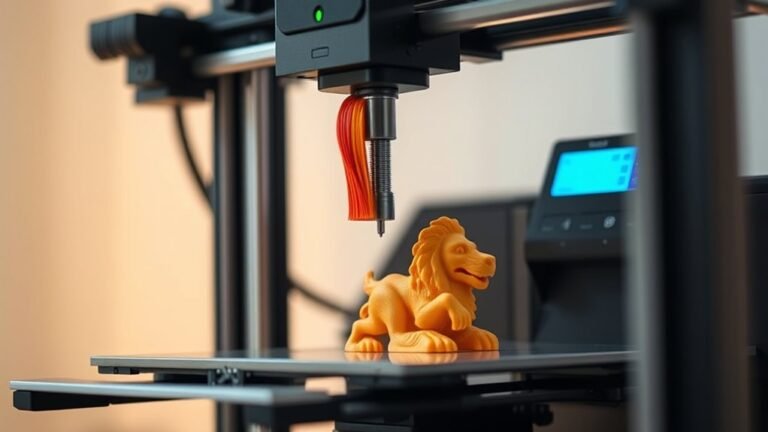
    If you want a reliable, beginner-friendly 3D printer without breaking the bank, FlashForge is a solid choice. You’ll get sturdy hardware, automatic leveling, and good print quality with models that bundle convenience and speed.

    Their enclosed designs help with warping, and support is generally responsive, though warranty is limited. While some slicer quirks exist, many find the ease of use and value hard to beat.

    Keep exploring to see how it stacks up against competitors and what user experiences reveal. It’s worth checking out if you’re new to 3D printing or just want a dependable machine.

  • How to Choose a 3D Printer €“ 7 Key Factors

    To choose the right 3D printer, focus on technology that fits your projects—FDM for functional parts or resin for fine details. Check frame rigidity and motion precision to ensure accuracy and first-layer consistency.

    Balance speed with quality, and pick extruders and hotends that match your materials, especially for abrasive filaments needing hardened nozzles. Smart features like auto-leveling and AI monitoring save time and reduce failures.

    Also, consider manufacturer support and user feedback to avoid common issues. Keep exploring to uncover more essential selection tips.

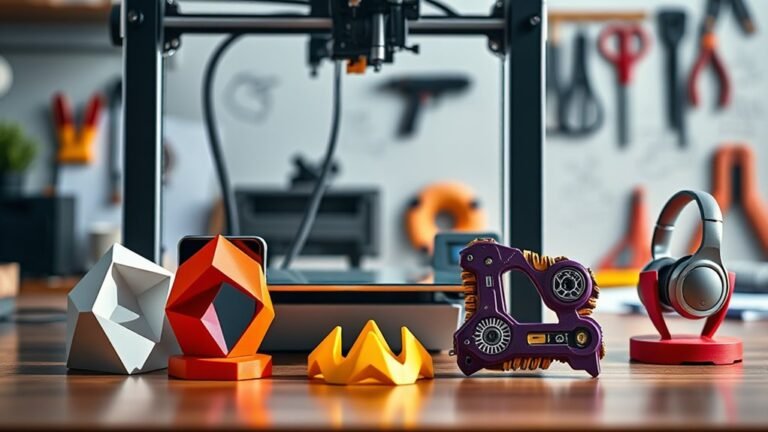
  • What Can I Make With a 3D Printer: 3 Cool Gadgets to Try

    You can easily make cool and practical gadgets with your 3D printer, like personalized keychains or luggage tags featuring raised text and QR codes for quick ID.

    Try designing a phone stand and charging dock tailored to your device’s dimensions, ensuring cable fit and durability with materials like PETG.

    Organize cables with custom clips that snap on or mount under desks using flexible TPU or sturdy PLA.

    Keep going if you want tips on perfecting these projects.

  • Where to Buy a 3D Printer €“ Top 5 Retailers in 2027

    You can buy a 3D printer from local stores for same-day pickup, hands-on setup, and easy warranty service. Or, you might prefer online marketplaces like Amazon for fast shipping and hassle-free returns.

    Manufacturer sites offer the newest models with official support and bundles. Meanwhile, international sellers often provide lower prices but come with longer wait times and import fees.

    It’s all about balancing speed, cost, and support to find the right fit. Take a look at these options to make the best choice for your needs.

  • How Do You Make 3D Printer Files in 10 Easy Steps

    To make 3D printer files in 10 easy steps, start by sketching your concept to visualize ideas. Pick software like Fusion 360 and set up your workspace with correct units.

    Create reference dimensions to scale accurately, then import sketches for modeling. Use extrude, revolve, or loft tools to build parts.

    Organize components for easy edits, and export your design as an STL file. Finally, slice the STL and prepare your printer to start the job.

    You can explore each step in more detail next.

  • What Is ADF on a Printer and How to Use It

    An ADF (Automatic Document Feeder) on your printer lets you scan multiple pages quickly by feeding them one at a time without manual placement.

    To use it, load a stack of pages within size limits and align them properly. Then, select ADF as the document source in your scan software.

    If you have double-sided documents, use a Duplex ADF to scan both sides in one pass.

    Understanding these basics will help you optimize your scanning tasks efficiently.

  • How Much Does 3D Printer Filament Cost: 7 Key Factors

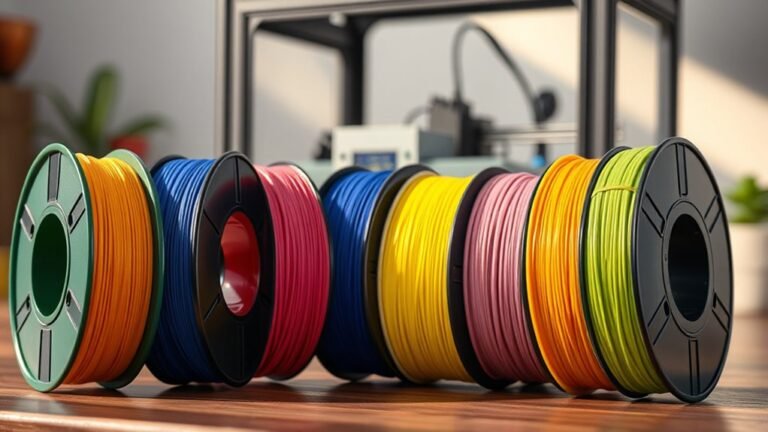
    The cost of 3D printer filament varies based on seven key factors: the material type (PLA is cheapest, composites cost more), spool size (larger spools lower per-kg price), bulk buying discounts, filament quality (better quality reduces failed prints), waste management, proper storage to prevent moisture damage, and printer compatibility (some materials need heated chambers or special setups).

    Understanding these elements helps you choose the best filament for your budget and printer. Keep exploring to uncover smart ways to save and optimize your prints.

  • What Is a Printer Printhead and How Do You Clean It?

    A printer printhead sprays tiny ink droplets through nozzles to create sharp, colorful images and text. You’ll know it needs cleaning if you see streaks, faded sections, or missing colors.

    Start with your printer’s built-in cleaning tool in the settings, then print a test page to check results. If problems stick around, you might need to clean the printhead manually.

    Just be sure to handle it carefully, and properly dry and reinstall it. Keep going to discover the full process.

  • How Does a 3D Printer Work Step by Step

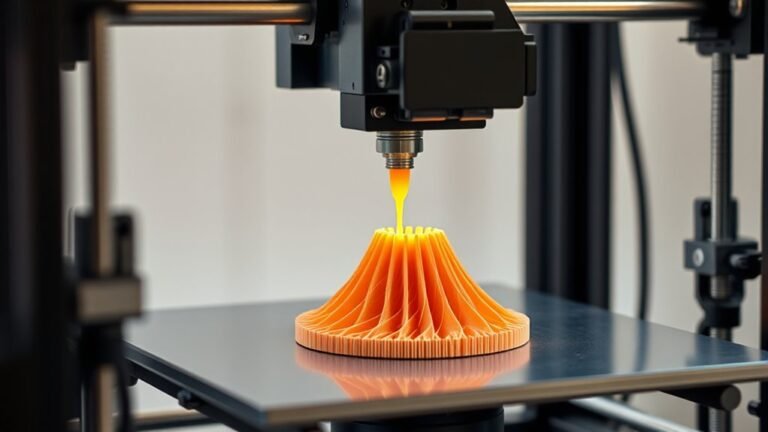
    You start by preparing a clean, error-free 3D model file and slice it into thin layers using slicer software that creates G-code instructions. The printer then builds the object layer by layer, precisely depositing or curing material based on the chosen technology while following these instructions.

    You’ll adjust key settings like speed, temperature, and supports for quality and ease of removal. Understanding these steps will help you master printing and troubleshooting techniques that improve your results.

  • How Do I Connect a Canon Pixma Printer to Wi-Fi in 7 Easy Steps?

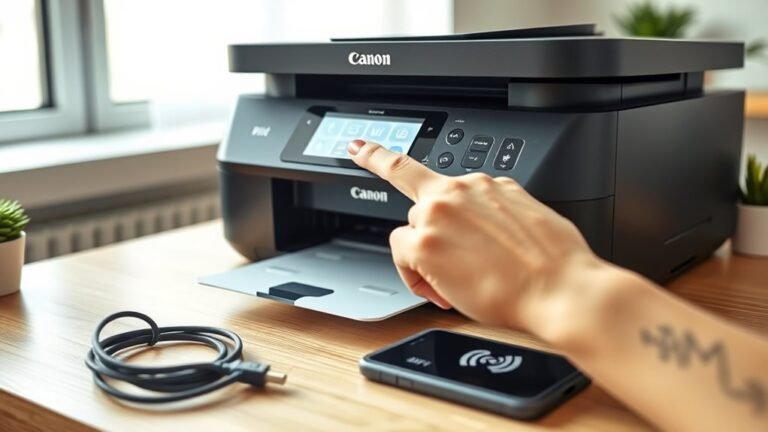
    To connect your Canon Pixma printer to Wi-Fi, first power it on and enter wireless setup mode by holding the Wi-Fi button until the power lamp flashes twice.

    Make sure your computer or device is on the same Wi-Fi network. Download and run Canon’s setup software, choose wireless and cableless setup, then add your printer to your device.

    Finally, print a test page to confirm your connection. Keep following for a full step-by-step guide to guarantee seamless setup.