How Do You Add a Printer to Your iPhone in 5 Easy Steps?
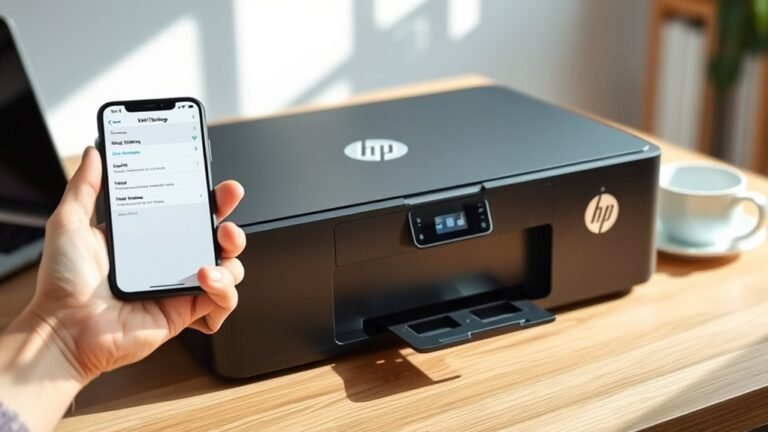
To add a printer to your iPhone, first verify it supports AirPrint and is connected to the same Wi‑Fi network as your phone. Power on your printer and make sure it’s ready with paper and ink.
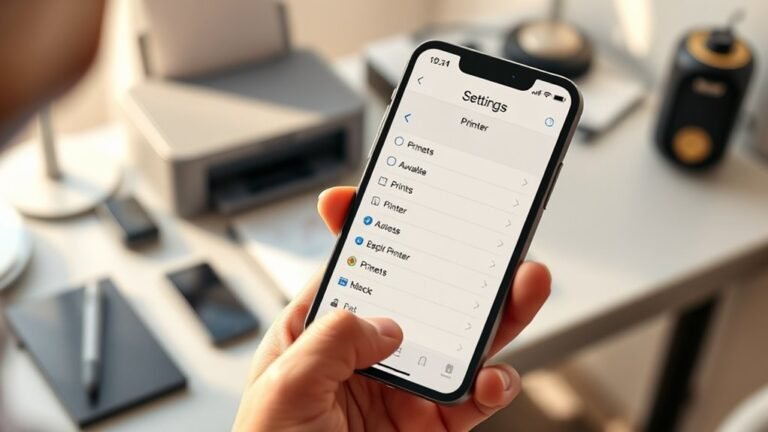
On your iPhone, open the app with the file you want to print. Tap the Share or Actions button, then select Print.
Choose your AirPrint printer, modify print settings, and tap Print. Keep going to discover helpful tips for a smooth printing experience.