How to Scan a Document From Printer to Computer in 10 Easy Steps
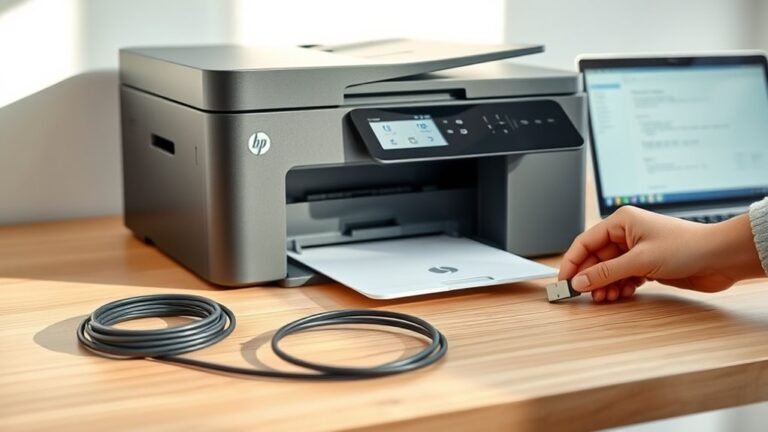
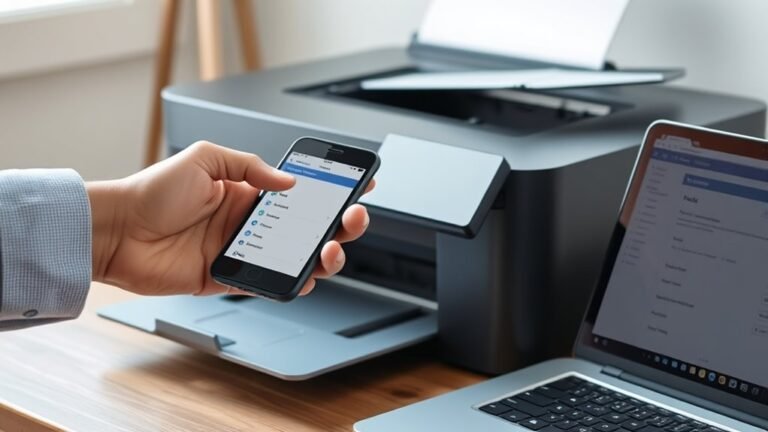
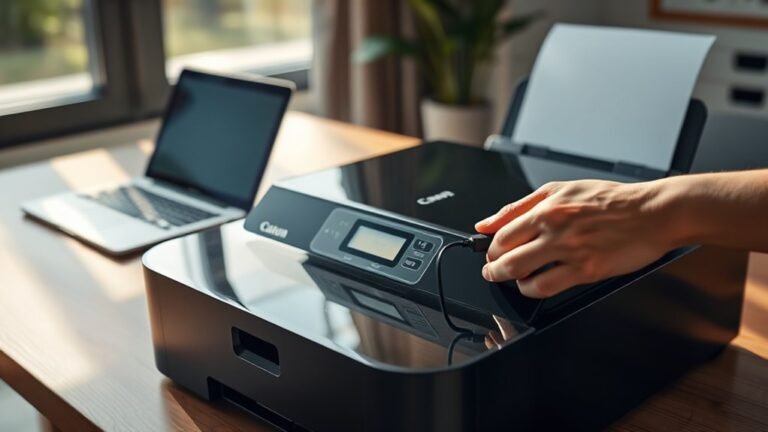
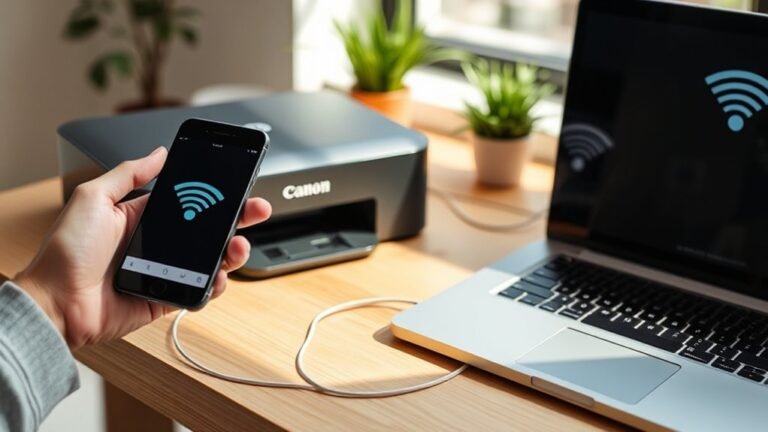
First, power on your printer and connect it to your computer via USB or Wi-Fi. Install the full printer software package for scanner support and confirm device detection.
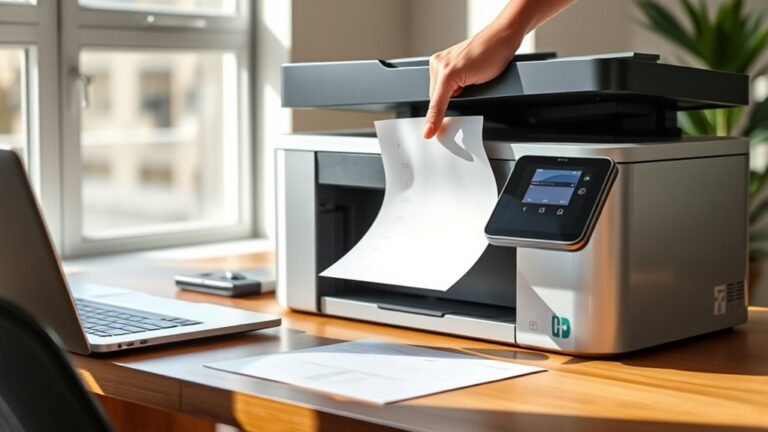
Place your document face-down on the scanner glass or in the automatic feeder.
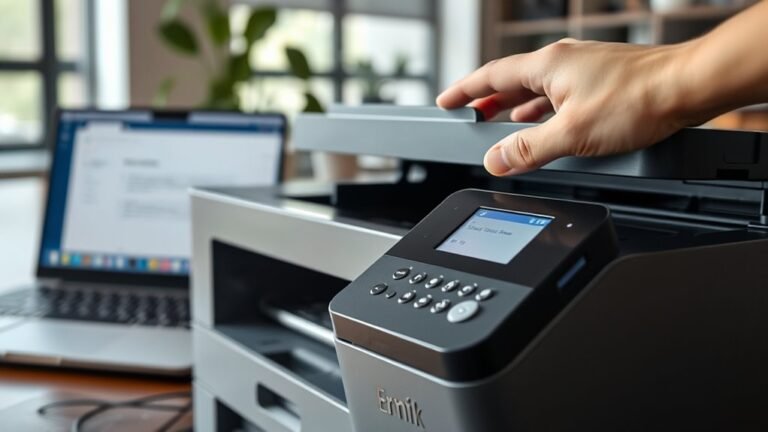
Open the scanning app, select your printer, and choose file type and save location. Start the scan from your computer or printer panel, then review and save the file.
Follow these steps, and you’ll find detailed tips to make scanning even easier.