How to Install a Printer on Mac in 7 Easy Steps
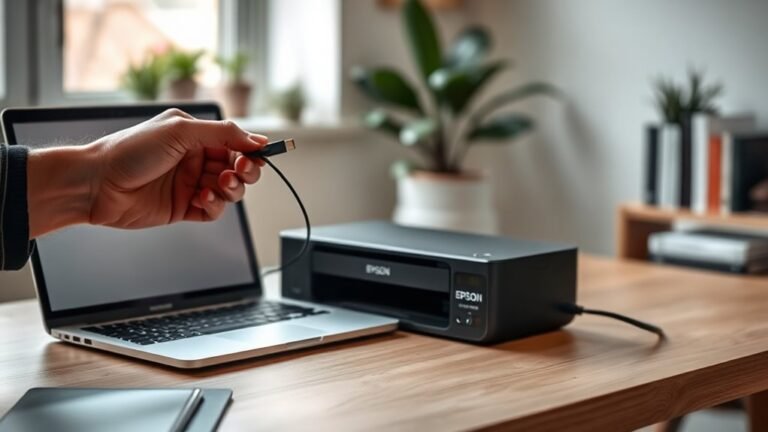
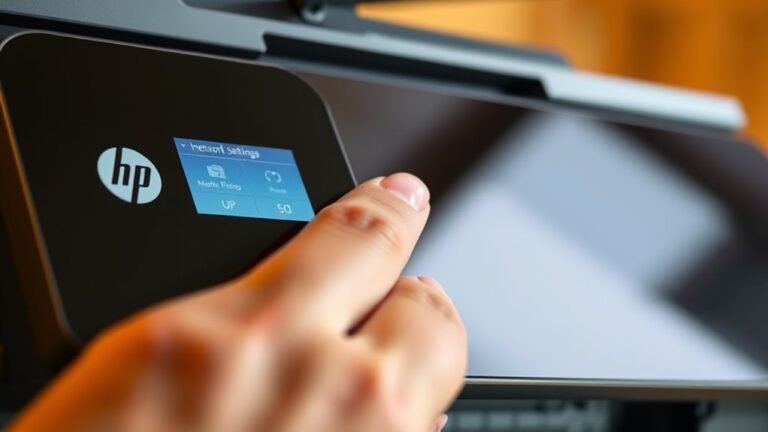
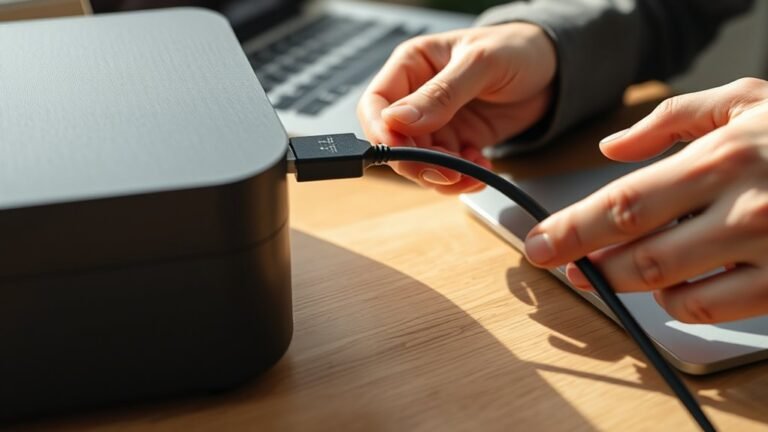
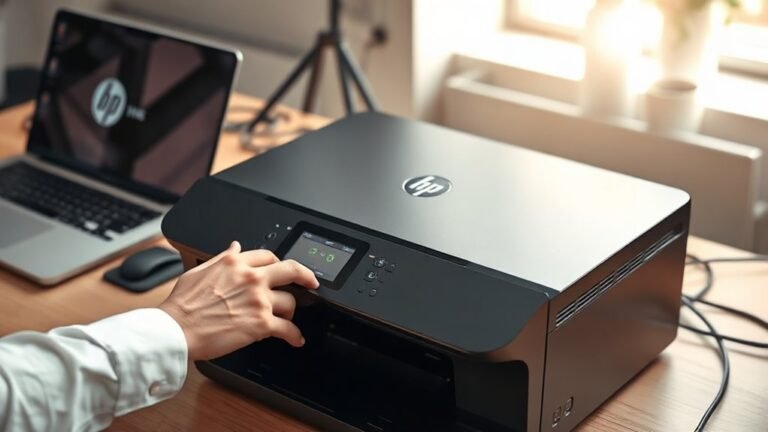
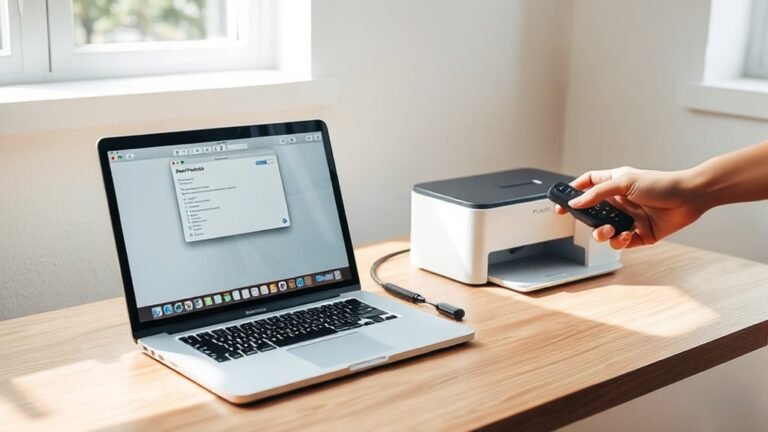
To set up a printer on your Mac in 7 easy steps, first connect your printer via USB, Wi-Fi, or Bluetooth. Then, open System Settings and find Printers & Scanners.
Click the plus (+) button to add your printer and select the right driver for your model. Set it as your default printer, and print a test page to ensure it works.
If your printer doesn’t show up, try troubleshooting connections and drivers. Keep reading to discover how to fix common setup issues.