What Makes a Printer an Output Device?
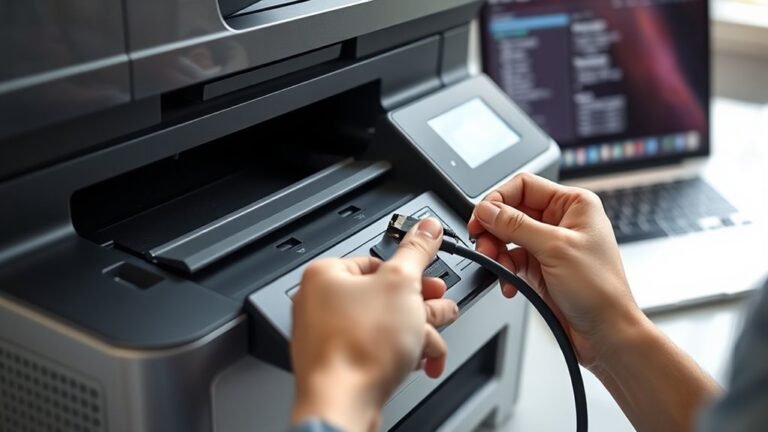
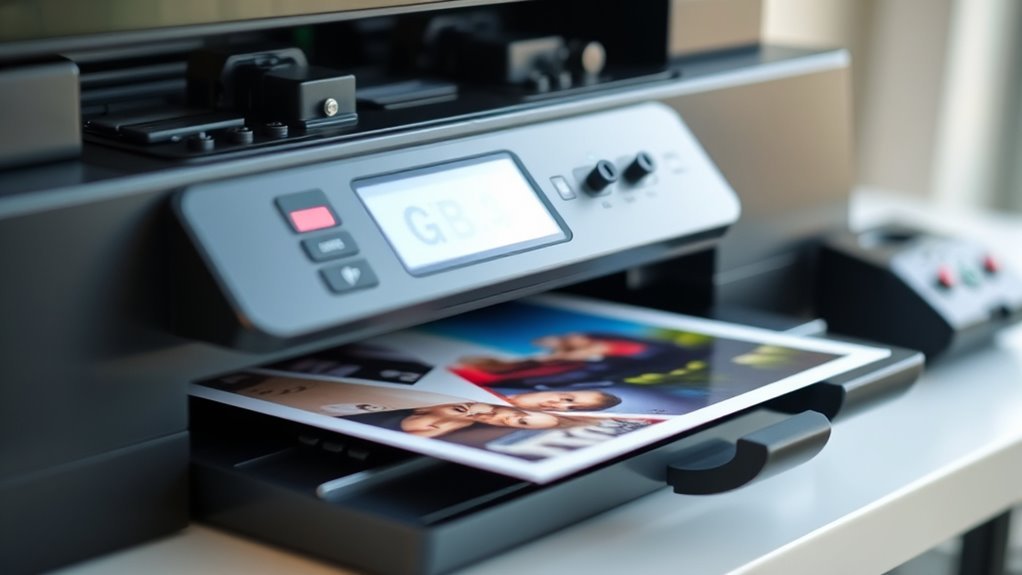
Printers are output devices because they take your digital files and turn them into tangible, permanent copies you can hold, share, or archive. When you print a document, the printer transforms electronic data into physical form. This makes your information easy to access without needing a screen or electronic device.
Unlike screens, printers provide hard-copy results on paper or microfilm, making your information portable and stable. You don’t have to worry about losing your data if your computer crashes or runs out of battery.
Whether using inkjet or laser technology, printers create images and text through precise mechanisms.
If you want to understand how printers differ, handle speed, and deliver quality, there’s more to explore beyond this overview. But at their core, printers serve as reliable output devices that bring your digital content into the real world.
Key Takeaways
- A printer produces physical copies of digital information, turning electronic data into tangible output. It’s like giving your digital files a real-world form you can hold and use.
- It provides permanent, hard-copy records distinct from screen displays for sharing and preservation. So, you can pass along important documents without relying on a screen.
- Printers convert digital files into printed images or text on paper using ink, toner, or impact mechanisms. This process makes your digital content visible and lasting.
- They serve as essential devices for archival, legal, or field use requiring durable, portable printouts. When you need something reliable and easy to carry, printers have got you covered.
- Wireless and direct device connectivity enable convenient, standalone printing without needing a computer screen. This means you can print right from your phone or tablet without extra hassle.
Why Printers Are Essential Output Devices
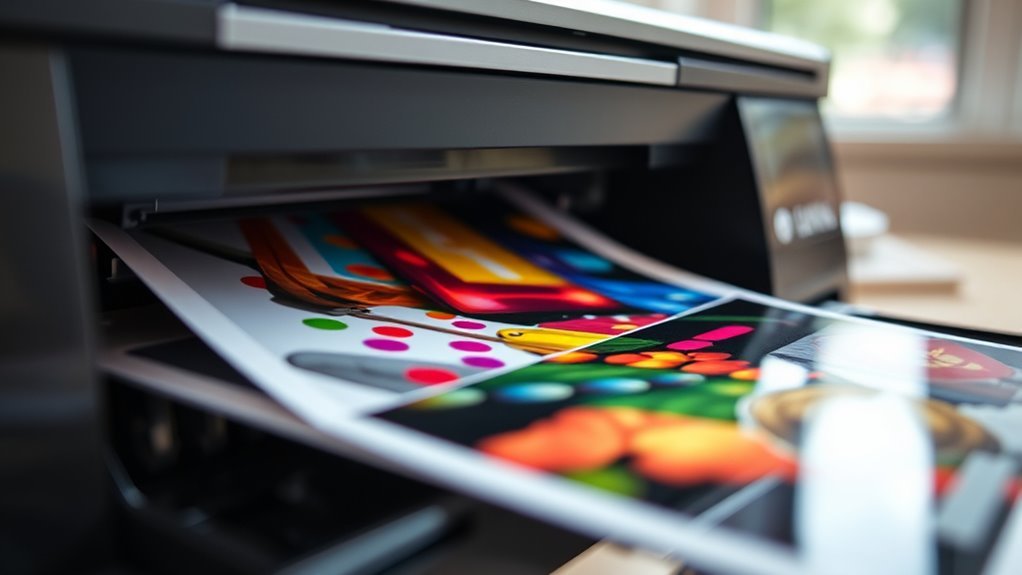
When you need a physical copy of digital information, printers step in to get the job done. As essential output devices, printers transform your digital files into tangible pages, making information permanent and easy to share.
Printers convert your digital files into lasting physical copies, making sharing and preserving information effortless.
You’ll find printers vary in print quality, measured in dpi (dots per inch). For example, standard resolutions like 300–600 dpi deliver clear text and graphics, while high-end laser printers can reach up to 2400 dpi for sharper images.
Most modern printers are non-impact printers, like inkjets or lasers, offering quieter operation and faster speeds. Speaking of speed, printers measure throughput in pages per minute, with inkjets averaging around 6 ppm and laser printers ranging from 4 to 32 ppm.
This balance of quality and speed makes printers indispensable output devices. So, whether you need sharp images or quick prints, there’s a printer ready to meet your needs.
How Printers Turn Digital Data Into Printed Pages
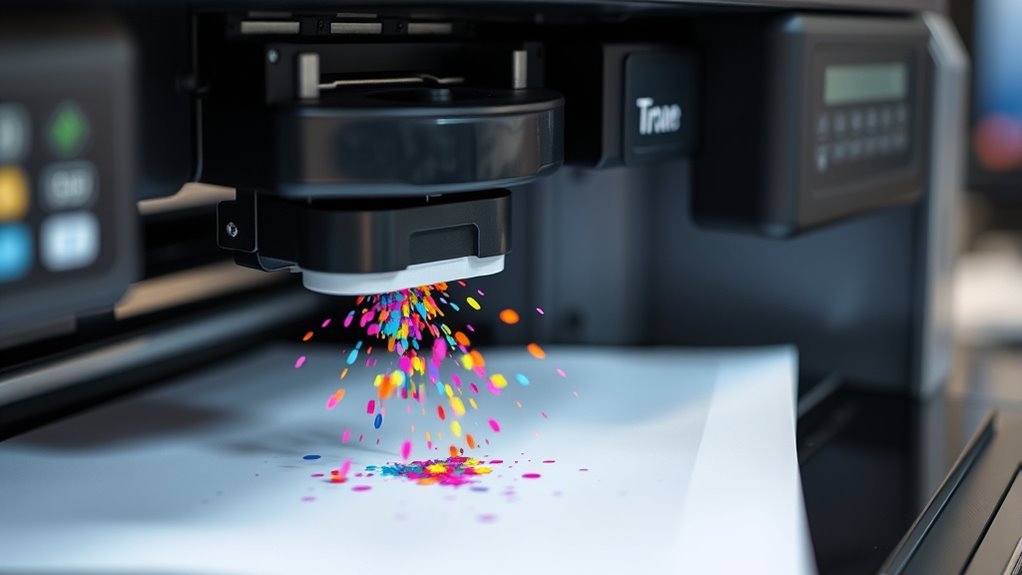
When you send a document to a printer, it first converts digital data into precise control signals that drive different printing mechanisms. Whether it’s inkjet, laser, or impact, each type uses unique methods to reproduce images and text with varying resolution and quality.
Understanding how these processes work helps you appreciate the technology behind every printed page. It’s pretty cool when you think about all the steps happening behind the scenes to make your document come to life on paper.
Digital Data Processing
How exactly does your printer transform digital data into a physical page? The printer’s controller takes the digital input and processes it into a format it can print, often a bitmap image.
This involves rasterization, where text and images convert into dots arranged in a matrix, matching the printer’s resolution (dpi). Here’s how it handles output:
- The controller creates a bitmap of the page.
- It manages resolution scaling to assure sharp images.
- Toner or ink is applied according to the bitmap pattern.
- Color mapping converts digital colors into CMYK values for accurate printing.
This digital data processing assures your printer accurately translates the digital file into a crisp, detailed physical output every time. Pretty neat, right?
Printing Mechanism Types
Printers work by applying different mechanisms to turn digital data into physical pages, each with unique methods and qualities. Impact printers strike an inked ribbon onto paper, creating characters with pins or wheels.
Inkjet printers spray tiny ink droplets for sharp images, while laser printers use a charged drum to attract toner and produce fast, clean prints. Plotters draw continuous lines with pens, ideal for precise CAD drawings but slower and less suited for solid fills.
Each printing technology varies in resolution and speed, so you can pick one based on your needs.
| Printer Type | Mechanism |
|---|---|
| Impact Printers | Inked ribbon struck by pins |
| Inkjet Printers | Microscopic ink droplets ejected |
| Laser Printers | Toner fused via laser-charged drum |
Resolution And Quality
Although digital files contain all the information needed for printing, turning that data into clear, detailed pages depends heavily on resolution and print quality. Printers use dots per inch (dpi) to measure how finely they reproduce images and text.
Your print head’s precision and the use of toner or inkjet droplets impact sharpness and color accuracy. Halftoning helps blend colors in CMYK printing for smooth gradients.
Keep in mind, higher resolution modes reduce pages per minute, trading speed for quality. Key factors include:
- DPI values: 300 for text, 600+ for graphics, up to 2400 for photos
- Laser vs. inkjet: toner-based vs. microscopic ink droplets
- Print head/drum precision affects dot placement
- Paper type influences dot spread and color fidelity
Understanding these lets you optimize print output effectively.
Hard Copy Output in Printers: What Makes It Unique
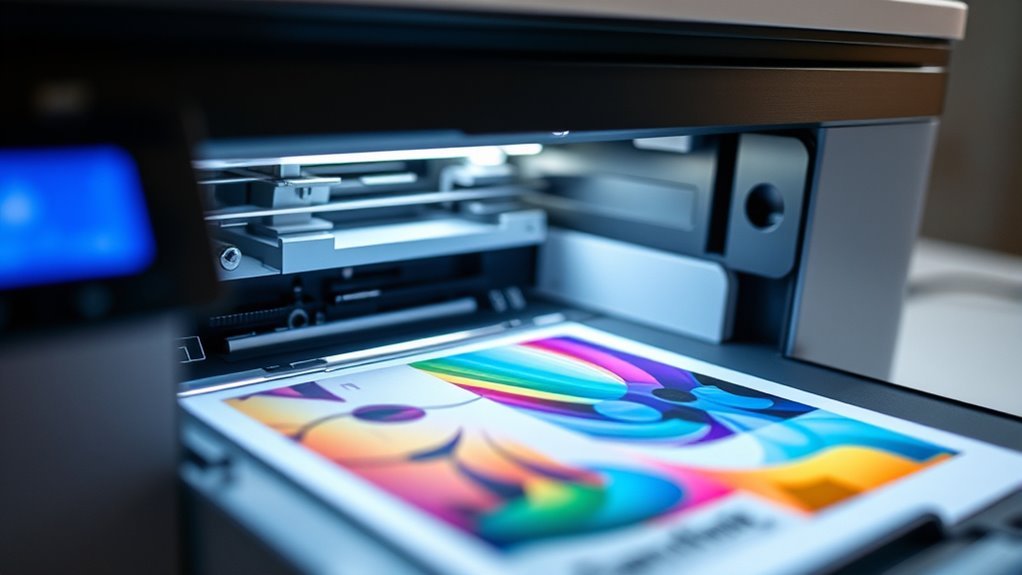
When you print a document, you get a physical copy you can hold, unlike digital screens that disappear when turned off.
This hard copy sits on durable media like paper, making it stable and easy to store or share offline.
That tangible quality is what truly sets printer output apart from other devices.
Physical Tangibility Of Output
A printed page offers something digital screens can’t: a tangible, permanent record you can hold, store, and share without a computer. Printers produce hard copy output on paper, giving you physical tangibility that digital files lack.
This output is stable and easily handled for various needs.
Consider these key aspects: Resolution in dpi affects how sharp and clear text or images appear on paper. Pages per minute measure how fast your printer generates physical documents.
Impact printers create carbon copies by striking ink ribbons, while non-impact types spray or fuse ink without direct contact. Hard copy’s permanence lets you archive, reference, or legally validate documents offline.
This physical tangibility defines what makes printers essential output devices beyond just displaying information on a screen. It’s what really sets them apart.
Durable Media Characteristics
Beyond just offering physical tangibility, printer hard copies stand out because they produce durable media you can rely on long-term. When you print, the hard copy creates a permanent record on materials like paper or microfilm, which you can store, transport, and reference without needing electronic devices.
The hard-copy quality depends heavily on size and resolution—typical printers offer 300–600 dpi, while high-end lasers reach up to 2400 dpi for sharper text and images. Your choice of paper and toner or ink cartridges also impacts permanence, colour fidelity, and cost per page.
Unlike soft copies, these physical outputs remain stable and portable, making them ideal for archival, legal, or field use. Understanding these durable media characteristics helps you appreciate what makes printed output unique.
Impact vs Non-Impact Printers: Key Differences
Understanding the key differences between impact and non-impact printers helps you choose the right device for your needs. Impact printers, like dot-matrix models, physically strike an inked ribbon against paper, making multipart copies possible.
Knowing how impact printers differ from non-impact ones guides you to the perfect printer choice.
Non-impact printers, such as inkjet and laser, transfer images without contact, using ink droplets or toner fusion. It’s a pretty neat way to get cleaner prints without the noise.
Consider these distinctions: Impact printers are noisy but handle multipart carbon copies and continuous forms. They’re great if you need that kind of functionality.
Non-impact printers offer higher resolution (measured in dpi) and faster speeds. So, if you want sharp, color-rich prints quickly, these are your go-to.
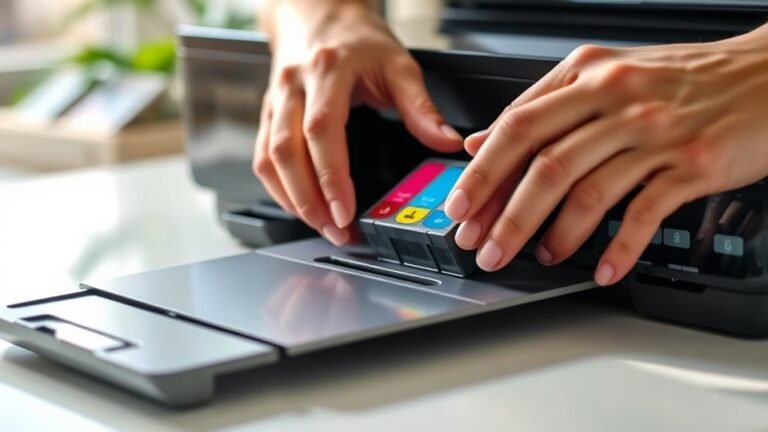
Maintenance varies. Impact printers use ribbons, while inkjets need liquid cartridges, and lasers require toner and drum replacements. Each has its own little upkeep routine.
Also, impact quality depends on mechanical pins, while non-impact printers deliver sharper, more vibrant prints. It really comes down to what you value most in your printing.
How Inkjet and Laser Printers Create Printed Images
Inkjet and laser printers create printed images through distinctly different processes that affect print quality and speed. Inkjet printers propel microscopic droplets of liquid ink through tiny nozzles onto paper, usually in four CMYK colours.
This method lets you produce rich photo colour gradations with typical resolutions around 600 dpi or higher. Laser printers, on the other hand, use a laser to discharge specific areas on a photoconductive drum, attracting powdered toner to form an image.
The toner then transfers to paper and fuses with heat, delivering sharp text and graphics at resolutions of 300–1200 dpi. Colour laser printers apply CMYK toner layers successively, building full-colour images with faster page rates and more durable, smudge-resistant results than inkjets.
Understanding Printer Resolution and Print Quality (DPI)
Printer resolution, measured in dots per inch (dpi), directly impacts the sharpness and detail of your printed images and text. The dpi tells you how many individual dots of ink or toner the printer places within a one-inch square.
Higher dpi usually means better print quality, especially for photos and fine text. For example, inkjet printers spray tiny droplets of ink, often reaching 600 dpi or more. Laser printers use toner to form crisp images with similar or higher dpi.
Consider these factors to understand dpi’s role in print quality:
- Inkjet vs. laser technology affects dot formation and detail
- Typical consumer printers range from 300 to 600 dpi
- High-end printers can exceed 2400 dpi for ultra-fine prints
- Paper type and ink/toner quality influence final output quality
How Printer Speed and Paper Types Affect Usage
While resolution affects the quality of your prints, speed and paper type play a big role in how you use a printer day to day. Printer speed, measured in pages per minute (ppm), varies widely: inkjet printers usually print around 6 ppm, ideal for photo-quality jobs at about 600 dpi. Meanwhile, laser printers handle text-heavy tasks much faster, often exceeding 20 ppm.
The paper types you choose also matter—standard A4 sheets suit most home or office inkjet and laser printers. But wide-format printers handle large rolls or sheets for banners and CAD drawings.
Higher resolution prints often slow down the printer, especially in inkjet vs laser comparisons, due to the detailed ink application. So, matching your printer speed and paper types to your needs guarantees efficient, quality output every time.
Why All-in-One Printers Are Popular Output Solutions
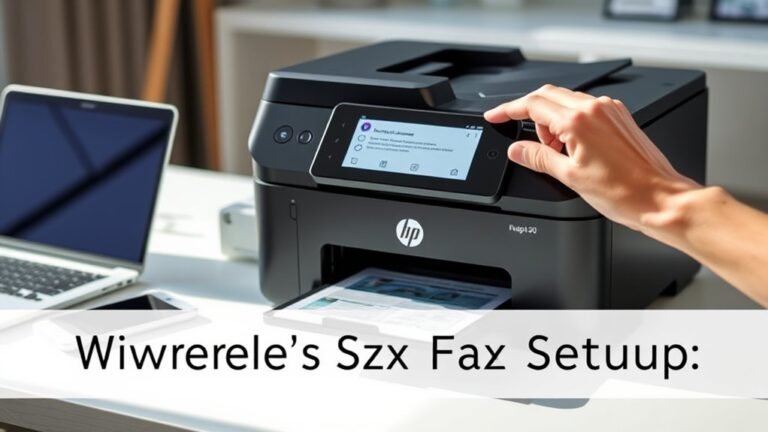
All-in-one devices have become popular output solutions because they combine multiple functions—printing, scanning, copying, and faxing—into one compact unit that saves you space and power outlets. Whether you choose inkjet or laser technology, all-in-one (HYDRA) printers offer versatility tailored to your needs.
You’ll appreciate features like Wi‑Fi and memory card slots that let you print directly from devices, boosting convenience and efficiency. When choosing one, consider:
- Print speed (ppm) for faster output
- Inkjet for vibrant photo quality, laser for speedy text
- Built-in Wi‑Fi for wireless connectivity
- Memory card slots for easy photo printing
This makes all-in-ones ideal for home or small office setups. They combine multiple output tasks in a single, efficient device.
Frequently Asked Questions
Can You Give Me 20 Examples of Output Devices and Their Functions?
You can use monitors to display visuals, printers to produce hard copies, speakers for sound, plotters for precise drawings, headphones for audio, projectors for big screens, actuators for movement, motors for control, and more to interact with data.
Monitors are great for showing you what’s happening on your computer. Printers come in handy when you need a physical copy of documents or images. Speakers let you hear sounds, music, or anything audio-related.
Plotters are perfect if you want very detailed and accurate drawings. Headphones give you a personal audio experience without disturbing others. Projectors help you share your screen with a larger audience.
Actuators are cool because they convert electrical signals into physical movement. Motors are essential for controlling various mechanical parts. Together, they help machines interact with the environment.
And there are many other output devices out there, each designed to help you interact with and understand your data better. Whether it’s visual, audio, or mechanical output, these devices make technology more accessible and usable.
What Does Print Output Mean?
You’ll find print output means the physical hard copy produced by a printer, like text or images on paper.
Did you know most consumer printers produce 300–600 dpi? This ensures clear, readable documents every time.
What Is a Printer Classified As?
A printer is classified as an output device because it takes digital data from your computer and turns it into physical copies, like documents or photos.
It delivers tangible results you can hold and share instantly. So, whenever you hit print, you’re basically telling your computer to give you something you can actually touch.
What Are the 5 Input and Output Devices?
You use keyboards, mice, scanners, microphones, and webcams as input devices. These are what you use to give information to your computer.
For output, you’ve got printers, monitors, speakers, headphones, and plotters. They help you see, hear, or get the results from your computer.
All these devices work together to help you interact with and receive data from your computer system. It’s pretty neat how they make everything easier to use!
Conclusion
So, you want to know why a printer is an output device? Well, if you enjoy watching your digital masterpieces magically turn into tangible paper, you’re already sold. Printers take your precious data, slap it onto paper, and voilà—hard copy!
Sure, they come in impact or non-impact flavors, speed demons or slow pokes, but at the end of the day, they’re just your trusty paper-making wizards. Who needs magic when you’ve got ink and toner?
In simple terms, a printer is an output device because it receives data from a computer and translates it into a physical form you can hold and use. Unlike input devices that gather data, printers are responsible for producing the final result. So, whether it’s a report, photo, or document, printers turn digital information into visible, tangible output. That’s why they’re a key part of the output device family!