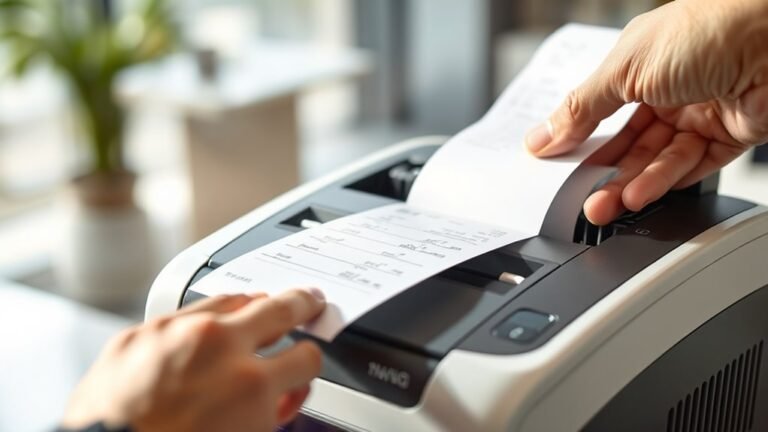
What Is the Drum on a Brother Printer and How Do You Replace It?
The drum on your Brother printer transfers toner onto paper to create your prints. Over time, it wears out, causing dull images and streaks. So, replacing it restores sharp, clear prints.
To replace it, you first turn on the printer and open the front cover. Then, remove the combined toner and drum assembly. After that, separate the toner from the old drum.
Next, insert the toner into the new drum before reinstalling it. Proper replacement helps keep your print quality consistent. There’s actually more to know for smooth maintenance and resetting the drum counter.