How to Clean Epson Printer Head in 5 Easy Steps
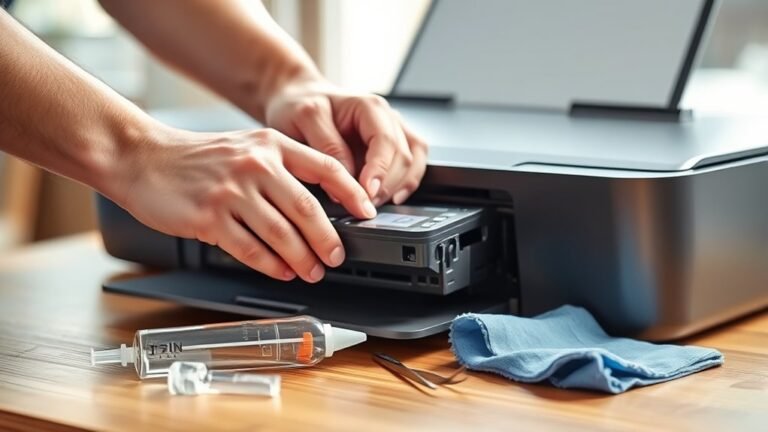
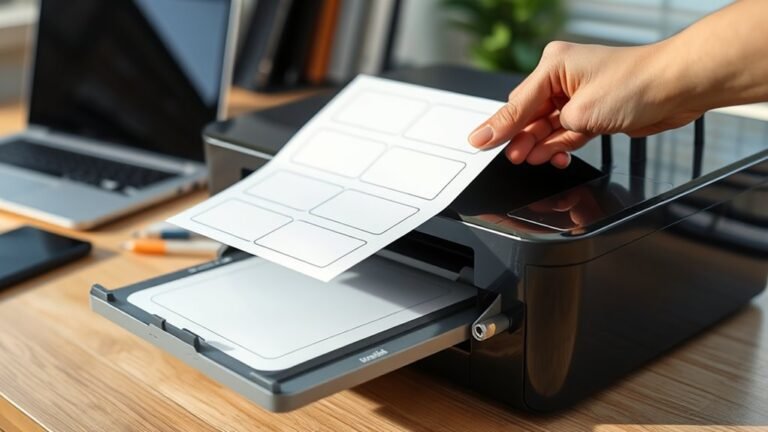
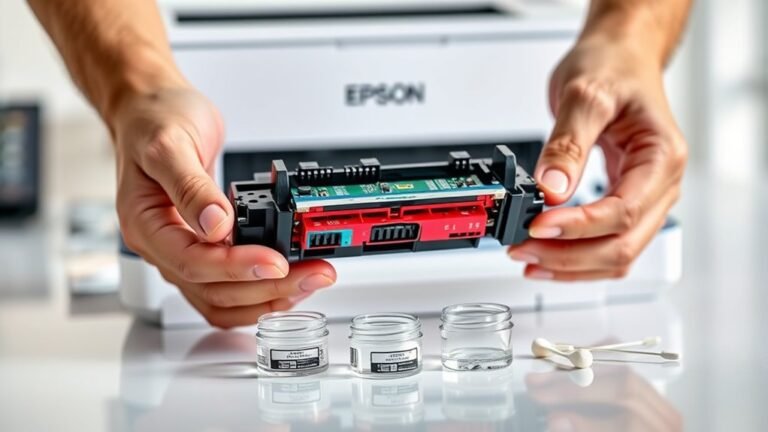
To clean your Epson printer head in five easy steps, first load plain paper and make sure cartridges aren’t empty. Open the top cover to access the printhead, lifting out cartridges if needed.
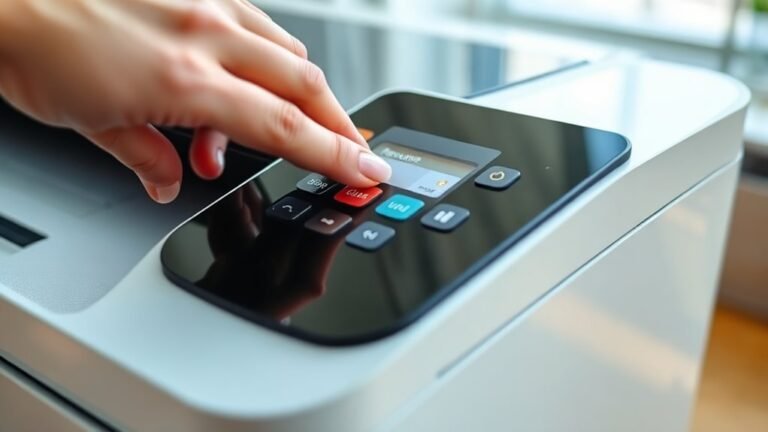
Gently clean the nozzles using a lint-free cloth with distilled water or cleaning fluid. Next, run the automatic head cleaning from the control panel and print a nozzle check to assess quality.
If needed, repeat cleaning or try manual methods for stubborn clogs—there’s more to explore to keep your prints perfect. It’s pretty straightforward once you get the hang of it!