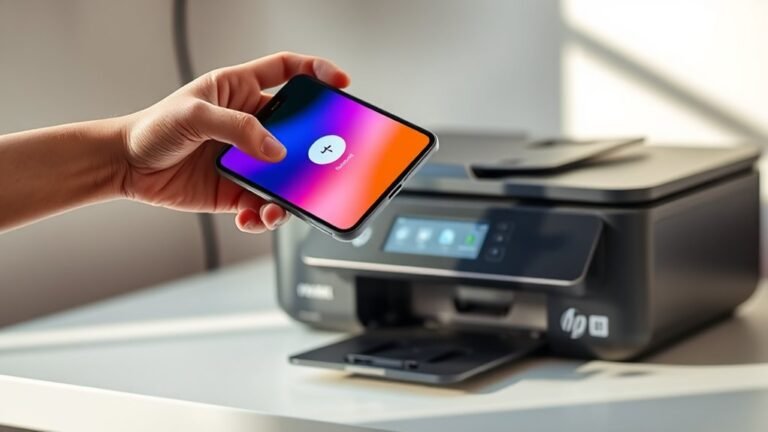
Connect Phone to HP Printer in 3 Easy Steps
First, make sure your phone and HP printer are on the same Wi-Fi network. Or, you can connect via the printer’s Wi-Fi Direct if that’s easier.
Next, open the HP Smart app on your phone. Then, select “Add Printer” to find and connect to your device.
Finally, print a test page from the app or printer panel to confirm the connection. If you want to explore troubleshooting tips or advanced setup options, there’s more helpful info ahead.