How to Update Epson Printer Firmware in 5 Simple Steps
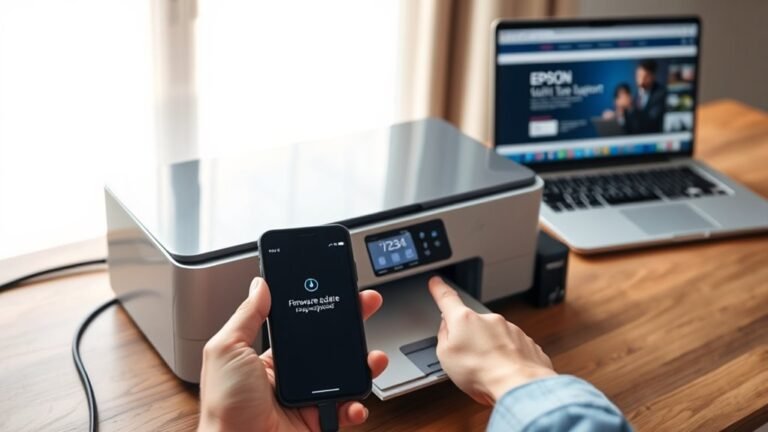
To update your Epson printer firmware in five easy steps, first get your printer and computer ready by confirming the model. Make sure they’re connected to the same network or linked via USB. Also, check that you have stable power and internet.
Next, download and open the Epson Software Updater. Then, find and select the right firmware update for your printer.
Install the update while keeping your printer turned on. Once that’s done, verify the new firmware version to confirm everything updated successfully.
Following these steps will help you maintain top printer performance with ease. It’s pretty straightforward once you get started!