



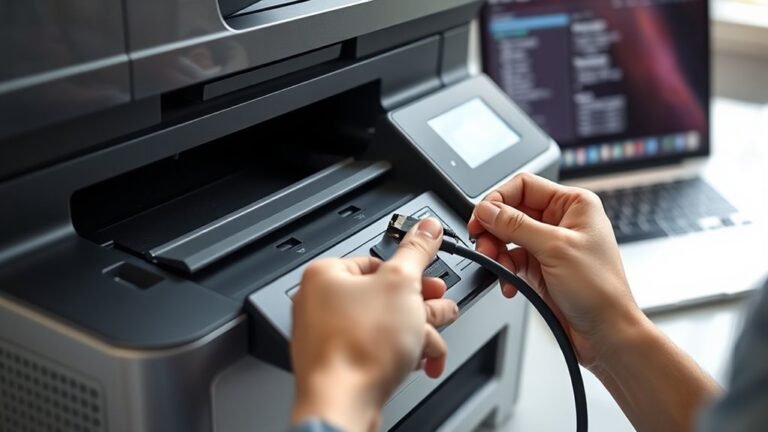
If you can’t ping your network printer, first verify your PC and printer share the same subnet and that the printer uses a static IP. Recreate the printer’s TCP/IP port on your PC to match the correct...

To measure legal printer paper size, first place the sheet flat in portrait orientation, making sure the shorter edge is horizontal. Use a rigid ruler or digital caliper, aligning the zero mark...
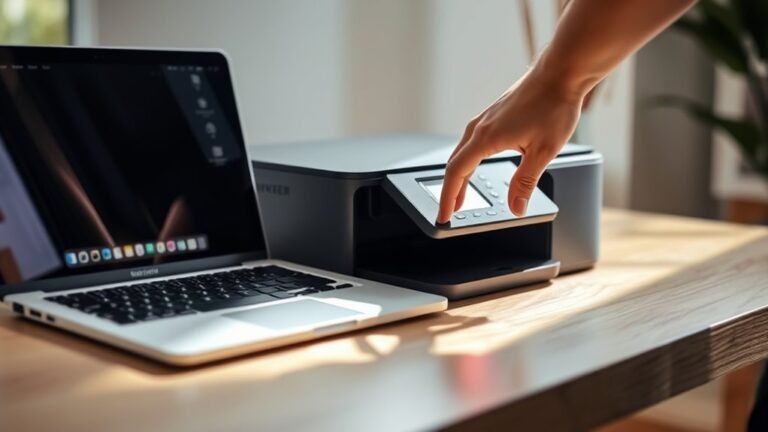
To put your printer online, first make sure it’s powered on and connected to your PC or network. Also, check that it displays a ready status.
If things aren’t looking right, try restarting your...
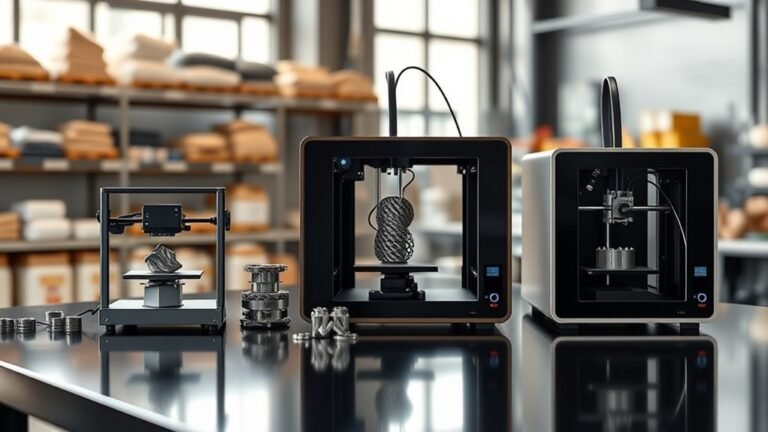
Metal 3D printers in 2027 typically fall into three price ranges: entry-level systems cost $20K to $80K, offering basic metal-capable printing.
Mid-range machines range from $120K to $400K, ideal for...
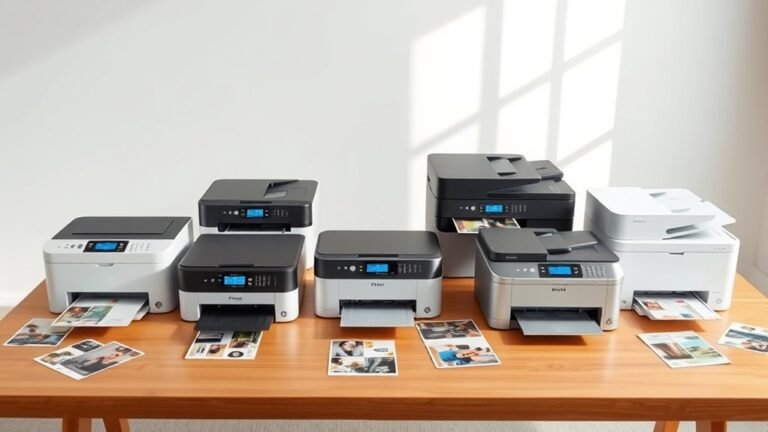
You’ll want a printer that fits your home needs—whether that’s sharp black-and-white text with a mono laser like the HP LaserJet M209d or vibrant color from refillable tanks like the Epson EcoTank...
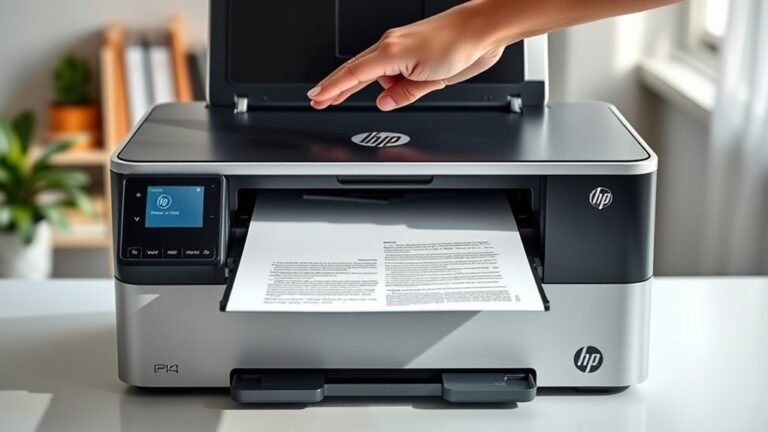
To scan a document on your HP printer, first place it face-down on the scanner glass and open the HP scanning software. Next, set your scan preferences to save as a PDF and pick a resolution—150 dpi...
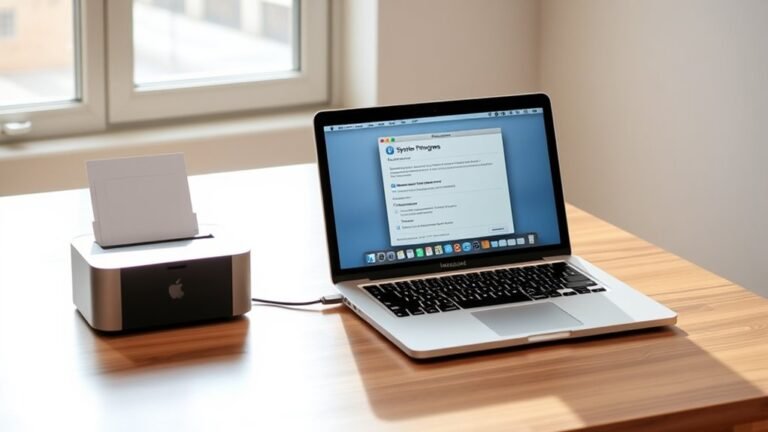
To add a printer to your Mac, start by opening System Settings and selecting Printers & Scanners from the sidebar. Click the plus (+) button and choose the IP tab to enter your printer’s network IP...

To get printer ink out of your carpet, first identify if the ink is water- or oil-based by testing a hidden spot. Gather white cloths, a vacuum, and suitable cleaners—mild soap for water-based or...
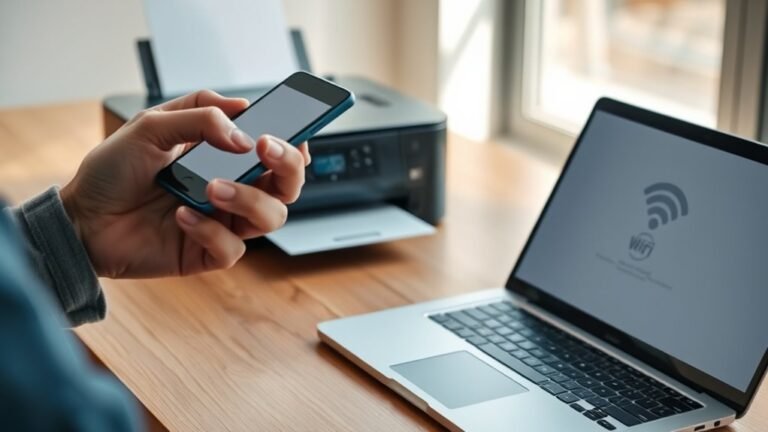
First, check that your printer supports Wi-Fi and matches your router’s 2.4 or 5 GHz network.
Next, connect both your printer and computer to the same Wi-Fi SSID, making sure passwords and security...