



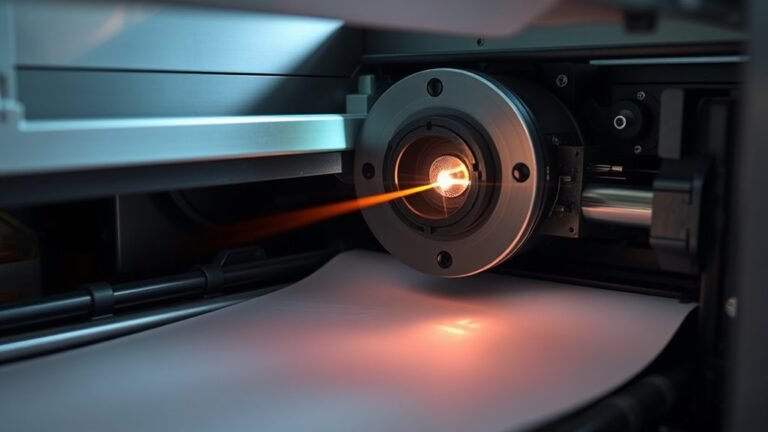
You send a digital file to your laser printer, which first converts it into a high-resolution electrostatic blueprint on a charged photosensitive drum. A laser scans the drum, discharging areas to...
When your printer shows offline, it means it can’t communicate with your computer due to connection, network, or software issues. To fix it, make sure your printer is powered on with cables securely...
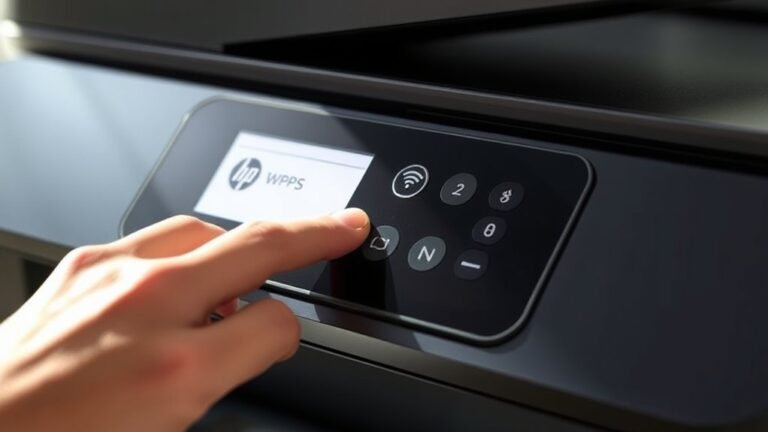
To find the WPS PIN on your HP printer, first go to the Settings menu and select Wireless or Network. Next, choose Wi‑Fi Protected Setup, then pick the PIN option to display the 8-digit code on your...
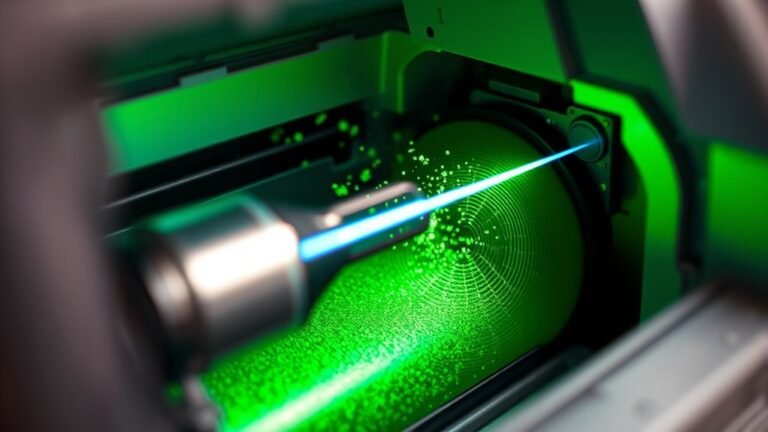
A LaserJet printer starts by charging a photosensitive drum with a uniform electrical charge. Then, a laser beam discharges specific areas to create a precise electrostatic image.
Toner, made of...
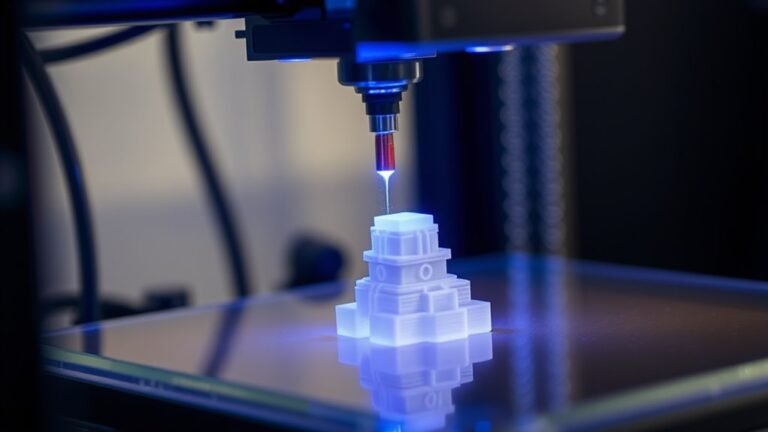
An SLA printer uses a focused ultraviolet laser to cure liquid resin layer by layer, creating precise, high-detail 3D objects with smooth finishes. You’ll start with a CAD model sliced into thin...
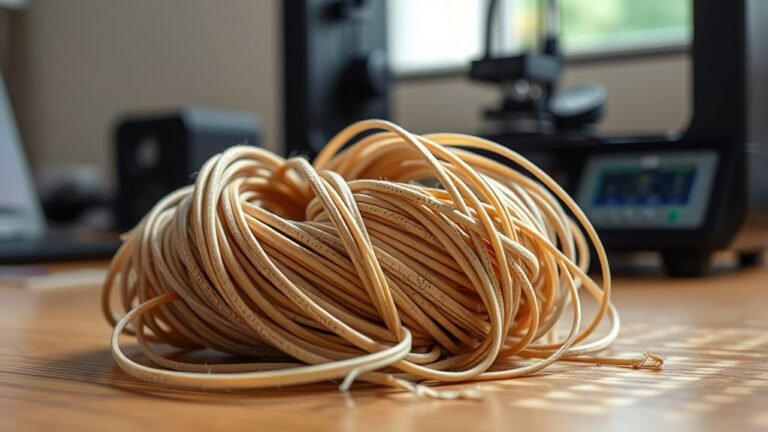
Yes, 3D printer filament does go bad, but not like food—it gradually loses quality over time, especially if exposed to moisture, heat, or sunlight. Moisture causes popping, bubbles, and weak...
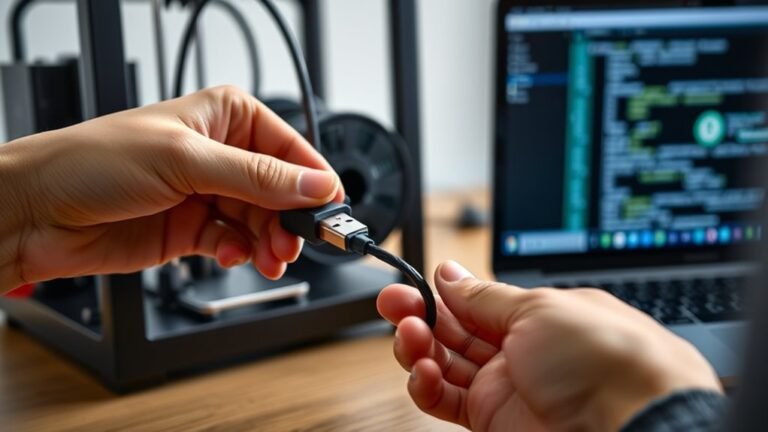
To connect your 3D printer to your computer, start by unboxing and inspecting all components. Position the printer on a stable surface, then plug in power and USB cables securely.
Next, install the...
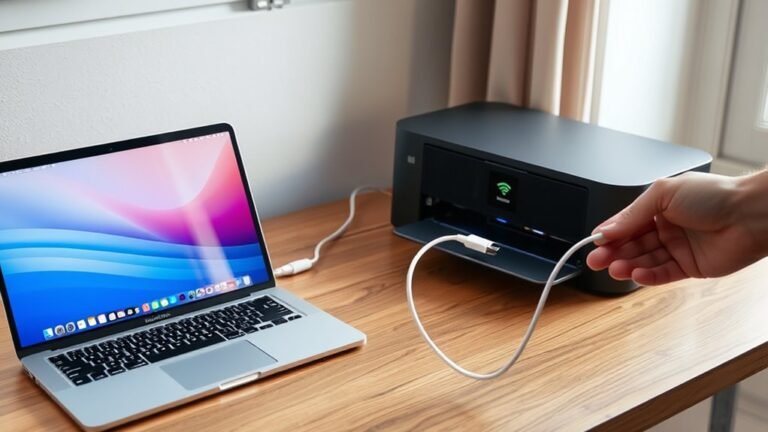
Power on your MacBook and printer, making sure both are properly connected and ready to go. Connect your printer to the same Wi-Fi network as your MacBook or use a compatible USB cable.
Next, add the...
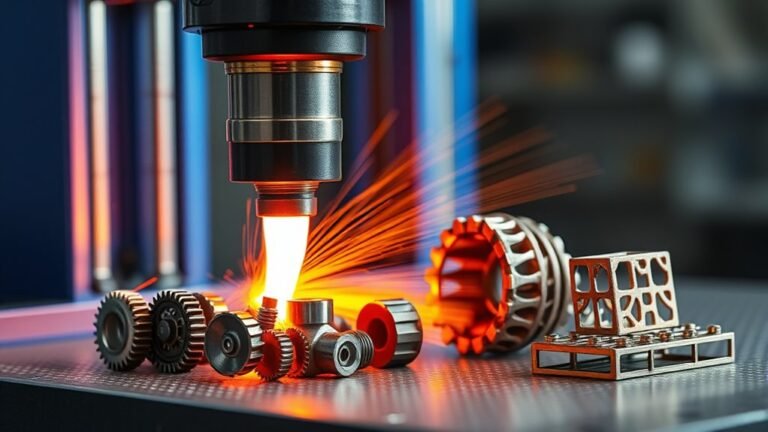
You can 3D print a wide range of metal parts, from functional components like brackets and gripper jaws to aerospace turbine blades and patient-specific implants. Whether you need durable consumer...