How to Use Walgreens Printing Services €” Does Walgreens Have a Printer?
You can easily print photos and documents at Walgreens by uploading files via their app or website—no account needed. Just select a nearby store for same-day pickup, and you’re all set.
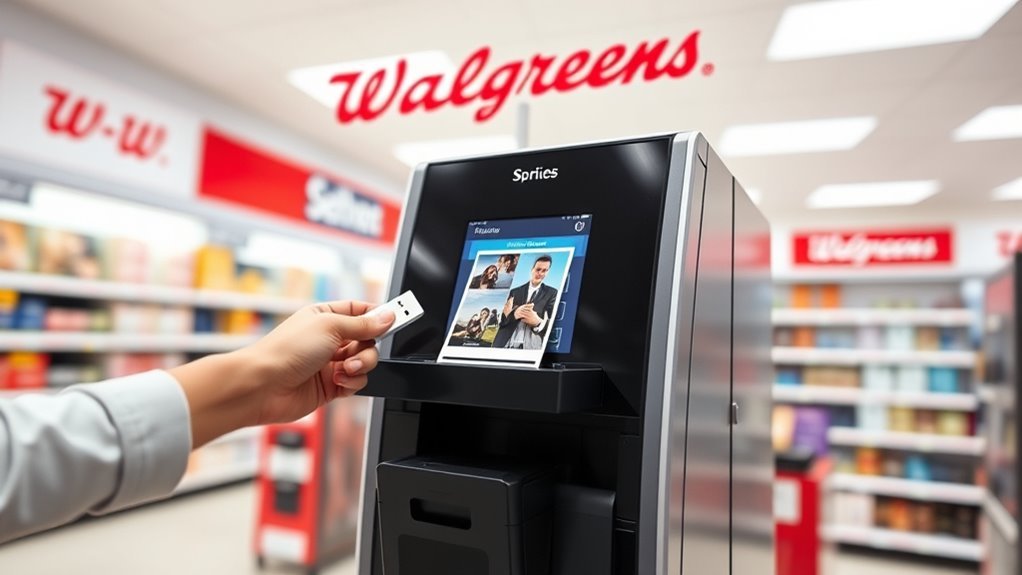
Walgreens has in-store printers and kiosks for on-site printing, so you can get your prints quickly and conveniently.
They support standard photo sizes, large posters, and document prints. Payments are simple too, with major cards and Apple Pay accepted. Plus, you can use promo codes at checkout to save some money.
If you want to get a better idea about available sizes, pickup times, and how to handle any issues, keep reading. There’s plenty more helpful info ahead to make your Walgreens printing experience smooth and easy.
Key Takeaways
– Walgreens offers printing services at many stores with kiosks or Photo Centers for photo and document printing.
You can upload photos or documents via the Walgreens app or photo.Walgreens.com without needing an account.
- Printing requests can be fulfilled same-day, typically within an hour, with pickup location specified during ordering.
- Walgreens printers support standard photo sizes, large-format posters, and document prints on various paper qualities.
- Payment options include credit/debit cards and Apple Pay, with promo codes applicable at checkout for discounts.
How To Upload Photos & Documents For Walgreens
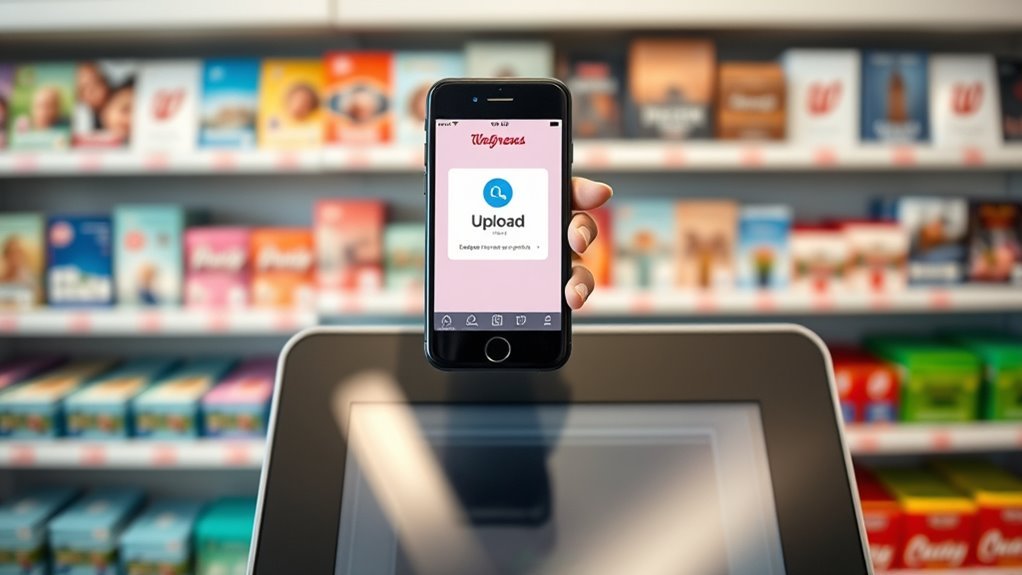
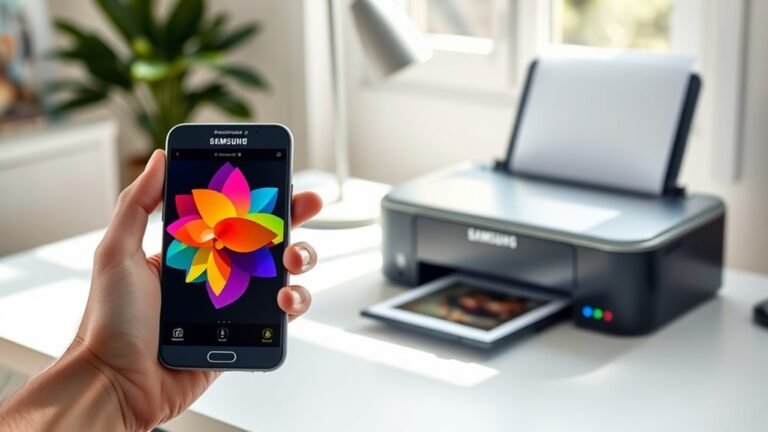
To get started with uploading photos or documents for Walgreens printing, you can easily use the Walgreens app or visit photo.Walgreens.com on your phone or computer. You don’t need an account, but you will enter your email at checkout to get order confirmation.
Start uploading your photos or documents for Walgreens printing via the app or photo.Walgreens.com without needing an account.
Whether it’s photo printing or document printing, simply upload your images or PDFs, then pick your preferred store for same-day pickup. Remember, once printing begins, you can’t change the selected store.
The app lets you choose sizes like 4×6, 5×7, or 8×10 and shows what’s available per location. You can also crop, zoom, or preview your prints before ordering.
Payment is simple with major cards or Apple Pay, and you can opt for pickup or home delivery based on your convenience. It’s pretty straightforward and convenient!
Which Printing Services Are Available At Walgreens?
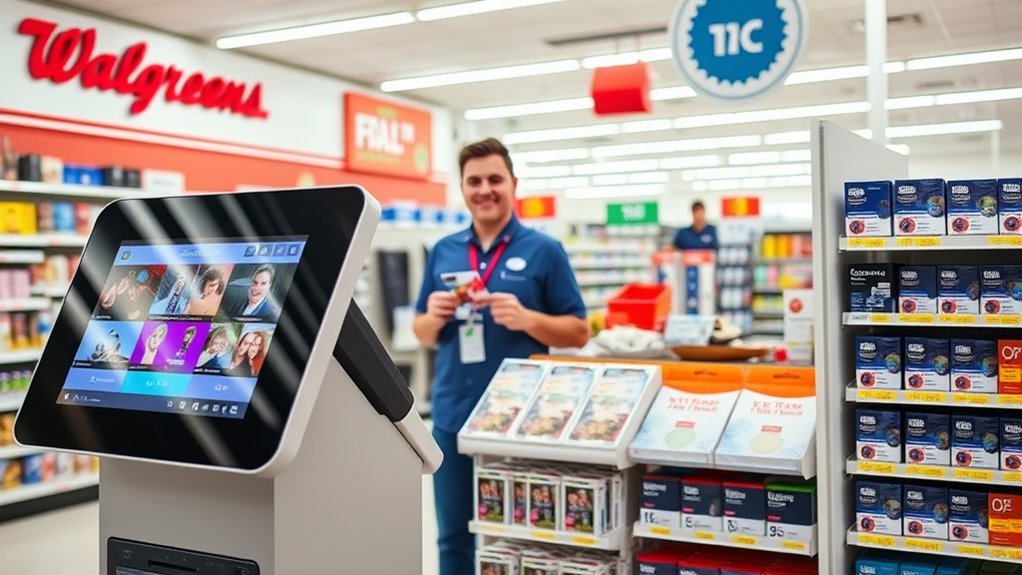
Once you’ve uploaded your photos or documents, you might wonder what printing options Walgreens offers. Walgreens photo services include standard prints, large-format posters, and document printing with same-day in-store pickup.
You can print via kiosks, the app, or at the Photo Center, which also copies physical photos. Payment options include major cards, Apple Pay, and sometimes Walgreens Cash.
| Service Type | Available Sizes | Notes |
|---|---|---|
| Photo Prints | 4×6, 4×4, 5×7, 8×8, 8×10 | Same-day pickup via app or kiosk |
| Document Prints | Standard & high-quality paper | About $0.25–$0.27 per copy |
| Large Format Prints | Posters 16×20 and larger | Resize files beforehand |
| Copies | Physical photo scanning & copying | Same-day turnaround at many stores |
These prints at Walgreens make it super easy to get your projects done fast. Whether you need a quick photo print or a large poster, they’ve got you covered.
Photo Sizes & Print Options At Walgreens
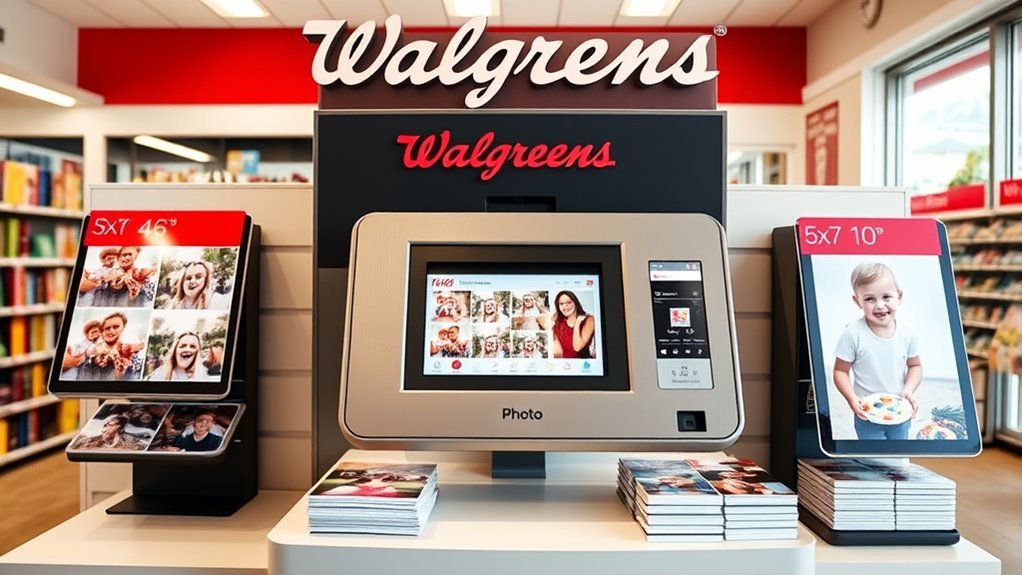
Walgreens offers a variety of photo sizes to fit your needs, from classic 4×6 prints to larger 8×10 options and square formats like 4×4 and 8×8. You can find these photo prints in-store or order online, where the app and website show which sizes each location stocks.
For the best quality, use images with at least 1600×1200 pixels for 4×6 prints; higher resolutions work better for larger sizes since Walgreens preserves your photo’s original resolution. The online editor lets you crop, zoom, and preview your photo prints before ordering.
Plus, Walgreens often offers free prints promotions, so keep an eye out for deals. This way, you get great prints that perfectly match your needs.
How Fast Can You Get Same-Day Pickup At Walgreens?
How quickly can you grab your photo prints after ordering? At Walgreens, pickup is available same-day, usually within about an hour.
Sometimes, if you upload via the app and the store isn’t busy, your order can be ready in as little as 30 minutes. Here’s what you need to know:
- Confirm your earliest pickup time via the confirmation email after ordering.
- Choose your pickup location carefully; once printing starts, you can’t change it.
- Not every store stocks every size, but the app shows you available options, including a FREE 8X10 PHOTO.
If the store can’t locate your order, contact support with your order number and store address for a reprint or refund.
What Payment Methods Does Walgreens Accept For Printing?
Picking up your prints quickly is great, but you’ll also want to know how to pay when placing your order. Walgreens accepts major credit and debit cards like Visa, Mastercard, American Express, and Discover for printing services.
If you use the Walgreens app or website, you can also pay with Apple Pay on compatible devices, making checkout even easier. While you don’t need an account to order, you’ll have to provide an email for confirmation and pickup updates.
In some stores, you might be able to pay at the register or use Walgreens Cash and register rewards for photo services. Before completing your order, check the payment options and any shipping or pickup fees shown at checkout to guarantee a smooth Walgreens printing experience.
How To Use Promo Codes For Walgreens Printing
To save on your Walgreens photo prints, you’ll want to enter promo codes like 2LARGE or penny20 at checkout on the app or website.
Keep in mind that these discounts often apply only to specific print sizes or in-store pickup, so check the terms carefully.
Using the Walgreens app usually gives you access to the best and most exclusive deals.
Applying Promo Codes
When you’re ready to save on Walgreens photo printing, you’ll want to enter your promo code at checkout on the app or website. Here’s how to apply promo codes effectively:
- Choose your prints and confirm the size and pickup option match the promo code’s terms. Some codes only work for in-store pickup or online orders, so keep an eye on that.
- Enter the promo code in the designated field during checkout. Popular codes like 2LARGE or PRINT4YOU often grant free or discounted prints—just USE CODE exactly as shown.
- Verify the discount applies before finalizing your order. If the code fails or your order is incomplete, don’t worry. Just contact support at help@easyphotoprint.co with your order details for quick assistance.
Popular Walgreens Discounts
Walgreens regularly offers popular promo codes that can help you save big on your photo prints. You can find deals like 2LARGE for two free 5×7 prints or PRINT4YOU for a free 8×10, perfect for getting free photos with your order.
Another great offer is penny20, letting you print photos at about 20 cents each for 20 prints. These promos apply at checkout for in-store pickup, so be sure to select the correct pickup option.
Discounts often reach 50–70% off, making it affordable to print photos. Just keep in mind taxes and small fees may slightly raise the final price.
Promo codes vary by store and time, so check the Walgreens app or email for the latest deals before printing. It’s always good to stay updated so you don’t miss out!
How To Handle Missing Or Late Walgreens Print Orders?
If your photo order isn’t ready within the expected time, you can check the confirmation email for the earliest pickup window. Then, ask the store associate to look up your order by name or number, even if you don’t have a receipt.
If your photo orders are missing or late, follow these steps:
- Have the associate search using your name or order number to locate the order in-store.
- If they can’t find or print your order, email help@easyphotoprint.co with your order number and store address for a reprint, reroute, or refund.
- Wait up to one business day for a response before escalating the issue.
How Walgreens Protects Your Privacy & Photos
Although you don’t need an account to order prints, Walgreens requires your email at checkout to keep you updated on your order status.
When you submit your photo for printing, only you and the Walgreens print lab handling your order can access it. Walgreens transmits your photos securely over HTTPS and stores them encrypted while processing your order.
Once fulfilled, your photos are promptly deleted from their system. Walgreens stands firm on privacy—they don’t sell your photos or personal data.
You can review their data collection and usage practices in the Privacy Policy. If you have any concerns about privacy or missing orders, you can contact support at help@easyphotoprint.co for assistance, typically receiving a reply within one business day.
Frequently Asked Questions
Can You Print Through Walgreens?
Yes, you can print through Walgreens. Just upload your photos or documents via their app or website.
Then, select your preferred store for quick pickup and pay easily without needing an account. It’s convenient and fast.
Super simple, right? Walgreens makes printing hassle-free!
Who Prints Better Quality Photos, CVS or Walgreens?
You won’t notice a big quality difference between CVS and Walgreens since both use similar workflows.
Just focus on uploading high-res photos and adjusting prints in the app. That way, you’ll get the sharpest, most vibrant results from either store.
How Much Would It Cost to Print 100 Photos at Walgreens?
Printing 100 photos at Walgreens usually costs around $20–$25, but you can use promo codes or app deals to save big.
Check availability in the app, pay with cards or Apple Pay, and pick up same day.
Pretty convenient, right? Just keep an eye out for those discounts to get the best deal!
Can You Print a Picture off Your Phone at a Store?
You might worry about complicated steps, but yes, you can print pictures directly from your phone at Walgreens.
Just use their app or in-store kiosks, and your photos will be ready to pick up within an hour.
It’s pretty simple, really. No need to stress!
Conclusion
Using Walgreens printing services is quick and convenient, with same-day pickup available for most orders. Did you know Walgreens processes over 1 billion photo prints annually? That means millions trust them for quality and speed.
Whether you’re printing photos or documents, you can easily upload your files online and pay securely with various options. Just remember to check for promo codes to save, and rest assured, Walgreens prioritizes your privacy every step of the way.
So, if you’re wondering, “Does Walgreens have a printer?” the answer is yes! Walgreens printing services make it easy to get your photos and documents printed fast, with reliable quality. Next time you need printing done, consider Walgreens for a hassle-free experience that combines convenience, affordability, and privacy.