Which Printer Monitoring Tools Are the Most Reliable in 2027?
If you want reliable printer monitoring tools in 2027, look for solutions that use SNMPv3 for secure, real-time status updates and consumable tracking across multi-vendor fleets. These tools are essential for businesses aiming to keep their printers running smoothly without unexpected interruptions.
They provide instant alerts on toner levels, paper jams, and errors, so you can address issues before they impact productivity. Plus, seamless ITSM integration means automated ticketing and workflows, making printer management easier than ever.
Centralized dashboards and mobile access help you stay proactive wherever you are. And with predictive analytics, downtime is minimized by anticipating problems before they occur.
Ready to explore how these capabilities can boost your operational efficiency and simplify printer management? Let’s dive in!
Key Takeaways
- Reliable printer monitoring tools support SNMPv3 with encryption for secure, continuous device and consumables status tracking across mixed-vendor fleets. This means your data stays safe while you keep an eye on all your printers without hassle.
- Tools with dedicated SNMP sensors and templated profiles deliver precise, real-time data on toner levels, errors, and print queue status. It helps you prevent downtime by catching issues before they become a problem.
- Integration with ITSM platforms like ServiceNow automates incident creation, alert escalation, and remediation workflows. This boosts how quickly you can resolve printer issues without manual intervention.
- Comprehensive fleet visibility features include agentless SNMP auto-discovery, centralized inventories, normalized status fields, and CMDB synchronization. These give you clear operational insights across your entire printer environment.
- Frequent updates to vendor-specific MIBs and robust MIB compatibility are essential for accurate monitoring. They help avoid sensor tuning challenges, especially in environments with diverse printer brands.
Key Features Defining Reliability in Printer Monitoring Tools
When you rely on printer monitoring tools, you need them to provide continuous, agentless SNMP-based discovery and polling that reports device status and consumable levels with high precision.
Effective printer monitoring uses SNMP Printer protocols, including SNMPv1/v2c and SNMPv3, to track toner levels and print queue length accurately.
Effective printer monitoring leverages SNMPv1/v2c and SNMPv3 protocols for precise toner and queue tracking.
High-quality tools assign dedicated sensors per metric, so you get granular alerts without false positives from aggregated data.
This means you’ll know immediately if toner falls below 10% or if the print queue exceeds 50 jobs for over 10 minutes.
With precise, real-time data, you can prevent downtime and maintain smooth printer operations.
Ultimately, reliable tools empower you to monitor device availability and consumables efficiently, minimizing user disruptions and enhancing overall productivity.
How SNMP Enhances Printer Status and Consumables Monitoring
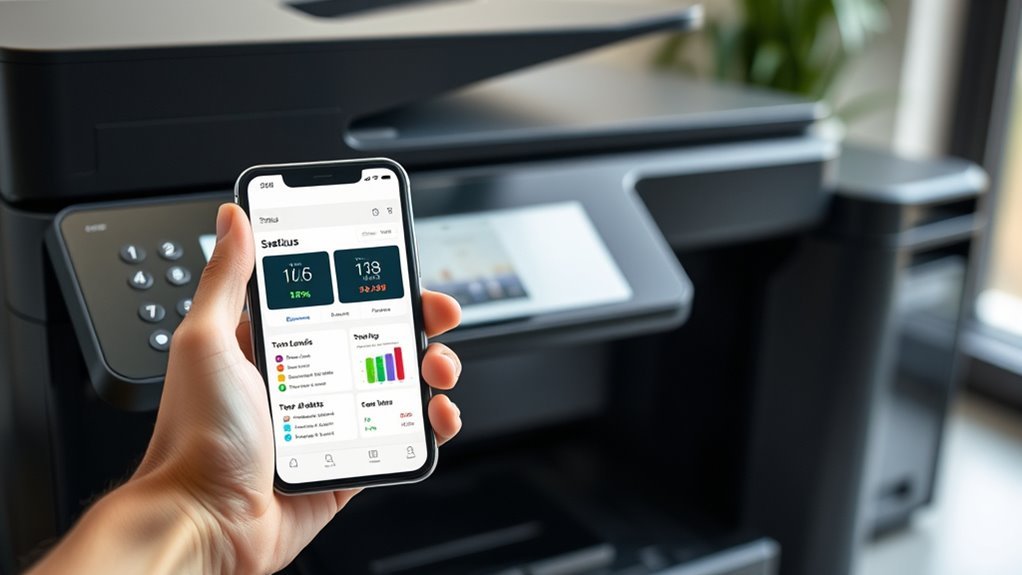
Because SNMP lets you poll standard Printer MIBs, your monitoring tools can access real-time device status codes and detailed trap messages. This means you get immediate alerts for issues like paper jams or open covers.
This direct insight into printer status helps you address problems before they escalate. SNMP also exposes consumables data—toner levels, drum life, and waste box status—via specific OIDs. This lets you track usage trends and set threshold alerts for timely reordering.
By combining SNMP polling with vendor-specific MIBs, you improve monitoring accuracy across diverse printer models. Just remember to use SNMPv3 with encryption to keep this data secure and prevent exposure.
Real-Time Alerts and Automated Workflows for Proactive Printer Management
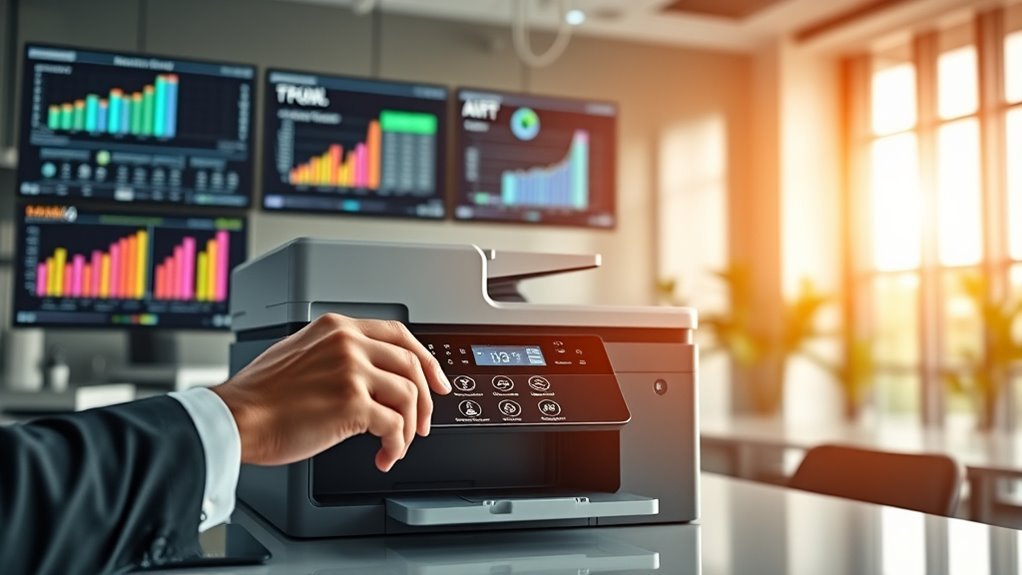
You need instant notifications the moment a printer shows issues like low toner or paper jams to keep workflows smooth.
Automated workflows can then kick in, creating support tickets or sending alerts to the right team without delay. This proactive approach prevents downtime and reduces manual intervention.
That way, your printers keep running efficiently, and you can focus on more important tasks.
Instant Issue Notifications
Instant issue notifications play a crucial role in keeping your printers running smoothly by delivering real-time alerts and automated workflows that tackle problems before they escalate. Using SNMP data combined with print queue metrics, top tools monitor consumables thresholds and error states closely.
You get instant alerts via email, SMS, Microsoft Teams, and more, ensuring the right team member knows immediately. Automated actions can restart services or open tickets, reducing downtime markedly.
Key features include:
- Configurable consumables thresholds to warn at 20% or critical at 5%
- Multi-channel real-time alerts including Microsoft Teams and Slack
- Automated incident creation in ServiceNow or Jira
- Detection of paper jams, cover open alerts, and stuck print jobs
- Scalable contact groups and escalation chains to prevent alert fatigue
These notifications keep printer issues from disrupting your workflow. It’s like having a watchful assistant who never misses a beat!
Automated Printer Maintenance
Automated printer maintenance increasingly relies on real-time alerts and workflows to keep your devices running smoothly without manual intervention. Using SNMPv3, systems monitor consumable levels like toner and paper trays every 5–15 minutes, triggering alerts before supplies run critically low.
With ITSM integration, issues such as paper jams or fuser failures auto-generate tickets in platforms like ServiceNow, complete with device diagnostics. Automated workflows tackle problems instantly—restarting spools or cycling power via APIs—minimizing downtime.
Multi-channel notifications escalate based on thresholds, ensuring the right team acts promptly. Beyond reactive fixes, predictive maintenance analyzes usage patterns and error trends to forecast part failures weeks ahead, letting you schedule service proactively.
This approach keeps your print environment efficient, reduces disruptions, and saves costs by preventing unexpected outages. It’s all about staying ahead so you’re not caught off guard.
Comprehensive Multi-Vendor Printer Discovery and Fleet Visibility
You need tools that detect printers from multiple vendors automatically across your entire network, giving you complete visibility into your fleet. Centralized inventories let you track every device’s status, location, and consumables in real time.
This kind of insight helps you manage and optimize your printer environment efficiently. It makes keeping tabs on your entire printer fleet much easier, so you can focus on what really matters.
Multi-Vendor Device Detection
Getting a clear picture of your printer fleet means relying on tools that support thorough multi-vendor device detection. The best solutions use SNMP and MIB parsing for auto-discovery, seamlessly identifying multi-vendor printers across networks.
This approach guarantees you capture critical data like model, serial number, firmware, and consumable status.
Here’s what reliable multi-vendor device detection offers you:
- Automated discovery across subnets with vendor-specific MIB templates
- Normalized status fields for toner, paper trays, and errors across brands
- Large-scale onboarding via scheduled scans and directory integrations
- Detailed per-printer metrics, including uptime and cartridge levels
- Customizable naming and grouping for targeted monitoring and alerts
These features help you maintain accurate, comprehensive printer inventories effortlessly.
With this kind of setup, you’re not just tracking devices—you’re staying ahead of issues and managing your fleet smarter.
Fleet-Wide Visibility Insights
Building on multi-vendor device detection, fleet-wide visibility tools give you a real-time, detailed view of every printer across your network. They use agentless SNMP discovery to automatically add printers to your printer fleet, applying model-specific monitoring templates for accurate data.
You get per-device insights on consumables like separate CMYK toner and drum levels, input tray paper counts, and maintenance kit lifecycles. Threshold alerts at 20% or 10% help you proactively manage supplies and service schedules.
Dashboards update frequently, offering near-real-time fleet visibility with live status, print volumes, and uptime linked to location and ownership. This lets you spot overused or underutilized devices and optimize your fleet efficiently.
Robust tools integrate REST APIs for syncing with CMDBs, ensuring your fleet data stays current and actionable. So, you’re always in the know and can make smarter decisions on managing your printer fleet.
Centralized Printer Inventory
Centralized printer inventories streamline multi-vendor fleet management by automatically discovering and cataloging thousands of devices across VLANs and sites using agentless SNMP protocols.
You’ll rely on SNMP discovery to populate a centralized inventory with details like model, IP, MAC, location, and firmware. Device telemetry tracks uptime, status, consumables, page counts, and error codes, often normalized via vendor MIB mappings.
Bulk onboarding and API-driven sync keep inventories current during large deployments or replacements. Key features you can expect include:
- thorough multi-vendor device discovery
- Real-time telemetry on consumables and errors
- Bulk onboarding with templated sensor profiles
- Contextual attributes like owner, location, and SLA tiers
- Flexible filtering and targeted alerts for lifecycle management
Ensuring correct SNMP access and consistent naming is essential for reliable fleet visibility.
It’s really the foundation for keeping your printer fleet running smoothly and efficiently.
Integrations With ITSM Systems to Streamline Printer Issue Resolution
Although printer issues can disrupt workflows, integrating monitoring tools with ITSM systems lets you automate incident creation and streamline resolutions. With printer monitoring solutions like PRTG and ManageEngine OpManager, you can link alerts to ServiceNow using webhooks or REST APIs, instantly generating tickets for errors like paper jams or toner low.
These tools also push print job details—user, device, job ID—into ITSM records, giving support teams actionable insights that speed up fixes. When connected through CMDB-aware connectors, your ITSM system stays updated with printer attributes, enabling smarter incident impact analysis and faster assignments.
Plus, automated remediation scripts can clear print queues or restart spoolers, updating ServiceNow tickets with results. This integration cuts downtime and simplifies printer issue management across your network. It really helps keep things running smoothly without constant manual intervention.
Advanced Sensor Types for Detailed Printer Health and Usage Metrics
Integrating printer monitoring with ITSM systems sets the stage for gathering richer, more detailed data about your devices. In 2027, advanced sensor types empower you to track printer health and usage with precision.
You’ll rely on SNMP sensors for toner levels, page counters, and error states via MIB OIDs. Windows Print Queue sensors capture per-job details like user, pages, and color mode.
Consumable wear sensors monitor ink, maintenance cycles, and fuser hours for timely replacements. Synthetic transaction sensors simulate print jobs to detect spooler delays or failures early.
REST API and script sensors provide high-res 3D printer metrics like temperature and filament feed rate. These combined sensors give you a thorough real-time overview, enabling proactive maintenance and optimized printer fleet performance.
Visualization and Dashboard Capabilities for Centralized Printer Monitoring
You need real-time status visualization to keep an eye on printer health and job progress instantly. Customizable centralized dashboards let you tailor views across multiple sites, so you can spot issues and usage trends quickly.
These tools help you stay proactive and efficient in managing your printer fleet. It’s all about making your monitoring simpler and more effective.
Real-Time Status Visualization
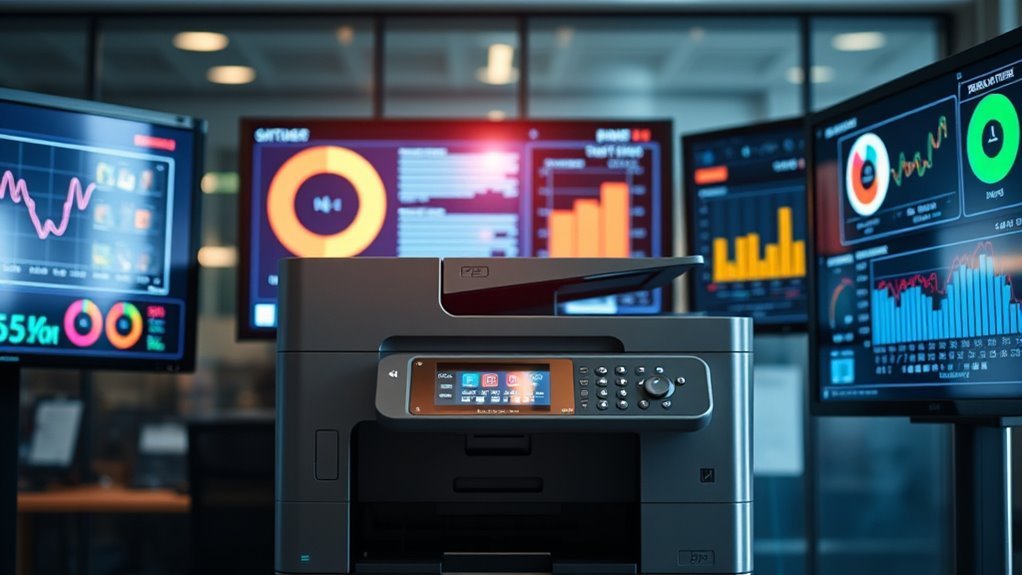
When monitoring hundreds or even thousands of printers, real-time status visualization becomes essential for spotting issues before they escalate. Leading printer monitoring tools use SNMP-powered real-time dashboards that update every second, giving you instant visibility into printer health.
You’ll appreciate features like centralized map views and device trees for quick offline or error state detection. Plus, live graphs tracking print queue lengths and job throughput per printer keep you in the loop.
Consumable trends showing toner levels, paper trays, and component life counters help you plan ahead. Color-coded alerts based on thresholds mean you can jump on maintenance before problems arise.
And don’t forget the mobile-ready dashboards with push notifications, which make remote incident triage a breeze. These capabilities guarantee you stay ahead of problems, minimizing downtime and optimizing printer fleet performance effortlessly.
Customizable Centralized Dashboards
Real-time status insights become far more powerful when combined into customizable centralized dashboards that let you see the full picture at a glance. These dashboards pull data from SNMP Printer sensors and other sources, showing you consumable levels like toner, ink, and paper across your entire fleet.
You can quickly track page counts and uptime trends, drilling down to individual errors or cartridge percentages in seconds. Advanced tools let you tailor views for different roles—procurement monitors toner thresholds and lifetime page counts, while helpdesk focuses on jams or service alerts.
Historical reporting helps identify underused devices and predict maintenance needs. Plus, mobile-ready dashboards and push notifications keep you informed and ready to act anywhere, ensuring your printer fleet runs smoothly and efficiently.
Mobile and Remote Access to Printer Status and Notifications
Mobile and remote access to printer status and notifications have taken a leap forward by 2027, letting you stay on top of device health and issues from anywhere. With advanced mobile push notifications, you get instant alerts about toner levels, paper jams, or offline status, directly to your phone.
Remote troubleshooting lets you access real-time SNMP error codes and print queues, often resolving problems without site visits. Role-based access control guarantees secure, filtered access tailored to your responsibilities.
Key features include:
- Native mobile apps and responsive web consoles
- Targeted SMS and push notifications for on-call staff
- Live remote diagnostics and job history review
- Encrypted connections with SSO and VPN support
- Offline caching for uninterrupted monitoring
These capabilities drastically cut resolution times and boost printer uptime. Pretty handy, right? It means less downtime and fewer headaches when managing your printers remotely.
Case Studies Demonstrating Operational Benefits of Reliable Printer Monitoring
Although printer issues can disrupt daily operations, reliable monitoring tools have proven their value by markedly improving efficiency and reducing downtime. For example, a multinational law firm used SNMP-based printer monitoring with PRTG to cut helpdesk tickets by 62% within six months.
Reliable printer monitoring tools significantly boost efficiency and slash downtime, as shown by a law firm’s 62% ticket reduction.
Similarly, a regional hospital deployed ManageEngine OpManager, automating print spooler issue fixes and boosting printer uptime to 99.4%. With print tracking via PaperCut MF, an enterprise IT department reduced color printing by 28%, saving $120,000 annually.
A retailer centralized supply alerts through Pharos Cloud, preventing 98% of out-of-paper incidents during peak times. Even SMBs benefit; a managed services provider used Printix to maintain real-time inventories and link print jobs to users, cutting incident resolution time by 35%.
These case studies show how effective printer monitoring transforms operations. It’s clear that smart monitoring isn’t just convenient — it’s a game changer.
Evaluating Printer Monitoring Solutions for Enterprise and SMB Environments
The operational benefits highlighted in recent case studies make it clear that choosing the right printer monitoring solution can markedly impact your organization’s efficiency.
When evaluating options for enterprise and SMB environments, focus on tools that offer robust SNMP support and consumables monitoring to reduce downtime. Consider these key factors:
- For enterprises, SNMP-first tools like ManageEngine OpManager provide agentless discovery and detailed per-printer sensors.
- Print management platforms like PaperCut MF deliver user-level job visibility and policy enforcement.
- Cloud-native solutions such as Printix suit SMBs with multi-site monitoring and minimal infrastructure.
- Assure compatibility with mixed-vendor MIBs to avoid sensor tuning challenges.
- Prioritize flexible notifications (email, SMS, Slack) for proactive incident handling.
These features will streamline print management and maximize productivity across your printer fleet.
Frequently Asked Questions
What Are the Top 5 Monitoring Tools?
You’ll find ManageEngine OpManager, PaperCut MF, Printix, PRTG Network Monitor, and YSoft SAFEQ or Pharos Cloud among the top five printer monitoring tools.
They offer reliability, automation, and detailed tracking for various business needs. These tools really help keep an eye on your printers without much hassle.
What Is the Most Reliable Printer on the Market?
You’ll find HP’s LaserJet Enterprise series the most reliable printer on the market, offering high duty cycles and exceptional MTBF.
Brother’s HL-L6200 also performs well, especially in busy office environments with minimal service interruptions.
If you need something that just keeps going without frequent issues, these two are definitely worth considering.
What Is the Best Monitoring Software?
Don’t trust a crystal ball—grab PRTG for real-time printer gossip, or PaperCut MF if you crave job tracking drama.
ManageEngine’s your savvy fixer, while Printix keeps SMBs cloud-happy without the IT circus.
What Is the Best Printer Management Software?
You’ll find PaperCut MF best for enterprise needs. Printix is ideal for SMBs, and ManageEngine OpManager is perfect for SNMP-driven monitoring.
Choose based on your fleet size, security needs, and whether you prefer cloud or on-premise solutions. It really depends on what fits your organization’s specific requirements the best.
Conclusion
Imagine effortlessly overseeing your entire printer fleet as if you’re watching a well-choreographed dance—each device communicating seamlessly, alerting you instantly to any hiccup. With reliable printer monitoring tools in 2027, you’re not just managing machines; you’re mastering efficiency.
By leveraging real-time alerts, deep integrations, and intuitive dashboards, you’ll transform printer chaos into a smooth, predictable rhythm. This lets you focus on what truly matters—keeping your business running without a glitch.
In today’s fast-paced world, dependable printer monitoring tools are a game-changer. They simplify fleet management, reduce downtime, and boost productivity. So, if you want to stay ahead in 2027, choosing the right printer monitoring solution is key to maintaining seamless operations and maximizing efficiency.