Where to Find 3D Printer Files on the Top 3 Platforms
You can find 3D printer files easily on Thingiverse, MyMiniFactory, and Cults3D. These top platforms offer a wide range of designs for all your 3D printing needs. Whether you’re hunting for free files or premium models, each site has something special to offer.
Thingiverse offers millions of free designs with community feedback and print tips. It’s perfect if you love exploring open-access files and learning from other makers. MyMiniFactory provides verified files and exclusive paid models, ensuring quality prints every time.
Cults3D combines free and paid options with social tools to check design quality before buying. So, whether you want open access or curated premium content, each platform suits different needs. Keep exploring, and you’ll discover how to choose the best site and get the files you want.
Key Takeaways
– Thingiverse offers 2.5 million free designs with community feedback, print details, and tutorials for easy file discovery and download.
It’s a great place to start if you’re looking for a wide variety of models and helpful user input.
– MyMiniFactory provides over 154,000 verified 3D printable files with guaranteed print settings and user reviews for quality assurance.
This means you can trust the files to print well, plus get insights from other users’ experiences.
– Cults3D features 1.5 million models including paid and free files, with social tools to evaluate design quality before purchase.
So, if you’re considering buying a design, you can check out what others think first.
– Aggregators like Thangs and Yeggi compile millions of files from multiple sources, expanding options across platforms.
They’re perfect if you want to browse a huge range of files without hopping between sites.
– Professional marketplaces such as GrabCAD and CGTrader offer engineering-grade models with collaboration tools and premium designer content.
These are ideal for more technical projects or when you need top-tier designs from experienced creators.
How to Choose the Best Site for 3D Printer Files

When choosing the best site for 3D printer files, consider what matters most to you—whether it’s high-quality curated models, a vast free library, or professional-grade engineering parts.
If curated printable models are your priority, MyMiniFactory offers over 154,000 files with verified print settings and user reviews to guarantee quality.
For large free repositories, Thingiverse stands out with 2.5 million designs and a strong community sharing feedback.
If you want to explore beyond one platform, try Thangs or Yeggi/STLFinder, which aggregate millions of files from multiple sources.
When you need professional-grade parts, GrabCAD and Amedee deliver engineering-focused models with collaboration tools.
Finally, marketplaces for premium designs like Cults, CGTrader, and Pinshape offer a mix of free and paid files, often backed by designer support and exclusive content.
Finding and Downloading Quality 3D Printer Files on Thingiverse
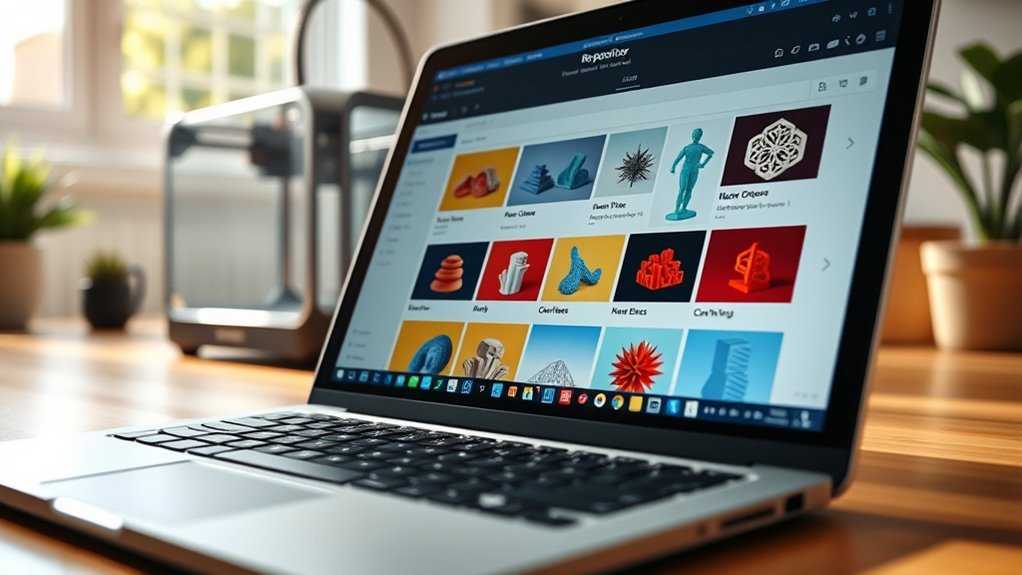
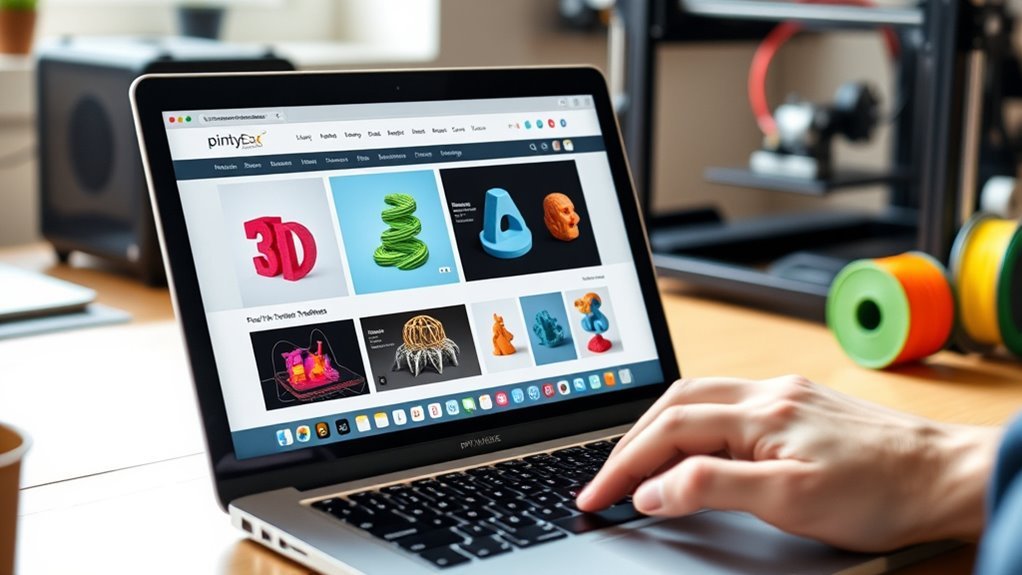
Diving into Thingiverse opens up a vast world of over 2.5 million 3D-printable designs you can browse and download. To find quality STL files, use Thingiverse’s search bar combined with tags and categories to narrow results by popularity or newest uploads.
Each model page offers print details, user comments, and photos of printed results, helping you evaluate printability and proper settings. You can also join community feedback threads to ask designers questions or learn slicer tweaks from other makers.
For beginners, Thingiverse provides tutorials and educational resources to guide you through projects step-by-step. By leveraging these tools and community insights, you’ll confidently find and download reliable STL files that suit your 3D printing needs on Thingiverse.
Accessing Curated and Paid 3D Printer Files on MyMiniFactory and Cults3D
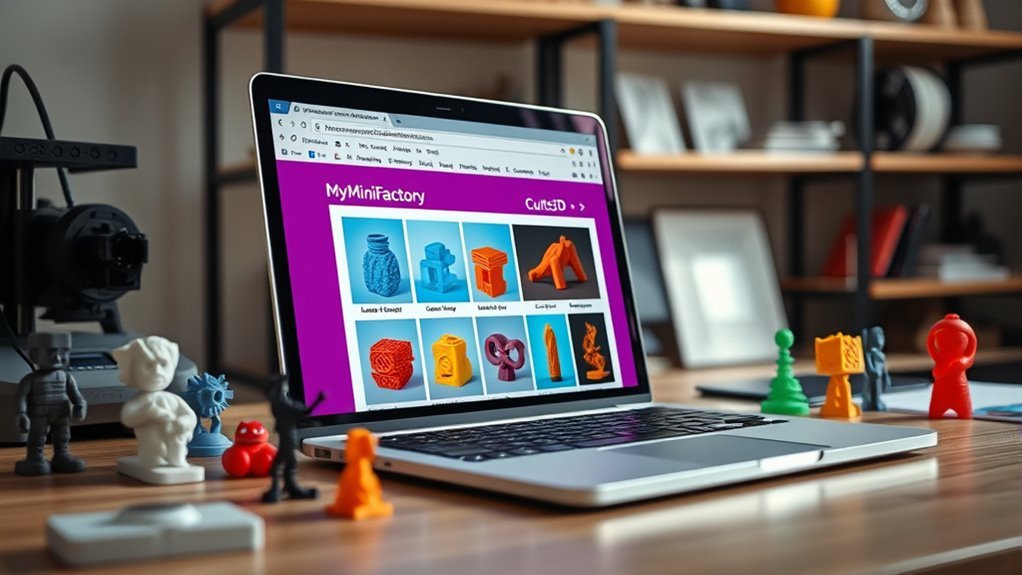
Beyond free repositories like Thingiverse, platforms such as MyMiniFactory and Cults3D offer curated collections and paid 3D printer files that can really elevate your printing projects.
MyMiniFactory features over 154,000 verified designs along with exclusive paid models from professional partnerships. It’s a great place if you want reliable, top-notch content.
Cults3D hosts 1.5 million models and has a strong paid marketplace. Plus, it offers social tools to help you assess the quality of designs before you buy.
| Platform | Key Features | Paid Models Benefit |
|---|---|---|
| MyMiniFactory | Verified files, design contests | Reliable, premium content |
| Cults3D | Large marketplace, social tools | Unique, monetized designs |
| Both | Seller storefronts, print-on-demand | Easy access without printers |
Both platforms give you seller storefronts and print-on-demand options, making it easy to get models without owning a printer yourself.
Using these platforms, you’ll find trustworthy, high-quality paid models that can really boost your 3D printing experience.
Frequently Asked Questions
Where Is the Best Place to Get 3D Printer Files?
The best place to get 3D printer files depends on your needs. For a huge variety, try Thingiverse; for guaranteed quality, use MyMiniFactory.
If you’re into engineering, GrabCAD’s great. You’ll find something perfect on each platform!
Is Cgtrader a Legit Site?
You’d think CGTrader’s legit status is too good to be true, but it absolutely is!
You’ll find millions of quality 3D models, both free and paid, with reliable previews and trustworthy designers ready to impress you.
Is STL or 3MF Better?
You’ll find STL better for broad compatibility and simple mechanical parts. It’s kind of the go-to for straightforward prints.
On the other hand, 3MF shines when you need embedded colors, textures, and multi-material prints. So, it’s great for more complex projects.
Just pick based on what your project needs and how detailed your printing is going to be. Easy as that!
Is There Anything Illegal to 3D Print?
You can’t dance with fire without getting burned—printing patented items, weapons, or controlled replicas crosses legal lines.
Always check laws and licenses before you print, or you might face serious consequences for ignoring the rules.
Conclusion
Now that you know where to find 3D printer files, you’re ready to get started. Thingiverse offers over 2 million free designs, making it a treasure trove for beginners.
If you want curated or premium files, MyMiniFactory and Cults3D have got you covered. With so many options at your fingertips, you can easily find high-quality prints that fit your project perfectly.
Finding 3D printer files on top platforms like Thingiverse, MyMiniFactory, and Cults3D ensures you have access to a wide range of designs. Whether you’re looking for free models or premium ones, these sites make it simple to download and print exactly what you need. So dive in, explore the extensive libraries, and start bringing your creative ideas to life with ease. Happy printing!