What Is an FDM Printer?
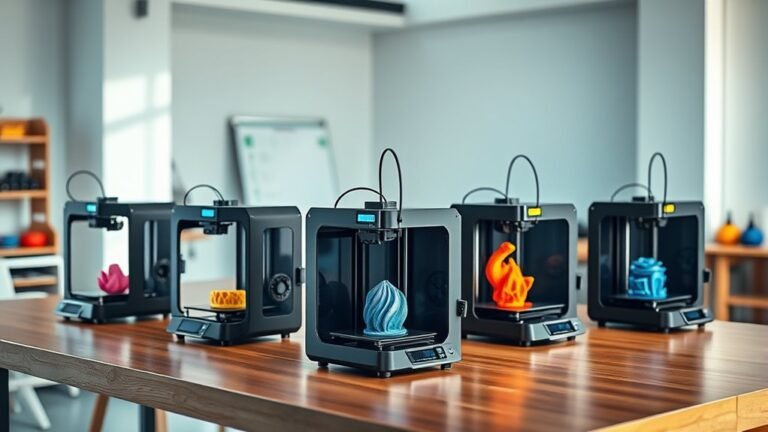
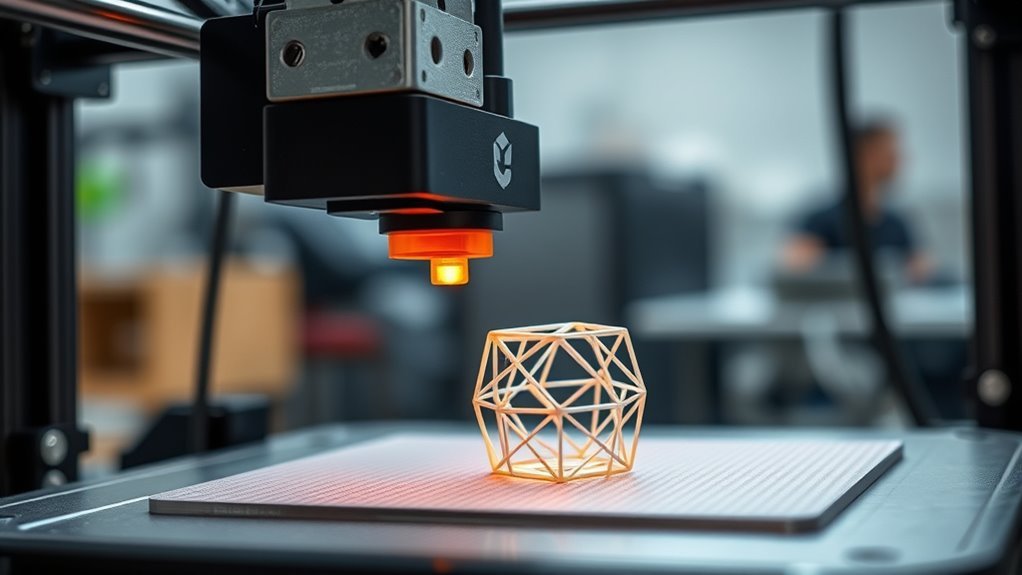
An FDM printer lets you create 3D objects by melting thermoplastic filament like PLA or ABS and depositing it layer by layer through a heated nozzle. This process, known as Fused Deposition Modeling, is one of the most popular 3D printing methods around. You control precise movements along three axes to build your model from a digital file.
It’s an affordable, popular choice for beginners and pros due to its ease and material variety. Whether you’re making prototypes, tools, or creative projects, FDM printers offer a versatile way to bring your ideas to life.
If you want to understand how it works, its parts, and how to get the best results, keep exploring the details.
Key Takeaways
- An FDM printer uses thermoplastic filament melted and deposited layer by layer to build 3D parts. It moves a heated nozzle along X, Y, and Z axes following G-code instructions for precise printing.
- The main components include a frame, hotend, extruder, motion system, and heated build plate.
- Common materials are PLA, ABS, PETG, and flexible filaments, each requiring specific temperature settings.
- FDM printing is affordable, accessible, and ideal for rapid prototyping but produces visible layer lines.
How Does an FDM Printer Work?
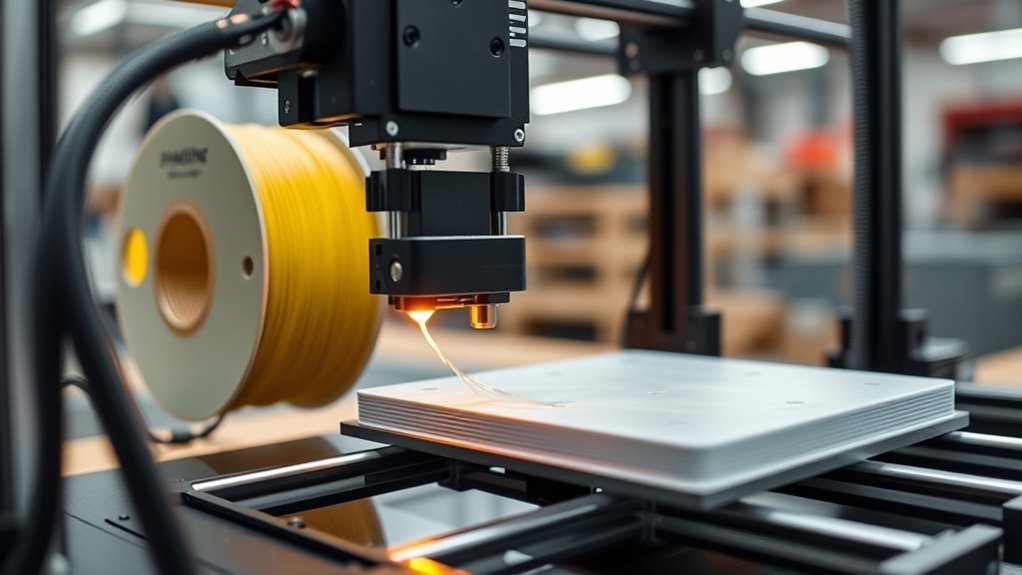
Although FDM printers might seem complex, they work by feeding a thermoplastic filament like PLA or ABS into a heated extruder that melts the material and deposits it layer by layer through a nozzle.
You’ll notice the printer’s motion system moves this nozzle precisely along the X, Y, and Z axes, following instructions from a sliced 3D model in G-code.
Layer height and nozzle diameter control the detail and print time, while print speed and extrusion temperature impact quality and adhesion.
To keep prints stuck down and reduce warping, you can use a heated bed or surface treatments like glue stick or tape.
Cooling fans and retraction settings help avoid issues like stringing and over-extrusion, ensuring your print comes out clean and accurate.
Main Parts of an FDM Printer
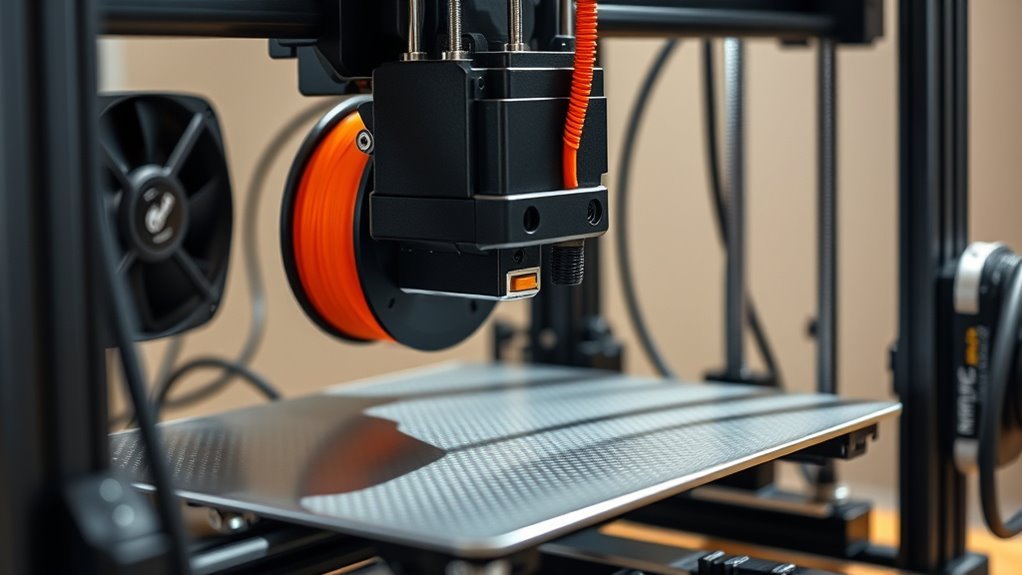
Understanding how an FDM printer works wouldn’t be complete without knowing the main parts that make it all happen. Each component plays a vital role in turning digital designs into physical objects.
The frame supports the entire setup and defines the print size, while the hotend melts filament to build layers precisely. The extruder pushes filament into the hotend, and motion components move everything accurately according to your print instructions.
The heated build plate keeps your print stuck down and prevents warping. It’s pretty cool how all these parts work together to create something from nothing!
Here are the key parts you’ll find:
- Frame: Rigid support, usually steel or aluminum, sets print volume.
- Hotend: Heats and extrudes filament through a nozzle (~0.4 mm).
- Motion System: Motors, belts, rails, and controller coordinate movement.
Materials Used in FDM Printing
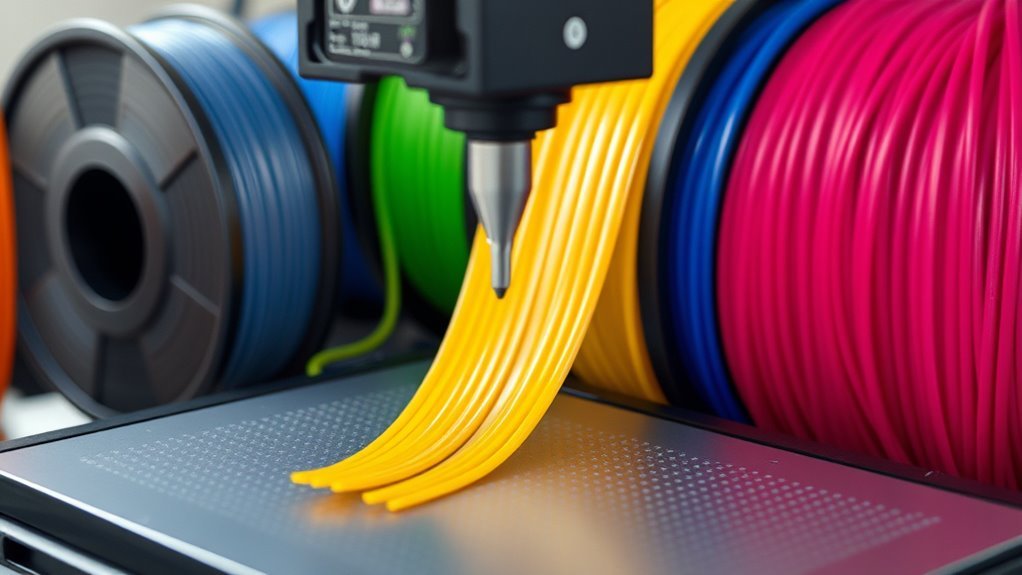
Many different materials are available for FDM printing, each suited to specific needs and printer capabilities. You’ll most commonly use thermoplastic filaments like PLA, ABS, PETG, TPU, and Nylon. These typically come in 1.75 mm or 2.85/3.00 mm diameters.
PLA is beginner-friendly and prints at 180–220°C. It’s biodegradable and has low warping, making it a popular choice for newcomers.
ABS requires higher temperatures, usually between 220–250°C, and a heated bed set at 90–110°C to prevent warping. It’s a bit trickier but great for durable parts.
PETG offers strength and chemical resistance. It prints at 230–250°C with a heated bed around 70–90°C, balancing ease of use and toughness.
Flexible TPU filaments print slower and need specialized extruders to avoid issues. They’re perfect if you want rubber-like flexibility in your prints.
For specialty filaments like carbon-fiber-filled or polycarbonate, you’ll need hardened nozzles and higher temperatures, typically between 260–320°C. Often, an enclosed, heated build area is necessary to guarantee success with these materials.
Differences Between FDM and Other 3D Printing Methods
The variety of materials you can use in FDM printing highlights its versatility, but it’s not the only 3D printing method available. Unlike FDM, which melts thermoplastic filament layer-by-layer, SLA and DLP use light to cure liquid resin. This gives you finer surface details but often comes with higher costs and more complex post-processing.
SLS fuses powdered materials with a laser, producing stronger parts without supports. However, it requires expensive equipment.
Here’s how FDM compares to other methods:
- SLA/DLP: Superior surface finish and finer resolution, but the parts tend to be more brittle. Plus, you have to handle chemicals.
- SLS: Strong, isotropic parts with no need for supports, but it’s pricier and geared towards industrial use.
- FDM: Affordable and accessible, with a broad material range. Just keep in mind the visible layer lines and anisotropic strength.
Pros and Cons of FDM 3D Printers
While FDM printers offer an affordable and accessible way to create functional prototypes and large parts, you’ll need to balance their cost-effectiveness with some limitations like visible layer lines and lower fine-detail resolution compared to resin-based methods.
You’ll appreciate their low hardware cost—desktop models range from $200 to $2,000—and inexpensive filaments like PLA or ABS, usually $20–$50 per kilogram. The workflow is straightforward, making it ideal for beginners.
Affordable desktop FDM printers and filaments make 3D printing accessible and beginner-friendly with a simple workflow.
However, expect a rougher surface finish and challenges with complex overhangs that need supports and post-processing. Mechanical strength varies with print orientation; parts are robust along the filament but weaker between layers due to adhesion issues.
Also, you’ll need to manage routine maintenance—like nozzle cleaning, bed leveling, and moisture control—to keep prints reliable and high quality. It’s not complicated, but it’s something to keep in mind if you want consistent results.
Choosing the Right FDM Printer
Understanding the strengths and limitations of FDM printers helps you make smarter choices when selecting a machine. First, match the build volume to your largest projects—smaller parts need less space, while bigger models require a larger print area.
Focus on layer resolution and nozzle sizes to balance detail against speed. Also, think about whether you need a heated bed or enclosure, especially for materials like ABS or nylon that demand specific temperatures.
Don’t forget the filament drive system: direct drive works better for flexible filaments, while Bowden setups excel at faster printing. Finally, check reliability factors such as firmware compatibility, community support, and warranty coverage.
- Build volume aligned with project size
- Layer height and nozzle versatility
- Heated bed and enclosure for material needs
Common Uses of FDM Printers and Prototyping
FDM printers excel at rapid prototyping by quickly producing durable, functional parts from thermoplastics like PLA, ABS, and PETG. You can create everything from small clips to larger enclosures and concept models in just minutes to hours, depending on size.
Engineers often use FDM for form-and-fit testing, checking ergonomics and assembly clearances with a dimensional accuracy of 0.1–0.5 mm. This makes it easy for you to iterate designs before moving to costly tooling.
Plus, filament materials keep costs low, and machines are affordable for hobbyists and professionals alike. Just keep in mind that FDM parts have anisotropic strength and rougher surfaces, so they might need post-processing or aren’t ideal for very fine features compared to other 3D printing methods.
Tips for Setting Up and Maintaining Your FDM Printer
Creating reliable prototypes and parts is only part of the journey; setting up your printer correctly and keeping it well-maintained guarantees consistent print quality and longevity.
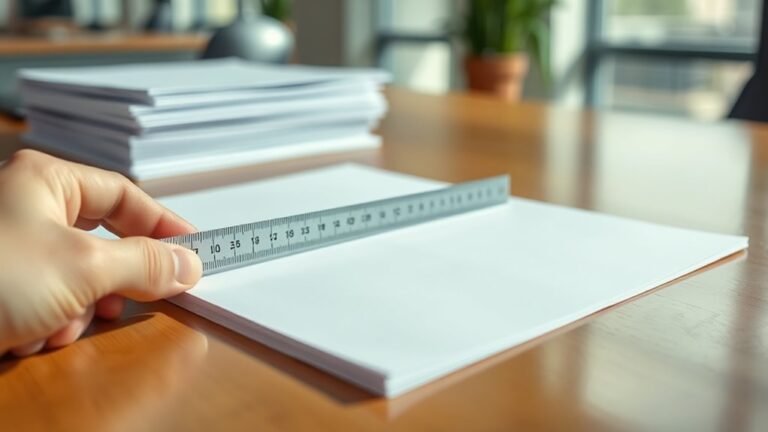
Start by leveling the print bed with a sheet of paper to keep the nozzle-to-bed gap near 0.1–0.2 mm for solid first-layer adhesion. Set nozzle and bed temperatures based on your filament type—PLA, PETG, or ABS—for peak extrusion.
Don’t forget to calibrate your extruder steps/mm to make certain accurate filament flow.
Keep your printer running smoothly by cleaning the nozzle monthly with cold pulls. Also, tightening belts and lubricating rails every 50–100 hours really helps.
Using slicer settings like proper layer height and retraction can minimize print failures too.
These steps help you maintain quality and extend your printer’s life.
Frequently Asked Questions
Is There 5D Printing?
Yes, you can find what’s called 5D printing, but it’s not a standard term.
It usually means multi-axis printing that builds stronger parts by moving the print head or material from different angles.
How Long Does 1 Kg of Filament Last?
Think of 1 kg of filament as a loaf of bread—how long it lasts really depends on your appetite.
Usually, it can print about 8 to 20 medium parts. That could mean anywhere from 20 to 100+ hours of printing time, depending on your settings and how much waste you have.
What Are the Disadvantages of FDM?
You’ll face visible layer lines, limited surface smoothness, and weaker strength between layers. Print speed slows for detail, accuracy isn’t perfect, and reliability issues like nozzle clogs or bed adhesion failures can cause frustrating print failures.
It’s not always the smoothest finish, and sometimes the layers just don’t stick as well as you’d like. Plus, when you want more detail, be ready to wait a bit longer for the print to finish. And let’s be honest, nozzle clogs or bed adhesion problems can really test your patience.
Which Is Better, SLA or FDM?
You’ll find SLA excels with layer heights as fine as 25 microns, perfect for detailed models. It’s great when you need precision and smooth finishes.
But FDM’s speed, cost, and durability make it better for functional parts. Plus, beginners love it for its ease and strength.
Conclusion
Think of your FDM printer like a skilled chef layering ingredients to create a perfect cake—each filament strand adds flavor and structure. Just as a cake needs the right mix and careful baking, your prints rely on quality materials and precise settings.
With over 90% of hobbyists choosing FDM for its ease and affordability, you’re joining a community that turns simple layers into impressive creations. This technology makes 3D printing accessible and fun, whether you’re a beginner or an expert.
So, get ready to bake your ideas into reality! FDM printing combines creativity with practicality, allowing you to build detailed objects layer by layer. It’s a fantastic way to bring your designs to life without breaking the bank or dealing with complex setups. Embrace the world of FDM and start producing amazing prints today!