How Do You Program a 3D Printer in 3 Easy Steps
To program your 3D printer, start by designing a digital model using software like TinkerCAD or Fusion 360. Make sure your design is scaled correctly and ready for printing to avoid any surprises later on.
Next, slice the model in software such as Cura to generate the G-code. Here, you’ll set important parameters like layer height, temperature, and supports. This step is crucial because it tells your printer exactly how to build your object layer by layer.
Finally, load the G-code into your printer and keep an eye on the first few layers to ensure everything looks good. If something seems off, don’t hesitate to adjust the settings and try again. Keep going to uncover tips for mastering each step confidently.
Key Takeaways
- Design or download a 3D model using CAD software and export it as an STL file with correct scale and units. It’s important to get the size right from the start so your print turns out as expected.
- Next, import the STL file into slicing software. Here, you configure your print settings and generate the G-code tailored for your specific 3D printer. This step basically tells the printer how to build your model layer by layer.
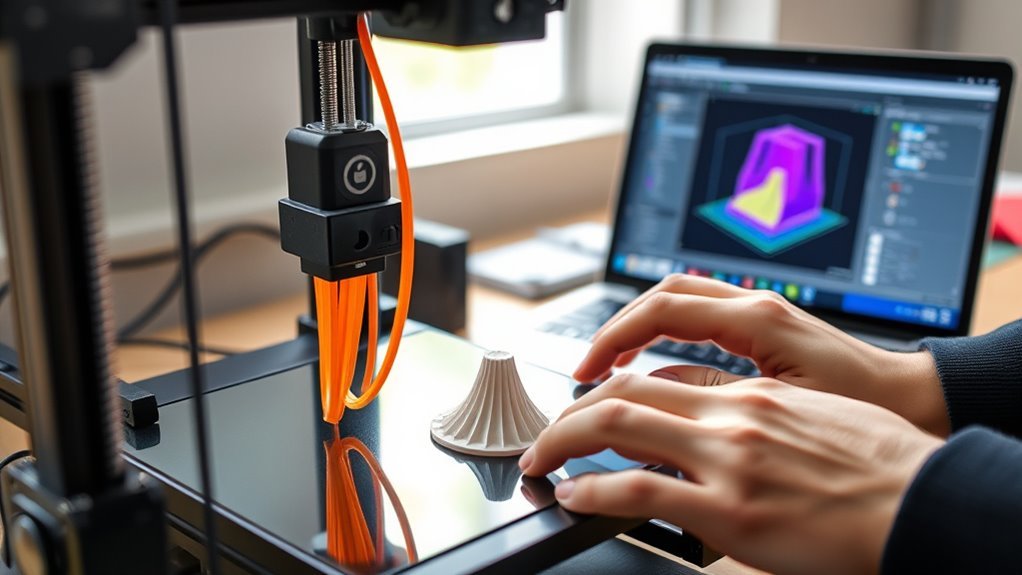
- Before printing, load the filament into your printer and transfer the G-code file. Then, start the print and keep an eye on it to make sure the first layers stick well and the quality stays good throughout.
- Don’t forget to verify your model’s integrity before slicing. You might want to tweak settings like layer height, temperature, and add supports where needed. These adjustments can really improve your final print’s look and strength.
- Finally, clean and level your print bed before starting. After printing, let the part cool down completely before carefully removing it. This helps avoid any damage to your masterpiece.
Preparing and Designing Your 3D Model
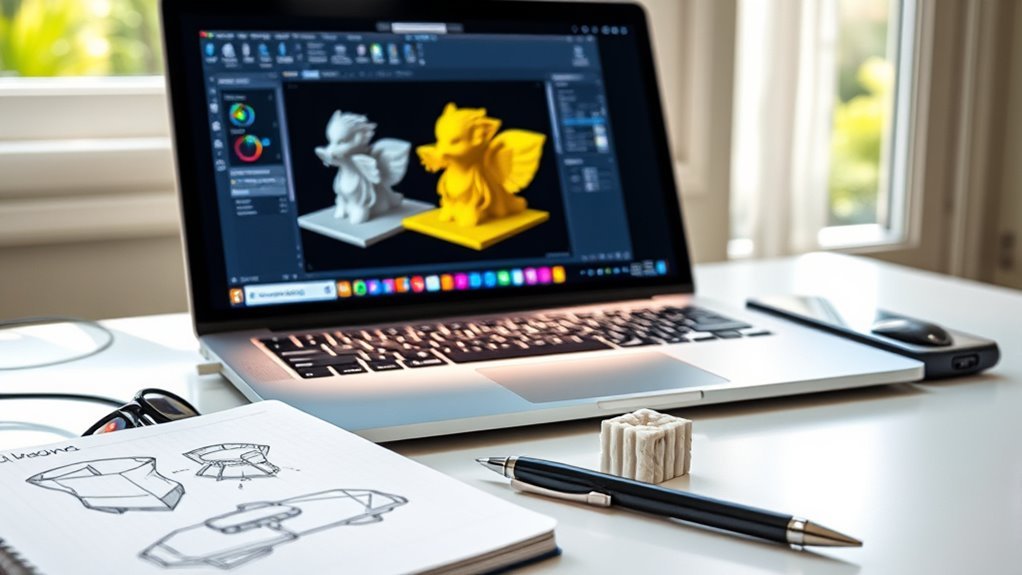
Before you jump into modeling, start by setting up your project with the right units—switch to metric to guarantee your design fits the printer’s build volume and matches real-world dimensions.
Use beginner-friendly modeling software like TinkerCAD or Fusion 360, organizing each part as a separate component to simplify edits.
Design with print quality in mind: keep minimum wall thickness between 1–2 mm, add fillets to reduce stress, and allow 0.2–0.5 mm clearance for snap-fit parts.
Before exporting, inspect your model to make certain it’s manifold, free of holes or flipped normals, and properly scaled.
Finally, export a high-quality STL file with metric units and refined detail to make certain your print comes out perfect without unnecessary supports or material waste.
Slicing the Model and Generating G-code
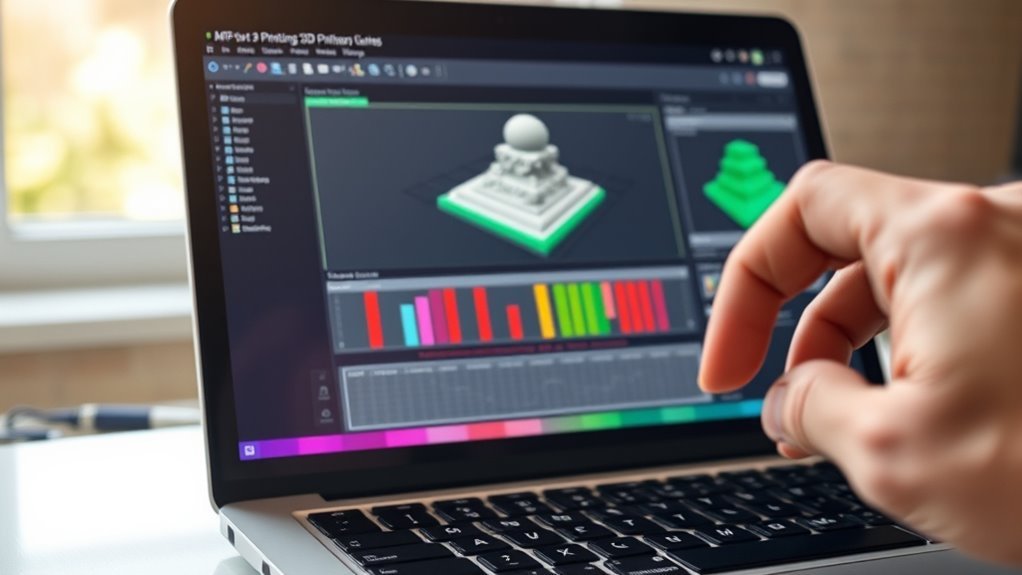
Once your 3D model is perfectly prepared and exported as an STL file, the next step is slicing it to generate the G-code your printer understands. You’ll import the exported STL file into slicing software, which converts your design into layers and creates the precise G-code instructions for your printer.
Focus on choosing slicer settings that fit your filament and print goals, like layer height and temperature. Also, configure supports and print orientation to reduce overhangs and guarantee stability.
Choose slicer settings wisely—adjust layer height, temperature, supports, and orientation for optimal print quality and stability.
Don’t forget to preview sliced layers to check for errors, filament usage, and estimated print time. After perfecting these settings, export the G-code tailored to your printer’s profile.
This G-code file directs the printer’s movements and extrusion, making your design ready for the actual printing process. It’s pretty exciting to see your digital model come to life!
Printing and Monitoring Your 3D Print Job
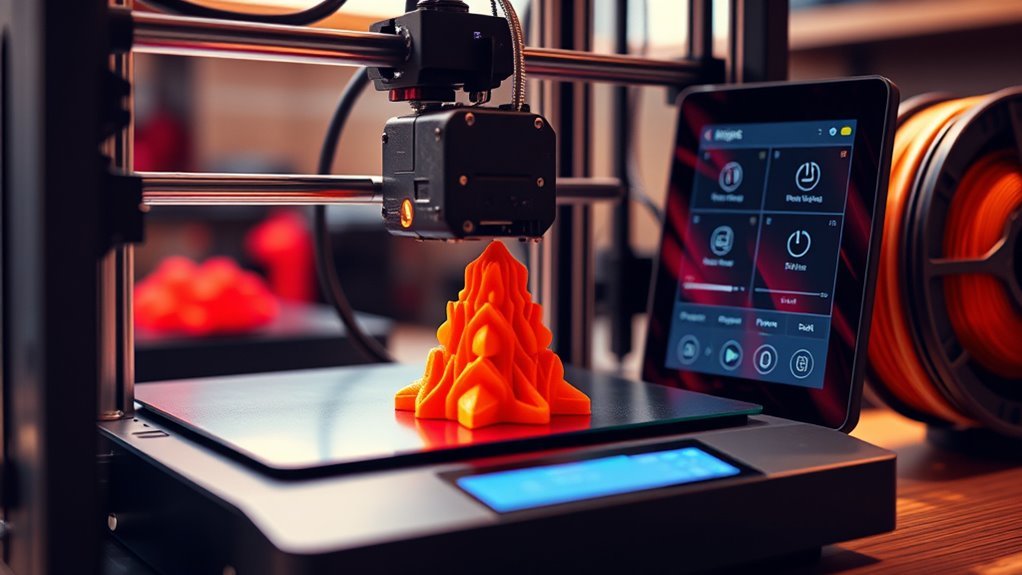
You’ll usually start your print by ensuring the bed is clean and leveled, the filament is loaded correctly, and the G-code matches your printer and filament settings.
Using your printer’s software or web interface, begin the job and make sure to monitor the first few layers closely. This next step is essential to check adhesion and extrusion quality, preventing issues like gaps or squishing.
Use live monitoring tools or built-in failure detection to spot problems such as layer shifting or filament runout early. Track print progress through your software’s UI, keeping an eye on estimated time and filament usage.
After printing, let the part cool before removal and carefully clean supports. Always record settings and results to improve future prints.
Frequently Asked Questions
What Coding Language Do 3D Printers Use?
You’ll primarily work with G-code, a plain-text language that controls your printer’s movements.
For firmware, you’ll encounter C/C++, and Python’s common for host tools or automation. Configuration often uses JSON or INI files.
It’s pretty straightforward once you get the hang of it, and knowing these languages can really help you customize your 3D printing experience.
What Are the Steps to Using a 3D Printer?
You know what they say, “Measure twice, cut once.” First, get your 3D model and slice it to create the G-code.
Then, prepare your printer. Make sure everything’s set up right before you start printing.
Once you begin, keep an eye on the process to catch any issues early. When it’s done, finish up by post-processing your creation.
Easy!
Do I Need a Program for 3D Printing?
Yes, you need slicer software to prepare your 3D model for printing. It converts your design into G-code, which your printer understands.
You don’t write code manually but adjust slicer settings for best results. This makes the process a lot easier and more efficient.
How to Make a 3D Printer File for Beginners?
Oh, making a 3D printer file is rocket science, right? Actually, just design your model in TinkerCAD, export it as STL, then slice it with Cura or PrusaSlicer to create the printable G-code file.
Easy!
Conclusion
Now that you’ve prepared your model, sliced it, and started printing, you might wonder if programming a 3D printer is really that simple. It is! By breaking it down into these three clear steps, you see how each part flows into the next, making the process manageable and even fun.
Trust the rhythm of designing, slicing, and printing—you’ll find 3D printing isn’t just techy jargon but a creative rhythm you can master easily. Programming a 3D printer involves understanding your design, slicing it correctly, and then letting the printer do its magic.
Once you get the hang of these steps, the whole process feels natural. So, whether you’re a beginner or looking to refine your skills, remember that programming a 3D printer can be straightforward and enjoyable. Just follow these three easy steps, and you’ll be creating amazing prints in no time!