10 Key Features to Look for When Buying a 3D Printer
When choosing a 3D printer, it’s important to focus on key features that will make your printing experience smooth and successful. Start by looking for a large and usable build volume, so your projects have plenty of space to come to life. Also, a reliable heated bed and enclosure help prevent warping, which keeps your prints looking great.
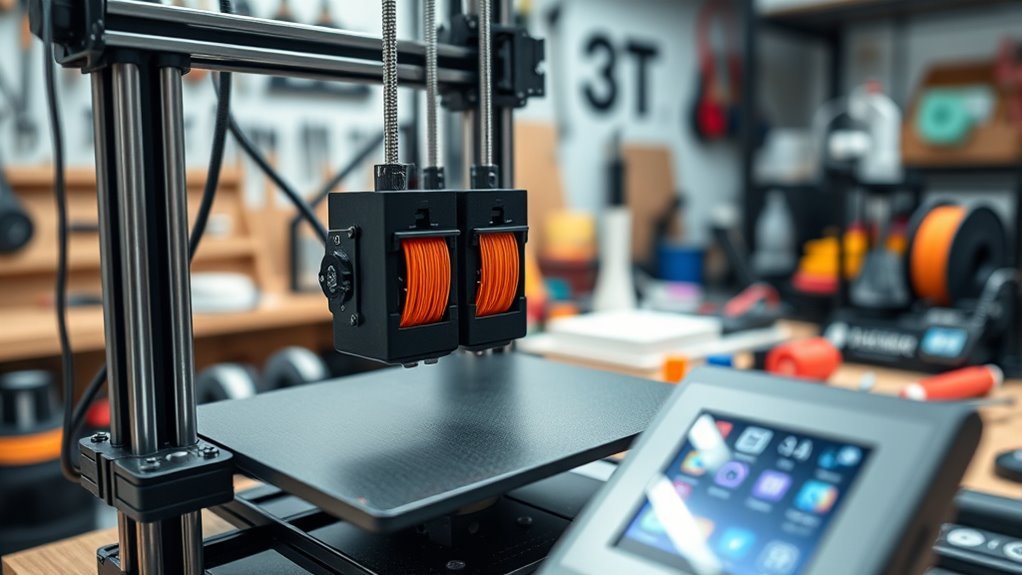
Make sure the printer offers fine print resolution with precise layer height for detailed results. A stable metal frame adds accuracy and durability to your machine. If you want to experiment with multi-material prints, consider a model with dual extruders.
Don’t forget to check compatibility with the filament types you plan to use. Robust software and easy connectivity options can simplify your workflow.
Lastly, useful accessories and responsive customer support will keep you covered when questions arise. These features together ensure consistent, high-quality printing every time.
Key Takeaways
– Ensure the printer’s build volume fits your largest projects without splitting parts.
It’s super important to have enough space so you don’t have to break up your designs.
– Look for a heated bed and enclosure to reduce warping and improve print adhesion.
These features really help keep your prints stuck down and prevent those annoying warps.
– Choose printers with precise temperature control for bed and hotend, supporting specialty filaments.
This way, you can experiment with different materials without worries.
– Prioritize mechanical stability with rigid frames and quality linear motion components for accuracy.
A solid build means your prints come out sharp and consistent every time.
– Consider multi-extruder options if multi-color or soluble support printing is needed.
It opens up more creative possibilities and makes complex prints easier to manage.
Build Volume and Print Size
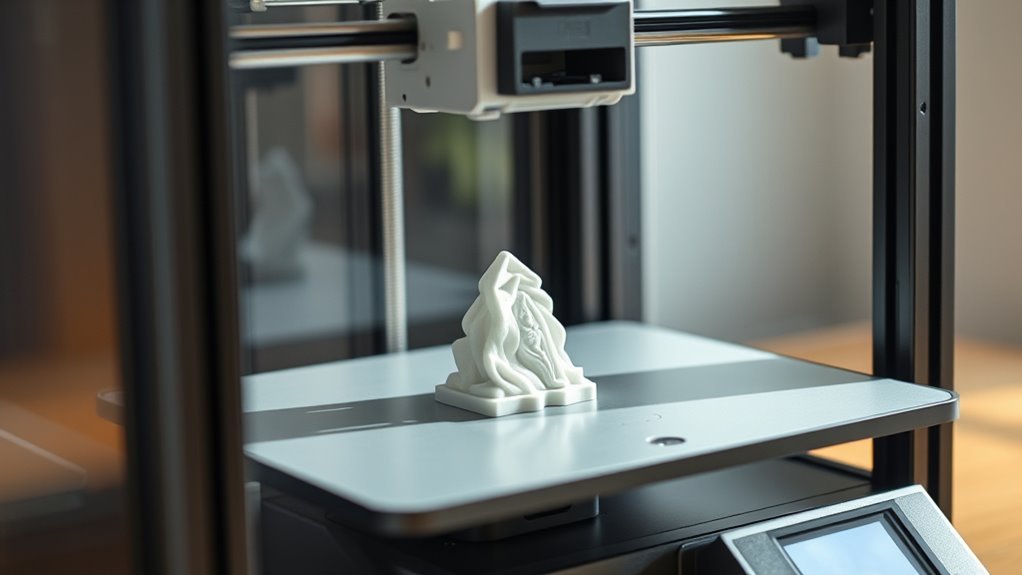
When choosing a 3D printer, you should check the maximum build volume (X × Y × Z) to guarantee your largest parts fit without splitting. Typical desktop printers offer around 220 × 220 × 250 mm, while larger hobby models can reach 300 × 300 × 400 mm or more.
Keep in mind, bigger build volumes usually mean higher costs and greater risk of print failure—one layer shift can ruin a large print. Heated beds and enclosed chambers become more vital as build volume increases to prevent warping with materials like ABS and Nylon.
Also, verify the usable build volume, since some printers’ advertised sizes exclude areas blocked by the gantry or extruder. Removable or modular build plates can help you easily remove large prints without damage.
Print Resolution and Layer Height
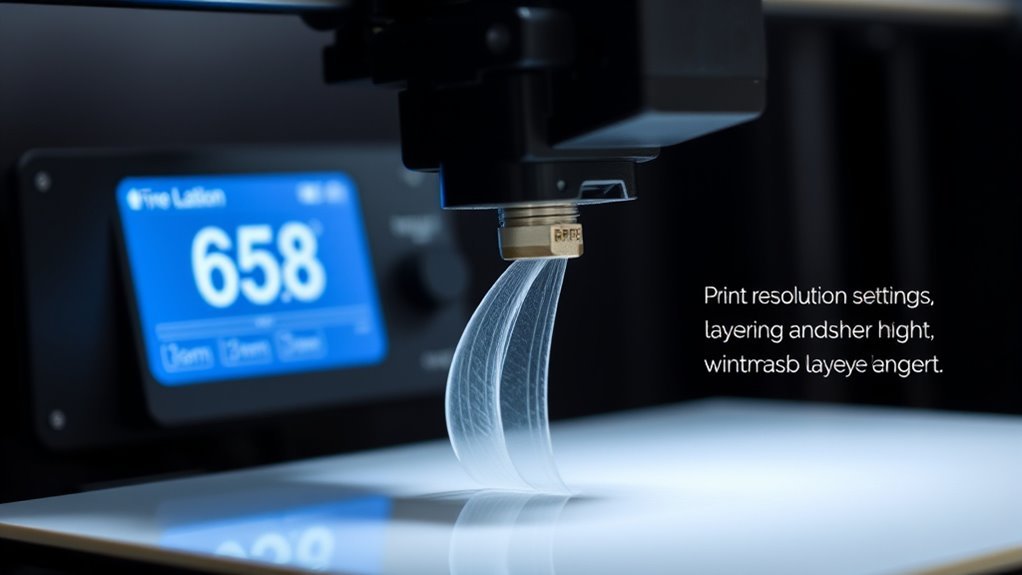
Although print resolution often gets measured by layer height in micrometers, you should consider both vertical and horizontal detail to get the quality you want. Layer height (Z) usually ranges from 100 to 300 µm for most consumer printers, with high-detail models reaching 25–50 µm.
Lower layer heights deliver smoother surfaces but increase print time markedly. Horizontal detail depends on nozzle size and mechanics—a 0.4 mm nozzle limits minimum feature width, while a 0.2 mm nozzle lets you achieve finer resolution.
Keep in mind slicer settings and filament behavior also affect print resolution. For everyday functional parts, 100–200 µm balances speed and finish well.
Reserve ultra-fine layers for small display models where detail is critical. Choose a printer that matches the print resolution you need for your projects.
Number of Extruders
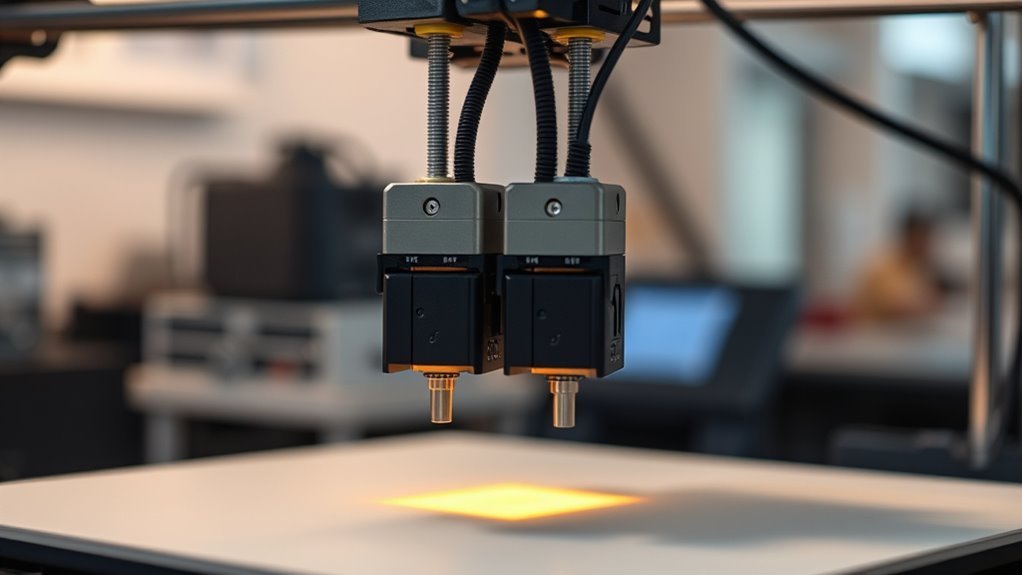
Choosing the number of extruders on your 3D printer directly impacts your printing capabilities and complexity. Single-extruder models keep things simple and affordable. They’re perfect if you mostly print with one filament.
Dual extruders open new doors, letting you print multi-color or multi-material objects, including soluble supports for complex parts. However, more extruders mean extra calibration, maintenance, and higher costs.
| Extruders | Benefits | Considerations |
|---|---|---|
| Single | Simple, cost-effective | Limited to one filament/color |
| Dual | Multi-color/material printing | Calibration, higher cost |
| Multi (3+) | Multiple filaments ready | Complex setup, more upkeep |
| Dual (single hotend) | Filament swapping | Slightly slower, simpler design |
Choose based on your needs and willingness to handle extra maintenance for dual extruders’ enhanced capabilities. It’s all about balancing what you want to print with how much effort you’re ready to put in.
Print Speed and Efficiency
Boost your printing efficiency by understanding how speed settings and hardware choices affect your 3D printer’s performance. Print speed typically ranges from 20 to 150 mm/s. Faster speeds cut print times but may require fine-tuning and can reduce part quality.
You should also consider layer height. Halving it doubles print time but improves surface smoothness. Mechanical design plays a pivotal role here.
Rigid frames, quality motors, and higher acceleration capabilities let you push print speed without sacrificing reliability. Using larger nozzle diameters speeds up extrusion for big, less-detailed parts but lowers XY resolution.
Features like heated or enclosed beds guarantee faster first-layer adhesion. Meanwhile, auto-bed leveling and filament runout sensors minimize setup and interruptions, boosting overall print speed and efficiency.
Material Compatibility and Filament Types
You’ll want to check which filament materials your 3D printer supports, since basic models handle PLA and PETG well. But printing ABS, Nylon, or TPU requires extra features like a heated bed and higher temperatures.
If you need specialty filaments or soluble supports, look for printers with multi-extruder setups. Also, keep in mind the cost and storage needs of different filaments to avoid printing issues down the line.
Supported Filament Materials
When selecting a 3D printer, consider which filament materials it supports, as compatibility directly affects your printing options and quality. Before buying a 3D printer, make certain it handles the filament diameter you prefer—most use 1.75 mm for the best filament availability and cost.
Check if the printer supports common materials like PLA, PETG, and ABS, and whether it has a heated print bed for better adhesion. If you plan on using specialty filaments later, make sure the hotend reaches the required temperatures without issues.
Also, verify filament runout sensors to avoid print failures. One time you skip these checks, the filament might not be laid properly, and print quality suffers.
Consider before buying to avoid frustration—choosing the best 3D printer means matching its supported materials to your needs.
Specialty Filament Options
Diving into specialty filament options means checking your printer’s compatibility beyond standard materials. First, confirm the filament diameter—most printers use 1.75 mm, offering the widest material and nozzle variety, while some older models use 3.00 mm.
Next, make sure your printer’s hotend and bed can reach the necessary temperatures: PLA prints around 180–220°C with a 20–60°C bed, but advanced filaments like PC or PEEK require 300°C+ and heated, enclosed chambers.
If you want to print complex parts with soluble supports like PVA, a dual-extruder printer is essential. Also, consider filament storage since hygroscopic materials like Nylon need drying to avoid brittleness.
Finally, check the cost and availability of specialty filaments and whether your printer requires hardened nozzles for abrasive composites.
Heated Bed and Enclosure Features
You’ll want a heated bed and enclosure to prevent warping and improve adhesion, especially with materials like ABS and Nylon. Controlling temperature tightly helps keep your prints stable and reduces defects like layer delamination.
Make sure your printer’s bed and enclosure can handle the specific temperature needs of your chosen filaments. It really makes a difference in print quality and reliability.
Warping Prevention Benefits
Often, preventing warping starts with a heated bed and an enclosed build chamber, which work together to maintain stable temperatures during printing.
A heated bed, typically between 50–110°C, reduces first-layer cooling and stops edges from lifting—vital for materials like ABS, Nylon, and large PLA prints where temperature differences cause warping.
An enclosure keeps the ambient temperature steady, cutting thermal gradients that lead to part distortion and boosting success with heat-sensitive filaments such as ABS and PC.
For bigger prints over 200 × 200 × 200 mm, this combo becomes even more essential, as longer prints increase warpage risk.
When paired with adhesive surfaces and precise bed leveling, these features notably minimize layer separation and ensure stronger, warp-free prints.
Material Compatibility Impact
When printing with materials like ABS, Nylon, or PETG, a heated bed becomes essential because it keeps the first layer firmly attached and prevents edge lifting.
Beyond the heated bed, an enclosure plays a vital role in expanding material compatibility. It stabilizes the internal temperature, reducing rapid cooling and layer delamination, especially with high-temp filaments like ASA or PC.
Plus, an enclosed printer helps manage hygroscopic materials such as Nylon by allowing filament dryers or sealed compartments to reduce moisture issues.
Consider these key factors for material compatibility:
- Heated bed temperature range (50–110°C) suitable for warp-prone filaments
- Enclosure’s ability to maintain consistent ambient conditions
- Support for filament drying and tolerance to specialty material requirements
Temperature Control Importance
Mastering temperature control is essential for reliable 3D printing, especially with warp-prone or high-temp materials. A heated bed, typically ranging from 60 to 110°C, keeps the first layer firmly adhered, reducing curling for materials like ABS, Nylon, and PETG.
Look for precise bed temperature control within ±1–2°C and fast heating to minimize print failures. An enclosed build chamber stabilizes ambient temperature, preventing warping and delamination, which is vital for tall prints and filaments such as ABS and PC.
If you plan to print high-temperature or multi-material filaments, make certain the hotend reaches 260–300°C or more. Additionally, active chamber heating or insulation with controllable vents and HEPA or carbon filters helps manage fumes safely while maintaining ideal print conditions.
Frame Stability and Motion Precision
Because frame stability directly impacts print quality, choosing a rigid metal frame like aluminum or steel can markedly reduce vibration and layer artifacts compared to acrylic or plastic alternatives. This improves dimensional accuracy by several tenths of a millimeter on typical FDM prints.
To make certain precise motion control, focus on these key elements:
- Use linear motion components like precision rails (MGM/MGN) or high-quality ball-bearing rods for smoother, repeatable positioning and reduced ghosting.
- Opt for lead screws or trapezoidal screws with minimal backlash (≤0.1 mm axial play) on the Z axis to prevent wobble and maintain consistent layer height.
- Select wide, high-quality belts (such as 9 mm GT2) with proper tension on the X/Y axes to reduce stretch and improve positional repeatability.
These features collectively enhance print accuracy and surface finish.
Software and Connectivity Options
You’ll want a 3D printer that works smoothly with popular slicer software and supports common file formats like STL or OBJ. Check for multiple connectivity options, including Wi-Fi and Ethernet for remote access. Plus, USB or SD card as reliable backups.
Also, make certain the firmware is updatable and supports features like filament runout detection to keep your prints on track. It’s always good to have those extra safeguards in place!
Compatible Software Platforms
How do you guarantee your 3D printer works seamlessly with your preferred software and devices? Start by ensuring it supports common slicers like Cura, PrusaSlicer, or Simplify3D. Also, make sure it accepts standard G-code exports so you won’t be stuck with one vendor.
Next, confirm it’s compatible with essential file formats such as STL, OBJ, AMF, and 3MF. This is especially important if you use multi-extruder setups or need support material settings.
Finally, check for companion apps or APIs like OctoPrint for remote control and real-time monitoring. These tools can make managing your prints way easier and more flexible.
Key points worth taking into account:
- Support for popular slicers and open G-code compatibility
- Compatibility with standard 3D file formats and advanced toolpaths
- Availability of companion apps or API support for remote management
Wireless and Wired Connectivity
Along with software compatibility, the ways your 3D printer connects to devices can greatly impact your printing experience. Make sure it supports both wired options like USB, USB-C, or Ethernet and wireless connections such as Wi-Fi or Bluetooth. This flexibility lets you print directly from your PC, smartphone, or networked slicer without swapping SD cards.
Look for printers with built-in web interfaces or cloud platforms for remote monitoring, file uploads, and webcam livestreaming—essential for long prints. Also, verify input methods like SD card, USB drive, and Wi-Fi transfer, plus handy features like filament runout detection and power-loss resume.
If your printer will join a shared network, check for strong security options like WPA2 Wi-Fi and firmware signing. You want to keep your prints safe from unauthorized access, right?
File Format Support
When selecting a 3D printer, make certain it supports the file formats your projects require. Most consumer printers accept STL and OBJ files, while advanced models and resin printers also handle 3MF and AMF, which retain color and material data.
You’ll also want to confirm slicer compatibility, assuring your printer works with outputs like G-code or proprietary formats. Finally, check connectivity options—USB, SD card, Wi-Fi, Ethernet, or cloud services—to streamline your workflow.
- Verify native file format support (STL, OBJ, 3MF, AMF) based on your print needs.
- Assure slicer software compatibility with your printer’s accepted file types.
- Confirm convenient file transfer methods and software update policies for seamless operation.
Required Accessories and Maintenance Tools
To keep your 3D printer running smoothly, you’ll want to stock up on essential accessories and maintenance tools. Budget for spare nozzles—commonly 0.4 mm and 0.2 mm sizes—since you’ll need to replace them periodically. Consider different materials like brass or hardened steel, costing roughly €2–€15 each.
A removable or flexible build plate, along with a PEI sheet and print bed adhesive (glue stick or hairspray), will make part removal easier and protect your heater bed. To prevent moisture-related print failures, invest in a filament dryer or dry box and airtight storage with desiccant.
Keep a maintenance toolkit with cleaning needles, spare PTFE tubes, hex keys, tweezers, calipers, and isopropyl alcohol. Also, stock extra thermistors, heater cartridges, belts, fans, and filament to minimize downtime from common issues. It’s all about being prepared so your prints keep coming out great!
Customer Support and Documentation Availability
Although a great 3D printer is essential, reliable customer support and clear documentation will save you time and frustration. Before buying, verify the manufacturer offers multiple support channels like phone, email, and live chat with quick response times.
Thorough, searchable online resources including user manuals, troubleshooting guides, and tutorials are vital—missing downloadable PDFs is a red flag. Also, check for localized support and spare parts availability to avoid costly delays.
- Confirm warranty terms and whether on-site service or return shipping is needed.
- Look for a robust knowledge base with video tutorials and firmware updates.
- Make certain support is available in your region to reduce downtime and shipping costs.
Prioritize these to keep your 3D printing experience smooth and efficient. Trust me, it makes a big difference!
Frequently Asked Questions
What to Look Out for in a 3D Printer?
You should check build volume, material compatibility, and bed features like auto-leveling. Extruder type, nozzle sizes, and electronics such as filament sensors are important too.
These factors affect print quality, ease of use, and reliability. So, make sure to choose based on what you actually need.
What Are the Characteristics of a Printer?
A 3D printer’s characteristics include build volume, layer resolution, extruder count, heated chamber, filament compatibility, and feed system.
You’ll want to contemplate these to guarantee it matches your project size, detail needs, and material preferences. It’s all about making sure your printer fits what you’re aiming to create.
Do You Need a Computer for a 3D Printer?
You don’t always need a computer to run a 3D printer since many print directly from SD cards or USB drives.
But you’ll need one for slicing, firmware updates, real-time control, or designing complex models.
What Are 5 Benefits of 3D Printing?
You get rapid prototyping, low-cost customization, and the ability to create complex geometries. On top of that, 3D printing allows for on-demand production, which helps reduce inventory needs.
Plus, there’s a wide variety of materials and functions you can work with. These benefits really speed up your design process and help cut costs effectively. It’s pretty impressive how much it can streamline things!
Conclusion
Choosing the right 3D printer can feel like finding a needle in a haystack, but focusing on these key features makes it much easier. By considering build volume, print resolution, material compatibility, and more, you’ll avoid costly mistakes and get a machine that meets your needs perfectly.
With the right printer in your hands, you’ll be creating masterpieces faster than a lightning bolt strikes—turning your ideas into reality with incredible precision and speed. So when buying a 3D printer, pay close attention to these important factors.
This way, you can ensure your investment delivers high-quality prints, supports the materials you want to use, and fits your workspace. Ultimately, understanding these key features will help you choose the best 3D printer for your projects, making your creative journey smoother and more rewarding.