Blog

  • 7 Key Factors Affecting How Much a 3D Printer Does Cost

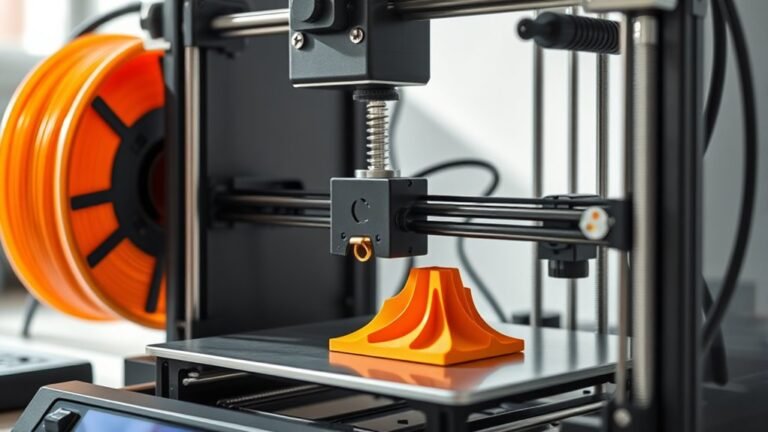
    Several key factors affect how much your 3D printer will cost. The printing technology you choose influences upfront and maintenance expenses. Build volume determines project size and efficiency.

    Higher print quality reduces waste but can raise prices. Material options impact ongoing costs, especially with specialty filaments. Brand reputation ensures dependable support, while print speed boosts productivity.

    Plus, advanced features can add to the price but increase value. Keep exploring to see how these elements shape your ideal printer choice.
  • How Much Does a 3D Printer Cost?

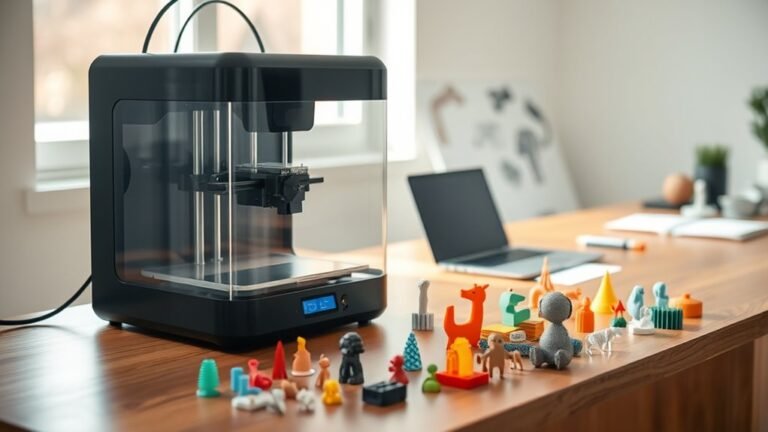
    You can get a basic 3D printer for around $100 to $300, perfect if you’re just starting or on a budget.

    More advanced hobbyist models usually cost $300 to $1,000, offering better features and larger build volumes.

    Professional-grade printers range from $1,000 up to $5,000, while industrial machines with specialty materials can top $100,000.

    Keep in mind, materials and maintenance add ongoing costs.

    If you want to understand what affects these prices and how to choose wisely, you’re in the right place.

  • How to Set Up Wireless Printer in 3 Easy Steps

    First, make sure your printer is on and near your Wi-Fi router, with your network name (SSID) and password handy. Then, use the printer’s setup menu to select your Wi-Fi network and enter the password exactly as it appears.

    Once connected, add the printer to your device through your system settings or app. Following these simple steps gets you printing wirelessly fast.

    And hey, you can always explore more tips to optimize your setup and troubleshoot if needed. It’s easier than you think!

  • How to Identify the Size of a Normal Piece of Printer Paper

    You can identify your printer paper’s size by measuring the shorter side (width) first, then the longer side (height) using a ruler in millimeters or inches. Compare these dimensions to common standards like US Letter (8.5×11 in) or A4 (210×297 mm).

    Check if the aspect ratio matches A-series paper for extra accuracy. Also, inspect your printer tray guides and settings for supported sizes.

    Keep exploring to discover tips for handling custom sizes and paper weight choices. It’s easier than you think once you get the hang of it!

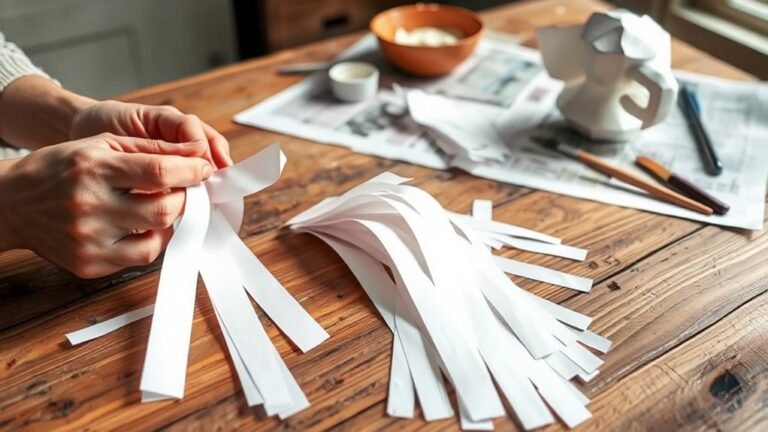
  • How You Can Use Printer Paper for Paper Mache Projects

    You can easily turn printer paper into strong paper mache by tearing it into small strips and soaking them until pliable. Use simple pastes like flour-based or glue mixes to bind layers.

    Apply at least three thin, crosshatch layers for durability, then shape creative projects like masks or decorative bowls. Finish with paint and sealant for vibrant, lasting results.

    With proper steps, you’ll achieve flexible, detailed sculptures and discover more handy tips for successful crafting ahead.

  • How Much Does a 3D Printer Cost?

    You can find 3D printers priced from under $100 to over $100,000, depending on the type and features.

    Budget FDM or resin printers cost around $100–$300, while advanced hobbyist models range from $300 to $1,000. Industrial printers and specialty materials push costs much higher.

    Resin printing tends to have pricier consumables and post-processing compared to FDM.

    If you want to understand how materials, upgrades, and usage influence your overall expenses, keep exploring these factors.

  • What to Do With an Old Printer: 7 Tips for Selling or Donating

    Before selling or donating your old printer, clear all personal data, including saved documents and network settings. It’s super important to protect your privacy.

    Test its functions and clean the printheads. Also, think about whether repairing it is worth your time and money.

    Price it fairly by checking online listings. Taking clear photos will help your sale go smoothly.

    Use safe selling practices or choose local donation options to avoid any disputes. If selling isn’t your thing, recycling through scheduled local e-waste programs is an easy way to get rid of it.

    Keep going to discover detailed tips on each step. You’ll find it’s easier than you think!

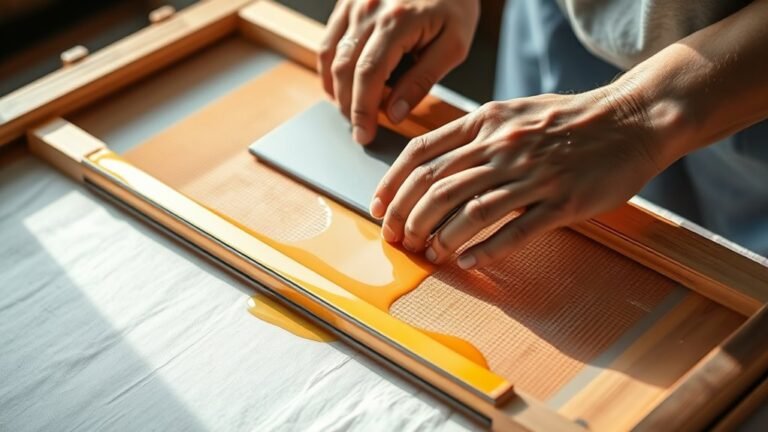
  • What Is a Screen Printer?

    A screen printer helps you create vibrant, lasting designs by pushing ink through a mesh stencil onto fabric or surfaces. You prepare screens with light-sensitive emulsion, expose them to UV, and use squeegees to transfer each color layer precisely.

    You’ll select mesh counts and inks based on your project, often pre-treating fabrics for better adhesion. Multi-color prints require careful alignment and curing to guarantee durability.

    Keep exploring to uncover how every step makes your prints stand out.

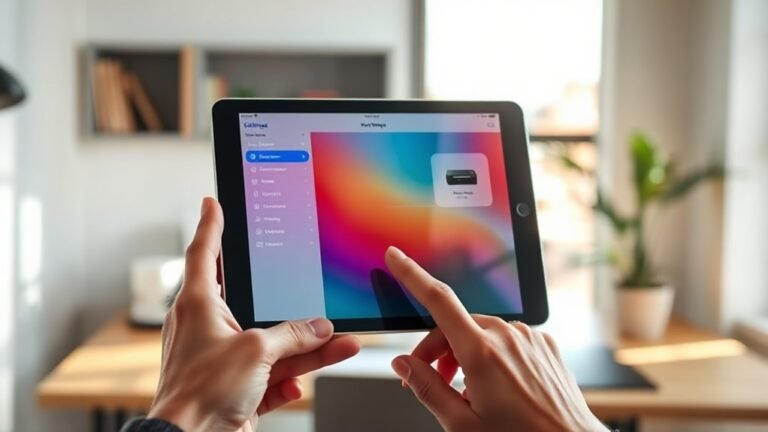
  • How to Find a Printer on iPad in 10 Easy Steps

    To find a printer on your iPad, first confirm it supports AirPrint and connect both devices to the same Wi-Fi network. Open the document or photo you want to print, tap the Share button, and select Print.

    Choose your printer from the list; if it doesn’t appear, restart devices or add it manually using its IP address. You can also use the printer’s official app to connect.

    Manage your print jobs easily from the Print Center. Keep exploring to master smooth and efficient printing.

  • How to Setup HP Printer in 10 Easy Steps

    To set up your HP printer, start by unboxing and removing all protective materials. Power it on and follow the on-screen prompts to choose your language, region, and time.

    Next, connect to Wi-Fi via the touchscreen or use the HP Smart app if needed. If that’s not an option, you can connect with a USB cable and install drivers from HP’s site.

    Make sure to update your firmware regularly. Then, print a test page and keep the paper path clean for the best results.

    Keep going! You’ll want to master troubleshooting and advanced configurations to ensure smooth printing every time.