How to Use the Printer at Staples in 7 Easy Steps
To use the printer at Staples in 7 easy steps, first prepare your document by saving it as a PDF with clear margins and high-quality images. Next, upload your file online, by email, or via USB at the store.
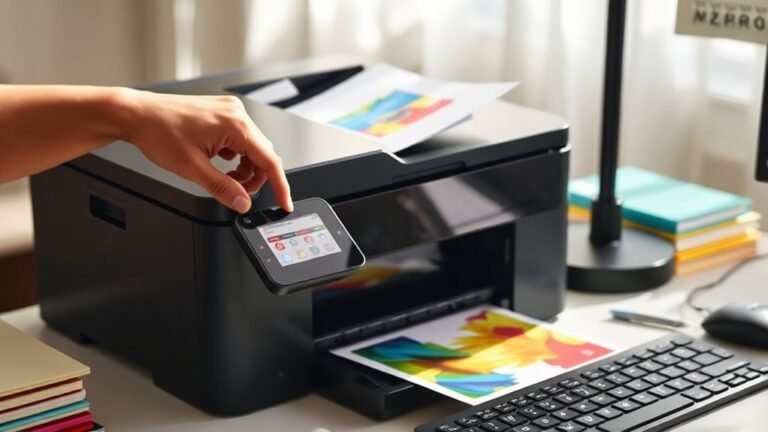
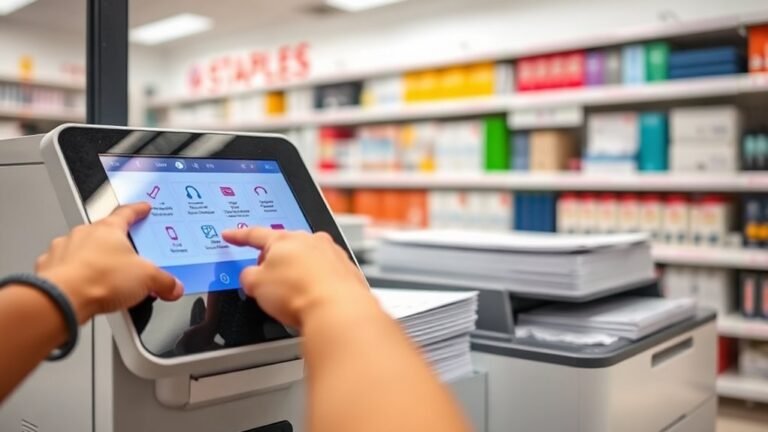
Find the kiosk near the front, select your print settings like paper type and quality, then pay using a card. After that, pick up your prints with the provided code.
Follow these steps, and you’ll handle common issues like a pro as you go. It’s pretty straightforward once you get the hang of it!