What Is a Cricket Printer and How Does It Work?
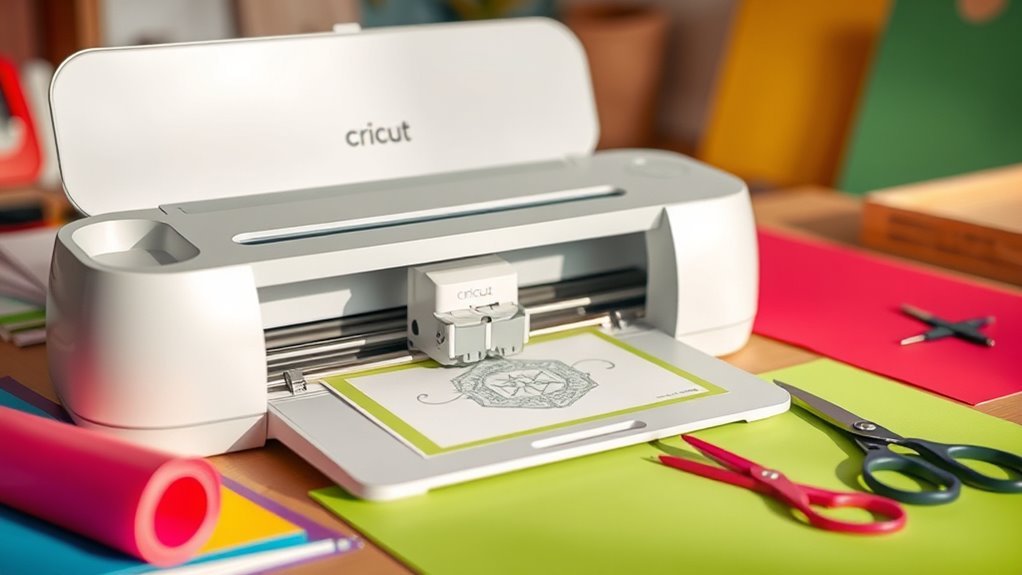
A Cricut machine isn’t a printer but a precision cutting tool that crafts intricate designs on materials like paper, vinyl, and fabric. It’s a popular crafting device that helps you create everything from custom stickers to personalized home decor. You create or select your design in Cricut Design Space, then send it to the machine.
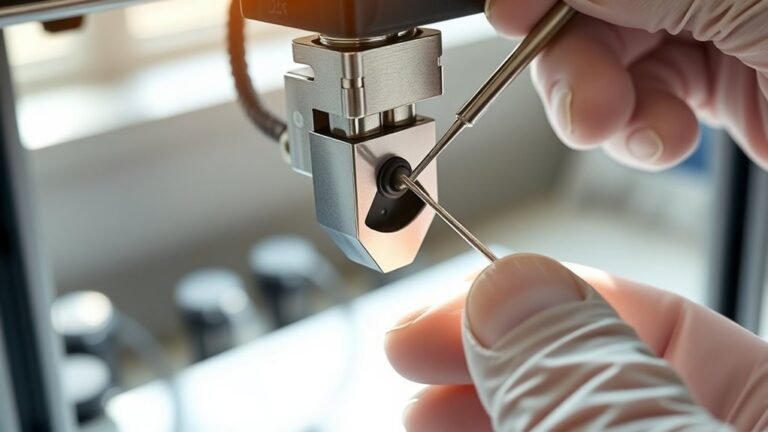
The Cricut uses specialized blades and tools to cut, draw, or emboss your project with amazing accuracy. It handles everything from thin cardstock to leather, adjusting settings automatically based on your material. So, whether you’re a beginner or a seasoned crafter, it makes your projects look professional.
If you want to explore popular models, tools, and project ideas, there’s plenty more to discover. The Cricut community is full of inspiration and tips to help you get started or take your crafting to the next level.
Key Takeaways
- A Cricut machine is a cutting device that precisely cuts designs from materials like paper, vinyl, and fabric.
- Designs are created or selected in Cricut Design Space and sent to the machine for cutting or drawing.
- The machine uses different blades and tools, adjusting pressure and speed based on material type.
- Materials are loaded on sticky cutting mats or Smart Materials for matless cutting depending on the model.
- After cutting, excess material is weeded away to reveal the finished design for crafting projects.
What Is a Cricut Machine?
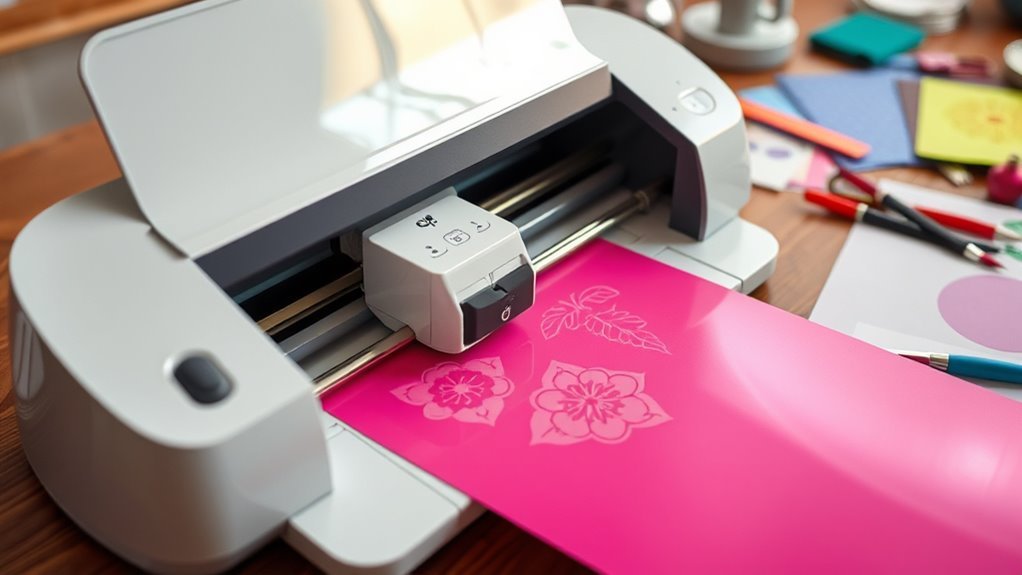
A Cricut machine lets you cut intricate designs from various materials like paper, vinyl, and fabric with precision. You start by creating or selecting your design in Cricut Design Space on your computer or mobile device.
Once your design is ready, you load your chosen material onto a sticky cutting mat and insert it into the Cricut machine. The Cricut Maker, for example, can handle over 300 materials and uses different tools for cutting, drawing, or embossing.
The machine follows your digital design exactly, making precise cuts on various materials. After cutting, you remove the mat and carefully weed away the excess material to reveal your design.
This process lets you craft personalized projects easily and accurately. It’s a fun, creative way to bring your ideas to life!
Popular Cricut Models and What They Can Do
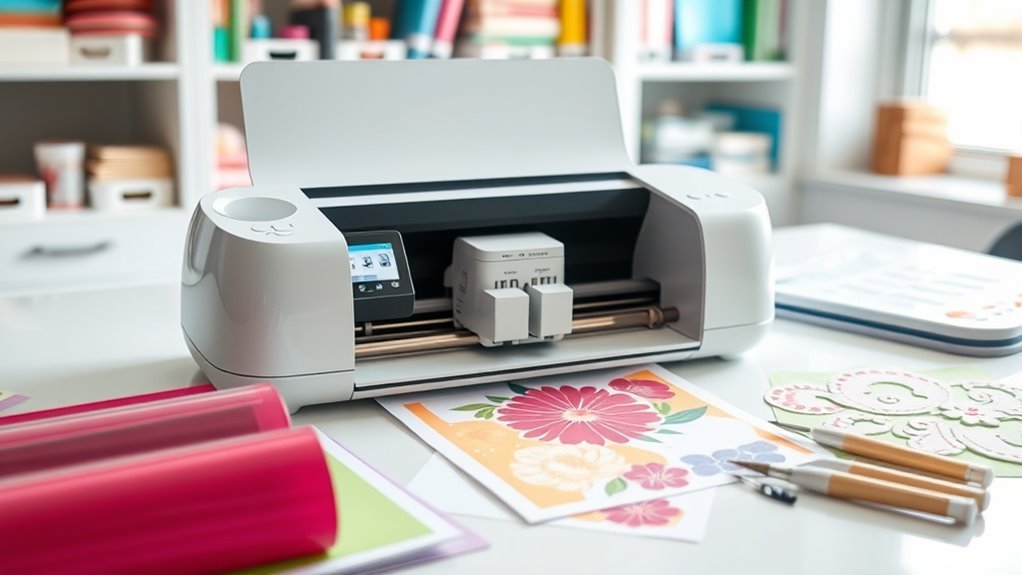
You’ll find three main Cricut models to choose from: Maker 3, Explore 3, and Joy. Each one is designed for different project needs and material types.
The Maker 3 handles the widest range of materials and larger cutting sizes. On the other hand, Explore 3 and Joy focus on lighter crafts with smaller cut widths.
Knowing their material compatibility and cutting size limits will help you pick the right machine for your projects. It’s all about matching the machine to what you want to create!
Cricut Model Overview
Several Cricut models cater to different crafting needs, from beginner projects to professional-grade creations. Whether you choose the Cricut Maker 3, Cricut Explore 3, or Cricut Joy, each machine offers unique features, tool compatibility, and Smart Materials support.
The Maker 3 handles over 300 materials, while the Explore 3 manages 100+ materials. The Joy, on the other hand, excels in small, portable projects.
| Model | Max Material Width | Smart Materials Matless Cut | Tool Compatibility |
|---|---|---|---|
| Cricut Maker 3 | 13 inches | Up to 12 ft | ~13 tools |
| Cricut Explore 3 | 13 inches | Up to 12 ft | ~6 tools |
| Cricut Joy | 5.5 inches | Up to 20 ft | Limited |
| Maker (older) | 12 inches | No | ~13 tools |
| Explore Air 2 | 12 inches | No | ~6 tools |
Each Cricut machine fits different crafting styles perfectly. So, you can find one that matches your creative vibe and project needs.
Material Compatibility Differences
Although Cricut models share core cutting functions, they differ markedly in material compatibility and handling capabilities.
Cricut cutting machines like the Explore Air 3 handle over 100 materials, including cardstock and thin leather. They support matless Smart Materials up to 12 ft.
The Cricut Maker 3 goes further, cutting 300+ materials such as delicate fabrics and unstabilized felt using the rotary blade. It also handles leather and thicker woods with specialty tools.
While Explore Air models typically need fabric stabilizers and can’t use the rotary blade, the Maker 3’s rotary blade lets you cut fabrics without stabilizers. Older models limit Smart Material length and material variety.
Cutting Size Capacities
Cricut machines typically handle a range of cutting sizes tailored to different project needs. The Cricut Joy can cut up to 5.5 inches wide and, using Smart Materials, handle continuous lengths up to 20 feet—perfect for narrow projects and long labels.
The Cricut Explore 3 and Maker 3 offer a maximum cut width of 13 inches and can cut up to 12 feet continuously with Smart Materials, no cutting mats needed. Older models like the Explore Air 2 and original Maker cut up to 12 inches wide, with a standard cut length limited to about 1.9 feet on 12×24 or 12×12 cutting mats.
Keep in mind, mat size and material type influence your practical cut width and length on non-Smart Material projects. So, it’s always good to check your material and mat before you start cutting!
How a Cricut Machine Works
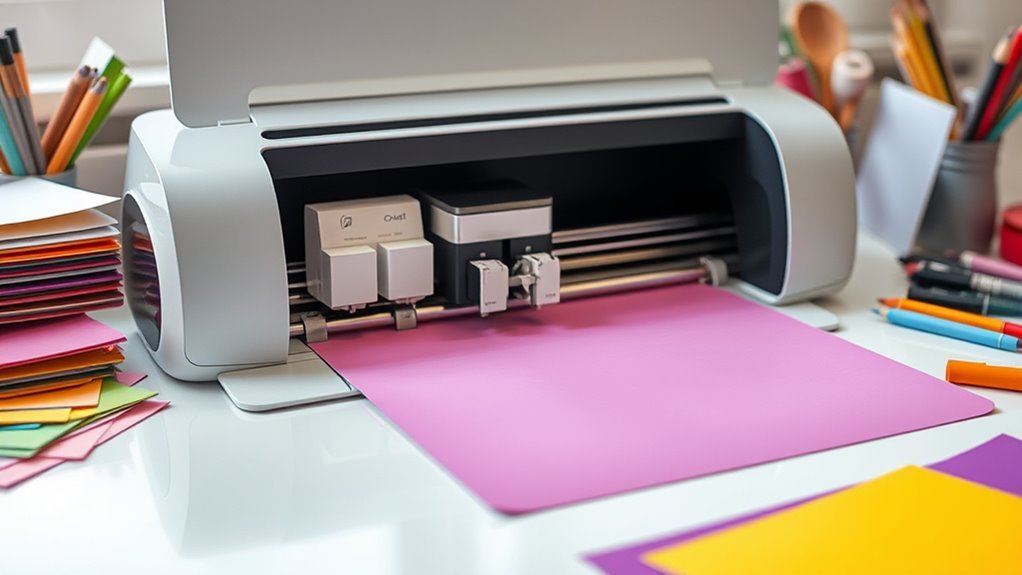
Unleashing your design’s potential starts with sending it from Cricut Design Space to the machine. Then, the machine directs a tiny blade or specialty tool to cut, draw, emboss, or foil on your chosen material.
You place your material on a sticky cutting mat or use Smart Materials. After that, you load the mat into the machine.
The machine uses material settings to adjust cutting pressure, blade types, and speed for precision. Specialty tools like rotary blades or scoring wheels expand what your Cricut can do beyond cutting.
Once done, you remove the mat and weed your project. It’s pretty straightforward once you get the hang of it!
| Step | Tool/Component | Purpose |
|---|---|---|
| Load Mat | Cutting mat | Holds material steady |
| Select Tool | Blade types | Cuts, scores, or engraves |
| Adjust | Material settings | Controls pressure/speed |
| Execute | Specialty tools | Adds design effects |
Designing and Sending Projects in Cricut Design Space
Once your material is loaded and the machine is ready, the next step is preparing your design in Cricut Design Space. This free app lets you create, upload SVGs, or pick from a vast library of images and projects.
You can use tools like weld to join shapes, mirror for iron-on or HTV projects, and flatten for Print then Cut designs. After finalizing your layout, set the material type to make sure the machine applies the right blade pressure.
Whether you’re using a sticky mat or Smart Materials for matless cuts on Explore 3 or Maker 3, Design Space previews your mats and cut layout. Finally, send your design to the machine via Bluetooth or USB. Then, just follow the guided steps to complete your project precisely.
Essential Tools and Accessories for Cricut Projects
To get the best results from your Cricut printer, you’ll need the right tools and accessories. From different cutting mats and blades to weeding tools and pens, each item plays a pivotal role in your projects.
Understanding which tools work with your specific Cricut model will help you create smoothly and efficiently. It’s all about having the right gear at hand to make your crafting experience enjoyable and hassle-free.
Essential Cricut Tools
Cricut project success hinges on having the right toolkit, including cutting mats, blades, and weeding tools that guarantee precise cuts and clean finishes. Start with Cricut tools like cutting mats that come in various grips—Light, Standard, Strong—and sizes to hold your materials securely.
The Fine-Point Blade handles everyday cutting on paper, vinyl, and cardstock with ease. Use a weeding tool to remove excess vinyl or tiny cut pieces cleanly.
Scoring tools, such as scoring stylus or wheels, help you create crisp fold lines for cards and assembled projects. Keep replacement blades handy to maintain sharpness and consistent cutting quality.
With these essential tools, you’re set to tackle a wide range of Cricut projects efficiently and with professional results. It really makes crafting so much easier and more fun!
Must-Have Accessories
Although having the right tools is important, you’ll also want to equip yourself with must-have accessories that streamline your crafting process. For Cricut projects, a Basic Tool Set is essential, including weeding tools like hooked picks and tweezers to remove excess vinyl precisely.
Don’t forget cutting mats—Light, Standard, and Strong grip—to hold materials securely, whether delicate paper or thick leather. Your Fine-Point blade will handle most cuts, but keep spares handy for consistent results.
Transfer tape is another vital accessory, especially for vinyl designs, making it easy to move your cutouts flawlessly onto surfaces. Together, these accessories enhance your efficiency and help you achieve clean, professional-looking Cricut projects every time.
Tool Compatibility Overview
When selecting tools for your crafting projects, it’s important to match them with your machine model to guarantee compatibility and best results.
A Cricut Comparison shows the Maker series supports the widest range of essential blades and tools—including specialty tools like the rotary and knife blades—while the Explore series offers a solid selection for most tasks.
Cutting mats are indispensable unless you’re using Smart Materials with the Explore 3 or Maker 3, which allow matless cuts up to 12 feet.
To help you get started, consider having replacement blades specific to your model and a variety of cutting mats for different grips.
You might also want specialty tools for advanced crafts like engraving, plus essential accessories like weeding tools and transfer tape.
Matching your tools to your Cricut guarantees smooth, professional results every time.
Materials a Cricut Machine Can Cut and Draw
Explore a wide range of materials you can cut and draw on with these versatile machines. Cricut’s Explore models handle over 100 materials like paper, vinyl, and glitter paper.
The Cricut Maker expands that to about 300, including leather, fabric, and balsa wood. Different blades let you work with thin materials using Fine-Point blades or thicker ones with the Knife and Rotary blades found in Maker models.
For drawing and print-then-cut projects, Cricut pens and registration sensors guarantee precise designs on supported machines. Whether you choose an Explore or Maker, you’ll find the right blades and tools to match your project’s materials.
This flexibility makes Cricut machines ideal for crafting, allowing you to create detailed, custom pieces on a variety of surfaces.
Tips for Getting Started With Your Cricut Machine
Before you plunge into your first project, make sure to unbox and power up your Cricut machine. Then, install Cricut Design Space on your computer or phone and create a free account—this software is essential for sending designs to your machine.
Next, place your chosen materials on the correct cutting mat or use Smart Materials for matless cutting if available. Select the right blade and material settings in Design Space to guarantee precise cuts.
Finally, test your setup with a sample project and practice weeding to remove excess material cleanly.
- Choose the correct cutting mat for your materials
- Use the appropriate blade for different materials
- Test cut to avoid mistakes and protect your blade
- Join Cricut communities for support and inspiration
Creative Projects You Can Make With a Cricut
Set free your creativity by making personalized projects with your Cricut machine, from custom iron-on apparel to intricate paper crafts. Use heat-transfer vinyl (HTV) to design unique t-shirts and onesies, whether you have the Maker 3, Explore 3, or Cricut Joy.
Unleash your creativity with Cricut, crafting personalized iron-on apparel and detailed paper projects with ease.
With adhesive vinyl, you can craft professional decals and labels for tumblers, car windows, and pantry jars. Plus, you can cut wide or long Smart Materials without a mat — how cool is that?
Plunge into paper crafts by creating detailed greeting cards, banners, and layered art from cardstock or glitter paper. If you love jewelry, the Maker 3 cuts tooling and thin leather, letting you make stylish leather earrings and bracelets.
Whether you’re working on fabric appliqués or quilt templates, Cricut machines handle diverse materials. This makes your creative possibilities nearly endless!
Frequently Asked Questions
What Are the Key Differences Between the Cricut Explore 3 and Maker 3?
You’ll find the Maker 3 cuts tougher materials like wood and leather with stronger motors and more tool options.
On the other hand, the Explore 3 suits lighter projects like paper and vinyl. It offers great value for beginners.
How Does a Cricut Work?
You hold the power to transform ideas into art. Your Cricut reads your design and moves its blades or tools precisely. It cuts or draws on materials with amazing accuracy.
You control the settings, then simply load your material. Send the design to the machine and watch your creativity unfold right before your eyes. It’s that easy!
Can Cricut 3 Cut Wood?
Yes, your Cricut Maker 3 can cut wood like basswood and balsa up to 1/8″ thick using the Knife Blade.
Just use the right blade, strong grip mat, and slower settings for clean cuts every time.
It’s pretty straightforward once you get the hang of it! Just make sure to take your time for the best results.
Can a Cricut Make Stickers?
You can absolutely make stickers with your Cricut! Think of it like a chef layering flavors; you print your design, then your Cricut slices it perfectly.
This lets you create custom stickers that stick around just like your favorite recipe. It’s pretty fun and super satisfying to see your designs come to life!
Conclusion
Think of your Cricut machine as a magical garden where your ideas bloom into vibrant creations. Just like a gardener carefully chooses seeds and tools, you pick designs and materials to bring your vision to life.
With each cut and draw, your imagination takes root and flourishes. So, plunge in, nurture your creativity, and watch as your projects grow into stunning masterpieces right before your eyes.
A Cricut printer works by precisely cutting and drawing on a variety of materials, turning your ideas into tangible art. Whether you’re crafting personalized cards, home décor, or custom apparel, this versatile machine helps you bring your creative projects to life with ease and accuracy.
So, the next time you want to transform your ideas into beautiful designs, remember your Cricut printer is the perfect tool for crafting, cutting, and drawing that makes every project a masterpiece.