How Does an FDM Printer Work?
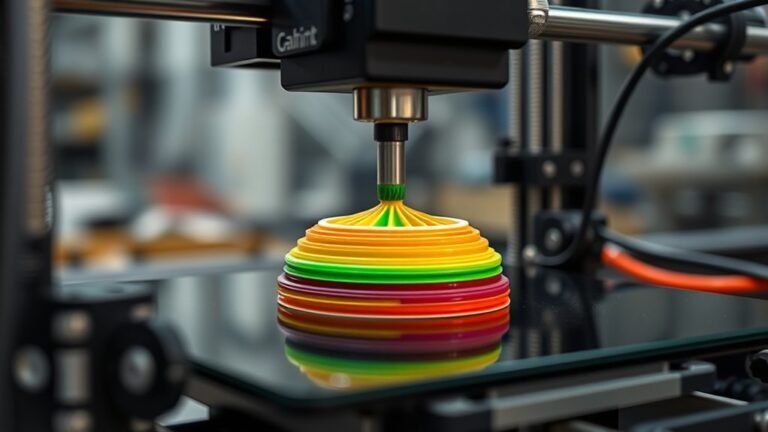
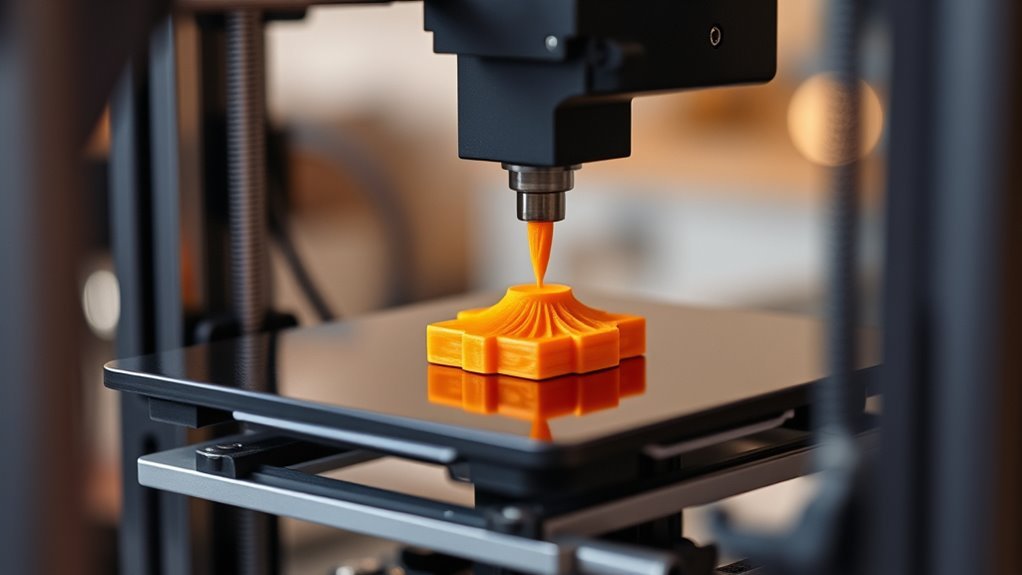
You control a heated nozzle that melts thermoplastic filament and deposits it layer by layer to build your 3D object. This process is at the heart of FDM (Fused Deposition Modeling) printing, which is one of the most popular 3D printing methods out there.
The print head moves across the X and Y axes, while the platform or nozzle adjusts vertically by small increments.
Proper temperature and speed guarantee good layer bonding and shape accuracy. Materials like PLA or ABS melt at specific temps for best results.
Keep exploring to understand how each part and setting impacts your final print quality. It’s pretty fascinating how tweaking these variables can change your prints!
Key Takeaways
- FDM printers melt thermoplastic filament and extrude it through a heated nozzle to build objects layer by layer.
- The print head moves in X and Y axes following sliced 3D model toolpaths, while the build platform or nozzle moves along the Z axis.
- Each layer is deposited by extruding molten filament, which bonds to the previous layer as it cools and solidifies.
- Heated print beds improve first-layer adhesion and reduce warping for materials like ABS.
- Cooling fans help solidify layers quickly to improve print accuracy and surface quality.
Basic Principles of FDM Technology
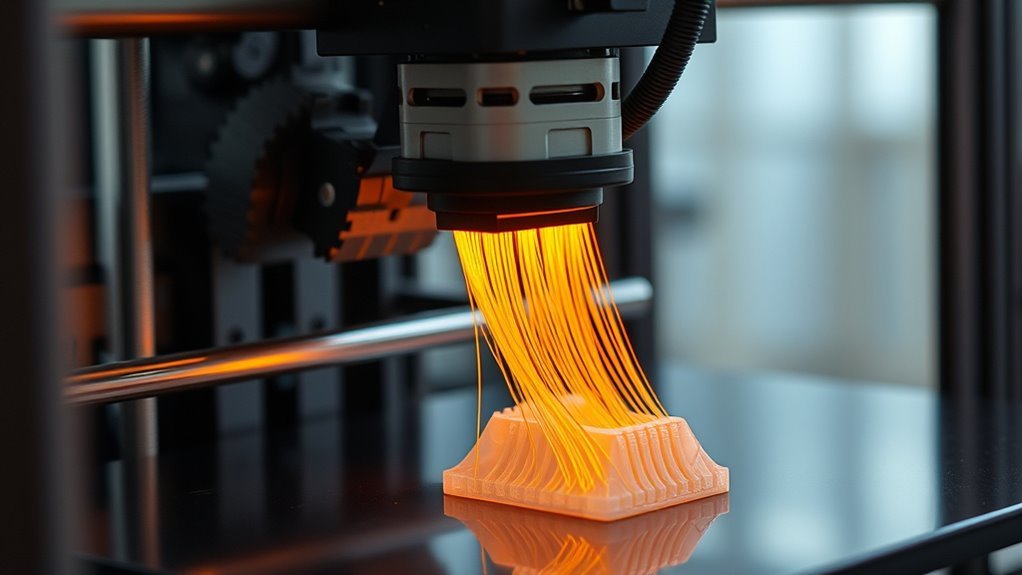
FDM technology builds parts by extruding molten thermoplastic filament through a heated nozzle, laying down thin strands layer by layer onto a build surface. In Fused Deposition Modeling, the print head moves precisely in X and Y motion, guided by instructions from slicing software that converts your 3D model into layers.
After each layer is deposited, the build platform—or the print head itself—raises along the Z axis by the chosen layer height, typically around 0.2 mm. The extrusion temperature is carefully controlled to guarantee the filament melts properly and bonds to the previous layer.
By adjusting nozzle diameter, print speed, and temperature, you can influence print quality. This process creates parts that are strong in-plane but weaker vertically due to anisotropic bonding along the Z axis.
Key Components of an FDM Printer
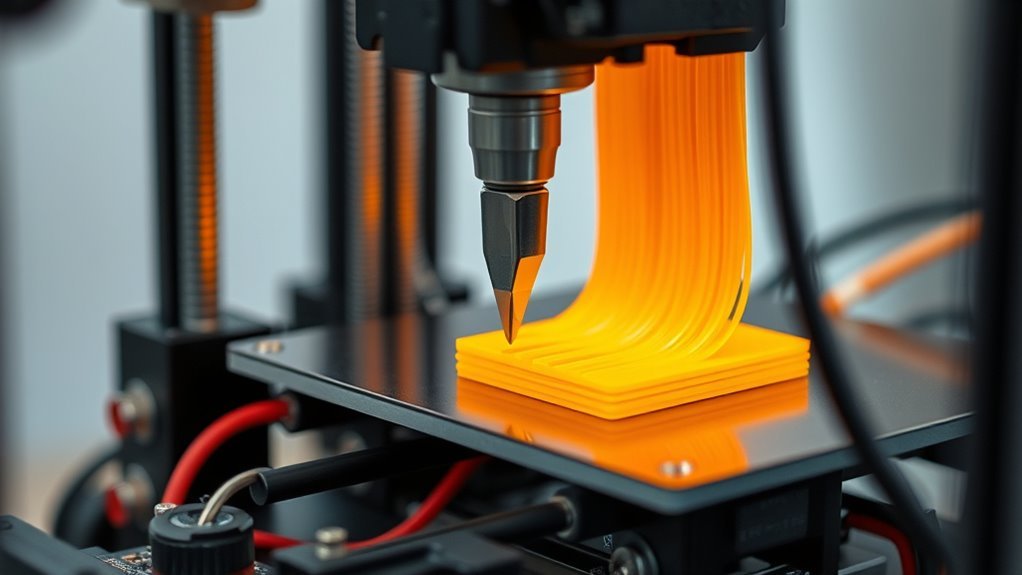
Although 3D printing might seem straightforward, understanding the key components of an FDM printer helps you grasp how it turns digital models into physical objects.
The extruder, combining the filament drive and hotend, pushes molten filament through a small nozzle to create each layer. The X-Y gantry and Z-axis precisely position the nozzle, controlling layer height from 0.05 to 0.4 mm for detailed prints.
The heated print bed guarantees proper first-layer adhesion and reduces warping by maintaining temperature control, especially for materials like ABS. Cooling fans near the hotend regulate solidification, improving surface quality.
Firmware manages all these parts—adjusting nozzle and bed temperatures, motor movements, and extrusion rates—guaranteeing your FDM printer accurately builds up objects layer by layer.
Step-by-Step Printing Process
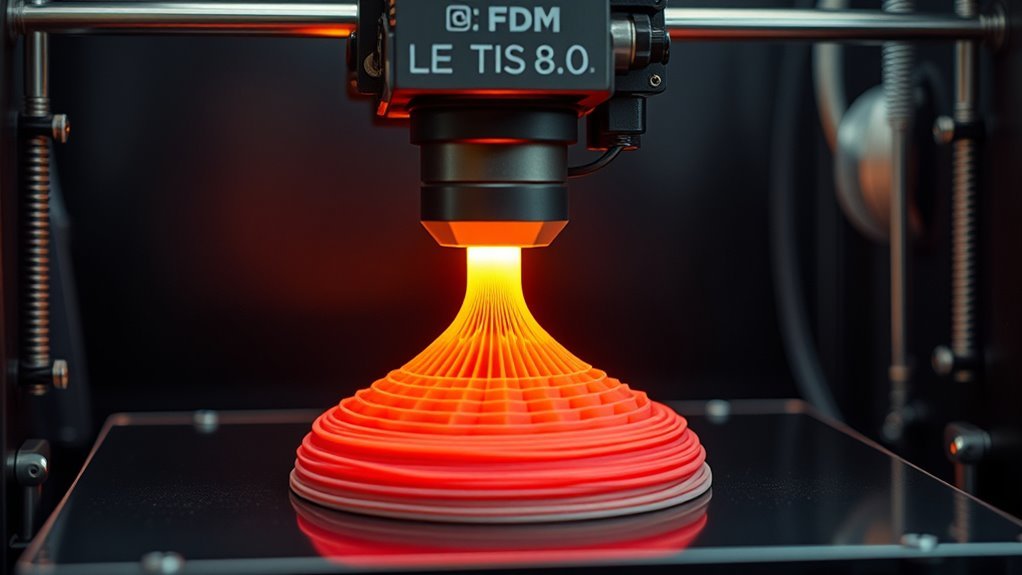
When you start a print, the printer feeds a spool of thermoplastic filament into the hot end. There, it melts at temperatures around 190–220°C for PLA.
Using Fused Filament Fabrication, the molten filament is pushed through a nozzle with a specific diameter, typically 0.4 mm. The printer then moves the nozzle along precise X-Y toolpaths to lay down each layer’s outline and infill.
After completing a layer, the Z axis raises by the set layer height, often about 0.2 mm. Then, the whole process repeats for the next layer.
Part cooling fans blow on the freshly deposited filament to help it solidify quickly. This keeps the print accurate and ensures good adhesion between layers.
Key steps include:
- Filament melting in the hot end
- Controlled extrusion through the nozzle
- Precise X-Y moves following the toolpath
- Incremental Z axis advancement by layer height
- Active part cooling to prevent defects
Common Materials Used in FDM Printing
Since the material you choose directly affects print quality and part performance, understanding common filaments is essential. PLA is the most user-friendly, printing at a nozzle temperature of 190–220°C with minimal warping. It’s ideal for prototypes.
PETG prints hotter, around 230–250°C, and offers better impact and chemical resistance for durable parts. It’s a great choice when you need something a bit tougher than PLA.
ABS requires even higher nozzle temperatures (230–260°C) and a heated bed to reduce warping. But keep in mind, it needs good ventilation because of the fumes it produces.
TPU and other flexible filaments print near PLA/PETG temps but demand slower speeds and direct drive feeding to prevent jams. They can be tricky but are perfect when you need flexibility in your prints.
Engineering materials like nylon and polycarbonate need high nozzle temps and heated chambers. They’re moisture-sensitive but deliver superior strength and heat resistance.
Factors Affecting Print Quality and Accuracy
Understanding the factors that affect print quality and accuracy lets you optimize your FDM prints for the best results. Key parameters like layer height and nozzle diameter directly impact surface smoothness and feature detail.
Proper print temperature and bed temperature guarantee strong layer adhesion and prevent warping. Balancing print speed, cooling (part fan), and extrusion flow rate is essential—too fast or too cool can weaken layers.
Finally, part orientation, infill, and shell thickness influence strength and surface finish.
Focus on these essentials:
- Choose a smaller layer height for finer detail but expect longer prints.
- Match nozzle diameter to wall thickness for reliable extrusion.
- Set print and bed temperatures tailored to your filament.
- Adjust print speed and cooling to maintain layer adhesion.
- Optimize part orientation and infill for strength and quality.
Frequently Asked Questions
Are 3D Printers FDM?
Not all 3D printers are FDM, but many consumer models are. You’ll find FDM printers popular because they’re affordable and versatile.
They work by melting filament to build objects layer by layer using common plastics like PLA and ABS. It’s a straightforward process that’s great for beginners and hobbyists alike.
Is 3D Printing 40K Illegal?
You’re not exactly breaking into Fort Knox, but printing 40K miniatures without permission can get you in legal hot water.
Personal use is usually low risk, but selling or sharing? That’s a whole other beast.
How Much Does a 3D Print Cost?
You’ll usually pay between $4 and $40 for a typical desktop 3D print, depending on material, print time, and finishing.
Higher-end filaments or detailed post-processing can push costs even higher. So, it really varies based on what you need and how fancy you want it to be.
What Is a 3D Printer and How Does It Work?
You’re using a 3D printer, which builds objects layer by layer from digital files. It precisely deposits material, like molten plastic, to create complex shapes.
This process turns your designs into real, tangible items with incredible detail and accuracy. Pretty cool, right?
Conclusion
Now that you’ve unraveled how an FDM printer works, you can see it’s like a skilled artist layering molten plastic to bring your ideas to life. Understanding its basic principles, key parts, and the printing steps helps you get the most from your machine.
Remember, choosing the right material and tweaking settings can make all the difference. These adjustments turn your prints from rough sketches into polished masterpieces ready to impress.
With FDM printing, every detail matters—from filament choice to temperature and speed settings. Mastering these factors ensures your 3D prints have the strength, accuracy, and finish you want. So dive in, experiment, and watch your creative visions take shape layer by layer!