How to Connect to a Canon Printer in 5 Easy Steps
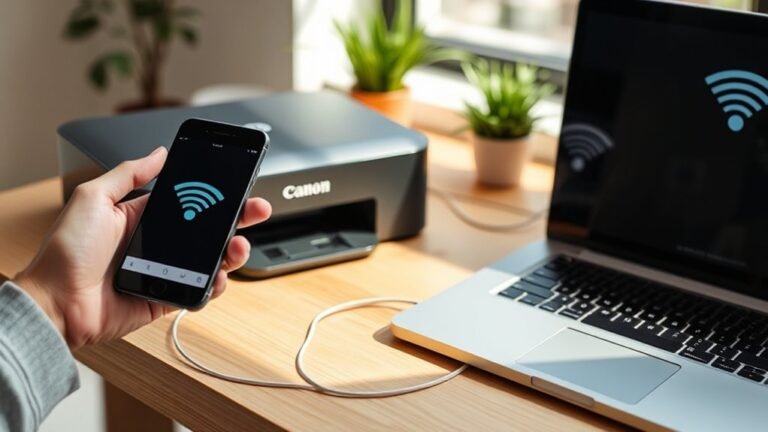
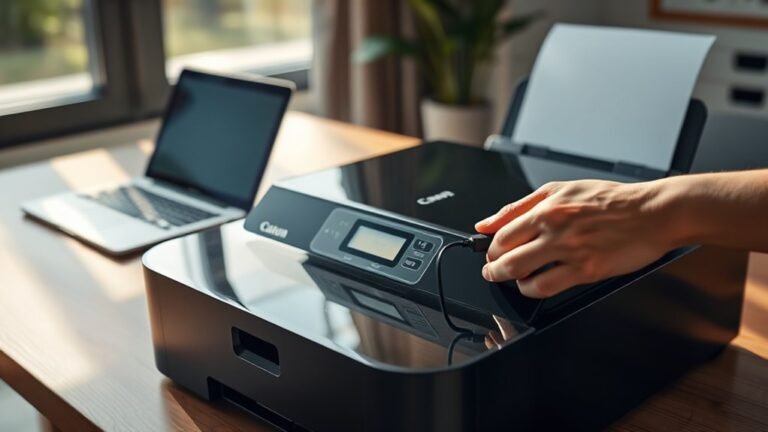
To connect your Canon printer quickly, first power it on, load plain paper, and make sure it’s near your WPA/WPA2-secured router with the Wi-Fi password handy.
Use WPS for a fast connection if your router supports it; otherwise, opt for the standard setup via your computer’s installer software. After connecting, align the print head and run a test print to guarantee quality.
If issues arise, resetting network settings or reinstalling drivers often helps. Keep going to uncover detailed troubleshooting tips and setup guidance.