How Does an MFP Printer Work?
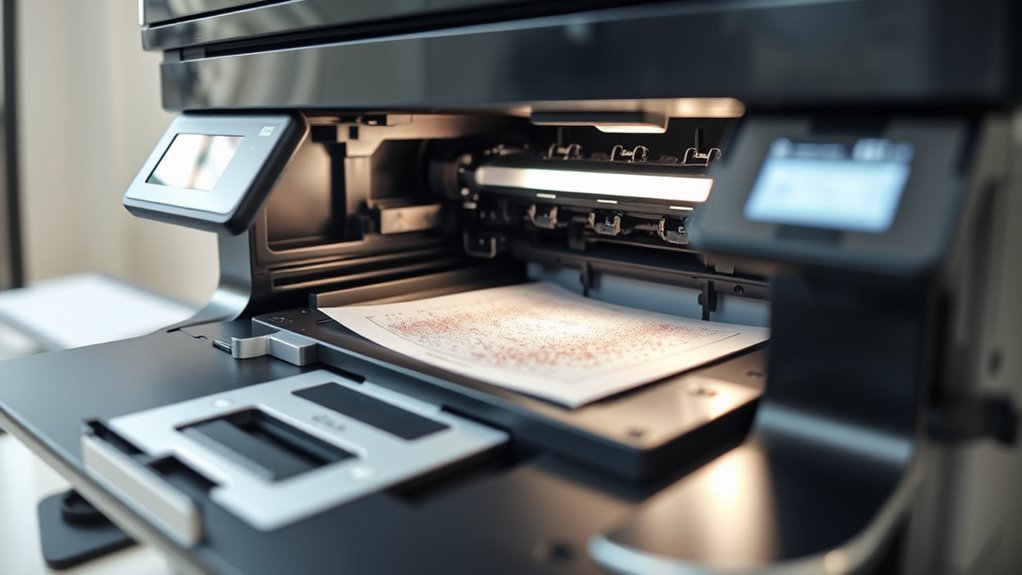
When you send a document to an MFP printer, it quickly converts your file into a printable format. Then, it uses laser or inkjet technology to create sharp images or vibrant colors on paper.
But that’s not all! An MFP printer can also scan documents, turning physical pages into digital files. Plus, it can even fax them securely.
These devices combine multiple tasks like copying, scanning, and faxing into one handy machine. This saves space on your desk and boosts office efficiency.
Keep exploring, and you’ll see how these steps come together so smoothly. It’s pretty impressive how versatile an MFP printer can be!
Key Takeaways
– An MFP printer combines printing, scanning, copying, and faxing into one efficient multifunctional device.
It makes handling all your document tasks super easy without needing separate machines for each job.
– Print jobs are processed by converting documents into page description languages, then rasterized and printed via laser or inkjet technology.
Basically, your documents get translated into a language the printer understands before they get printed out.
– Scanning uses sensors and LEDs to capture images, which can be digitally processed for enhancements or converted to editable text with OCR.
So, when you scan something, the printer captures it clearly and can even turn it into text you can edit later.
– The printing mechanism applies images to paper using toner or ink, with motors and sensors controlling paper movement and detecting jams.
This smart setup keeps the paper flowing smoothly and alerts you if anything gets stuck.
– Secure print and user authentication features protect sensitive documents, ensuring confidential print job release and encrypted data transmission.
That way, your private documents stay safe, and only authorized users can access them.
What Happens When You Send a Print Job
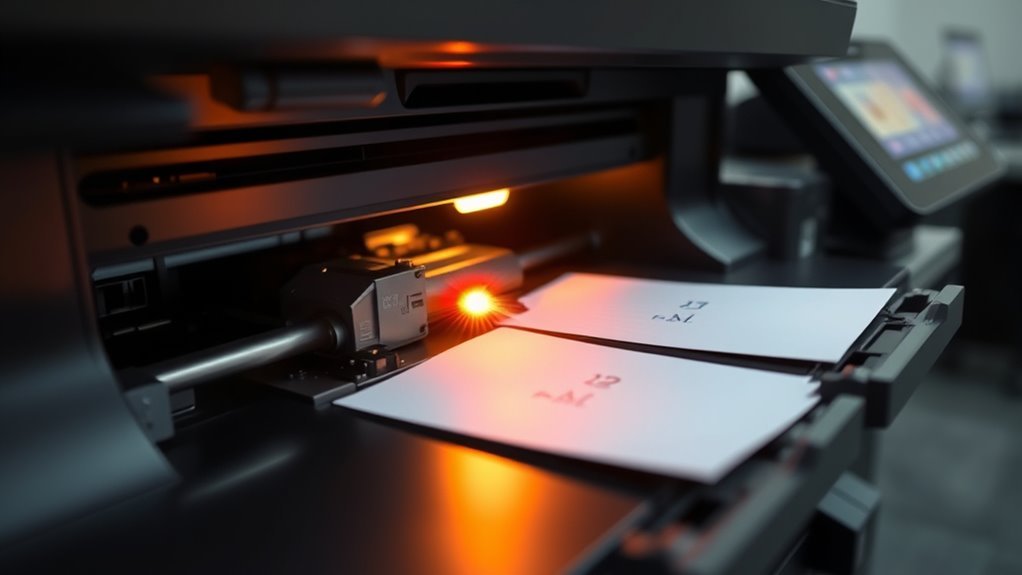
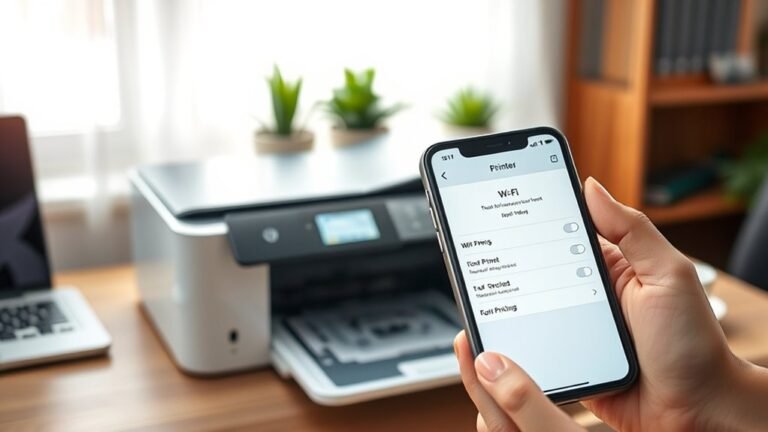
When you send a print job, your application passes the document to the printer driver. This driver converts it into a page description language like PostScript, PCL, or PDF to outline the text, shapes, and images.
Your application hands off documents to the printer driver, which translates them into page description languages like PostScript or PDF.
In a multifunction printer, the controller then rasterizes this description into a bitmap—a grid of tiny dots. For color prints, it separates the image into CMYK color planes.
If you’re using laser printers, the raster controls a laser or LED to create an electrostatic image on a photoconductor drum. With inkjet devices, the raster directs ink droplets from numerous nozzles onto the paper.
The printer’s precise motors advance the paper, while sensors monitor position and detect jams. Once the toner is fused or ink dried, the finished page exits.
Finally, the MFP reports the print job status back to your computer. It’s a smooth process once everything works together!
Core Printing Technologies in MFPs
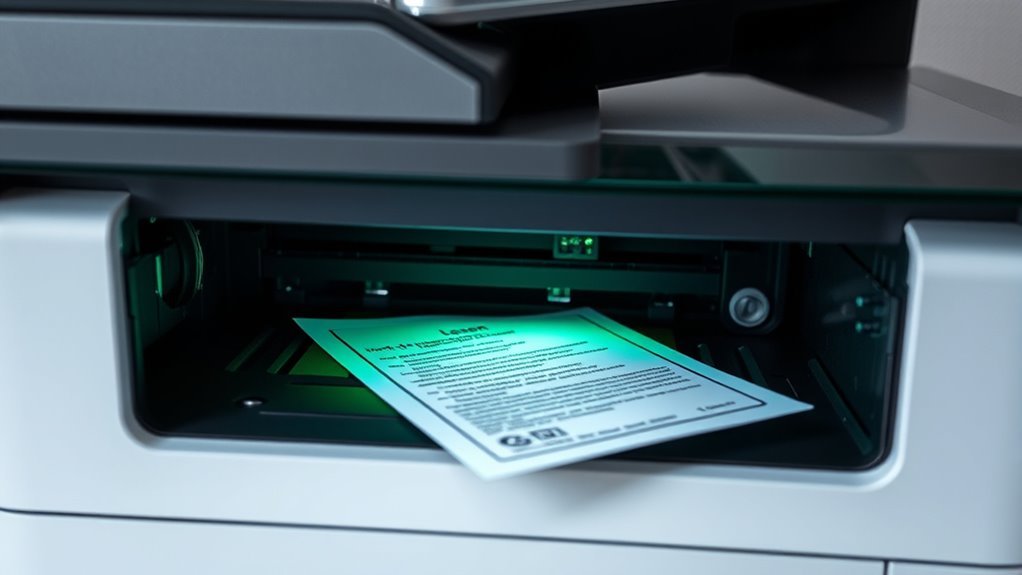
When you use an MFP, it relies on either laser or inkjet technology to create your prints. Laser printers use a charged drum and toner to quickly produce sharp text and graphics, while inkjets spray tiny droplets of ink for vibrant, photo-quality images.
Understanding these core methods helps you choose the right printer for your needs. It’s pretty handy to know what’s going on inside your printer, right? That way, you can pick exactly what suits your printing style best.
Laser Printing Technology
Laser printing technology in MFPs uses a laser beam to scan a photosensitive drum, creating an electrostatic image that attracts toner powder precisely where it’s needed.
Laser printers use this method to produce sharp, durable prints by layering toner made of pigment and thermoplastic particles. The process involves:
- Toner adhering to the charged areas of the photosensitive drum.
- Transferring toner to paper as it passes between the drum and a transfer roller.
- Passing the paper through a fuser assembly, where heated rollers melt and bond the toner for smudge-resistant results.
For color prints, the machine repeats this cycle for each CMYK toner, ensuring vibrant, accurate colors.
Precise sheet movement is controlled by motors and sensors, synchronizing all steps flawlessly. It’s pretty impressive how everything works together so smoothly, right?
Inkjet Printing Mechanism
Unlike laser printers that rely on static charges and toner powder, inkjet MFPs create images by shooting tiny droplets of liquid ink through thousands of microscopic nozzles onto the paper.
The inkjet printing mechanism uses either piezoelectric crystals that flex to push ink or thermal printheads that vaporize ink to eject droplets. These droplets, measured in picolitres, form precise color layers of cyan, magenta, yellow, and black.
Your eyes blend these layers into continuous tones. The printhead moves across the paper as a stepper motor advances sheets, syncing nozzle firing with paper movement to make certain sharp, accurate prints.
While inkjet MFPs excel at vibrant color and photo quality, they require occasional printhead cleaning to prevent clogged nozzles and maintain top performance. So, a little maintenance goes a long way!
Copying Mechanisms Inside Multifunction Printers
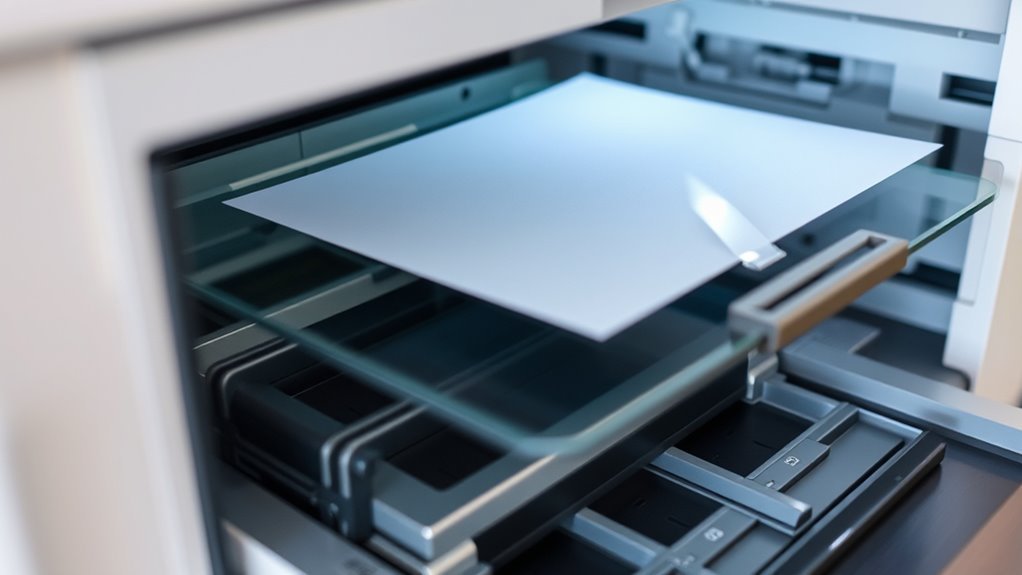
Because copying involves both scanning and printing, multifunction printers rely on intricate mechanisms to reproduce your documents accurately. When you use the copier function, the device first scans your original document with bright LEDs and sensors, converting the reflected light into a digital image.
Copying blends scanning and printing, turning your originals into precise digital images for flawless reproduction.
Then, depending on the technology inside, it prints the copy using one of two main methods:
- In laser copiers, a laser selectively charges a photosensitive drum to attract powdered toner, which transfers to paper and fuses with heat and pressure.
- Inkjet copiers spray tiny droplets of liquid ink onto the paper, forming the image precisely.
- Stepper motors and sensors coordinate paper movement, timing, and jam detection to make certain smooth copying.
This combination of scan and print mechanisms guarantees high-quality copies every time. It’s pretty clever how all these parts work together, right?
Scanning Processes and Digital Conversion
When you scan a document with an MFP, the device uses sensors like CCD or CIS to capture detailed images by detecting light and color. You’ll notice the scanner quickly converts these signals into digital files, often enhancing them with processing techniques like de-skew and color correction.
This guarantees the final output is clear, accurate, and ready for use or sharing. It’s pretty impressive how smoothly this all happens!
Scanning Technology Types
Although scanning technology varies across devices, most MFP printers use either Contact Image Sensors (CIS) or Charge-Coupled Device (CCD) sensors to capture images. Flatbed scanners employ a moving CIS or CCD beneath bright LED or fluorescent lights to scan documents line-by-line, offering resolutions from 200 to 1,200 dpi.
Automatic Document Feeders (ADF) pull sheets past stationary sensors quickly, often scanning duplex pages using dual sensors or a flip path. Here’s what you should know:
- CIS modules are compact, energy-efficient, and ideal for text but have limited depth of field and color range.
- CCD sensors use a lens system for better depth, dynamic range, and color accuracy, perfect for photos or uneven originals.
- After scanning, OCR can convert text into editable formats before you save or share your files.
Digital Image Processing
During scanning, the MFP’s scanhead lights up your document while a CIS or CCD sensor captures the reflected light and converts it into RGB electrical signals. These analog signals are digitized and undergo color-correction and gamma adjustment to guarantee accurate tones.
Next, the MFP’s firmware applies deskewing to straighten misaligned scans and enhances contrast automatically. It also removes blank pages and merges duplex scans for better organization.
If you need editable text, OCR software analyzes the bitmap, detecting text regions and converting them into searchable content—accuracy improves with resolutions above 300 dpi.
Finally, the processed image is saved in standard formats like PDF or JPEG, using lossless or lossy compression to optimize file size before routing it to your desired destination, whether email, network folders, or cloud services.
Faxing Functions and Integration in MFPs
Because MFPs convert scanned documents into compressed digital images, they let you send and receive faxes directly over phone lines or IP networks. This multifunction device brings faxing into one streamlined system, combining scanning, printing, and faxing seamlessly.
With Fax over IP (FoIP), you can transmit faxes reliably through VoIP networks, reducing dependency on traditional phone lines. Security is key—features like secure-print release make certain only authorized users access sensitive faxed documents.
When you scan documents, the MFP can route faxes to email or cloud storage, making archiving easier. It’s all about making your fax workflow smoother and more secure.
Here’s what you get with MFP fax integration:
- Fax sending/receiving over PSTN or FoIP with compression standards
- Automated routing and junk-fax blocking
- Encrypted transmission and secure-print release for confidentiality
Practical Benefits of Using an MFP in the Office
Beyond faxing capabilities, MFPs bring significant practical advantages that can transform your office workflow. Multifunction printers combine printing, copying, scanning, and faxing into one device, helping you save space and reduce hardware costs.
With impressive Pages Per Minute rates, many MFPs handle high-volume tasks efficiently, speeding up your daily operations. Features like scanning to email streamline document sharing, cutting down on paper clutter and manual steps.
Secure print functions protect sensitive information with user authentication and encryption, giving you peace of mind. Plus, centralized management simplifies IT administration.
Choosing an MFP often means lower energy use and predictable costs through leasing or managed print services. This way, your office keeps running smoothly without unexpected downtime or expenses.
Frequently Asked Questions
What Is a Good Multi-Function Printer?
A good multifunction printer matches your monthly volume and offers fast laser printing for text or inkjet for color. It includes features like duplex scanning and cloud integration.
Plus, it keeps costs low with efficient consumables and easy device management. This way, you get the most out of your printer without breaking the bank.
How Do Laser Jet Printers Work?
You’ll see a laser draw an image on a drum, attracting toner powder to those areas.
Then, the toner transfers to paper and fuses with heat and pressure, producing crisp, fast, and durable prints.
It’s a clever process that gets your documents looking sharp in no time.
What Is a Multifunction Printer?
A multifunction printer combines printing, scanning, copying, and faxing in one device.
You’ll save space, reduce costs, and enjoy features like duplex printing and mobile connectivity.
It’s perfect for busy offices or home setups.
What Does “Hp Mfp” Mean?
Think of an HP MFP as your office’s Swiss Army knife—it stands for Hewlett-Packard MultiFunction Printer. It combines printing, scanning, copying, and faxing into one sleek, efficient device.
You’ll rely on it every day. It’s designed to make your work life easier and more productive.
Conclusion
Using an MFP printer means you’re embracing a streamlined way to handle all your office tasks without juggling multiple devices. It gently smooths out your workflow, quietly taking care of printing, copying, scanning, and faxing in one neat package.
While it might seem like just another gadget, an MFP subtly transforms your workspace into a more efficient and organized environment. It makes your daily tasks feel a little less complicated and a lot more manageable.
In short, an MFP printer combines multiple functions to save time and space. This all-in-one device enhances productivity by simplifying everyday office work. So, if you’re looking to boost efficiency and keep your workspace clutter-free, an MFP printer is the perfect solution.