How Long Does a Printer Last and How to Maximize Its Lifespan
Your printer can last anywhere from 3 to 10 years depending on the type and how often you use it. The lifespan varies between inkjet, laser, and other printer types, so it’s good to know what kind you have. Regular usage and proper care play a big role in how long your printer will stay reliable.
To maximize its lifespan, keep it clean and replace consumables on schedule. Avoid overworking it beyond its duty cycle to prevent wear and tear. Using quality ink or toner helps maintain print quality and protects the printer’s internal parts.
Also, store paper properly to prevent jams, which can cause damage over time. Regular maintenance and a stable environment with controlled temperature and humidity will keep your printer running smoothly. If you want to get the most from your printer and know when to replace it, there’s more to discover. Let’s dive into some helpful tips!
Key Takeaways
- Typical printer lifespan varies: home inkjets last 3–5 years; office lasers 5–8 years; large multifunction printers up to 10 years with proper care.
- Regular maintenance like cleaning print heads and replacing consumables every 6–12 months extends printer life significantly.
- It’s a good idea to avoid exceeding duty cycle limits and use recommended paper and consumables. Doing so helps prevent premature wear and damage.
- Also, controlling the environment matters. Keeping your printer in a stable temperature range (18–24°C) and humidity (30–50%) reduces ink drying and mechanical issues.
- When should you replace your printer? A good rule is when repair costs approach half the price of a new model or when print quality and reliability start to decline persistently.
Average Lifespan of Different Types of Printers
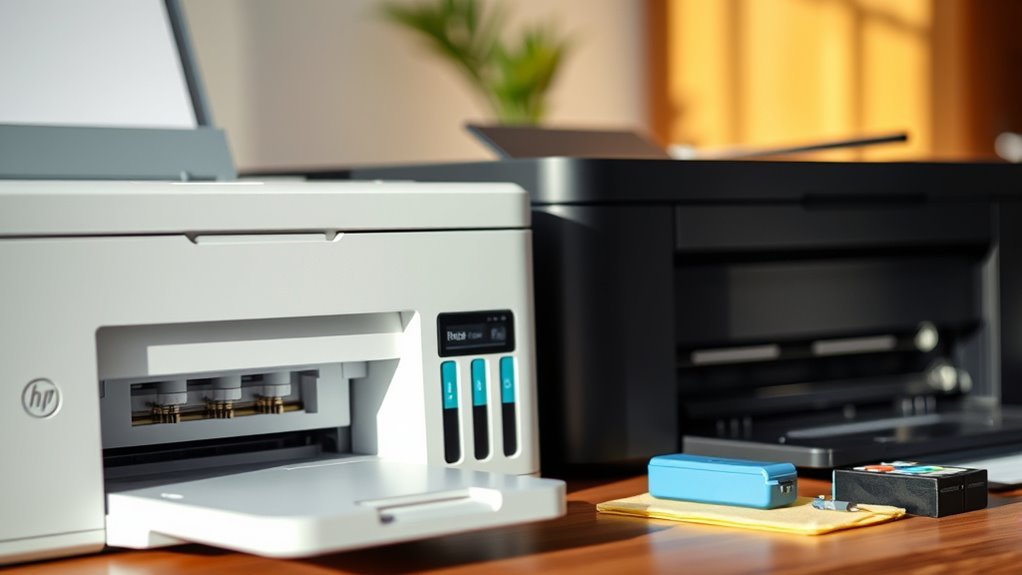
Although printer lifespans vary widely, you can generally expect a home inkjet printer to last 3 to 5 years with normal use. If you perform regular maintenance, you might even stretch that to 7–10 years in light-use cases.
Small office or desk laser printers typically last 5 to 8 years, especially when you replace consumables and rollers promptly to maintain print quality.
Larger A3 or multifunction office printers are built to last 7 to 10 years, but only if you stick to scheduled servicing and don’t exceed their duty cycles.
Keeping up with regular maintenance is key across all printer types, helping preserve print quality and extending printer lifespan. Neglecting upkeep often means sooner replacement or diminished output quality.
Key Factors That Affect Printer Longevity
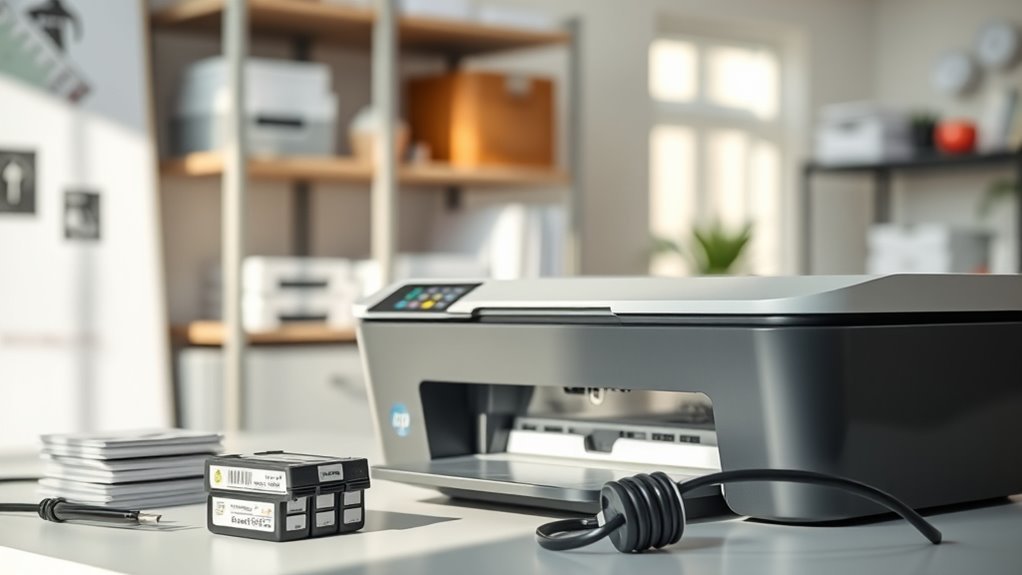
How often you use your printer and how well you maintain it play huge roles in how long it lasts. Overworking your device or skipping regular upkeep can wear out key parts faster.
Usage Patterns Impact
Since your printer’s lifespan depends heavily on how often and how intensely you use it, understanding your usage patterns is vital. The frequency of use directly influences wear; light home inkjets last 3–5 years, while busy small-office lasers can endure 5–8 years.
Matching your printer’s duty cycle to your monthly page volume prevents excessive strain on rollers and motors. Also, regular maintenance habits like timely cleaning and part replacements extend life.
| Usage Factor | Impact on Longevity |
|---|---|
| Frequency of Use | Heavy use shortens lifespan |
| Duty Cycle | Exceeding rated cycle causes wear |
| Maintenance Habits | Proper care prolongs functionality |
| Environmental Conditions | Dust and heat accelerate degradation |
| Consumable Quality | Poor materials increase failures |
Maintenance Practices
Keeping up with regular maintenance practices plays a crucial role in extending your printer’s lifespan. To keep your printer running smoothly, regularly clean the print heads and feed rollers every 1–3 months or sooner if you use it heavily.
This prevents clogs, streaks, and misfeeds that cause premature wear. Don’t forget to replace consumables like ink or toner cartridges and maintenance kits on schedule, usually every 6–12 months or per manufacturer guidelines.
Using recommended media and storing paper in a cool, dry place also helps avoid jams and buildup. Additionally, run firmware updates and schedule basic servicing annually to lubricate parts, inspect belts, and calibrate your device.
Signs Your Printer May Need Replacement
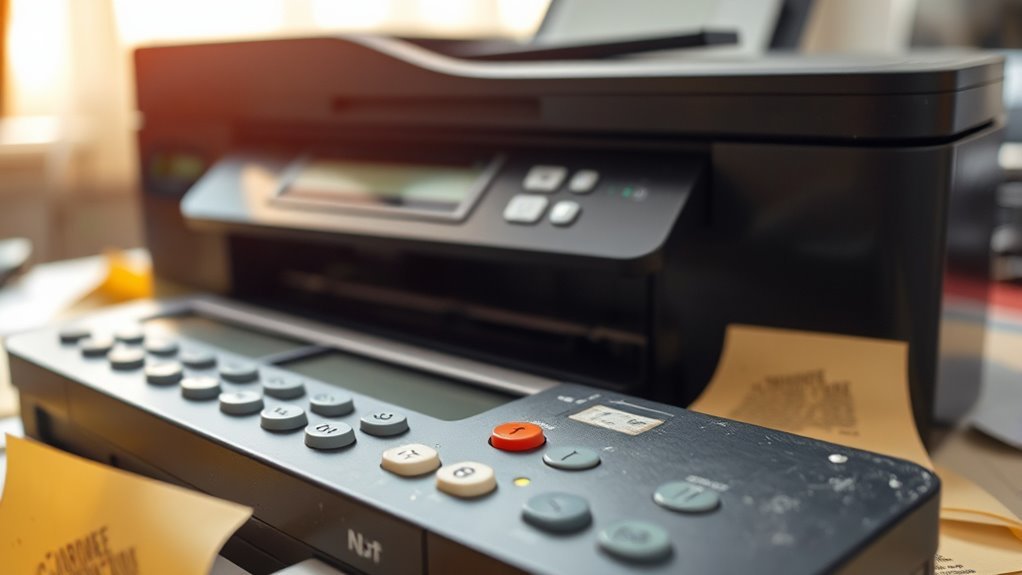
Although printers can last several years with proper care, you should consider replacement if you notice persistent issues like faded prints, frequent jams, or unusual noises, especially after five to seven years.
If your printer consistently produces faded or streaky print even after changing consumables, or if paper jams happen regularly, it’s a strong sign something’s wrong.
When repair costs or repeated service visits approach half the price of a new comparable model, replacing it makes more sense.
Also, if your device struggles with connection or lacks driver support, or if consumables become scarce or expensive, these practical issues justify upgrading.
Paying attention to these signs helps you avoid wasted time and money on a printer that no longer meets your needs.
Maintenance Tips to Prolong Printer Life
Regular maintenance plays a crucial role in extending your printer’s lifespan and ensuring consistent print quality. To keep your printer running smoothly, clean print heads and rollers monthly or after about 1,000 pages using manufacturer-approved solutions.
This prevents clogs and feed slip. Replace worn feed rollers or maintenance kits every 50,000 to 100,000 pages, or sooner if paper jams increase, to restore proper paper handling.
Always use genuine or manufacturer-recommended consumables to avoid premature wear and maintain peak performance. Additionally, keep your firmware and drivers updated to prevent connectivity issues.
Running routine self-tests and calibrations weekly in busy settings or monthly at home helps maintain alignment and print quality. Following these tips will help you get the most out of your printer’s life.
Balancing Repair Costs Against Replacement
When you weigh repair costs against replacement, it’s vital to take into account how much you’ve already spent fixing your printer. If your cumulative repair costs approach or exceed about 50% of the price of a comparable new model—including consumables—it’s usually smarter to replace.
If repair costs near half the price of a new printer, replacing it is often the wiser choice.
Frequent engineer visits, especially more than once or twice a year, often mean total repair bills will outpace buying new. This is particularly true for home or small-office printers with shorter lifespans.
Also, consider parts availability. If your model is discontinued and spare parts or ink are scarce or expensive, replacement is more economical.
Factor in downtime, too. If your printer is near the end of its expected lifespan and facing significant repairs, replacing it ensures better reliability and lower running costs.
Environment and Usage Best Practices for Durability
Beyond just weighing repair costs and replacement options, how you care for your printer daily greatly influences its durability. Keep your printer in a stable environment with controlled temperature and humidity—ideally between 18–24°C and 30–50% relative humidity—to prevent issues like ink drying and corrosion.
Always match the printer duty cycle to your workload; don’t exceed the rated monthly page count to avoid premature wear. Use quality paper and manufacturer-recommended inks or toners to minimize clogs and roller contamination.
Store consumables in cool, dark places to preserve their quality. Regularly perform simple maintenance like cleaning print heads and rollers and running nozzle checks.
For networked printers, keep firmware updated and secure to protect against vulnerabilities that could shorten lifespan. These best practices help maximize your printer’s durability and performance.
Frequently Asked Questions
How Long Do Most Inkjet Printers Last?
Most inkjet printers last about 3 to 5 years with normal use.
You can extend that by using them weekly, cleaning heads regularly, and sticking to genuine cartridges. This helps avoid clogging and keeps the print quality nice and sharp.
What Is the Most Reliable Printer Brand?
While inkjets offer vibrant prints, Brother and HP laser printers stand out as the most reliable brands.
You’ll appreciate their durability, easy maintenance, and strong service networks that keep your printer running smoothly for years.
These brands really know how to combine quality with convenience, making them a smart choice if you want something that just works without hassle.
How Long Does a Thermal Print Last?
Thermal prints last 5–25 years, depending on paper quality and storage. To keep yours readable, store them cool, dry, and away from sunlight or solvents.
Thermal transfer prints last even longer, often 20–30+ years. So, if you want something more durable, thermal transfer might be the way to go!
How Do You Know When Your Printer Is Dying?
You’ll feel your printer’s heartbeat weaken when streaks stain your pages, jams choke its rhythm, or it groans with mechanical fatigue.
When fixes cost more than a new model, it’s time to say goodbye.
Conclusion
So, you want your printer to last forever, huh? Well, unless you’re ready to worship it like a fragile deity, expect some quirks and jams along the way. Follow the maintenance tips, keep it cozy, and don’t ignore the warning signs—because unlike your favorite gadget, your printer won’t magically fix itself.
Treat it right, or prepare for the eternal dance of repair costs versus the sweet relief of a shiny new model. Good luck!
Maximizing your printer’s lifespan isn’t just about luck—it’s about regular upkeep and smart usage. Simple steps like cleaning the print heads, using quality ink, and avoiding overuse can extend how long your printer lasts. Remember, knowing when to repair and when to replace can save you money and frustration in the long run. So, take care of your printer, and it’ll serve you well for years to come.