



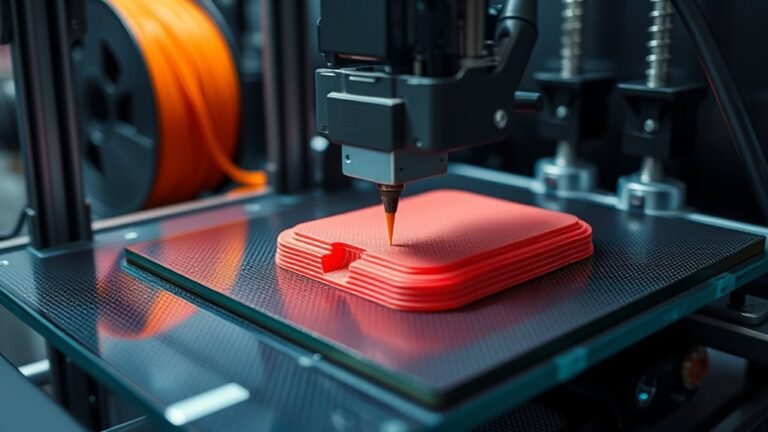
You start by preparing a digital 3D model, checking and orienting it for printing. Then, you slice it into thin layers and set print parameters like speed, temperature, and supports based on the...
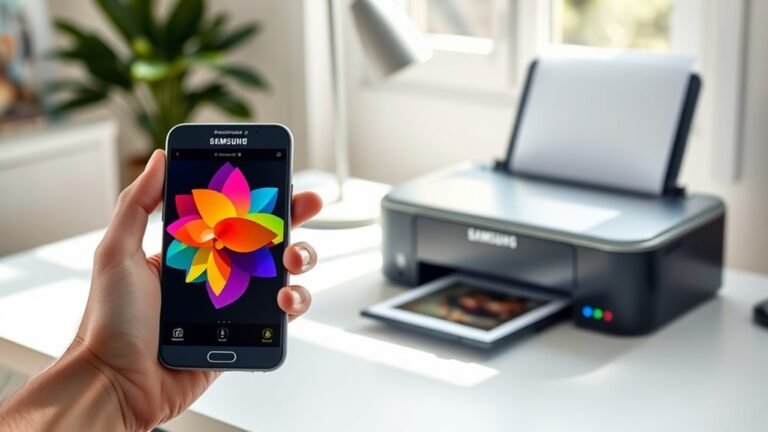
To print from your Samsung phone to a wireless printer in five easy steps, first connect your phone to the printer’s Wi-Fi or use Wi-Fi Direct.
Next, install the HP Print Service Plugin or your...
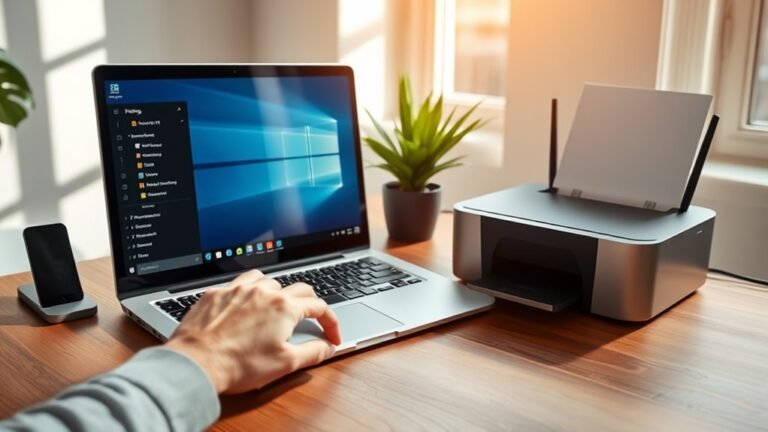
To change your default printer in Windows 11, open Settings and go to Printers & scanners. First, turn off "Let Windows manage my default printer" for manual control.
Select your preferred printer...
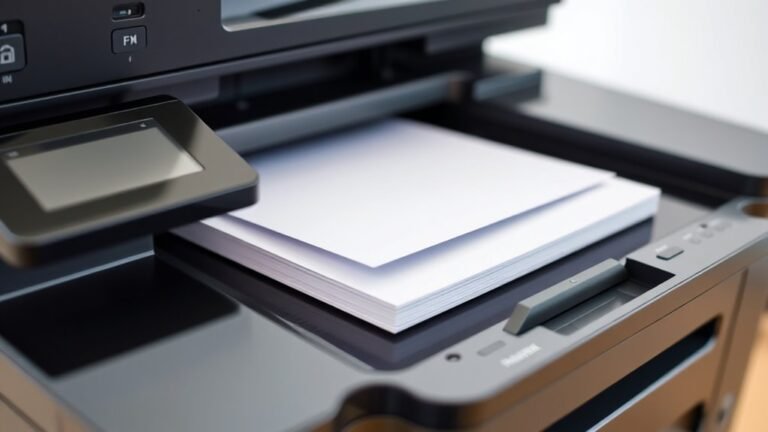
ADF stands for Automatic Document Feeder on your printer or scanner. It lets you scan or copy multiple pages without handling each one, saving time and effort.
You just load a stack of documents, and...
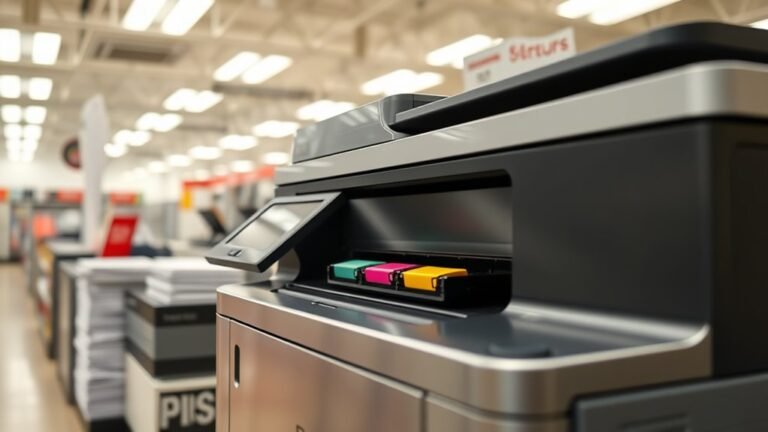
Staples uses high-speed laser, inkjet, and tank printers designed to deliver crisp, professional-quality prints quickly and affordably. You’ll find business-class laser models for large volumes...
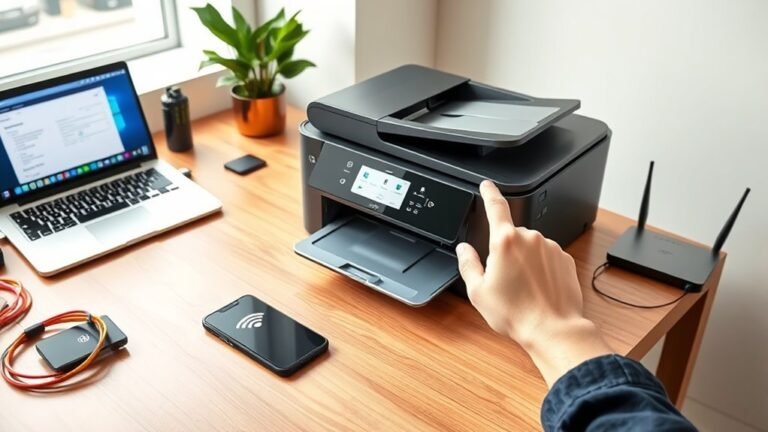
Start by placing your printer within 10–30 feet of your router and powering it on. Use the printer’s Wireless Setup Wizard to find and connect to your Wi‑Fi network with the correct password.
If...
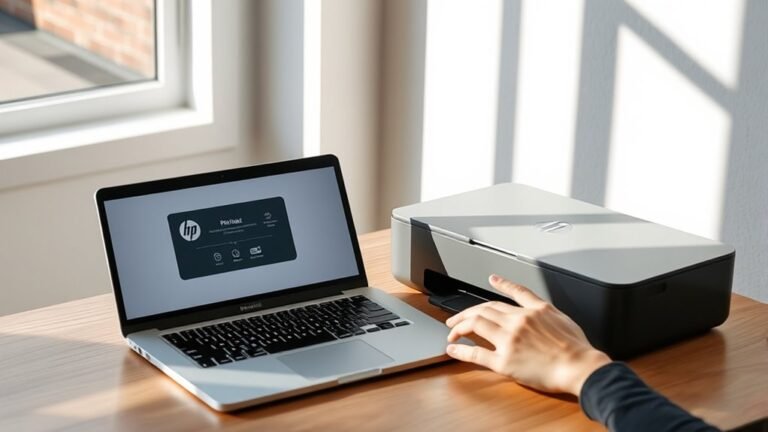
To add your HP printer to your Mac in three easy steps, first download and launch HP Easy Start from the HP Support website. Then, follow the prompts to find and set up your printer.
Next, open...
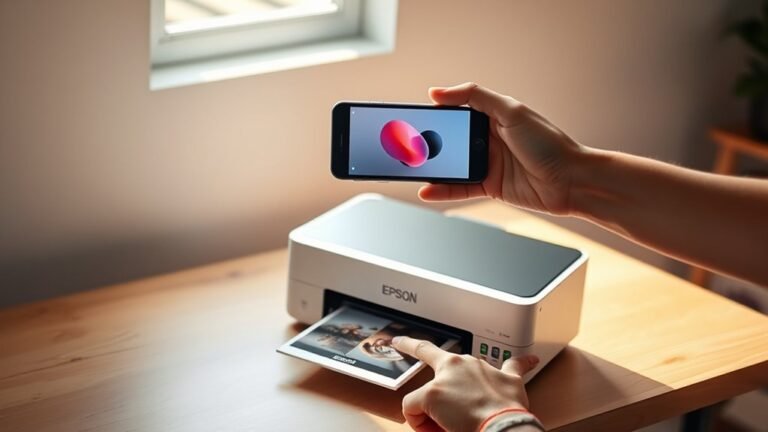
To print from your iPhone to an Epson printer in three easy steps, first make sure your printer is set up, powered on, and within Bluetooth range.
Next, connect your iPhone to the same Wi-Fi network...
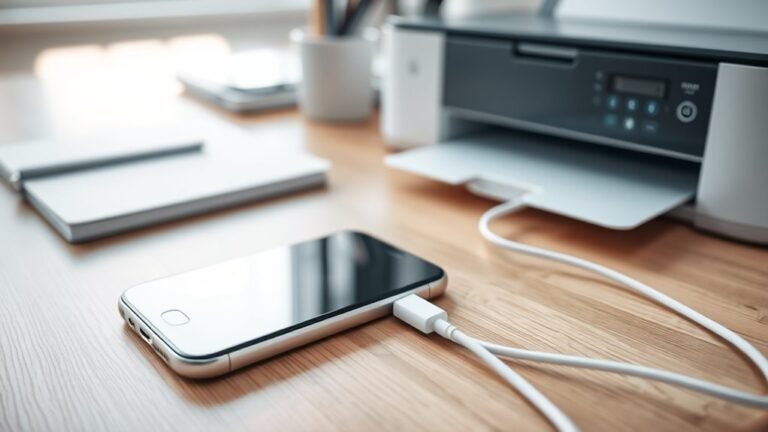
To connect your iPhone to a USB printer, first make sure your printer is powered on. Then, identify its USB port type.
Next, choose the right adapter. Use a Lightning to USB Camera Adapter for older...