


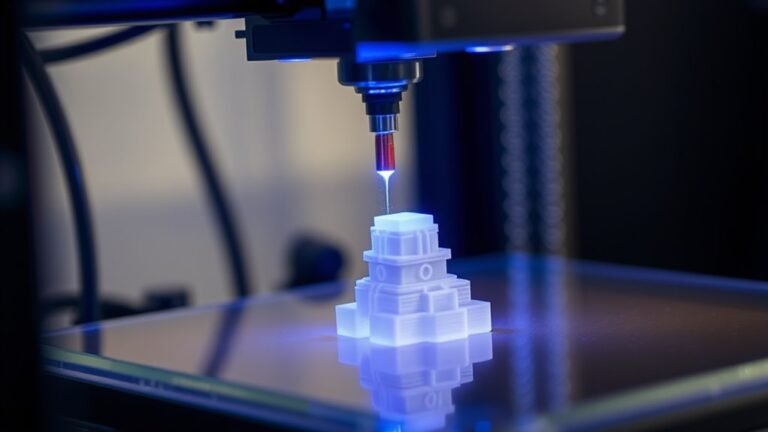
An SLA printer uses a focused ultraviolet laser to cure liquid resin layer by layer, creating precise, high-detail 3D objects with smooth finishes. You’ll start with a CAD model sliced into thin...
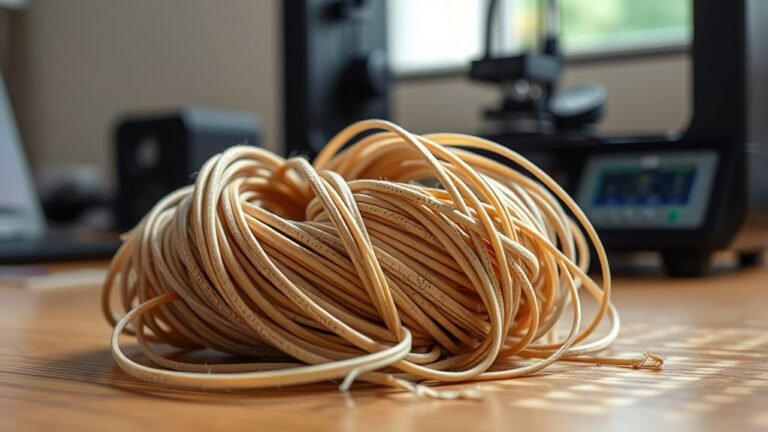
Yes, 3D printer filament does go bad, but not like food—it gradually loses quality over time, especially if exposed to moisture, heat, or sunlight. Moisture causes popping, bubbles, and weak...
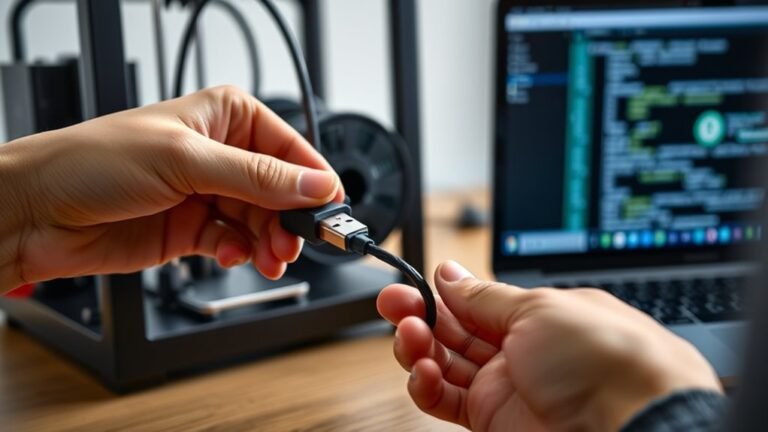
To connect your 3D printer to your computer, start by unboxing and inspecting all components. Position the printer on a stable surface, then plug in power and USB cables securely.
Next, install the...
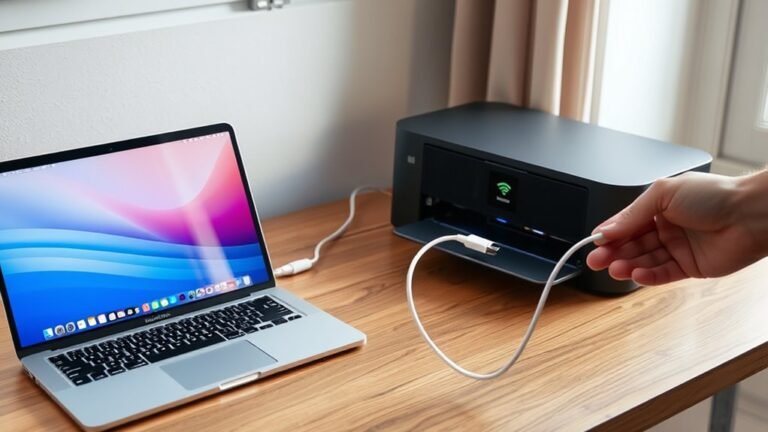
Power on your MacBook and printer, making sure both are properly connected and ready to go. Connect your printer to the same Wi-Fi network as your MacBook or use a compatible USB cable.
Next, add the...
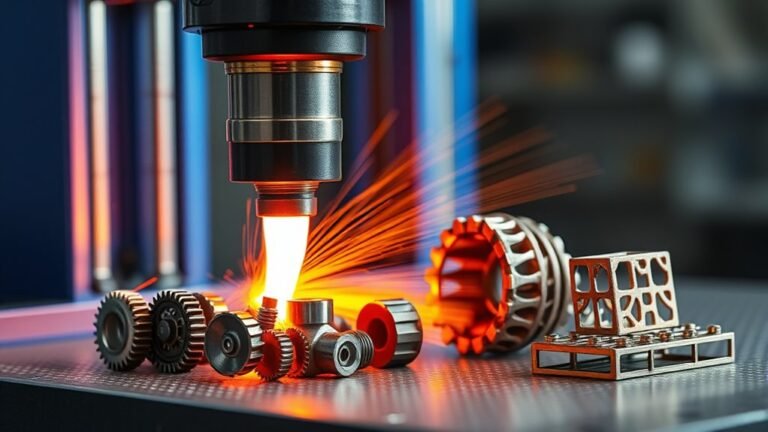
You can 3D print a wide range of metal parts, from functional components like brackets and gripper jaws to aerospace turbine blades and patient-specific implants. Whether you need durable consumer...
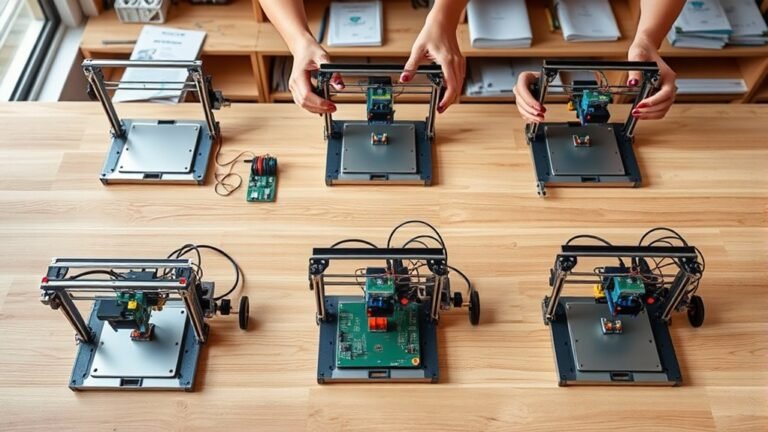
Start by designing a rigid aluminum frame with a hybrid motion system: belt-driven X-axis, Y-axis moving bed, and Z-axis height adjustment.
Next, pick quality parts like NEMA 17 steppers, belts, and...
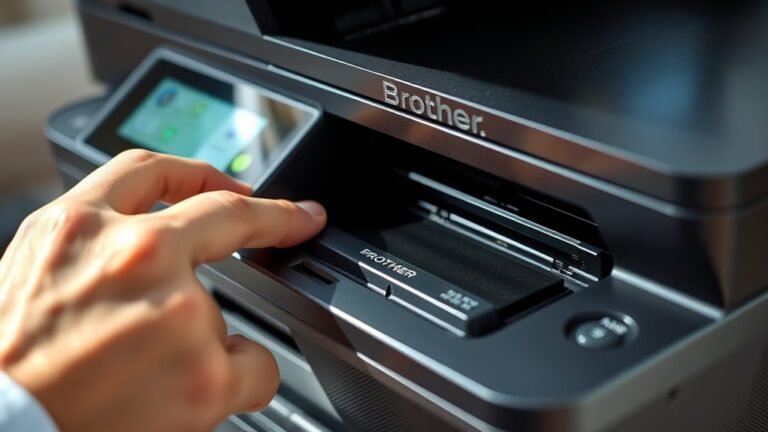
To reset the toner on your Brother printer, open the front cover and hold OK (or Clear/Stop) until the reset menu appears. Use the arrows to select your cartridge type, then press OK.
When prompted...
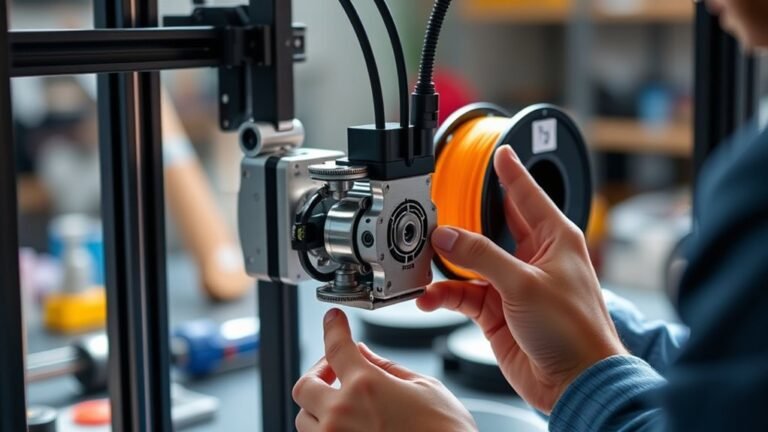
AMS Lite is a compact automatic material system designed for your Bambu Lab A1 or A2 3D printer. It lets you manage up to four filament spools for multi-color or multi-material prints.
You load...
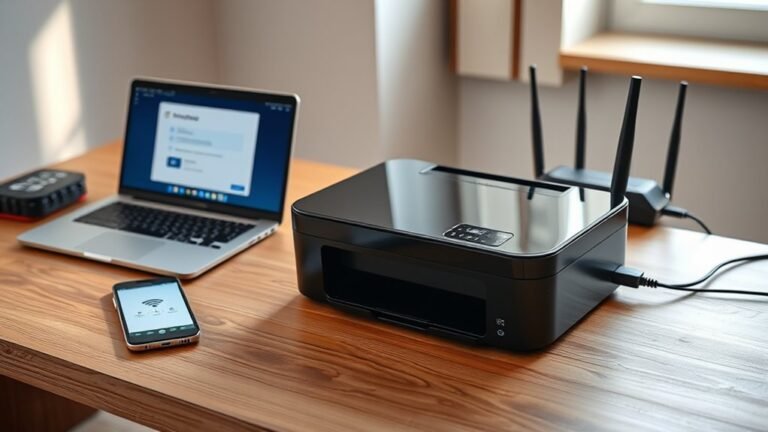
Start by unboxing your printer and removing all the protective tape. Then, place it near your Wi-Fi router and power it on.
Next, install the ink cartridges and load the paper correctly. It’s pretty...