


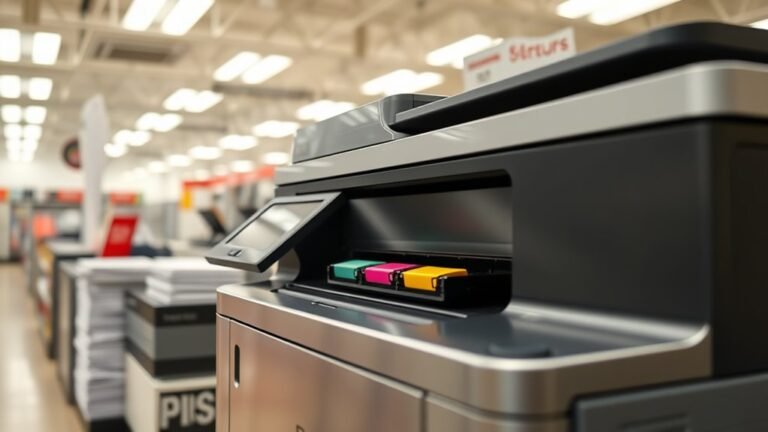
Staples uses high-speed laser, inkjet, and tank printers designed to deliver crisp, professional-quality prints quickly and affordably. You’ll find business-class laser models for large volumes...
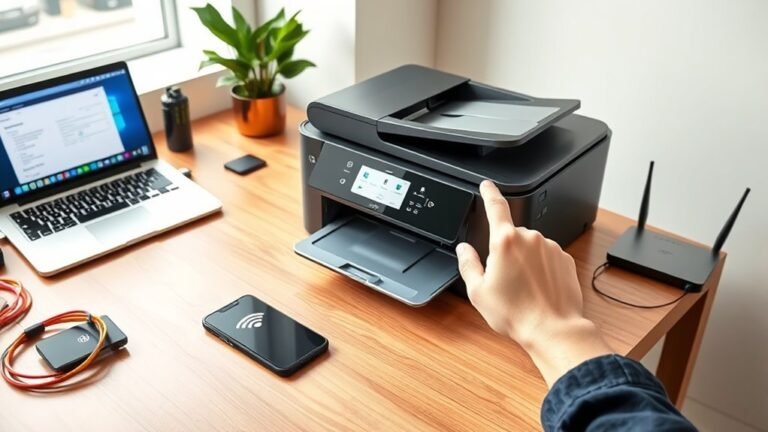
Start by placing your printer within 10–30 feet of your router and powering it on. Use the printer’s Wireless Setup Wizard to find and connect to your Wi‑Fi network with the correct password.
If...
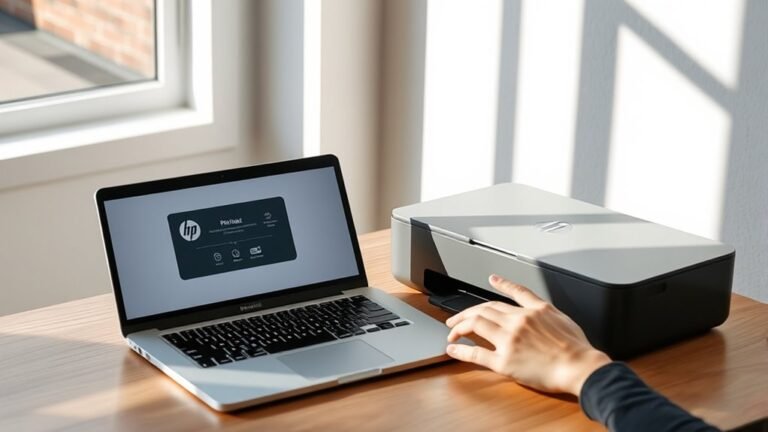
To add your HP printer to your Mac in three easy steps, first download and launch HP Easy Start from the HP Support website. Then, follow the prompts to find and set up your printer.
Next, open...
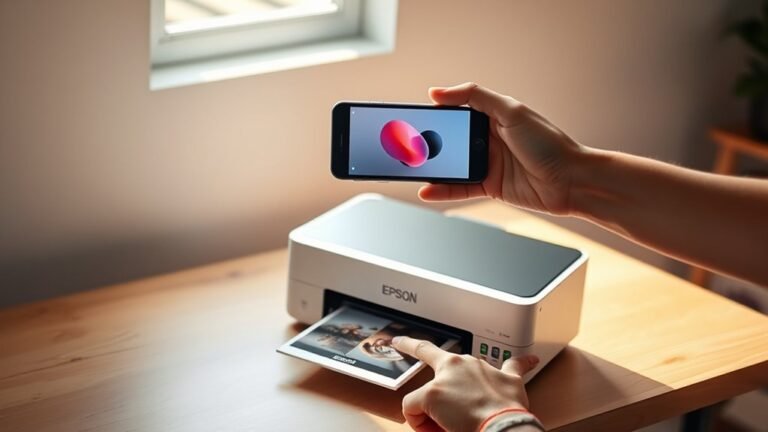
To print from your iPhone to an Epson printer in three easy steps, first make sure your printer is set up, powered on, and within Bluetooth range.
Next, connect your iPhone to the same Wi-Fi network...
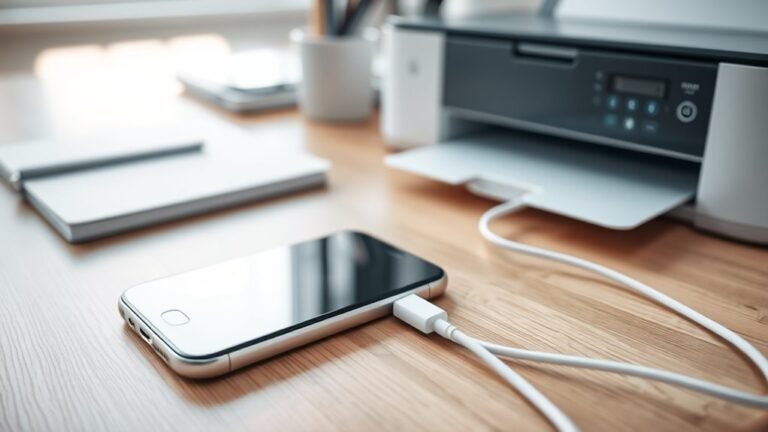
To connect your iPhone to a USB printer, first make sure your printer is powered on. Then, identify its USB port type.
Next, choose the right adapter. Use a Lightning to USB Camera Adapter for older...
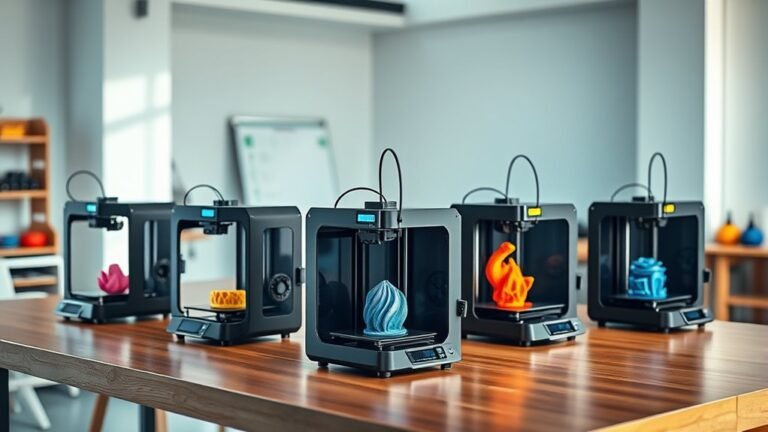
You’ll find the top 3D printers in 2027 excel in reliability, budget-friendliness, and multicolor or multi-material features. Consider the Bambu Lab P2S for consistent, fast prints or the Elegoo...
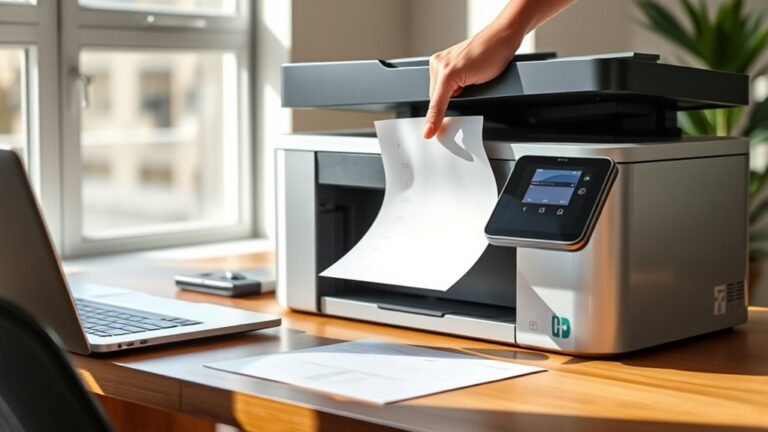
First, power on your printer and connect it to your computer via USB or Wi-Fi. Install the full printer software package for scanner support and confirm device detection.
Place your document...
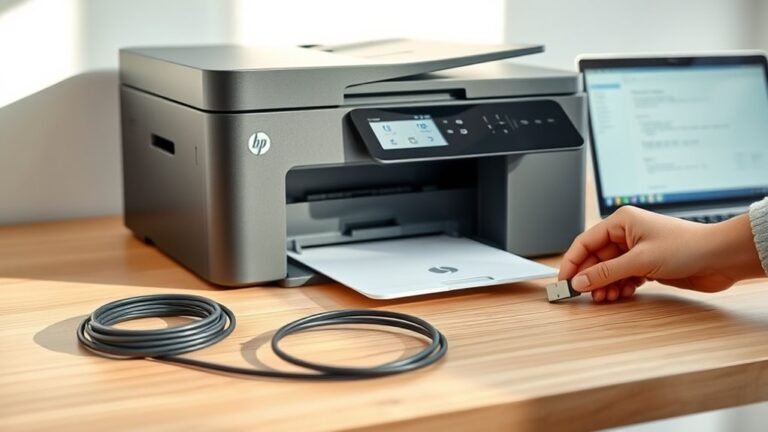
First, identify if your printer connects via USB or Wi-Fi/Ethernet. Make sure your devices share the same network.
Next, open your computer’s printer settings and look for your printer. If you don’t...
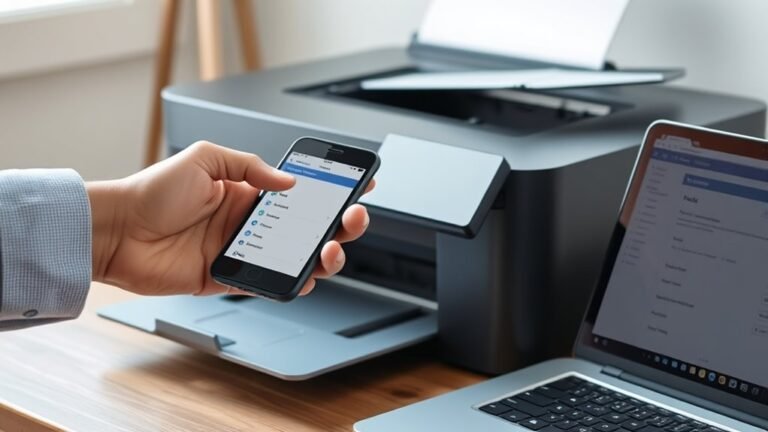
You can find your printer’s IP address by checking its built-in screen, usually under network or wireless settings. If that’s not visible, print a network configuration page from the printer’s...