


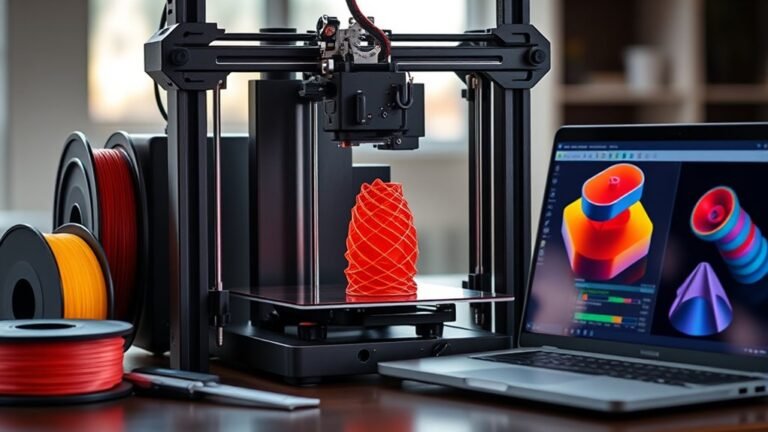
Before buying a 3D printer, know what you'll print—fine details need resin, strong parts match FDM or SLS. Consider build volume carefully; bigger projects need larger beds plus margin.
Resolution...
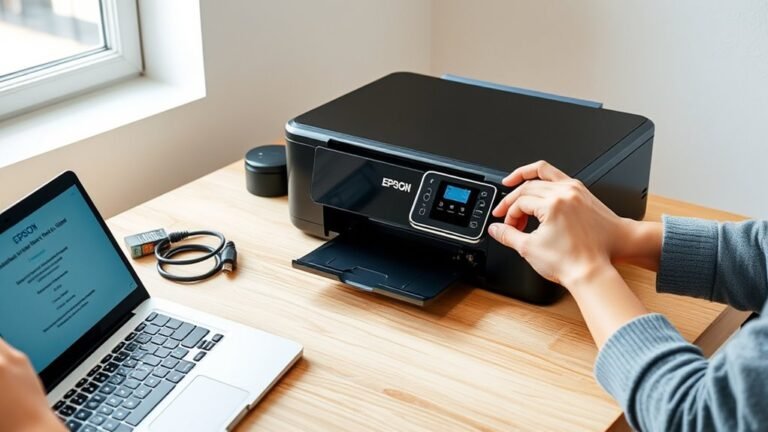
First, prepare your Epson printer and Wi-Fi details, powering on your printer with wireless enabled. Connect the printer to your Wi-Fi via its control panel using the Wi-Fi Setup Wizard.
Next...
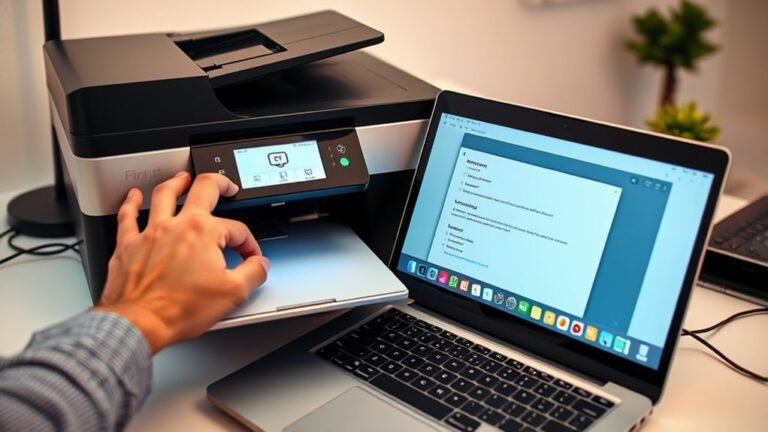
To fix your printer offline, first check the blue Wi-Fi indicator is solid and ensure both your printer and device connect to the same network. Disconnect any USB or Ethernet cables, then restart your...

Printer paper sizes vary, but the most common ones are Letter (8.5 × 11 inches) mostly used in the U.S. and Canada, and A4 (210 × 297 mm or 8.27 × 11.69 inches), the international standard. A4 is...
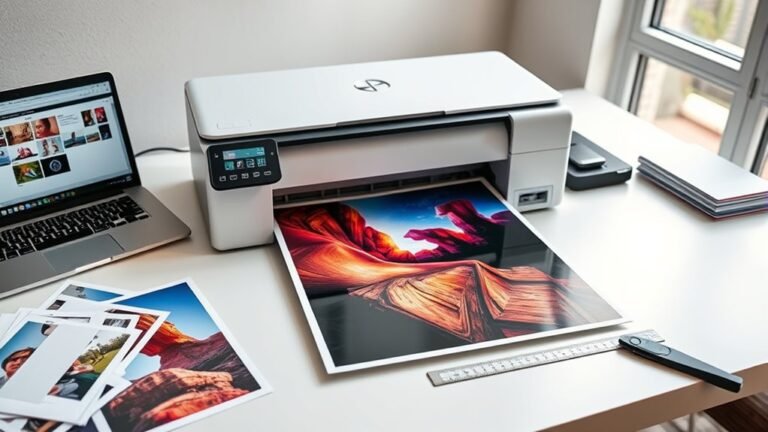
To print large-scale images on a regular printer, first prepare your image at a high resolution, aiming for at least 150 DPI. Next, split it into printable tiles using software like Acrobat or...
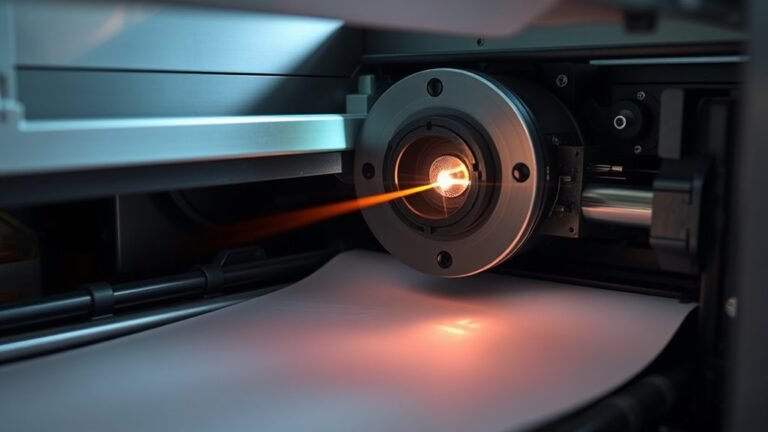
You send a digital file to your laser printer, which first converts it into a high-resolution electrostatic blueprint on a charged photosensitive drum. A laser scans the drum, discharging areas to...
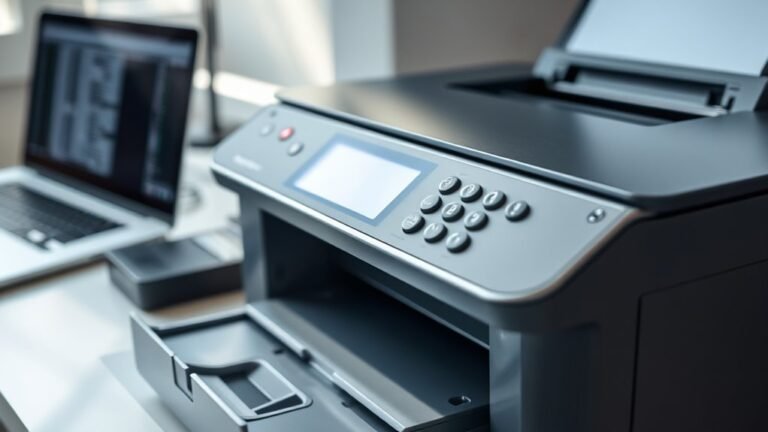
When your printer shows offline, it means it can’t communicate with your computer due to connection, network, or software issues. To fix it, make sure your printer is powered on with cables securely...
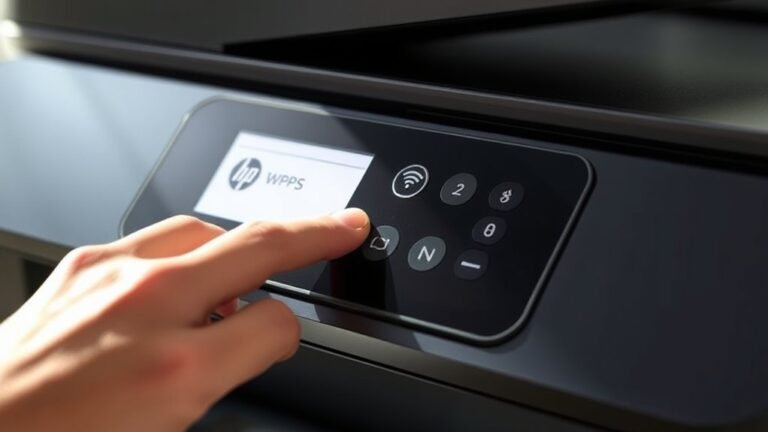
To find the WPS PIN on your HP printer, first go to the Settings menu and select Wireless or Network. Next, choose Wi‑Fi Protected Setup, then pick the PIN option to display the 8-digit code on your...
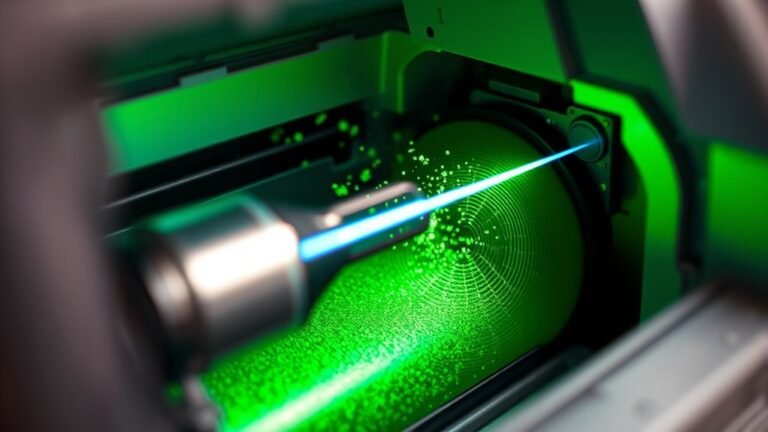
A LaserJet printer starts by charging a photosensitive drum with a uniform electrical charge. Then, a laser beam discharges specific areas to create a precise electrostatic image.
Toner, made of...