


You can use a 3D printer at local libraries, makerspaces, schools, and universities. These places often have beginner-friendly support and equipment available.
Many public facilities offer printing...
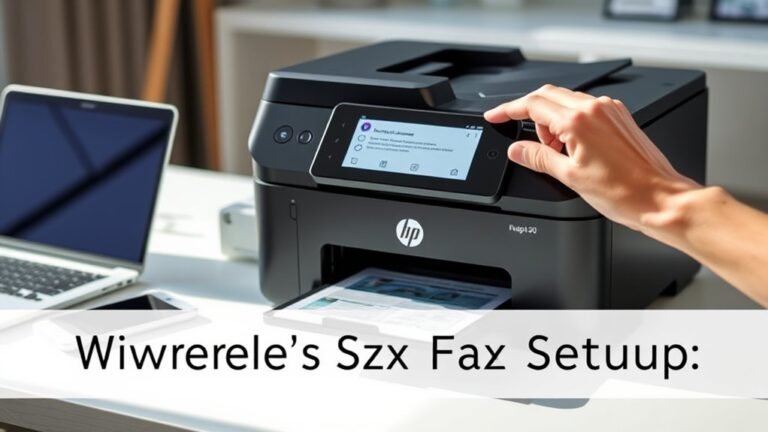
To set up fax on your HP printer without a phone line, first connect your printer to a reliable Wi-Fi network. Next, create an online fax account with a trusted service like eFax, selecting a virtual...
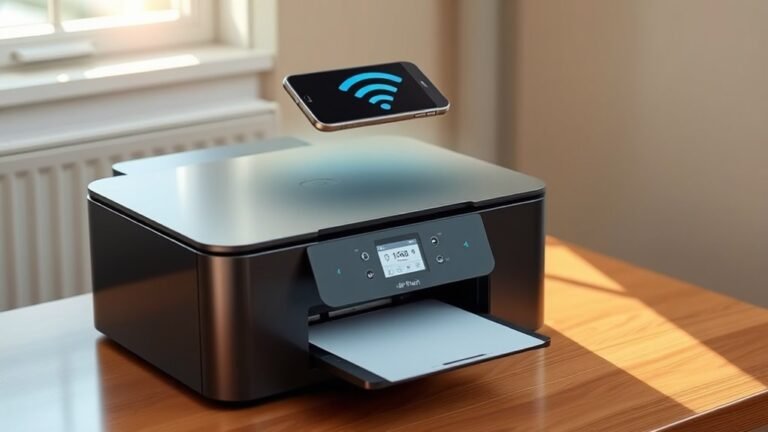
When you print with AirPrint, your Apple device finds compatible printers automatically over the same Wi-Fi network using Bonjour and mDNS protocols. You select your printer from the print dialog...
To update your HP printer firmware in five easy steps, first make sure your printer is on the Ready screen and not processing jobs.
Next, visit HP’s support site, enter your model, and download the...
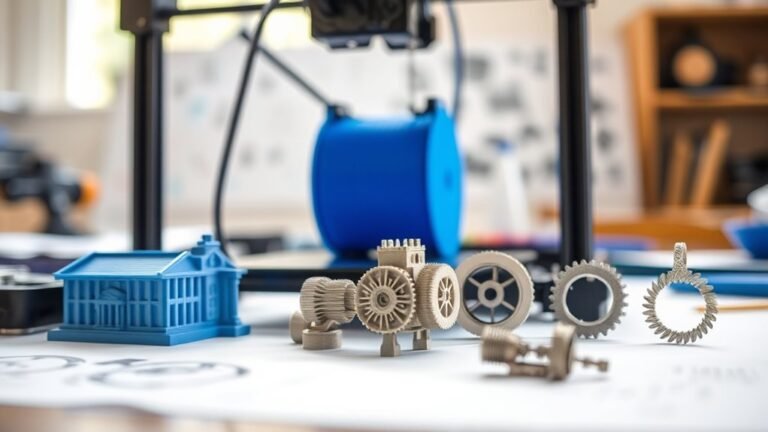
A 3D printer lets you turn digital ideas into real, precise objects quickly. You can create prototypes to test designs fast, make custom tools tailored for your projects, and produce replacement parts...
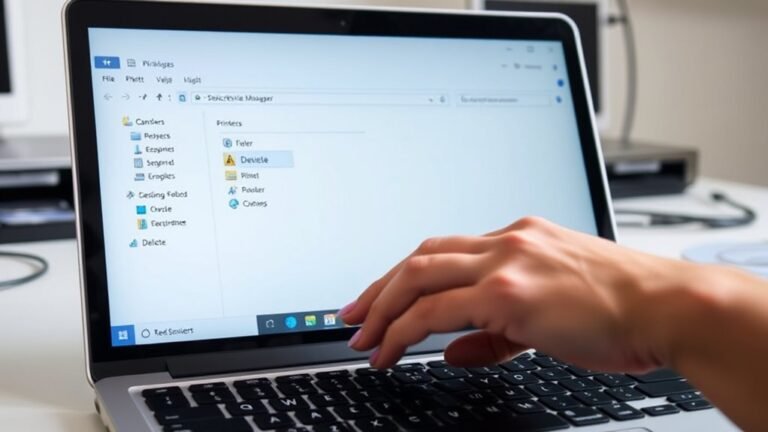
To uninstall a printer driver in 3 easy steps, first sign in to an administrator account and right-click the installer (UPDSetup.exe or UPDSetup64.exe). Then, choose "Run as administrator."
Next...
For standard printer paper, you’ll typically use a GSM between 70 and 90. This range offers a good balance of weight and opacity, so your prints won’t feel too flimsy or be overly transparent.
Keep...

You start printer ink by carefully mixing pigments or dyes with solvents that control flow and drying. Then, additives like humectants and surfactants keep the ink stable and compatible with your...
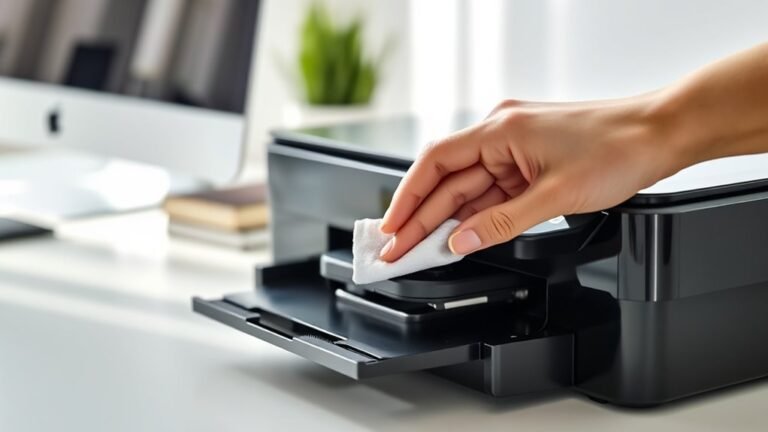
To automatically clean your HP printer cartridge, first open the HP Smart app or the printer panel to access the “Clean Printhead” tool. It’s pretty straightforward and easy to find.
Next, set up a...