


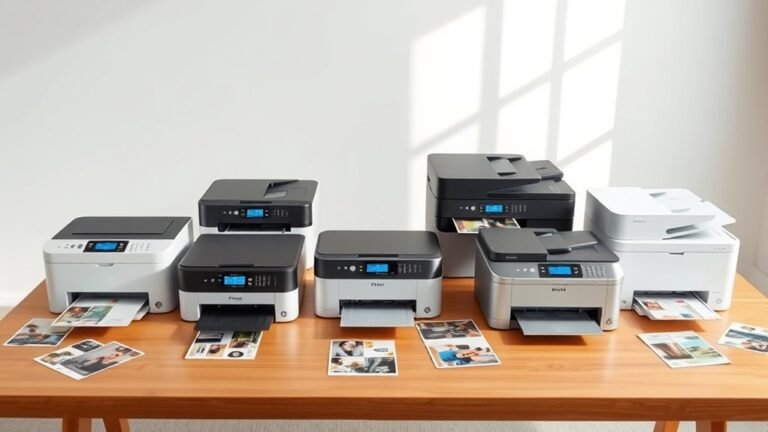
You’ll want a printer that fits your home needs—whether that’s sharp black-and-white text with a mono laser like the HP LaserJet M209d or vibrant color from refillable tanks like the Epson EcoTank...
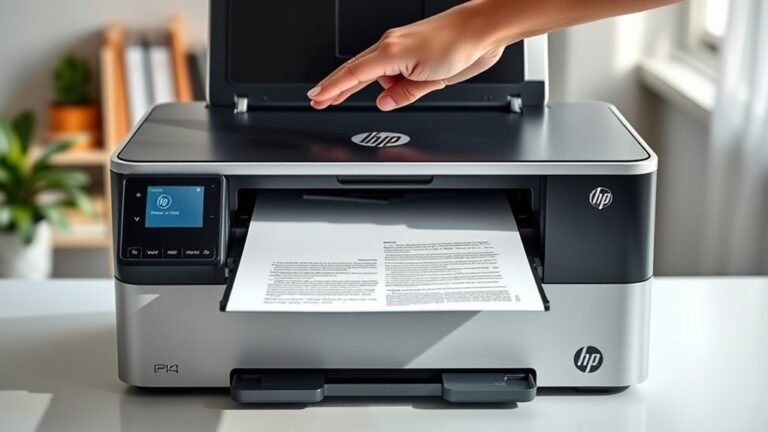
To scan a document on your HP printer, first place it face-down on the scanner glass and open the HP scanning software. Next, set your scan preferences to save as a PDF and pick a resolution—150 dpi...
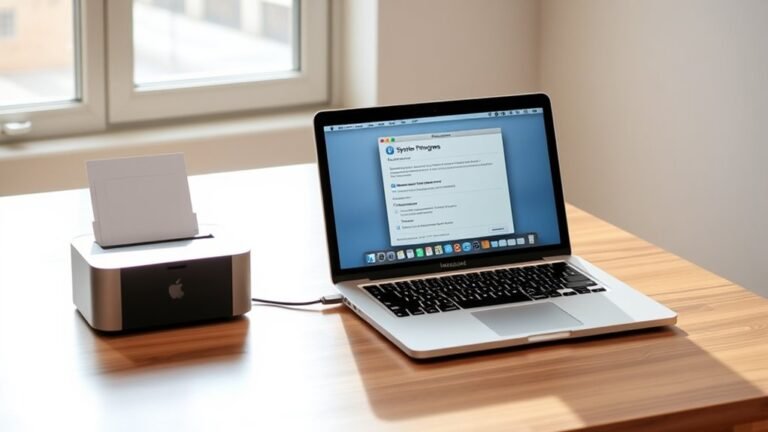
To add a printer to your Mac, start by opening System Settings and selecting Printers & Scanners from the sidebar. Click the plus (+) button and choose the IP tab to enter your printer’s network IP...

To get printer ink out of your carpet, first identify if the ink is water- or oil-based by testing a hidden spot. Gather white cloths, a vacuum, and suitable cleaners—mild soap for water-based or...
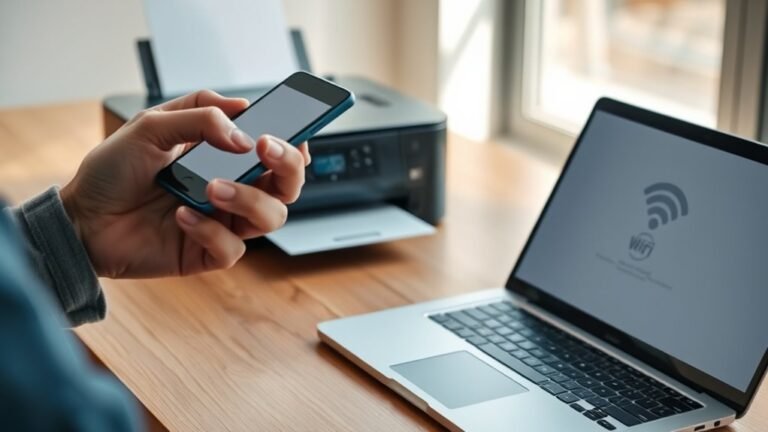
First, check that your printer supports Wi-Fi and matches your router’s 2.4 or 5 GHz network.
Next, connect both your printer and computer to the same Wi-Fi SSID, making sure passwords and security...
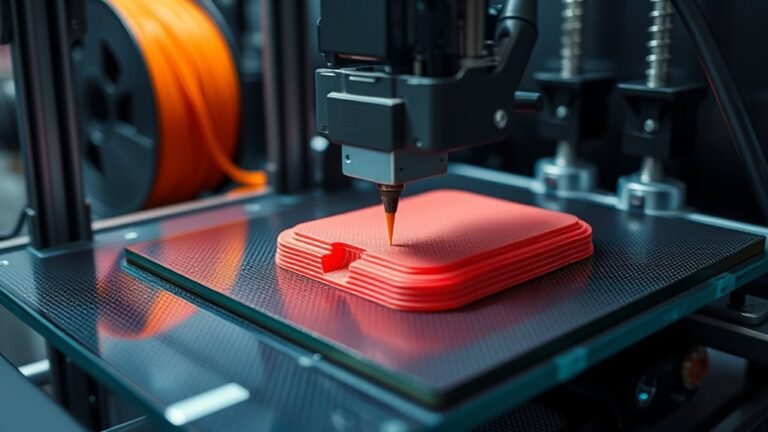
You start by preparing a digital 3D model, checking and orienting it for printing. Then, you slice it into thin layers and set print parameters like speed, temperature, and supports based on the...
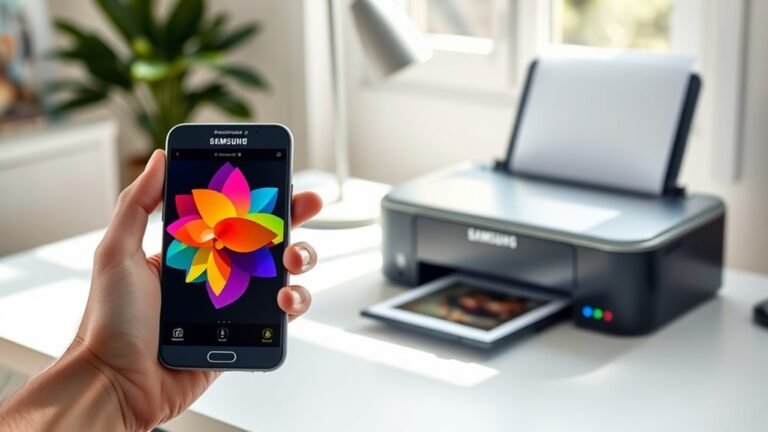
To print from your Samsung phone to a wireless printer in five easy steps, first connect your phone to the printer’s Wi-Fi or use Wi-Fi Direct.
Next, install the HP Print Service Plugin or your...
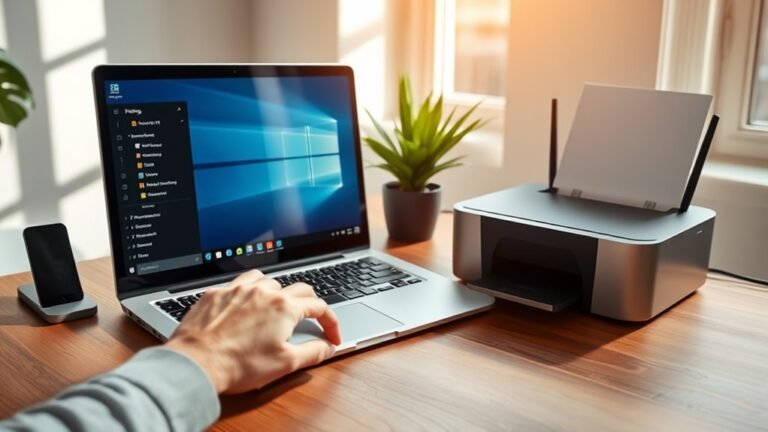
To change your default printer in Windows 11, open Settings and go to Printers & scanners. First, turn off "Let Windows manage my default printer" for manual control.
Select your preferred printer...
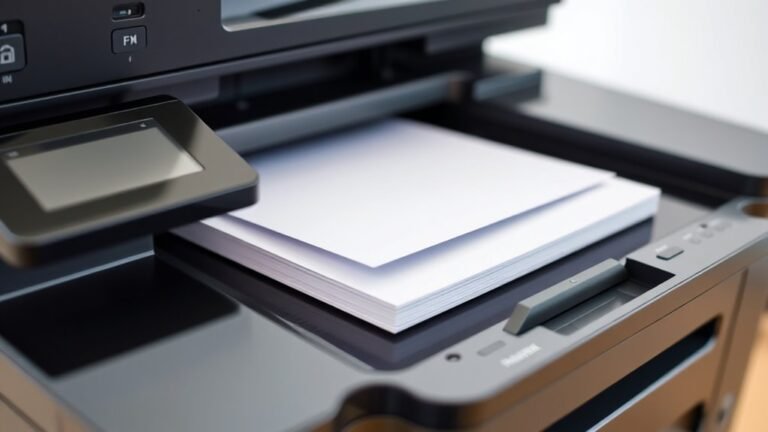
ADF stands for Automatic Document Feeder on your printer or scanner. It lets you scan or copy multiple pages without handling each one, saving time and effort.
You just load a stack of documents, and...