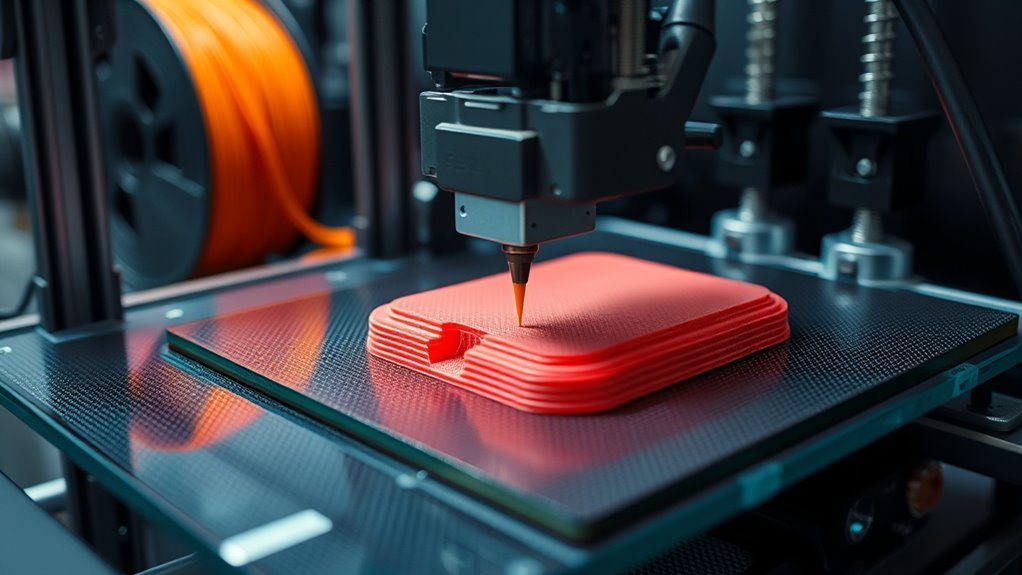
How Does a 3D Printer Work Step by Step
You start by preparing a digital 3D model, checking and orienting it for printing. This step is crucial because the way your model is positioned affects how well it prints and how strong the final object will be.
Then, you slice the model into thin layers, which is how the printer understands what to build.
Next, you set print parameters like speed, temperature, and supports based on the material you use. These settings can make a big difference in the quality and success of your print.
Your printer then builds the object layer by layer using techniques like extrusion or curing.
You’ll want to monitor the print closely to catch any issues early on.
Once printing is done, you remove supports and finish the surface to give your object a polished look. Exploring these steps further reveals how each one influences the final quality and success of your 3D print.
Key Takeaways
– Obtain and prepare a watertight 3D digital model, orienting it to minimize supports and print time.
This step is crucial because a well-prepared model ensures a smoother printing process and better final results.
– Slice the model into thin layers and generate machine instructions (G-code) with specific print and material settings.
Think of this like giving the printer a detailed recipe to follow, layer by layer.
– The printer forms each layer by depositing or curing material using methods like extrusion, laser fusion, or UV curing.
Different printers use different techniques, but the goal is always the same—building the object one layer at a time.
– Monitor the print in real-time, checking temperature stability, extrusion consistency, and early-layer adhesion to prevent defects.
Keeping an eye on things helps catch problems early before they ruin the print.
– After printing, remove supports carefully, perform finishing steps such as sanding and curing for resin prints to finalize the part.
This finishing touch really makes the piece look polished and ready to use.
How 3D Printing Works: The Basics
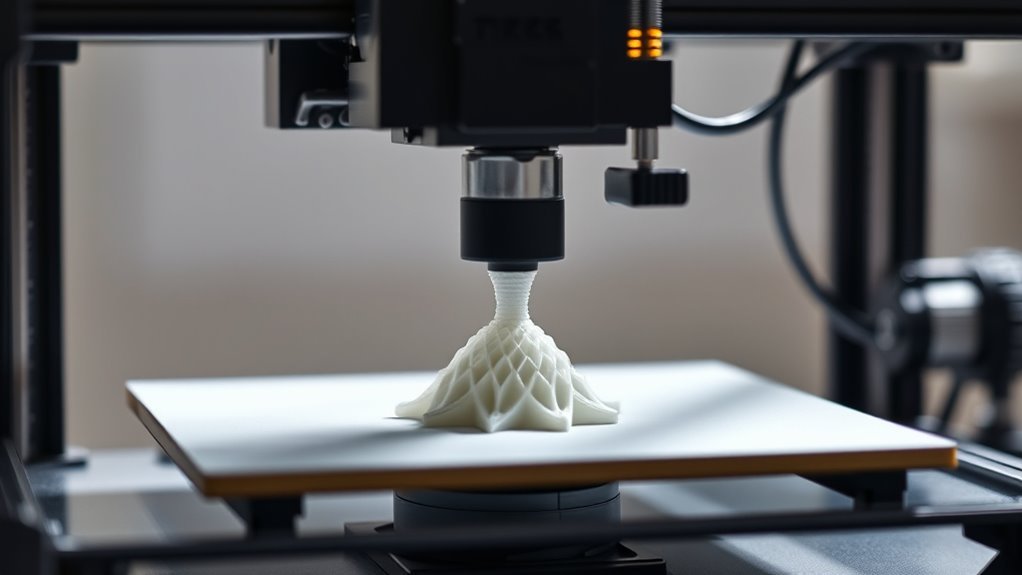
To get started with 3D printing, you first need a digital 3D model, usually in STL or AMF format, which is sliced into thin layers that guide the printer’s movements. Before printing, you’ll check and repair the model, then choose settings like material, layer thickness, print speed, and support structures.
The slicing software converts the model into machine instructions, known as G-code, directing the printer on how to build each layer. Depending on the printer type, material is either deposited or solidified layer by layer—like molten plastic pushed through a nozzle or resin cured by UV light.
The build platform shifts between layers, gradually forming your object. Once printing finishes, you’ll often need to remove supports and perform finishing touches to get a clean, usable part. It’s a pretty cool process once you get the hang of it!
How Different 3D Printing Technologies Build Layers
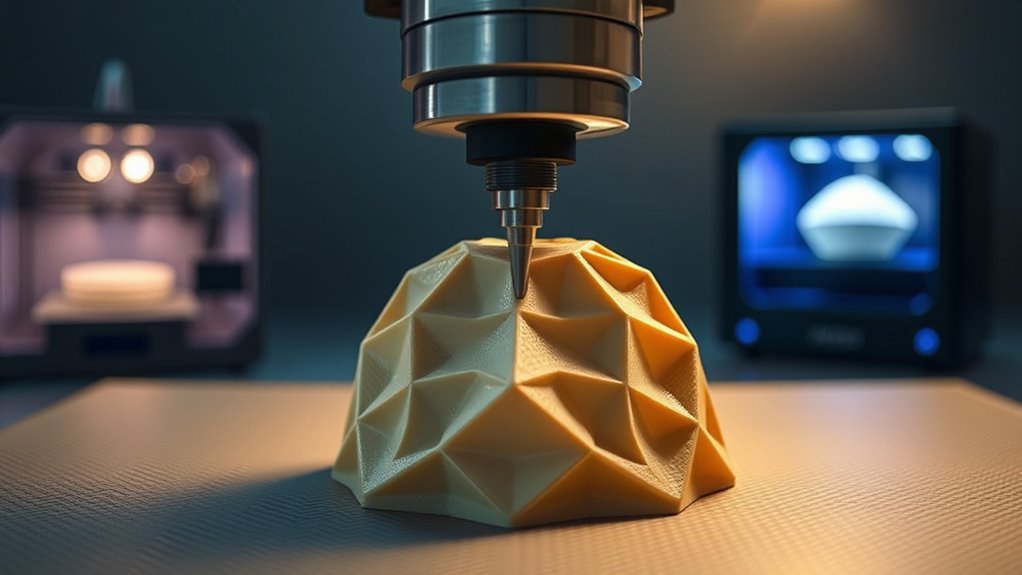
You’ll find that 3D printers build layers using different techniques, from melting and extruding materials to curing liquids or fusing powders.
Each method relies on specific ways to deposit material and energy sources like lasers, electron beams, or heat.
Understanding these differences helps you see how printers create detailed and complex parts layer by layer.
Layer Formation Techniques
Building layers lies at the heart of every 3D printing process, with each technology employing distinct methods to form precise cross-sections. You’ll see that some use heat to melt materials, while others cure resins or fuse powders.
Here’s a quick glance at how each technique forms layers:
| Technology | Layer Formation Technique |
|---|---|
| Fused Deposition Modeling | Extrudes molten filament, solidifies as it cools |
| Vat Photopolymerization | Cures resin selectively with UV light |
| Powder Bed Fusion | Fuses powder particles using laser or electron beam |
| Binder Jetting | Deposits liquid binder to define and solidify layers |
| Directed Energy Deposition | Adds metal powder or wire into focused energy beam |
Understanding these will help you grasp how layers build your 3D object step by step. It’s pretty cool once you see how all these tiny layers come together!
Material Deposition Methods
Different 3D printing technologies deposit material in unique ways to create each layer of your object. With material extrusion, you feed a thermoplastic filament into a heated nozzle that melts and deposits a continuous bead along precise X–Y paths.
Vat photopolymerization uses a UV laser or projector to cure liquid resin layer by layer. This method achieves smooth surfaces but often needs supports.
Powder bed fusion spreads thin powder layers and selectively fuses or melts them using lasers or electron beams. It’s ideal for polymers and metals.
Binder jetting sprays a liquid binder onto powder, bonding particles into a green part. This part then requires post-processing.
Directed energy deposition feeds metal powder or wire through a multi-axis nozzle, melting it as it deposits. This process works great for complex, large metal builds or repairs.
Energy Sources Used
Each 3D printing method relies on a specific energy source to transform raw materials into solid layers. Understanding these sources helps you grasp how each technology builds objects layer by layer.
- Light Energy: Vat photopolymerization uses ultraviolet lasers or projectors to cure liquid resin selectively. This process solidifies each layer precisely.
- Thermal Energy: Material extrusion melts thermoplastic filaments through a heated nozzle. It deposits melted material that cools and bonds to form the shape.
- Focused Energy Beams: Powder bed fusion employs lasers or electron beams to sinter or melt powder particles. This creates dense, solid cross-sections layer by layer.
How Different Materials Affect 3D Printing
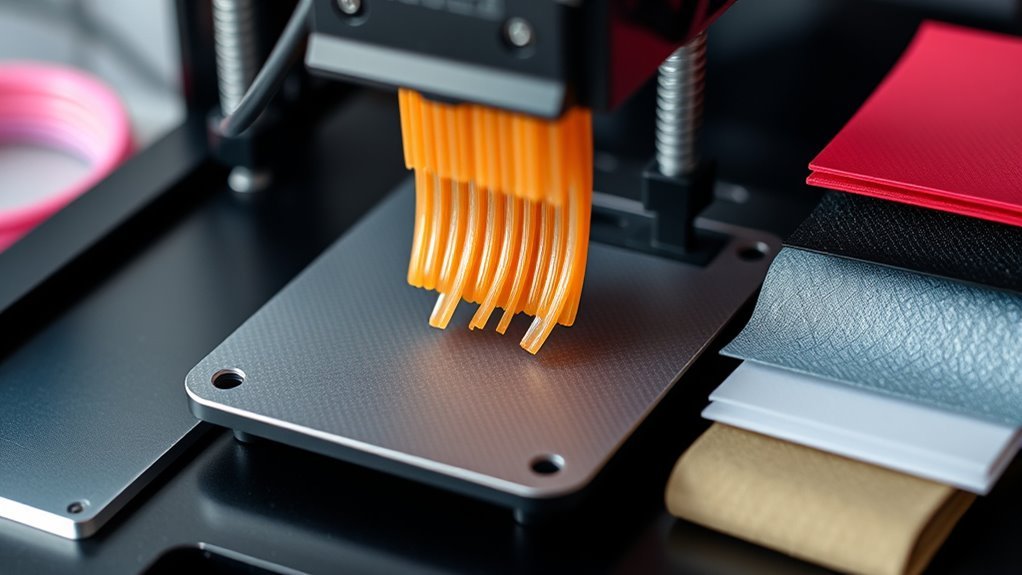
Although 3D printing technology remains consistent, the materials you choose substantially influence the process and final results.
For example, thermoplastics like PLA and ABS melt and extrude at specific nozzle temperatures, affecting layer adhesion and whether you need a heated bed or enclosure.
Photopolymer resins cure under UV light, producing smooth, high-resolution parts but require post-curing and offer limited mechanical strength.
Powder materials in Powder Bed Fusion need precise particle control and often heat treatment for metals to reduce stress.
Binder-jet and material-jet methods demand extensive post-processing to achieve full strength.
Directed Energy Deposition can handle tough alloys through laser or electron beams but needs careful thermal management.
Preparing Your Digital Model for 3D Printing
Preparing your digital model for 3D printing starts with thoroughly inspecting and repairing it to guarantee a flawless print. You’ll need to check for non-manifold edges, flipped normals, holes, and intersecting faces to make certain a watertight mesh. Using tools like Netfabb or Meshmixer makes this easier.
Start your 3D print by inspecting and repairing your model for a flawless, watertight mesh using tools like Netfabb.
Next, focus on orienting your model properly on the build platform to reduce supports and print time. Finally, slice the model with settings tailored to your material and printer.
Here’s what to prioritize:
- Inspect and repair the model for errors to avoid print failures.
- Orient the model to favor flat surfaces on the bed and minimize overhangs.
- Slice with appropriate layer height, infill, and support settings for your filament.
Setting Print Parameters to Optimize Quality and Speed
After getting your model ready and sliced, the next step is to fine-tune your print settings to balance quality and speed. You’ll adjust layer height, print speed, nozzle temperature, cooling, and structural parameters to get the best results for your material and design.
| Parameter | Typical Settings |
|---|---|
| Layer Height | 0.1–0.2 mm (fine detail), 0.2–0.3+ mm (fast) |
| Print Speed | 40–60 mm/s (quality), up to 100+ mm/s (draft) |
| Nozzle Temp | PLA: 190–220°C, ABS: 230–250°C, Nylon: 240–260°C |
| Cooling | Low for ABS, strong for PLA |
| Infill & Shells | 20–40% infill, 2–3 perimeters thick |
Fine-tuning these will help you optimize print quality without unnecessary delays. It’s all about finding that sweet spot between how good your print looks and how fast it comes out. Just tweak a bit at a time, and you’ll get there!
How Support Structures Enable Complex Shapes
Support structures play a crucial role in letting your 3D printer create complex shapes that would otherwise collapse during printing. These temporary scaffolds anchor overhangs, bridges, and steep angles, preventing sagging or distortion.
Depending on your printer type, supports also help manage heat to avoid warping. Here’s how they work:
- Material and Design: Supports are printed using the same or dissolvable materials, often with patterns like grids or trees to minimize waste and ease removal.
- Function: They stabilize fragile parts during printing and, in metal printing, conduct heat to maintain shape integrity.
- Customization: You can adjust support density, angle thresholds, and contact points in your slicer to balance print quality with post-processing ease.
How to Monitor Your 3D Print and Spot Issues
You’ll want to check your printer’s progress regularly using its completion percentage and time estimates to catch issues early. Keep an eye out for common problems like poor first-layer adhesion, extrusion inconsistencies, or layer shifting.
Spotting these signs quickly helps you fix problems before they ruin your print. It’s all about catching things early so you don’t have to start over later. Just a little attention goes a long way!
Print Progress Indicators
Although 3D printers typically show percent complete and estimated time remaining, these numbers can shift if print speeds or temperatures vary. To effectively monitor your print progress and catch issues early, focus on these key indicators:
- First Layers & Bed Adhesion: Watch the first 5–15 minutes closely; poor adhesion often causes print failure. Check nozzle path and extrusion width for consistent layering.
- Real-Time Temperatures: Keep an eye on nozzle and bed temps. Deviations beyond ±2–5°C can lead to warping, poor bonding, or extrusion problems.
- Layer-by-Layer Monitoring: Use a webcam or timelapse to spot issues like layer shifts or clogs. If you see repeated misalignment or gaps, pause or cancel to fix the problem.
These indicators help you stay ahead and make certain a successful print.
Common Print Problems
When monitoring your 3D print, paying close attention to the printer’s progress indicators can help you catch common problems early. Watch the first layers for bed adhesion issues like warping or lifting.
Listen for unusual sounds such as grinding or clicking. These noises might signal filament feed or nozzle problems.
Inspect layers for signs of under- or over-extrusion and layer shifting. After printing, compare the model to the original for size accuracy and surface quality to spot calibration errors.
| Problem | Signs to Watch For |
|---|---|
| Bed Adhesion | Gaps, warping, corners lifting |
| Extrusion Issues | Thin lines, blobs, stringing |
| Layer Shifting | Horizontal offsets, sudden layer moves |
Removing Supports, Finishing, and Troubleshooting Your Print
Removing supports carefully guarantees your print maintains its shape and surface quality. After your print cools, use flush cutters or needle-nose pliers to remove supports close to the part, minimizing surface damage.
Carefully removing supports after cooling preserves your print’s shape and surface integrity with minimal damage.
For resin prints, rinse in isopropyl alcohol and cure under UV light before support removal. Next, sand support contact points starting with coarse grit, progressing to finer grits, and use wet sanding for plastics like ABS or PETG.
Finally, fill gaps with suitable filler, sand smooth, and prime before painting.
Here’s a quick guide to finishing and troubleshooting your print:
- Remove supports after cooling and cure resin prints properly.
- Sand progressively and wet sand for sensitive plastics.
- Troubleshoot issues like bed adhesion, layer shifts, and stringing by adjusting settings or checking hardware.
Frequently Asked Questions
What Is a 3D Printer and What Does It Do?
A 3D printer is a machine you use to create physical objects from digital models. It builds things layer by layer, letting you produce customized items, prototypes, or complex parts quickly and precisely with various materials.
Basically, it’s like bringing your ideas to life, one thin layer at a time. Whether you want something simple or super detailed, a 3D printer can handle it.
What Is a Good Bed Temperature for PLA?
You should set your heated bed to 50–60°C for standard PLA to make certain good adhesion without warping. For blends or filled PLA, try 60–70°C.
Adjust in small increments if you notice lifting or poor bonding. It’s a bit of trial and error, but you’ll find the sweet spot quickly.
How Does a Printer Work?
A 3D printer reads your design file, then builds your object layer by layer, melting or curing material precisely. It controls temperature, movement, and speed to create your model.
Often, your print will need some post-processing to get the best finish. This step makes sure your final object looks just right.
How Does a 3D Printer Know What to Print?
Your 3D printer knows what to print because you provide it with a digital 3D model file. This file guides the printer’s movements, telling it exactly where and how to build each layer of your object.
Basically, the printer reads the instructions from that file step by step. It then lays down material layer by layer until your object takes shape.
Conclusion
Now that you’ve unraveled the magic behind 3D printing, you’re ready to watch your ideas gently take shape layer by layer. With the right materials, careful prep, and a little patience, your digital dreams will smoothly transform into tangible creations.
Remember, every print is a step closer to mastery, so embrace the learning curves as gentle nudges toward perfection. Soon, you’ll be crafting with confidence and a touch of creative grace.
3D printing is all about turning digital designs into real objects, and with each project, you get better at understanding the process. Keep experimenting with different materials and techniques, and you’ll see your skills grow. The journey might have its challenges, but that’s part of what makes mastering 3D printing so rewarding.