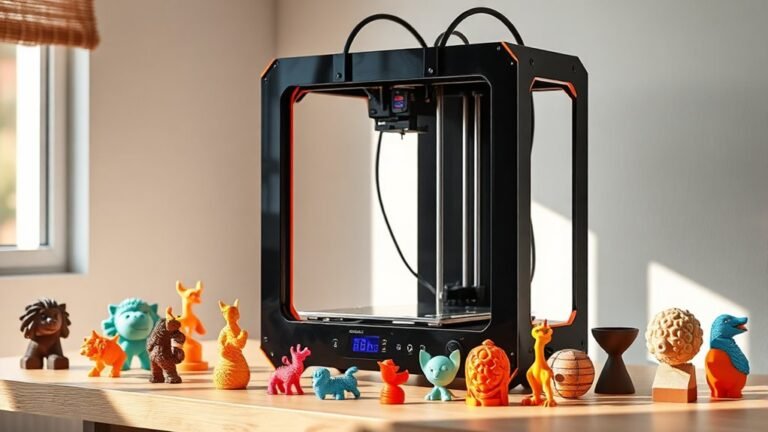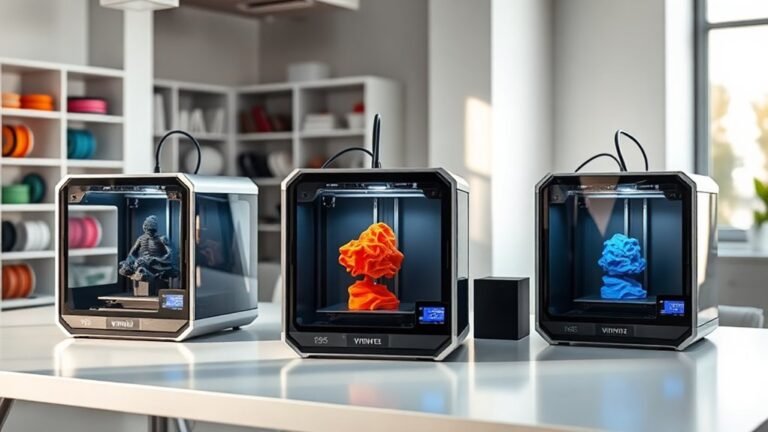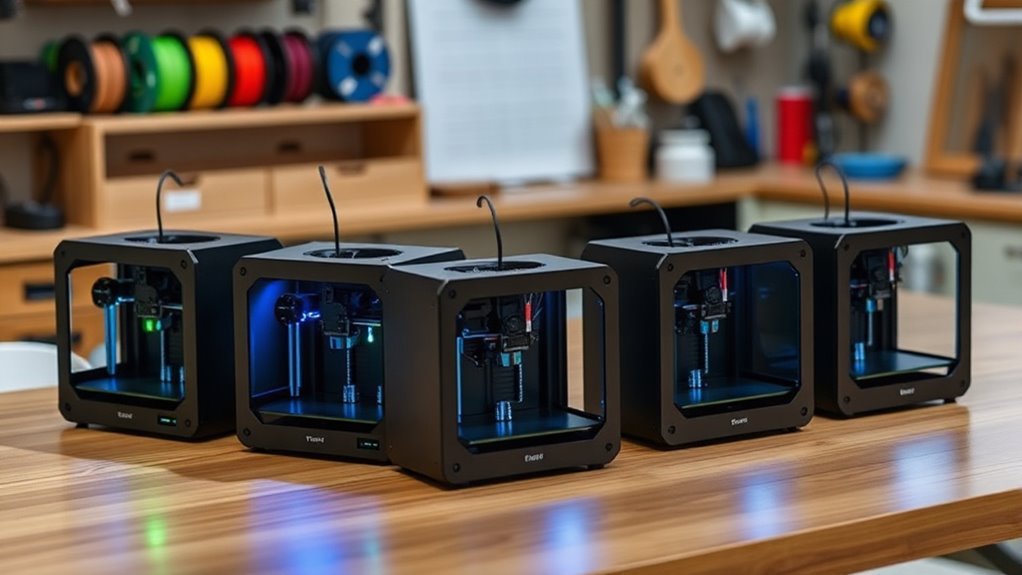
7 Best Cheapest DIY 3D Printers for 2027
If you’re on the hunt for an affordable DIY 3D printer in 2027, you’ve got some great options to consider.
Whether you’re a beginner or more experienced, there’s something to fit your needs and budget. From portable, compact FDM printers to easy-to-assemble mini kits, the choices are versatile and user-friendly.
For instance, the Portable Compact FDM Printer comes with a removable plate that makes cleanup a breeze.
Meanwhile, the DIY Mini Kit can be assembled in just minutes, perfect if you want to get started quickly without fuss.
The Creality K2 SE stands out with its fast, multicolor printing capabilities.
If you’re new to 3D printing, the Ender 3 V3 SE makes leveling super simple, which is a huge help.
Other great picks include the Q3D OneUP and FDM Desktop models that feature power recovery, plus the Srliya models that balance solid performance with an affordable price.
Take a look at the full list to find the perfect DIY 3D printer for your projects!
| Image | Name | Editor's Rating | Price |
|---|---|---|---|

|
|
||

|
|
||

|
|
||

|
|
||

|
|
Portable Compact FDM 3D Printer with Removable Plate
- Foolproof Setup with Video Guides – Never get stuck! We provide a crystal-clear Quick Start Guide and step-by-step video tutorials. Watch them online to get started.
- Simple Assembly with Video Guide – Requires quick modular setup (watch our step-by-step video). Comes with 10m PLA filament, TF card, tools, and 12V Type-C power...
- Versatile Filament Compatibility – Unleash your creativity with both PLA and flexible TPU (1.75mm). The reliable 0.4mm nozzle and precise 0.05-0.3mm layer thickness...
- Reliable Performance & Compact Design – Features stable FDM technology and a removable build plate for easy model removal. The perfect 100x100x100mm build volume is...
- Complete Package – No Hidden Costs – Includes printer, 10m PLA filament, 8GB TF card + reader, tools, illustrated manual, and 12V Type-C power adapter. Plus free...
Experience the convenience of desktop 3D printing with this Portable Compact FDM 3D Printer designed for ease and efficiency. Its small footprint and lightweight build ensure it fits seamlessly in tight spaces like classrooms or home offices. The removable build plate streamlines the process of detaching finished models, reducing wait times and potential damage.
This printer offers a modest 100x100x100mm build volume, ideal for creating detailed small-scale projects without overwhelming your workspace. Its simple setup and maintenance make it accessible for beginners, while the included essential accessories and free online tutorials support a smooth start.
Designed specifically for PLA and TPU filaments, it delivers consistent results with materials that are safe and easy to work with. While it may not cater to larger or ultra-high-resolution prints, its balance of portability and practical features fills a niche for everyday creative tasks.
The compact design also ensures that storage and transportation are hassle-free, making it a reliable tool for students, hobbyists, and educators focused on small projects.
Best for: beginners, students, and hobbyists seeking a compact, portable 3D printer for small-scale creative work.
What We Like:
- Lightweight and space-saving design enhances portability
- Removable build plate simplifies model removal and cleanup
- Essential accessories and tutorials included for quick setup
- Suitable for safe, easy-to-use PLA and TPU materials
Specification:
| Feature | Details |
|---|---|
| Manufacturer | Not specified |
| Dimensions | 6.8 x 6.1 x 8.3 inches |
| Weight | 2.2 lb (1 kg) |
| Build Volume | 100 x 100 x 100 mm |
| Supported Filaments | PLA, TPU |
| Build Plate | Removable |
DIY Mini 3D Printer Kit with Upgraded Extruder
- 【Easy To Operate】If you don't know how to use the 3D slicing software, you can directly download the model file (Gcode file) to the Memory Card, insert it into the...
- 【Quick Assembly】The mini 3D printer consists of 3 main parts, which can usually be assembled in 1 minute. You can print the model file in the attachment or download...
- 【High Accuracy】Print size is 4in x 4in x 4in (100x100x100mm) with professional all metal printhead, which ensures the best printing temperature and minimizes printing...
- 【Fast Heating】This 3D printer's has a unique button system that allows you to start, stop and easily control the printing process. The nozzle heats up evenly and...
- 【Important Step】Leveling is the most important part of using this kids 3d printer. Press the home button to start leveling, and when the nozzle touches the magnetic...
Discover the convenience of the DIY Mini 3D Printer Kit with Upgraded Extruder, designed to make 3D printing accessible and efficient. Its simple assembly process, featuring only three main parts, allows you to set it up in about a minute, saving time and hassle.
This compact printer offers a build volume of 4x4x4 inches, ideal for small-scale projects. It supports PLA and TPU filaments, delivering quality prints through a professional all-metal extruder that heats up to 180°C in just 5 minutes. The fast heating minimizes downtime and improves workflow.
Maintenance is straightforward but requires careful leveling. Using the home button prevents nozzle damage and ensures proper adhesion, which is critical for successful prints. This makes the printer particularly suitable for beginners and educational environments where ease of use and reliability matter most.
The unique button system and memory card input simplify operation, eliminating the need for complex software or connections. This design choice enhances user experience by focusing on practical functionality and straightforward controls.
Best for: Beginners and educational users seeking a compact, easy-to-assemble 3D printer kit that supports PLA and TPU printing with simple, reliable controls.
What We Like:
- Quick assembly with only three main parts
- Simple operation via memory card and unique button controls
- Fast-heating all-metal extruder for consistent print quality
- Compact size suitable for small projects and learning environments
Specification:
| Feature | Details |
|---|---|
| Manufacturer | DIY Mini 3D Printer Kit |
| Build Volume | 4 x 4 x 4 inches |
| Supported Filaments | PLA, TPU |
| Extruder Type | Professional all-metal |
| Extruder Temperature | Up to 180°C in 5 min |
| Assembly Parts | 3 main parts |
Creality K2 SE 3D Printer Bundle with 74Pcs 3D Printing Tool Wrap Kit
- 【500mm/s High-Speed Fast Printing】Driven by a lightweight CoreXY motion system, the Creality K2 SE delivers up to 500mm/s high-speed printing with 20,000mm/s...
- 【Solid Metal Build—High Precision & Stable Printing】Featuring a die-cast aluminum alloy frame, corner gussets, and dual-side crossbeams, the K2 SE offers...
- 【Expandable Multicolor Printing—Compatible with Creality CFS】K2 SE is the upgrade of K1 SE 3d printer, the K2 SE is fully compatible with the Creality CFS...
- 【16 COLORS TO ENHANCE YOUR CREATIVITY】The Creality Filament System (CFS) has a connection hub on the back. By connecting up to four CFS units together, you can print...
- 【Professional Versatility & Wide Application】Disassemble, assemble, connect, grind, cut, cleaning, scrape, shovel.This 3D Printer Tool Wrap Kit Pro contains the tools...
Experience fast and precise 3D printing with the Creality K2 SE, designed to elevate your creative projects. Its lightweight CoreXY motion system enables speeds up to 500mm/s, while a built-in vibration sensor reduces ringing for crisp, detailed prints. This combination ensures your models come out clean and accurate every time.
The sturdy die-cast aluminum frame provides excellent stability, minimizing flex during rapid movements. This design supports consistent dimensional accuracy, even when printing at high speeds. Maintenance is straightforward, helping you keep the printer in top condition with minimal effort.
With support for multicolor printing using up to 16 colors via the Creality CFS system (sold separately), the K2 SE expands your creative possibilities. The included 74-piece tool wrap kit offers essential tools, making setup and upkeep easier for users of all skill levels.
Best for: Creators and professionals looking for a high-speed, precise 3D printer with multicolor capabilities and a comprehensive tool kit.
What We Like:
- Fast printing speeds with CoreXY motion and vibration reduction
- Durable die-cast aluminum frame for stable, accurate prints
- Multicolor printing support expands creative options
- Comprehensive 74-piece tool kit included for easy maintenance
Specification:
| Feature | Details |
|---|---|
| Manufacturer | Creality |
| Dimensions | Not specified |
| Weight | Not specified |
| Frame Material | Die-cast aluminum |
| Printing Speed | Up to 500 mm/s |
| Motion System | CoreXY |
| Multicolor Support | Up to 16 colors (CFS system sold separately) |
| Included Accessories | 74-piece 3D printing tool wrap kit |
Creality Ender 3 V3 SE Beginner-Friendly 3D Printer with Auto Leveling
- 250mm/s High-Speed Printing: Print at speeds of up to 250mm/s with 2500mm/s² acceleration, helping you complete prototypes, functional parts, and everyday projects...
- Easy Setup with Auto Leveling: Designed for a fast and straightforward setup, the Ender 3 V3 SE can be assembled in just a few simple steps. CR Touch Auto Leveling and...
- Proven Sprite Direct Drive Extruder: The upgraded Sprite Direct Drive Extruder provides smooth and consistent filament feeding for PLA, PETG, and TPU. Its proven design...
- Stable Motion System for Consistent Results: Dual synchronized Z-axis lead screws and precision Y-axis linear shafts work together to help reduce vibration and Z...
- Quiet Operation with Easy Print Removal: A 32-bit silent mainboard helps reduce operating noise for a more comfortable printing experience, while the flexible PC spring...
Creality Ender 3 V3 SE is designed to simplify 3D printing for both beginners and experienced users. Its CR Touch Auto Leveling and automatic Z-offset calibration ensure a smooth start with reliable first layers, reducing the frustration of manual adjustments. This makes your printing process more consistent and efficient.
Assembly is straightforward, requiring just a few steps to get started. The printer features an upgraded Sprite Direct Drive Extruder, which handles common filaments like PLA, PETG, and TPU with ease. This means you can focus on your creative projects without worrying about material jams or feed issues.
The dual Z-axis screws and a quiet 32-bit mainboard work together to reduce vibration and noise. This stability results in cleaner prints and a more pleasant working environment. Compact and lightweight, the Ender 3 V3 SE achieves fast printing speeds up to 250mm/s, balancing speed and precision for everyday prototyping.
Maintenance is simple thanks to its robust design and reliable components. While it excels with standard materials, it’s worth noting it does not support more advanced filaments and has a moderate build volume, which may limit very large projects.
Best for: Beginners and experienced users seeking a reliable, easy-to-assemble 3D printer with smart auto leveling and quiet operation for prototyping and daily printing tasks.
What We Like:
- CR Touch Auto Leveling and automatic Z-offset for consistent first layers
- Smooth handling of PLA, PETG, and TPU with upgraded Sprite Direct Drive Extruder
- Stable dual Z-axis screws and quiet 32-bit mainboard reduce vibration and noise
- Compact, lightweight design with fast printing speeds up to 250mm/s
Specification:
| Feature | Details |
|---|---|
| Manufacturer | Creality |
| Dimensions | Compact and lightweight |
| Weight | Not specified |
| Supported Materials | PLA, PETG, TPU |
| Mainboard | 32-bit silent mainboard |
| Auto Leveling | CR Touch Auto Leveling |
| Max Printing Speed | 250 mm/s |
Q3D OneUP 3D Printer Kit – Version 2
- Version 3 Improves Reliability, Speed and Print Quality
- New Q3D Metal Hotend
- 50 Micron Layer! Double the Resolution of Its Competitors
- Now Up to 100mm/s Print Speeds
- Easier Than Ever to Assemble (2-6 Hours), No Soldering or Crimping Required
The Q3D OneUP 3D Printer Kit Version 2 is designed to simplify your entry into 3D printing. Its easy assembly cuts setup time to just 2-6 hours without any soldering. This means you can start creating quickly, without technical hurdles slowing you down.
Built with a rigid CNC laser-cut melamine frame and chromed linear shafts, it ensures stable, smooth motion for precise prints. The compact 100x100x125mm print area is ideal for small to medium projects, delivering fine details at a 50-micron layer resolution.
Maintenance is straightforward thanks to the lightweight extruder and a new metal hotend that improve reliability and reduce downtime. The auto-adjusting extruder supports multiple filaments under 250°C, giving you flexibility in material choices without complex adjustments.
This printer suits beginners and hobbyists who want a dependable, versatile kit with clear instructions and solid mounting. While its print size and speed are modest, it balances ease of use with quality output for everyday 3D printing needs.
Best for: Beginners and hobbyists seeking a dependable, easy-to-assemble 3D printer kit with fine print resolution and versatile filament support.
What We Like:
- Quick 2-6 hour assembly, no soldering required
- Durable, lightweight CNC laser-cut melamine frame
- Auto-adjusting extruder compatible with various filaments
- New metal hotend enhances print consistency
- Clear instructions make setup beginner-friendly
Specification:
| Feature | Details |
|---|---|
| Manufacturer | Q3D |
| Dimensions (Frame) | Not specified |
| Print Area | 100 x 100 x 125 mm |
| Layer Resolution | 50 microns |
| Max Print Speed | 100 mm/s |
| Frame Material | CNC laser-cut melamine |
| Extruder | Lightweight, auto-adjusting |
| Hotend | Metal |
| Filament Temperature | Up to 250°C |
FDM Desktop 3D Printer with Power Recovery

- FDM 3D PRINTING – This desktop FDM 3D printer creates three-dimensional objects by building up material layer by layer from a digital model. It is suitable for a range...
- POWER LOSS RECOVERY – The printer is advertised with a power loss recovery function designed to help resume a print after an unexpected power interruption. Actual...
- FILAMENT-BASED PRINTING – Designed for plastic filament printing, this machine can be used to produce models, design prototypes and custom parts. Check the supported...
- RAPID PROTOTYPING APPLICATIONS – Use the printer to turn compatible digital designs into physical models for visual evaluation, fit checks and design iteration...
- DESKTOP WORKSPACE USE – Suitable for a workshop, studio or other workspace with sufficient room for the printer and its operation. Before use, review the assembly...
Experience uninterrupted creativity with this FDM desktop 3D printer, equipped with a smart power recovery feature. It solves the common problem of losing print progress during power outages by resuming exactly where it stopped. This minimizes wasted time and filament, helping you complete projects smoothly.
Designed for filament-based printing, it easily produces custom shapes and prototypes. Its compact design fits neatly on workshop or studio desks, making it a practical choice for tight spaces. Before printing, ensure filament compatibility, build volume, and heated-bed specifications match your needs to achieve the best results.
Maintenance is straightforward, but the power recovery function depends on proper setup and following manufacturer instructions. This reliable printer, made by QISHIDAILI, supports creative makers seeking consistent performance for prototypes and models in 2027 and beyond.
Best for: Makers and designers looking for a dependable desktop 3D printer with power loss recovery to efficiently produce custom prototypes and models.
What We Like:
- Power recovery resumes prints after outages, reducing waste and delays
- Compact size fits well in home workshops and studios
- Compatible with various filament types for versatile project options
- Reliable performance tailored for prototype and creative use
Specification:
| Feature | Details |
|---|---|
| Manufacturer | QISHIDAILI |
| Dimensions | 45 x 25 x 80 inches |
| Material | Filament-based printing |
| Color Options | Not specified |
Srliya 3D Printer 4x4x4in Build Volume 0.05mm Layer Resolution (US Plug)

- [QUICK START DESIGN] The K9 mini 3D printer arrives in three main parts for simple assembly and fast setup. Load a model from the included files or your own collection...
- [COMPACT BUILD SPACE] Create detailed , toys, decorations, and learning projects within the 100 x 100 x 100mm build volume. Printing speeds from 10 to 40mm per second...
- [DETAILED PRINT RESULTS] Layer thickness from 0.05 to 0.4mm and printing accuracy of 0.1 to 0.2mm help produce smooth surfaces and crisp details. The 0.4mm nozzle and...
- [FLEXIBLE FILAMENT SUPPORT] Designed for 1.75mm PLA and TPU filament, the K9 opens the door to colorful and creative experiments. Its 180 to 230°C extruder temperature...
- [BEGINNER FRIENDLY CONTROL] Easyware K9 automatic slicing software simplifies file preparation, while CURA and Simplify3D compatibility offers added flexibility. Memory...
The Srliya 3D Printer delivers precise and compact printing in a convenient 4x4x4-inch build volume. It is designed to help beginners achieve detailed results with its fine 0.05mm layer resolution. The sturdy metal frame ensures stable prints, reducing errors and improving overall quality.
Setup is straightforward, with just three main components, making it easy to assemble at home or in a classroom. This simplicity saves time and lets users focus on creating rather than complicated installation. The printer supports PLA and TPU filaments, accommodating flexible and standard materials for diverse projects.
Maintenance is hassle-free due to its lightweight design, weighing only 2.38 pounds, which also makes it easy to move and store. You can control the printer via USB or memory card, compatible with popular slicing software like CURA and Simplify3D. The extruder heats from 180 to 230°C, allowing precise temperature control for different filaments.
While its compact size limits larger projects, it’s ideal for small, detailed prints. The printing speed ranges from 10 to 40mm/s, prioritizing accuracy over speed. Note that it works only with Windows operating systems up to Windows 10.
Best for: beginners and hobbyists looking for a compact, precise, and easy-to-use 3D printer for small-scale projects.
What We Like:
- High 0.05mm layer resolution for fine detail
- Lightweight with a durable metal frame
- Compatible with PLA and TPU filaments
- Simple setup with minimal parts
- Works with popular slicer software
Specification:
| Feature | Details |
|---|---|
| Manufacturer | Srliya |
| Build Volume | 4 x 4 x 4 inches |
| Layer Resolution | 0.05 mm |
| Weight | 2.38 lbs (1.08 kg) |
| Supported Filaments | PLA, TPU |
| Extruder Temp | 180 – 230°C |
| Connectivity | USB, Memory Card |
| Compatible OS | Windows (up to Win 10) |
| Frame Material | Metal |
Factors to Consider When Choosing the Cheapest DIY 3D Printer
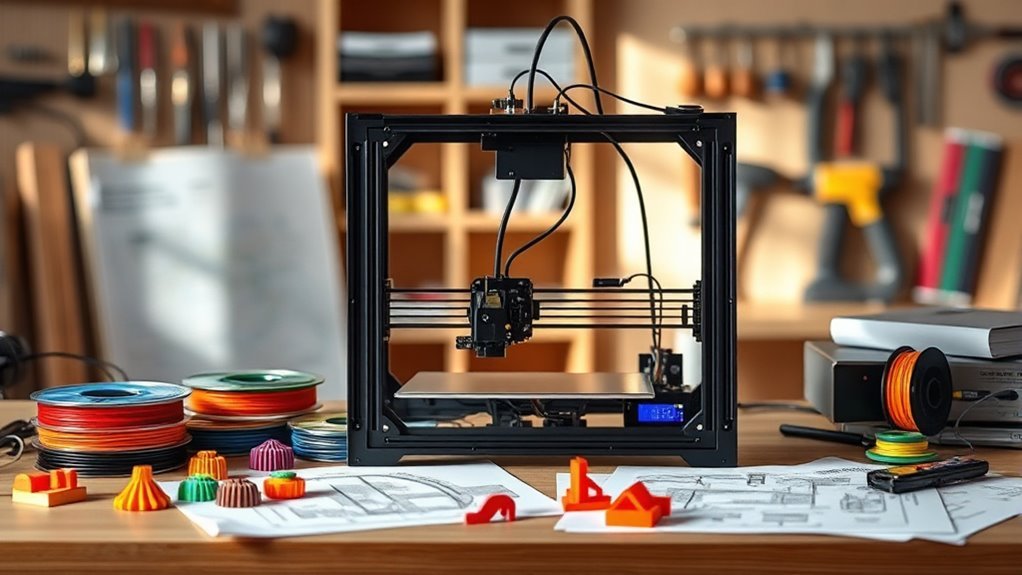
When choosing the cheapest DIY 3D printer, you’ll want to evaluate the build volume capacity to match your project sizes. Think about how complex the assembly is and whether the printer supports the filaments you plan to use.
Also, check the print quality specs and look for user-friendly features that make your experience smoother. It’s all about finding a balance between cost and functionality that works for you.
Build Volume Capacity
Choosing a 3D printer with the right build volume capacity can make or break your projects. Build volume refers to the maximum size your printer can create, usually measured in millimeters as width x depth x height.
If you plan to print large models or multiple items at once, a bigger build volume will boost your productivity. Entry-level DIY printers often offer around 100x100x100mm, which suits small prototypes or decorative pieces.
However, if your projects demand larger prints, this size might limit you. Keep your specific needs in mind since upgrading to a printer with a larger build volume can cost more but greatly expands your creative options.
Balancing size and budget is key to getting the most from your DIY 3D printer. It’s all about finding that sweet spot where your printer fits both your space and your project goals.
Assembly Complexity Level
Although assembly complexity varies widely among DIY 3D printers, it directly impacts how quickly and easily you can get your machine up and running. Some models assemble in just a minute, while others demand hours of careful work.
Look for modular designs; they simplify assembly and troubleshooting, especially if you’re a beginner. Kits that include detailed instructions and video guides can drastically reduce your learning curve, making setup smoother.
Pay attention to the number of main components—fewer parts usually mean less hassle. Auto-leveling features also help by ensuring the print bed is correctly positioned, so you can focus on printing instead of fiddling with adjustments.
Choosing a printer with manageable assembly complexity saves time and frustration, letting you jump into your projects faster. It’s definitely worth spending a bit of time on this upfront!
Filament Compatibility Range
After getting your printer assembled, the next step is to contemplate what types of filament it can handle. Most entry-level DIY 3D printers use 1.75mm filament, the most common size. This gives you access to a broad range of materials like PLA, TPU, ABS, and specialty filaments.
Check your printer’s maximum nozzle temperature—usually below 250°C—to verify it can melt the filaments you want to use. Also, consider the nozzle diameter, typically around 0.4mm, since it affects filament compatibility and print detail.
Choosing a printer that supports multiple filament types increases your project versatility. Keep in mind that filament compatibility directly impacts what you can create. So, prioritize a printer that matches your material needs without sacrificing ease or cost.
Print Quality Specifications
When evaluating the cheapest DIY 3D printers, pay close attention to print quality specifications like layer resolution and nozzle diameter. Many affordable models offer layer resolutions as fine as 0.05mm, letting you create detailed, high-accuracy prints.
Nozzle diameter typically ranges from 0.4mm to 0.8mm. Smaller nozzles produce finer details, while larger ones speed up printing but reduce precision.
Consistency matters too; look for printers that maintain accuracy within 0.1 to 0.2mm across multiple prints to guarantee reliability. Printing speed can reach up to 100mm/s, affecting how quickly your projects finish.
Finally, verify your printer supports the filament types you want to use, as this influences print quality and durability. Focusing on these specs helps you find the best balance between cost and performance.
User-Friendly Features
Finding the right DIY 3D printer means prioritizing user-friendly features that simplify setup and operation. Look for models offering foolproof setup with video guides and step-by-step tutorials to help you overcome the learning curve.
Choose printers with simple assembly processes and modular components that snap together quickly. Make certain the package includes a quick start guide and essential tools to streamline your setup.
Opt for printers providing online support resources, such as troubleshooting guides and active community forums, so you’re never stuck. Also, consider user-friendly controls with straightforward button systems to start and stop prints easily.
These features guarantee you spend less time struggling and more time creating, making your DIY 3D printing experience smooth and enjoyable from the get-go.
Price Versus Performance
User-friendly features make setting up your DIY 3D printer easier, but balancing price and performance will determine how well your printer meets your needs long term. When choosing a budget model, consider build volume—smaller printers often max out around 100x100x100mm, limiting larger projects despite their low cost.
Pay attention to layer resolution; cheaper printers may not achieve finer details like 0.05mm, which can impact print quality. Also, check filament compatibility—basic models often support only PLA and TPU, so your material choices might be limited.
Don’t forget to factor in assembly time and complexity. Some budget kits demand more effort, which can affect your overall experience. Finally, performance features like auto-leveling and quick heating improve usability but might be missing in lower-priced options.
Aim for a balance that suits your project needs without overspending. It’s all about finding the right fit for what you want to create.
Frequently Asked Questions
What Materials Are Compatible With These DIY 3D Printers?
You can print with PLA, ABS, PETG, TPU, and sometimes nylon on these DIY 3D printers. Just check each printer’s specs, as compatibility varies.
You’ll want the right nozzle and bed temperature for best results. It really makes a difference!
How Long Does It Take to Assemble a DIY 3D Printer Kit?
It usually takes you between 4 to 12 hours to assemble a DIY 3D printer kit, depending on your experience and the kit’s complexity.
You’ll want to follow instructions carefully to avoid mistakes. It might seem a bit tricky at first, but take your time and you’ll get there.
Are Replacement Parts Readily Available for These Printers?
Yes, replacement parts are usually easy to find for most DIY 3D printers. You’ll often get access to online communities and suppliers who stock common components.
This makes repairs and upgrades straightforward and convenient. So, if something breaks or you want to improve your printer, parts are generally just a few clicks away.
What Software Is Recommended for Designing 3D Models?
You’ll want software that’s intuitive, versatile, and compatible. Try Tinkercad for beginners, Fusion 360 for advanced users, or Blender for creative freedom.
Each lets you design, edit, and export 3D models smoothly for printing. It’s all about finding the right fit for your needs and skill level.
Can These Printers Handle Multi-Color or Multi-Material Printing?
Yes, many DIY printers support multi-color or multi-material printing with upgrades like dual extruders or tool changers.
You’ll need to tweak settings and sometimes install additional hardware to get the best results.
It’s not usually a plug-and-play situation, but with a bit of patience, you can achieve some really cool prints.
Conclusion
Choosing the right DIY 3D printer is like picking the perfect tool to craft your own ship—you want one sturdy enough to sail smoothly but light enough to carry anywhere. These budget-friendly options are your sails and compass, guiding you through creative seas without sinking your wallet.
With the right choice, you’ll navigate your projects effortlessly, turning ideas into tangible treasures. Whether you’re a beginner or a seasoned maker, a cheap DIY 3D printer can open up a world of possibilities.
So, set your course and start building your dreams today! Finding the best cheapest DIY 3D printer for 2027 means balancing quality, features, and price to get the most bang for your buck. Dive into the list and discover a 3D printer that fits your budget and sparks your creativity. Your perfect DIY 3D printer adventure awaits!