4 Best Budget Printers for Small Offices in 2027
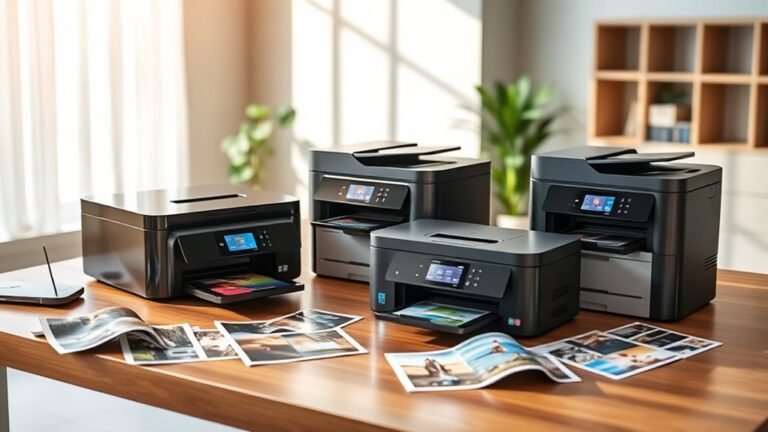
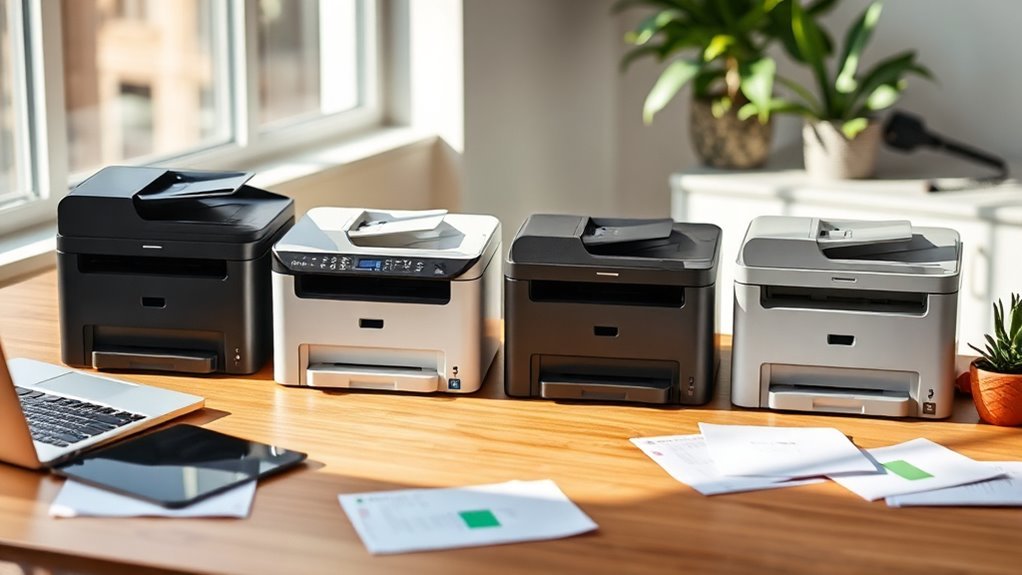
If you’re on the hunt for the best budget printers for small offices in 2027, you’ve got some great options to consider. Finding a printer that balances cost, features, and reliability can really help your office run smoothly without breaking the bank.
Take the Canon MegaTank G3270, for example. It offers low-cost color printing, which is perfect if you need vibrant documents without spending too much on ink.
Then there’s the Epson EcoTank ET-4800, a multifunction printer with high ink capacity—ideal if you want to print, scan, and copy all in one device.
Looking for speed in black and white? The HP LaserJet M234dw delivers fast monochrome output and comes with automatic duplexing to save paper.
Or, if space is tight, check out the Canon PIXMA TR4720. It’s a compact 4-in-1 printer with voice integration, making it super convenient.
All of these models come with wireless connectivity and are designed to handle moderate workloads. Keep exploring to find the one that fits your office’s specific needs perfectly.
| Image | Name | Editor's Rating | Price |
|---|---|---|---|

|
|
||

|
|
||

|
|
Canon MegaTank G3270 All-in-One Wireless Color Printer
- Wireless Print/Copy/Scan
- Up to 2 years of ink included (2)
- Print up to 6,000 black & white / 7,700 color pages using a single set of inks! (1)
- Save up to $1,000 on ink (1)
- 1.35” Square LCD display

Experience hassle-free color printing with the Canon MegaTank G3270 All-in-One Wireless Color Printer. Designed to meet the demands of small offices and home workspaces, it delivers sharp 4800 x 1200 dpi prints that bring documents and photos to life. This printer combines printing, copying, and scanning into one compact device, saving space without sacrificing functionality.
The MegaTank system is a standout feature, offering an easy-to-refill ink reservoir that can last up to two years. This reduces the need for frequent ink replacements and cuts printing costs by up to $1,000. Its wireless connectivity allows seamless printing from smartphones and tablets, giving you freedom and flexibility in how you work.
While print speeds of up to 11 ppm in black and 6 ppm in color suit everyday use, the lack of duplex printing means only single-sided pages are supported. Its 100-sheet paper tray is ideal for moderate workloads but may require refills during busy periods. Maintenance is straightforward, making it suitable for users who want reliable, cost-effective color printing without complexity.
Best for: Small office and home office users seeking affordable, high-quality color printing with wireless convenience.
What We Like:
- Refillable MegaTank ink system extends printing time and lowers costs.
- High-resolution output ensures crisp, vibrant prints.
- Wireless printing from mobile devices adds flexibility.
- Compact design fits easily in limited spaces.
Specification:
| Feature | Details |
|---|---|
| Manufacturer | Canon |
| Dimensions (W×D×H) | 17.7 × 12.6 × 7.5 inches |
| Weight | 7.3 lbs |
| Print Resolution | 4800 x 1200 dpi |
| Print Speed (Black) | Up to 11 ppm |
| Print Speed (Color) | Up to 6 ppm |
| Paper Tray Capacity | 100 sheets |
| Connectivity | Wireless (Wi-Fi), USB |
Epson EcoTank ET-4800 Wireless Color All-in-One Supertank Printer
- INNOVATIVE CARTRIDGE-FREE PRINTING — High-capacity ink tanks mean no more dealing with lots of tiny ink cartridges; Epson’s exclusive EcoFit ink bottles make filling...
- CLEAR AND VIBRANT PRINT QUALITY ― Create memorable prints and projects; Unique Micro Piezo Heat-Free Technology allows wireless color printer to produce sharp text and...
- ZERO CARTRIDGE WASTE — By using an Epson EcoTank printer you can help reduce the amount of cartridge waste ending up in landfills
- BUILT IN SCANNER AND COPIER ― All-In-One Epson EcoTank is more than a printer; High-resolution flatbed scanner and color display come together for easy document copying...
- LESS FREQUENT INK REPLACEMENT — Replacement ink bottles don't have to be changed nearly as often as ink cartridges¹; Printer, scanner and copier lets you print up to...
The Epson EcoTank ET-4800 offers a smart solution for small offices and home users seeking an efficient all-in-one printer. Its refillable EcoTank system dramatically reduces the hassle of frequent cartridge changes and cuts down on printing costs. You can print thousands of pages before needing a refill, which means less interruption and more productivity.
This versatile printer handles printing, copying, scanning, and faxing, making it a compact hub for daily office tasks. The auto document feeder simplifies multi-page jobs, while the clear color LCD screen ensures easy navigation. Its design supports Wi-Fi and Ethernet connectivity, allowing seamless integration into any workspace.
Maintenance is straightforward with Epson’s genuine ink bottles, which help maintain print quality and reduce waste. The ET-4800 produces sharp text and vibrant photos at high resolutions, though manual duplex printing requires user attention. Print speeds are moderate, fitting well with typical office demands rather than high-volume environments.
Best for: Small offices and home users needing an economical, multifunction printer with wireless capabilities and high ink capacity.
What We Like:
- Refillable EcoTank system lowers running costs and waste
- Multifunction features including auto document feeder and fax
- Wireless and Ethernet connectivity options
- Clear color LCD for easy operation
- High-quality print resolution for text and photos
Specification:
| Feature | Details |
|---|---|
| Manufacturer | Epson |
| Dimensions | Approx. 14.8 x 13.7 x 9.8 in (37.6 x 34.8 x 24.9 cm) |
| Weight | Around 12.7 lbs (5.76 kg) |
| Color Options | White |
| Connectivity | Wi-Fi, Ethernet, USB |
HP LaserJet M234dw Monochrome Printer | All-in-One | Wireless | Duplex
No products found.
Experience efficient and sharp black-and-white printing with the HP LaserJet M234dw. Designed for small teams, this monochrome all-in-one printer delivers up to 30 pages per minute, helping you complete tasks quickly without sacrificing quality. Its automatic duplexing feature reduces paper waste, making your printing more eco-friendly and cost-effective.
Beyond printing, the M234dw simplifies office workflows with easy copy and scan functions at 600 dpi resolution. This versatility supports your everyday document needs without requiring extra devices. Connectivity is seamless through dual-band Wi-Fi, Ethernet, or USB, and the HP Smart app lets you print directly from your smartphone, streamlining your work process.
Maintenance is straightforward, though the 150-sheet paper capacity means you may need to replenish paper regularly during larger jobs. The toner cartridge yields about 700 pages, suitable for moderate use but less ideal for high-volume printing demands. Built-in security features and Energy Star certification ensure your office stays protected and energy-efficient.
Best for: Small teams of 1-5 people needing a fast, reliable monochrome all-in-one printer with wireless connectivity and automatic duplexing.
What We Like:
- Fast monochrome printing at up to 30 ppm with two-sided printing
- Multiple connection options: dual-band Wi-Fi, Ethernet, USB, and mobile printing
- Integrated copy and scan functions at 600 dpi resolution
- Built-in security features for safe office use
- Energy Star certified for efficient power consumption
Specification:
| Feature | Details |
|---|---|
| Manufacturer | HP |
| Dimensions (W x D x H) | 16.5 x 14.1 x 10.2 inches |
| Weight | 15.4 lbs (7 kg) |
| Printing Technology | Monochrome Laser |
| Print Speed | Up to 30 pages per minute |
| Paper Capacity | 150 sheets |
| Scan Resolution | 600 dpi |
| Connectivity | Dual-band Wi-Fi, Ethernet, USB |
| Duplex Printing | Automatic two-sided printing |
| Color Printing | No (monochrome only) |
Canon PIXMA TR4720 All-in-One Wireless Printer
- Wireless 4-in-1 (print | copy | scan | fax)..Power Consumption: 7W (0.8W Standby / 0.3W Off)
- Print speed up to: 4" x 6" Borderless Photo (PP-201): Approx. 65.0 Seconds / Black Document (Letter/Simplex): Approx. 8.8 ipm / Color Document (Letter/Simplex): Approx...
- Designed for easy ink cartridge installation and replacement.
- Auto 2-sided printing and auto document feeder.
- Produce quality documents, photos and boarderless prints up to 8.5" x 11".
The Canon PIXMA TR4720 is designed to simplify printing tasks for small offices and home users. Its wireless connectivity allows seamless printing from multiple devices, reducing cable clutter and improving workspace organization. With automatic duplex printing, it saves paper and time by handling double-sided documents with ease.
This 4-in-1 inkjet printer covers printing, scanning, copying, and faxing, making it a versatile choice for everyday office needs. The auto document feeder and 100-sheet tray help manage multi-page jobs efficiently. Users will enjoy sharp text and vibrant color output with a maximum resolution of 4800 x 1200 dpi, ensuring professional-looking documents.
Maintaining the PIXMA TR4720 is straightforward, especially with Alexa integration that monitors ink levels and the PIXMA Print Plan subscription that automates cartridge delivery. However, print speeds are moderate, and the paper tray capacity might require regular refills in busier environments.
Compact and ENERGY STAR certified, this printer balances functionality and efficiency without occupying much desk space. It is ideal for those who value convenience in everyday printing tasks without sacrificing quality.
Best for: Small office and home users needing a wireless all-in-one printer with reliable performance and easy maintenance.
What We Like:
- Automatic duplex printing reduces paper use and streamlines workflows.
- Wireless and mobile printing enable convenient document handling from various devices.
- Alexa integration and ink subscription simplify maintenance and supply management.
- Crisp black text and vibrant color output for professional results.
- Compact design fits well in limited office spaces.
Specification:
| Feature | Details |
|---|---|
| Manufacturer | Canon |
| Dimensions (W x D x H) | Approx. 17.7 x 12.2 x 7.7 inches (45 x 31 x 19.6 cm) |
| Weight | Approx. 13.4 lbs (6.1 kg) |
| Printing Technology | Inkjet |
| Functions | Print, Copy, Scan, Fax |
| Connectivity | Wireless, Mobile Printing |
| Paper Tray Capacity | 100 sheets |
| Maximum Print Resolution | 4800 x 1200 dpi |
Factors to Consider When Choosing a Budget Printer for Small Office
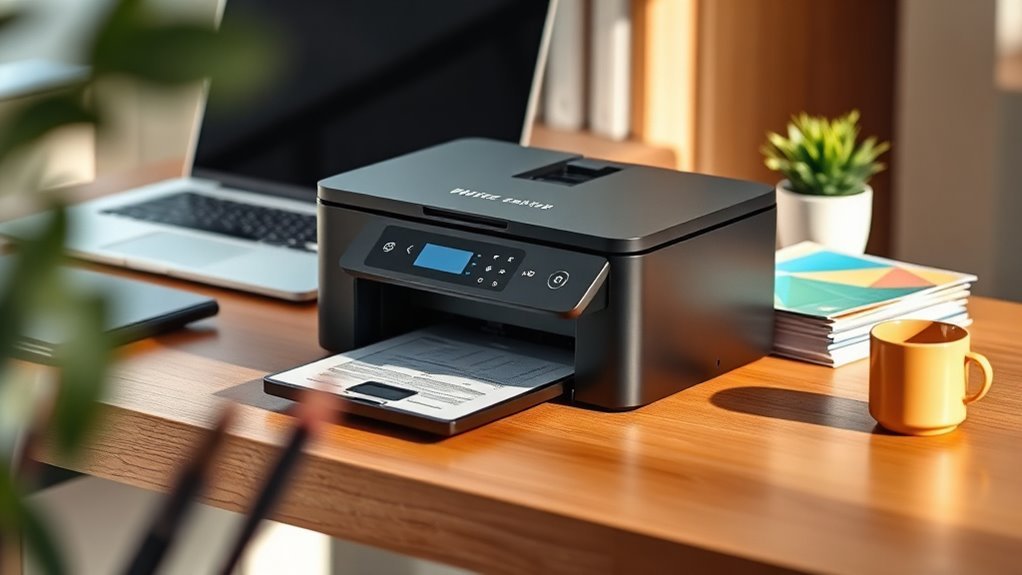
When choosing a budget printer for your small office, you’ll want to take into account printing speed to keep up with your workload. Don’t forget to factor in ink or toner costs, as they can add up quickly over time.
Also, make sure the printer supports the connectivity options and multifunction features you need. Plus, it should have enough paper capacity for your daily tasks.
Printing Speed Importance
Printing speed often plays a crucial role in maintaining productivity, especially if you handle large volumes of documents. You’ll want to check the pages per minute (ppm) rating to match your expected workload, with budget printers typically ranging from 5 to 30 ppm.
If you frequently print multi-page or double-sided jobs, consider both simplex and duplex speeds, sometimes measured in images per minute (ipm), to gauge true throughput. Keep in mind that copy and scan speeds also affect overall task time for multifunction devices.
While a higher ppm sounds appealing, remember it may come with trade-offs like slower first-page-out times or reduced print quality at top speed. So, balance raw speed with real-world performance to find the best fit for your small office needs.
Ink and Toner Costs
Speed matters, but ink and toner costs often have a bigger impact on your budget over time. To get a true sense of expenses, calculate the cost per page by dividing the replacement ink or toner price by its yield.
High-capacity cartridges or refillable tanks can lower this cost markedly compared to standard ones. Also, factor in your expected annual volume and occasional maintenance parts like drum units or fusers to gauge total ownership costs.
If your office prints mostly black-and-white documents, laser toner usually gives you a better value with longer intervals between replacements. Be cautious with third-party supplies—they might seem cheaper but can void warranties or degrade quality, potentially increasing long-term costs.
Choosing wisely here saves you money and hassle down the line. It’s worth taking the time to weigh your options carefully.
Connectivity and Compatibility
Because your small office relies on seamless communication, you’ll want a printer that offers versatile connectivity options like Wi-Fi and USB. This lets you print wirelessly from phones or tablets and directly from a PC if the network’s down.
If multiple users need reliable, high-speed access, consider printers with Ethernet support for centralized management. Make sure the printer is compatible with your devices’ operating systems—Windows, macOS, iOS, Android, or Chromebook—and supports features like AirPrint or native Android printing.
Mobile printing apps and cloud integration, such as Google Drive or OneDrive, are essential if staff print or scan remotely. Finally, verify the availability of driver updates and firmware support to keep your printer running smoothly after OS upgrades, avoiding future connectivity issues.
Multifunction Features Needed
When choosing a budget printer for your small office, focus on the multifunction features you truly need. Decide if you want print-only, or print/scan/copy, or even fax capabilities, as each adds cost and complexity.
If you often handle multi-page documents, pick a model with an automatic document feeder (ADF) to save time. For shared offices, automatic duplexing and network support like Wi-Fi or Ethernet for scanning to email or folders streamline workflow and cut paper use.
Also, weigh output speed and duty cycle—higher throughput and larger trays mean fewer bottlenecks. Don’t overlook scanner quality: make certain resolution and color depth meet your archiving or photo scanning needs, since low-res scanners can reduce OCR accuracy and image clarity.
Paper Handling Capacity
A key factor in choosing a budget printer for your small office is its paper handling capacity. You want a printer with an input tray that holds enough sheets—typically between 50 and 150—to avoid constant refills during busy days.
If you frequently print on different paper sizes or media types, look for models with multiple trays or a secondary feeder to switch effortlessly. Check the maximum media size and length it supports, especially if you handle envelopes, labels, or legal documents.
An automatic document feeder (ADF) with sufficient sheet capacity is essential for efficient multi-page scanning or copying. Finally, confirm if the printer supports borderless printing and can handle various media weights, from plain paper to cardstock or glossy photo sheets, to suit your diverse printing needs.
Frequently Asked Questions
How Do I Recycle Printer Ink Cartridges Responsibly?
You can recycle printer ink cartridges responsibly by locating nearby recycling centers or manufacturer take-back programs. Don’t toss them in the trash; instead, drop them off or mail them in to help reduce environmental waste.
It’s pretty easy once you know where to go. Many stores and manufacturers offer free recycling options, so check their websites or ask in person. This way, you’re doing your part to keep harmful materials out of landfills.
Can Budget Printers Handle High-Volume Printing Without Frequent Maintenance?
Budget printers usually can’t handle high-volume printing without frequent maintenance. You’ll likely face more jams or ink replacements.
For heavy use, consider mid-range models designed for durability and less downtime. That way, you can keep your workflow smooth.
What Are the Energy Consumption Differences Among Budget Printers?
Energy consumption among budget printers varies like a dance—some glide gracefully with low power use, while others stomp harder, draining more electricity.
You’ll want to pick models with ENERGY STAR ratings to keep costs and impact down. It’s a smart way to save money and help the environment without sacrificing performance.
Are There Any Subscription Services for Affordable Ink Refills?
Yes, you can subscribe to services like HP Instant Ink or Epson’s ReadyInk. They deliver affordable ink refills automatically, so you won’t run out.
Plus, you often save money compared to buying cartridges individually. It’s pretty convenient and budget-friendly!
How Do I Troubleshoot Common Printer Connectivity Issues?
You should restart your printer and router, check Wi-Fi or cable connections, update drivers, and make certain your device is on the same network.
If issues persist, reset network settings or consult your printer’s manual for specific steps. It’s a good idea to double-check everything because sometimes the simplest fix does the trick!
Conclusion
Choosing the right budget printer for your small office is like picking the perfect tool from a craftsman’s kit—you want reliability, efficiency, and value all working seamlessly together.
Whether you need vibrant color prints or sharp monochrome documents, these top printers have you covered without breaking the bank.
Keep your office running smoothly by matching your specific needs with the right model.
When selecting the best budget printer for small offices, consider factors like print speed, connectivity options, and ink costs to ensure you get the most bang for your buck.
With the right choice, you’ll turn everyday printing tasks into effortless productivity while staying within your budget.