3 best budget 3d printer 2026 under $300
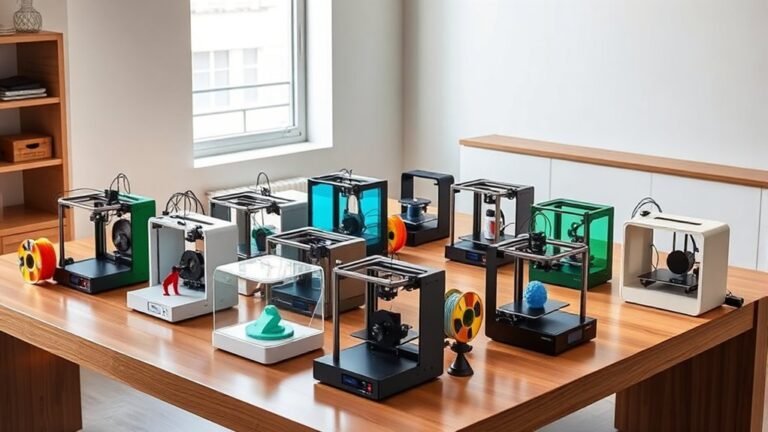
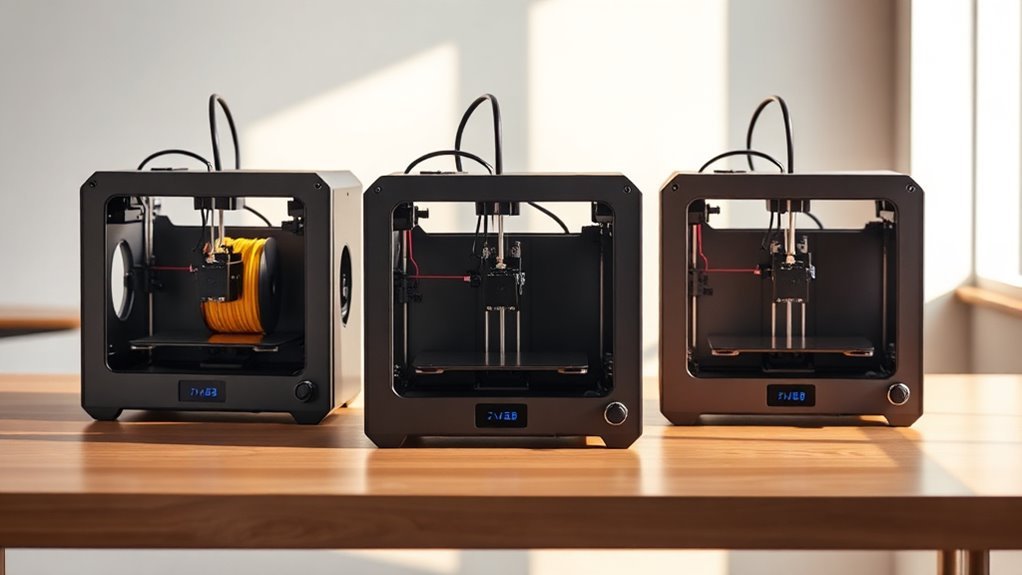
You’ll find three top budget 3D printers under $300 that blend ease of use, reliable print quality, and smart connectivity perfectly. These budget 3D printers are ideal for hobbyists, beginners, and anyone looking to get started without breaking the bank. They offer great features typically found in more expensive models, making them a fantastic value for 2026.
The Entina Tina2 Plus offers WiFi and auto-leveling, great for beginners and classrooms. Creality Ender 3 V3 SE provides quiet operation with precision and a robust frame.
The ENTINA MINI TIAN2PLUS delivers fast speeds and remote control features. These picks balance speed, quality, and connectivity, so exploring their strengths could help you choose the ideal fit.
| Image | Name | Editor's Rating | Price |
|---|---|---|---|

|
|
||

|
|
||
|
|
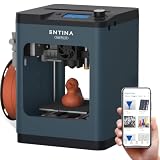
Entina Tina2 Plus 3D Printer with WiFi and Auto Leveling
- 【Start Printing in Minutes – Beginner Friendly】No setup required. Tina2 Plus 3d printer comes fully assembled and ready to use out of the box. With included TF card...
- 【Fast 250mm/s Printing Performance】This Tina2 Plus high speed 3D printer print speeds up to 250 mm/s help reduce waiting time and support fast project turnaround...
- 【WiFi App Control & STEM Model Library】Powered by the Poloprint Cloud app, this WiFi-enabled 3D printer gives access to 3,500+ printable models and 25+ creative DIY...
- 【40-Second Fast Heat Ceramic Hotend】High-efficiency ceramic hotend heats up in just 40 seconds for faster start-up and less downtime. The quick-swap nozzle design...
- 【Compact 3D Printer for Home & Classroom】Designed with a space-saving footprint while maintaining practical print capacity, this compact 3D printer fits easily on...
The Entina Tina2 Plus 3D printer is designed to make 3D printing accessible and hassle-free. It arrives fully assembled, eliminating complicated setup. You can start printing within minutes using the included TF card loaded with ready-to-print models.
Its auto-leveling feature ensures precise calibration every time, reducing the need for manual adjustments. The PEI spring steel build plate offers strong adhesion and easy print removal, making maintenance simple and efficient. This design is ideal for those new to 3D printing or educators guiding students.
With built-in WiFi and a mobile app, the printer lets you control your projects remotely. You can browse and download thousands of models directly to the printer, streamlining the creative process. Its compact size fits comfortably on desks or classroom tables, saving space without compromising functionality.
The Tina2 Plus is best suited for beginners, kids, and educators who need a user-friendly, reliable 3D printer with smart connectivity and straightforward operation. Its limitations include the need for supervision for younger users and a moderate print speed that may not meet industrial demands.
Best for: Beginners, educators, and kids seeking an easy-to-use 3D printer with WiFi and automated leveling.
What We Like:
- Fully assembled and ready to print immediately with preloaded models.
- Auto-leveling and PEI spring steel plate for hassle-free setup and maintenance.
- WiFi connectivity with mobile app control and access to a large model library.
- Compact footprint suitable for desktops and classrooms.
- Stable dual Z-axis and fast-heating ceramic hotend for consistent print quality.
Specification:
| Feature | Description |
|---|---|
| Manufacturer | Entina |
| Dimensions | Compact (exact dimensions N/A) |
| Weight | Not specified |
| Material | PEI spring steel build plate |
| Connectivity | WiFi |
| Included Storage | TF card with preloaded models |
Creality Ender 3 V3 SE Beginner-Friendly 3D Printer with Auto Leveling
- 250mm/s High-Speed Printing: Print at speeds of up to 250mm/s with 2500mm/s² acceleration, helping you complete prototypes, functional parts, and everyday projects...
- Easy Setup with Auto Leveling: Designed for a fast and straightforward setup, the Ender 3 V3 SE can be assembled in just a few simple steps. CR Touch Auto Leveling and...
- Proven Sprite Direct Drive Extruder: The upgraded Sprite Direct Drive Extruder provides smooth and consistent filament feeding for PLA, PETG, and TPU. Its proven design...
- Stable Motion System for Consistent Results: Dual synchronized Z-axis lead screws and precision Y-axis linear shafts work together to help reduce vibration and Z...
- Quiet Operation with Easy Print Removal: A 32-bit silent mainboard helps reduce operating noise for a more comfortable printing experience, while the flexible PC spring...
The Creality Ender 3 V3 SE is designed to make 3D printing accessible and stress-free, especially for beginners. Its CR Touch auto leveling and automatic Z-offset calibration eliminate tedious manual setup, ensuring your first layer sticks perfectly every time. This reduces common printing errors and saves valuable time.
Maintenance is straightforward with its flexible spring steel build plate, which allows you to remove prints easily without damaging the surface. The printer’s silent 32-bit mainboard offers a quiet operation, making it suitable for home or office environments without disruption.
Built for everyday use, the Ender 3 V3 SE features an upgraded Sprite Direct Drive Extruder that reliably feeds popular filaments like PLA, PETG, and TPU. Dual synchronized Z-axis lead screws and precision Y-axis linear shafts reduce vibration and wobble, delivering consistent, high-quality layers on your projects.
While it supports common filaments well, this model may not handle specialty materials without modifications. Its moderate build volume suits smaller or typical prints but might limit larger or complex tasks.
Best for: Beginners and hobbyists seeking a user-friendly 3D printer with reliable auto leveling and quiet performance for everyday printing projects.
What We Like:
- CR Touch auto leveling with Z-offset calibration for hassle-free setup.
- Dual synchronized Z-axis lead screws reduce vibration for smooth layers.
- Upgraded Sprite Direct Drive Extruder ensures steady filament feeding.
- Flexible spring steel build plate simplifies print removal.
- Quiet 32-bit mainboard ideal for noise-sensitive environments.
Specification:
| Feature | Details |
|---|---|
| Manufacturer | Creality |
| Printer Type | FDM 3D Printer |
| Dimensions | Approx. 22 x 22 x 25 inches |
| Weight | Around 8.6 kg (19 lbs) |
| Build Plate | Flexible spring steel |
| Supported Filaments | PLA, PETG, TPU |
| Special Features | CR Touch auto leveling, Sprite Direct Drive Extruder |
ENTINA MINI 3D Printer,TIAN2PLUS 250mm/s Fast 3D Printer for Beginners
- Open the Box & Start Printing in Minutes:The TINA2 PLUS arrives fully pre-assembled, pre-calibrated, and ready to go. No tedious setup, no complicated tuning. Just plug...
- Blazing Fast Prints with ±0.1 mm Precision :Achieve print speeds up to 250 mm/s without sacrificing quality. The 0.4 mm nozzle and high‑efficiency cooling fan...
- One‑Touch Auto Leveling & Dual Z‑Axis Stability :The 9‑point intelligent leveling system ensures perfect first layers every time, while the dual Z‑axis...
- Super‑Quiet Operation & Flexible Connectivity :Upgraded silent motherboard and adjustable fan keep noise below a whisper – perfect for bedrooms, libraries, or...
- Compact Footprint, Wide Material Compatibility & Slicer Freedom :Measuring just 200×200×290 mm with a 100×105×100 mm build volume, this space‑saving 3D printer...
The ENTINA MINI 3D Printer, TIAN2PLUS, is designed to get beginners printing fast and with ease. Its impressive 250 mm/s print speed helps users complete projects quickly without sacrificing detail. The fully pre-assembled design means you can start printing right away—just plug in, load your filament, and go.
This compact printer offers a 100 × 105 × 100 mm build volume, ideal for small-scale creations and prototypes. With ±0.1 mm precision, it delivers sharp, clean details to bring your ideas to life. Maintenance is straightforward thanks to features like auto-leveling and a heated bed, which ensure consistent print quality and reduce setup time.
The TIAN2PLUS supports a wide range of materials including PLA, TPU, and PETG. Its dual Z-axis structure enhances stability for smoother prints. Connectivity options such as Wi-Fi, USB, and a cloud app provide convenient remote control and access to over 1,500 free 3D models.
While the limited build size may restrict larger projects, and the maximum nozzle temperature of 245°C limits some specialty materials, this printer remains a reliable, beginner-friendly tool. Its quiet operation and easy setup make 3D printing accessible for students and hobbyists alike.
Best for: Beginners and hobbyists seeking a ready-to-use, fast 3D printer with reliable performance and versatile connectivity.
What We Like:
- Pre-assembled and ready to print out of the box
- Fast printing speed combined with high precision
- Supports multiple filament types with heated bed stability
- Dual Z-axis design for smoother, consistent prints
- Wi-Fi and cloud app enable remote printing and model access
Specification:
| Feature | Details |
|---|---|
| Manufacturer | ENTINA |
| Model | TIAN2PLUS |
| Build Volume | 100 × 105 × 100 mm |
| Print Speed | Up to 250 mm/s |
| Layer Precision | ±0.1 mm |
| Supported Filaments | PLA, TPU, PETG, others |
| Nozzle Temperature | Max 245°C |
| Connectivity | Wi-Fi, USB, Cloud app |
| Features | Heated bed, Dual Z-axis, Auto-leveling |
| Operating Noise | Silent operation |
Factors to Consider When Choosing a Budget 3D Printer 2026 Under $300
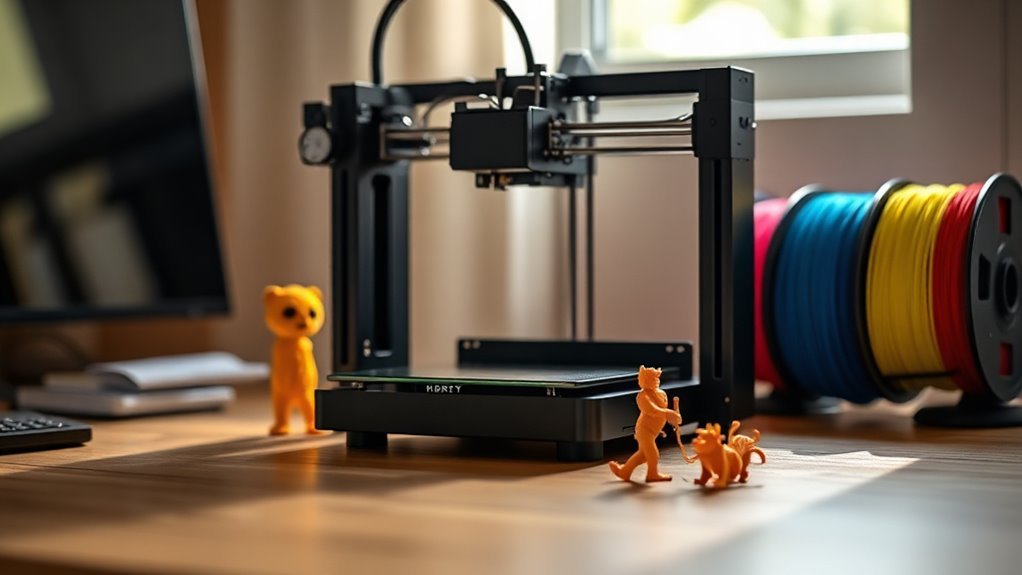
When choosing a budget 3D printer under $300, you’ll want to balance print speed and quality to match your projects. It’s all about finding that sweet spot between how fast it prints and how good the final product looks.
Also, think about how easy it is to set up. You don’t want to waste hours figuring out complicated instructions. And check what connectivity options it offers — having USB, Wi-Fi, or SD card support can make your life way easier.
Don’t forget to look at the build volume. Make sure it’s big enough for what you want to create. Plus, consider the types of filament it supports so it fits your creative needs perfectly.
Print Speed And Quality
Although budget 3D printers under $300 may advertise high maximum print speeds around 200–250 mm/s, you’ll usually get the best, most consistent results by printing at 40–80 mm/s. Pushing speeds beyond that often leads to vibrations and loss of detail, especially if the printer lacks a stable frame or quality motion components like dual Z-axis or linear rails.
Focus on layer height precision instead—models supporting 0.1 mm or finer deliver better surface quality than chasing top speed. Also, consider the hotend and nozzle setup; a standard 0.4 mm nozzle with stable temperature control guarantees consistent extrusion.
For functional parts, slower speeds improve layer bonding and strength, so balance speed with proper extrusion settings to get durable, high-quality prints rather than just fast ones. It’s better to take your time and get a solid print than to rush and end up with a mess.
Ease Of Setup
A budget 3D printer that’s quick and easy to set up saves you time and frustration right from the start. Choose models that come fully assembled or require minimal, tool-free assembly to get you printing in minutes, not hours.
Look for printers with pre-calibrated or auto-leveling beds, like 9-point or sensor-based systems. That way, you won’t waste time adjusting the bed manually.
A starter kit with pre-sliced example files on an SD or TF card and clear quick-start guides helps you hit the ground running. It’s a real time-saver when you’re just getting started.
Features like auto filament loading and filament runout detection simplify filament management. Plus, preconfigured printer profiles reduce the trial and error.
Prioritizing these ease-of-setup factors guarantees a smoother, more enjoyable 3D printing experience right away. You’ll be up and printing before you know it!
Connectivity Options Available
Setting up your 3D printer quickly is only part of the experience; how you connect and control it plays a big role too. You’ll want to take into account Wi‑Fi if remote control and cloud slicing appeal to you—this lets you start prints from your phone or computer without swapping files manually.
USB support is great for reliable local transfers and offline printing, especially if you lack network access. If you need a rock-solid connection, Ethernet ports prevent lag and guarantee security, ideal for classrooms or labs.
Onboard SD or TF card slots let you print directly from physical media, simplifying use and assuring operation during network outages. For tech-savvy users, open-source firmware with network APIs enables custom workflows and remote monitoring, expanding your printer’s potential beyond basics.
Build Volume Capacity
When choosing a budget 3D printer under $300, you’ll want to carefully consider the build volume capacity since it dictates the maximum size of your prints. Typical build volumes range from compact 100×100×100 mm minis to more practical 200×200×180 mm models.
Decide if you need small figurines or larger functional prototypes before choosing. Remember, larger volumes mean longer print times, more filament use, and increased risk of warping or layer shifts on lengthy prints.
If your projects involve tall or long parts, prioritize Z or X/Y dimensions accordingly. Also, check that the advertised volume accounts for printhead clearance and endstop offsets.
Finally, if you plan multi-part assemblies, make sure your printer maintains consistent dimensional accuracy across the build plate for proper fit without extra post-processing.
Supported Filament Types
Although budget 3D printers under $300 often focus on affordability, you’ll still want to make sure they support a range of filament types like PLA, PETG, and TPU to cover rigid, durable, and flexible printing needs.
Check the printer’s nozzle and heated bed temperatures—ideally ≥245°C for the nozzle and ≥80°C for the bed—to handle materials like PETG and ABS. Consider whether the extruder is direct drive or Bowden; direct drive works better with flexible filaments like TPU.
Look for helpful features such as filament runout sensors, hardened nozzles for abrasive blends, and easy filament loading.
Finally, review community and slicer support to make certain you can fine-tune profiles for consistent, quality prints across these popular filament types.
Noise Levels During Operation
Since noise can quickly become a distraction during printing, you’ll want to take into account how loud a budget 3D printer runs before making a purchase. Typical models under $300 produce around 40–55 dB, similar to a quiet office or normal conversation.
Stepper motors create low-frequency whines, while fans generate higher-pitched noise. Look for printers with 32-bit silent mainboards and TMC drivers, as these can cut motor noise by 10–15 dB versus older models.
Keep in mind, faster print speeds and higher fan RPMs increase noise. To reduce sound, you can place your printer on vibration-damping pads, enclose it, or lower fan speeds and print settings.
This way, you’ll enjoy quieter operation without sacrificing print quality or hardware upgrades.
Warranty And Support
Choosing a budget 3D printer under $300 means you should carefully review its warranty and support options to avoid unexpected costs and downtime. Look for at least a 6–12 month parts and labor warranty to cover basic defects, but confirm what’s excluded—usually consumables, wear-and-tear, and user damage.
Check if replacement parts are available and how long they take to arrive, so you’re not left waiting. It’s also a good idea to evaluate the responsiveness of technical support through email, chat, phone, or forums.
Find out if firmware updates are regularly provided. Also, understand the warranty claim process, including return authorization, shipping responsibilities, and any troubleshooting steps required.
This knowledge helps you avoid surprises and keeps your 3D printing experience smooth. Don’t skip this step—it can save you a lot of headaches down the road!
Frequently Asked Questions
What Types of Filaments Are Compatible With Budget 3D Printers Under $300?
You’ll find budget 3D printers under $300 usually work best with PLA and PETG filaments. They’re easy to print, require low temperatures, and don’t need heated beds.
This makes your printing experience smoother and more affordable. Plus, these filaments are great for beginners who want reliable results without fuss.
How Do I Maintain and Clean a Budget 3D Printer?
You should regularly clean the nozzle and bed to prevent clogs and guarantee adhesion.
Despite myths, frequent deep cleaning isn’t always necessary—just wipe surfaces, remove filament residue, and lubricate moving parts to keep your printer running smoothly.
Keeping it simple will save you time and hassle in the long run. Just a little maintenance goes a long way!
Can These Printers Be Used for Professional Prototyping?
You can use budget 3D printers for professional prototyping, but don’t expect high precision or durability. They’re great for quick, low-cost models.
That said, if you need detailed, functional prototypes, it’s better to invest in higher-end printers. They’ll give you the quality and reliability you want.
What Software Is Recommended for Beginners Using Budget 3D Printers?
You’ll want to start with user-friendly software like Ultimaker Cura or PrusaSlicer. They’re free, intuitive, and compatible with most printers.
These tools help you easily prepare your 3D models for printing without overwhelming you. Plus, they’re great for beginners just getting the hang of 3D printing.
Are Replacement Parts Readily Available for These Budget Models?
Imagine your extruder nozzle clogs after a month; you’ll find replacement parts like nozzles and belts easily online.
Most budget 3D printers have widely available parts, so you won’t struggle to keep your printer running smoothly.
It’s pretty convenient, really. You won’t be stuck waiting forever for a simple fix.
Conclusion
Choosing the right budget 3D printer under $300 means balancing quality with affordability. It’s all about embracing ease of use alongside advanced features. Plus, you want a machine that’s reliable but still innovative.
Whether you pick the Entina Tina2 Plus for its WiFi and auto leveling, the Creality Ender 3 V3 SE for its beginner-friendly design, or the ENTINA MINI for speed and precision, you’re making a smart investment. These printers offer creativity, efficiency, and endless possibilities for your projects.
Starting your 3D printing journey with one of the best budget 3D printers under $300 means getting great value without compromising on performance. With options designed for beginners and pros alike, you can enjoy reliable printing, excellent features, and affordable prices. Your perfect 3D printing experience is just a choice away!