How Much Does a 3D Printer Cost?
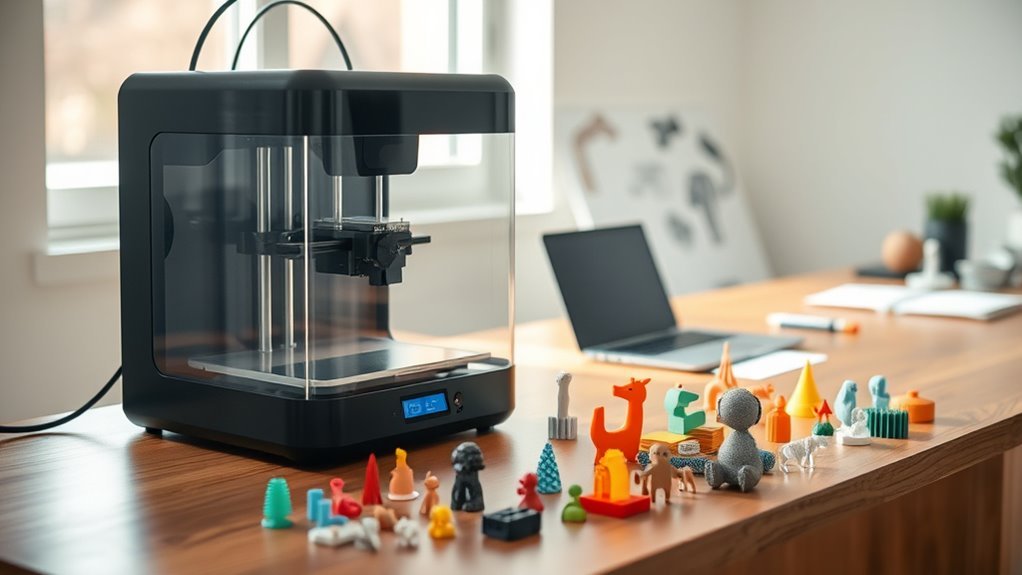
You can get a basic 3D printer for around $100 to $300, perfect if you’re just starting or on a budget. These entry-level models are great for beginners who want to explore 3D printing without a big investment. Plus, they’re usually compact and easy to use.
More advanced hobbyist models usually cost $300 to $1,000, offering better features and larger build volumes. If you’re serious about 3D printing as a hobby, these printers give you more precision and versatility. You’ll find they handle a wider range of materials and print sizes.
Professional-grade printers range from $1,000 up to $5,000, while industrial machines with specialty materials can top $100,000. These high-end options are designed for business use, producing detailed and durable parts.
Keep in mind, materials and maintenance add ongoing costs.
If you want to understand what affects these prices and how to choose wisely, you’re in the right place. Knowing what to expect can help you pick the perfect 3D printer for your needs and budget.
Key Takeaways
- Basic 3D printers cost between $100 and $300. They’re perfect if you’re just starting out or working on simple projects.
- Advanced hobbyist models range from $300 to $1,000. These offer better features and larger build volumes, which is great for more detailed work.
- Professional 3D printers usually fall between $1,000 and $5,000. You get higher precision and enhanced capabilities with these machines.
- Industrial 3D printers can cost more than $5,000. Sometimes, they reach tens of thousands because of the specialized technology involved.
- Don’t forget about ongoing expenses. Materials like filament can run from $15 to $150 per kilogram, and resin is about $40 per liter. Plus, there’s maintenance and replacement parts to consider.
What Drives 3D Printer Costs?
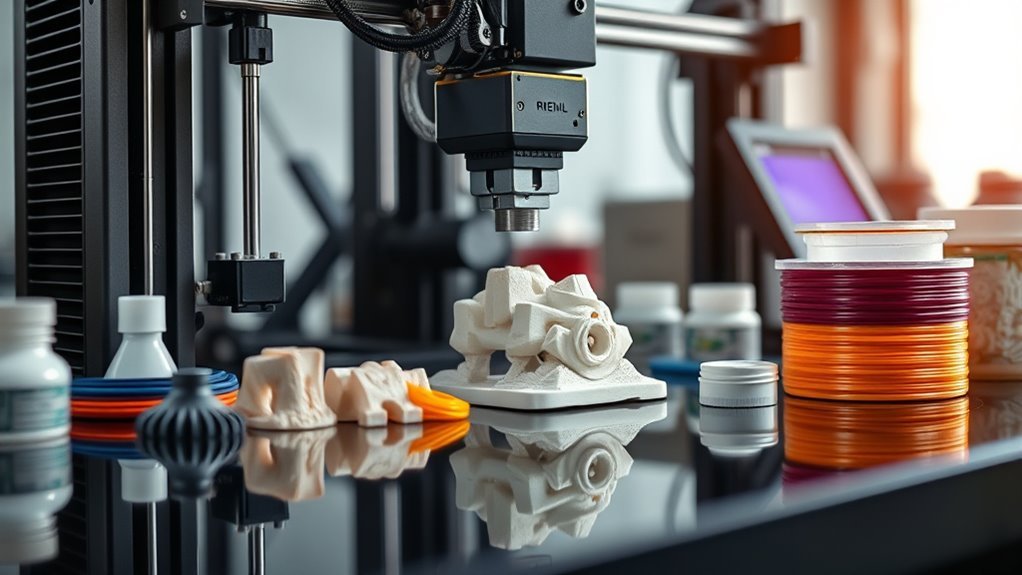
Understanding what drives 3D printer costs helps you make smarter purchasing decisions. One major factor is hardware complexity. Features like larger build volumes, high-temperature hotends, dual extruders, and advanced motion systems such as CoreXY or delta designs add to the price.
High-resolution MSLA or SLS optics also push costs higher. Beyond the machine itself, materials and ecosystem expenses play a pivotal role. Filament prices vary from $15 to $150 per kilogram based on type, while resins cost around $40 per liter.
Specialty powders or metal feedstock can be even pricier. Plus, you’ll want to keep in mind ongoing costs like replacement parts, maintenance, and post-processing gear. By understanding these factors, you can better weigh upfront costs against long-term value and operational expenses.
Which 3D Printer Types Cost More: And Why?
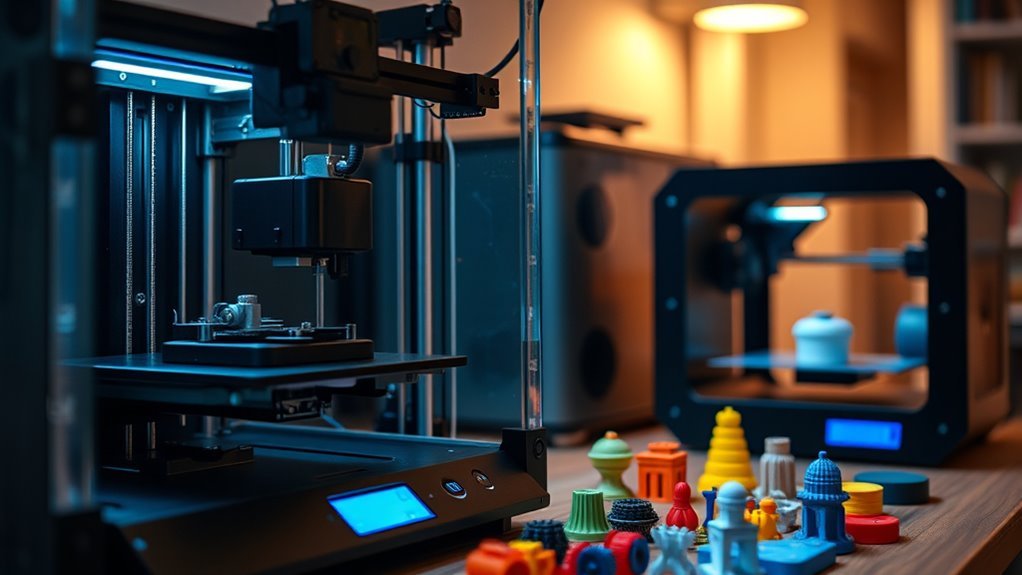
You’ll find that printer technology heavily influences price, with basic FDM models costing less than advanced resin or industrial metal printers.
Features like dual extruders, high-temperature capabilities, and precision optics also push costs higher.
Plus, using specialty materials and maintaining professional machines adds ongoing expenses that budget printers don’t require.
Technology Impact On Pricing
Although 3D printers come in many forms, the technology behind each type largely determines their price range. For example, resin 3D printers, especially hobby models, cost between $150 and $1,000 due to their high-resolution optics and precise layering. But you’ll also face ongoing resin and post-processing expenses.
On the other hand, industrial 3D printer models—like selective laser sintering (SLS) and metal selective laser melting (SLM) machines—can cost tens of thousands to hundreds of thousands of dollars. This steep pricing reflects complex laser systems, powder handling, and automation features.
Even within desktop options, simpler FDM printers are cheaper because they use basic hardware and affordable filament. So, the more advanced the technology and precision, the higher the initial investment you’ll need to make.
Material And Feature Costs
The technology behind a 3D printer sets the stage for its price, but the materials you use and the features you add can quickly influence the total cost. Entry-level FDM and resin printers cost $100–$300, with filament priced around $15–$25/kg and basic resin at about $40/L, keeping material costs low.
As you move to advanced hobbyist machines ($300–$1,000), expect to pay more for specialty filaments ($50–$80/kg) and extra features like auto-bed leveling and larger build volumes. These upgrades make printing easier and more versatile, but they do bump up the price.
Professional printers ($1,000–$5,000) use brand-locked, high-grade filament and resin, costing $75–$150/kg. When you get to this level, the materials are top-notch, which means better quality prints but higher costs.
Industrial machines ($5,000+) support exotic materials like metals, with costly certified consumables. Plus, additional features such as multi-material feeders and curing stations can add anywhere from $30 to $3,000, increasing both upfront and operational expenses quite a bit.
Understanding 3D Printer Price Ranges And Options
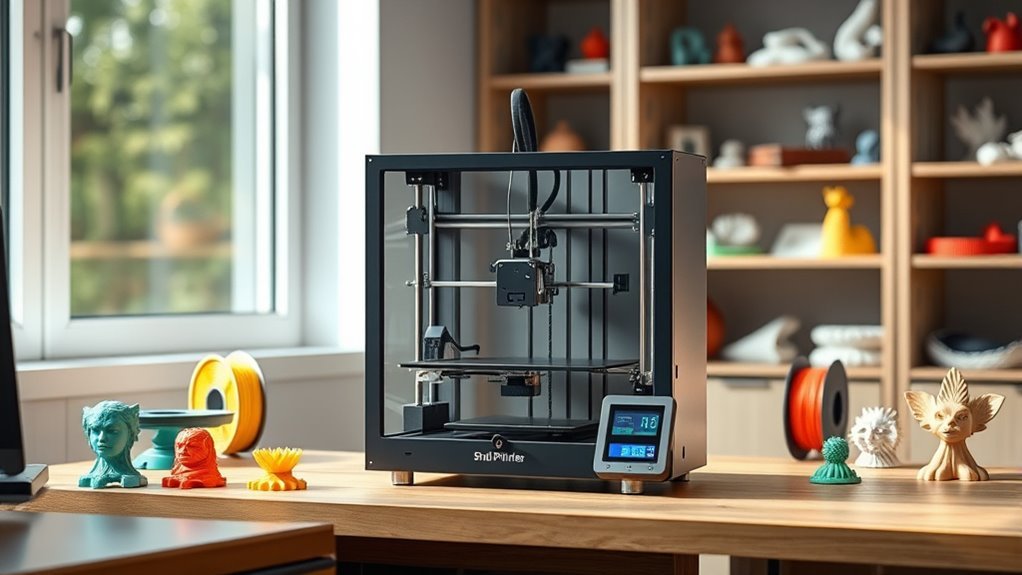
When exploring 3D printers, understanding the price ranges helps you match a machine to your needs and budget.
Knowing 3D printer price ranges guides you to the perfect fit for your needs and budget.
Budget 3D printers generally start between $100 and $300, perfect for beginners or DIY projects. Advanced hobbyist models cost around $300 to $1,000, offering better reliability and larger build volumes.
Professional and performance printers range from $1,000 to $5,000, featuring higher precision and enhanced capabilities.
Consider these main price categories:
- Budget 3D printers: affordable and suitable for entry-level use
- Advanced hobbyist printers: balanced for quality and frequent use
- Professional and performance printers: designed for precision and demanding tasks
Knowing these options lets you choose a printer that fits your skills and project demands without overspending.
It’s all about finding the right balance between what you need and what you’re willing to spend.
How Features And Build Volume Affect Prices
Choosing a 3D printer isn’t just about budget categories—you’ll want to weigh how specific features and build volume impact price.
Larger build volumes let you print bigger objects but usually cost more. Feature upgrades like dual extruders, heated chambers, or advanced kinematics can also push prices higher, even if the build volume stays modest.
| Price Range | Build Volume | Feature Upgrades |
|---|---|---|
| $100–$300 | Small to mid | Basic, minimal |
| $300–$1,000 | Medium to large | Auto-leveling, better hotends |
| $1,000–$5,000 | Large | High precision, sensors |
| $5,000+ | Very large/specialized | Enclosures, automation |
| Any Tier | Any Size | Dual extruders, heated chambers |
Balancing build volume and feature upgrades helps you find the right printer for your needs and budget. So, think about what matters most to you before making a choice.
Materials And Consumables That Add To Cost
When budgeting for a 3D printer, you’ll need to take into account the cost of filament or resin. This can vary widely depending on the material and quality.
You’ll also face ongoing expenses for maintenance and parts replacement, like nozzles, FEP sheets, or build surfaces. These consumables add up and can markedly impact your total cost of ownership.
Filament And Resin Prices
Understanding filament and resin prices is essential because these materials directly impact your 3D printing costs. For example, basic PLA and PETG filaments typically cost between $15 and $25 per kilogram. Meanwhile, specialty filaments can reach $50 to $80 per kilogram.
Standard photopolymer resins start at around $40 per liter, with specialty resins costing more. So, it’s good to know what you’re getting into before you buy.
Keep in mind: professional filaments like PA12 and PEEK cost $75–$150/kg. They might also require upgraded printer parts to handle them properly.
Resin printing consumables, like FEP sheets and LCD screens, add $25–$80 regularly. These costs can sneak up on you if you’re not prepared.
Material choice affects ongoing expenses, which influences your overall budget and print quality. Knowing these costs helps you plan effectively and avoid surprises in your 3D printing projects.
Maintenance And Replacement Parts
Since 3D printers rely on various parts that wear out over time, you’ll need to factor in maintenance and replacement costs to keep your machine running smoothly. For resin printers, common replaceable parts like FEP sheets, build plates, and LCD screens typically cost between $25 and $80 each.
MSLA screen replacements can be pricier depending on size. Routine upkeep and minor repairs for hobbyist machines usually run $50 to $200, but industrial models can cost hundreds or even thousands for parts and service.
Additionally, operational extras such as curing chambers or upgraded nozzles add $20 to $300 per item. Budgeting for these consumables guarantees your printer stays reliable and efficient without unexpected expenses dragging down your overall printing costs.
Maintenance And Upgrades: What You Should Budget For
Although 3D printers can seem like a one-time investment, you’ll need to budget regularly for maintenance and upgrades to keep them running smoothly. When you budget FDM or MSLA printers, expect annual costs of $50–$200 for maintenance and minor repairs.
Higher-end industrial models require much more, sometimes thousands per part or service. Don’t forget consumables and upgrades, which add up over time.
Here’s what to take into account when planning your budget for maintenance and upgrades:
- Replacement parts like nozzles, belts, and FEP sheets typically cost $20–$100 each.
- Consumables such as filament and resin add ongoing expenses ($15–$150/kg for filament; $40/liter for resin).
- Accessories and upgrades (auto-bed sensors, new hotends, curing chambers) usually range from $30–$300.
Keep these in mind to avoid surprises and maintain your printer’s performance.
Choosing The Right 3D Printer For Your Budget
When you’re ready to buy a 3D printer, your budget will largely determine the features and capabilities you get. Keep in mind the price range not only covers the initial purchase but also ongoing costs like materials and maintenance.
Matching the printer to your needs and expected print volume makes certain you don’t overspend or sacrifice quality. It’s all about finding the right fit for what you want to create.
| Printer Type | Price Range |
|---|---|
| Entry-level | $100–$300 |
| Advanced Hobbyist | $300–$1,000 |
| Professional | $1,000–$5,000 |
| Business/Industrial | $5,000+ |
| Material Costs | Varies by type |
Choosing based on these factors helps you get the right balance of functionality and cost. That way, you make a smart investment that works for you long-term.
Where To Find The Best Deals On 3D Printers
Finding the right 3D printer within your budget is just the start; knowing where to hunt for the best deals can save you a substantial amount.
If you’re eyeing a Creality CR or an FDM 3D printer like the Ender 3 V3 SE, timing and retailer choice matter. Major sales events like Black Friday and Prime Day often slash prices on sub-$300 models.
You can also score bundles with filament or resin, helping cut ongoing costs.
To find the best deals, try these:
- Check Amazon, Best Buy, and Walmart for flash sales and bundles
- Explore manufacturer sites like Creality and Elegoo for promotions
- Consider refurbished or open-box units for bigger savings
Smart shopping means better value and less spent upfront. Easy, right?
Frequently Asked Questions
Can I 3D Print a Tooth?
You can 3D print temporary crowns, surgical guides, and some dentures using dental-grade resin printers. These are great for short-term use and help speed up dental procedures.
For permanent teeth, though, it’s a bit different. You’d need specialized milling or metal printing for strength and biocompatibility. Usually, this is handled by dental professionals who have the right equipment and expertise.
What Software Do I Need for 3D Printing?
Imagine you’re printing a custom phone case. You’ll need a slicer like Cura to convert your design into printable layers.
And CAD software like Fusion 360 helps you create or edit your 3D model before printing. It’s pretty handy to have both when you want your print just right.
Is 3D Printing Easy to Learn?
Yes, 3D printing’s easy to learn, especially with basic FDM printers. You’ll spend a few weekends mastering slicing and troubleshooting.
But don’t worry, plenty of tutorials and community support help you get reliable prints quickly and boost your skills. It’s pretty rewarding once you get the hang of it!
Can I Make Money With a 3D Printer?
You can make money with a 3D printer, especially if you coincide your skills with market demand.
By choosing the right printer and pricing your products well, you’ll turn creativity into consistent, profitable income streams.
It’s all about matching what you make with what people want. And when you do that, the possibilities are pretty exciting!
Conclusion
Choosing a 3D printer is like picking the perfect pair of shoes—it needs to fit your budget and purpose just right. You’ll want to balance features, build volume, and material costs without stretching too far.
Remember, maintenance and upgrades add up, so plan ahead. It’s not just the upfront price you need to consider.
By understanding what drives prices and exploring your options, you’ll find a 3D printer that suits your needs without breaking the bank. Whether you need a basic model for simple projects or a high-end printer for professional use, there’s something out there for you.
So take your time, compare costs, and think about the total investment. Happy printing, and enjoy creating with your new 3D printer!