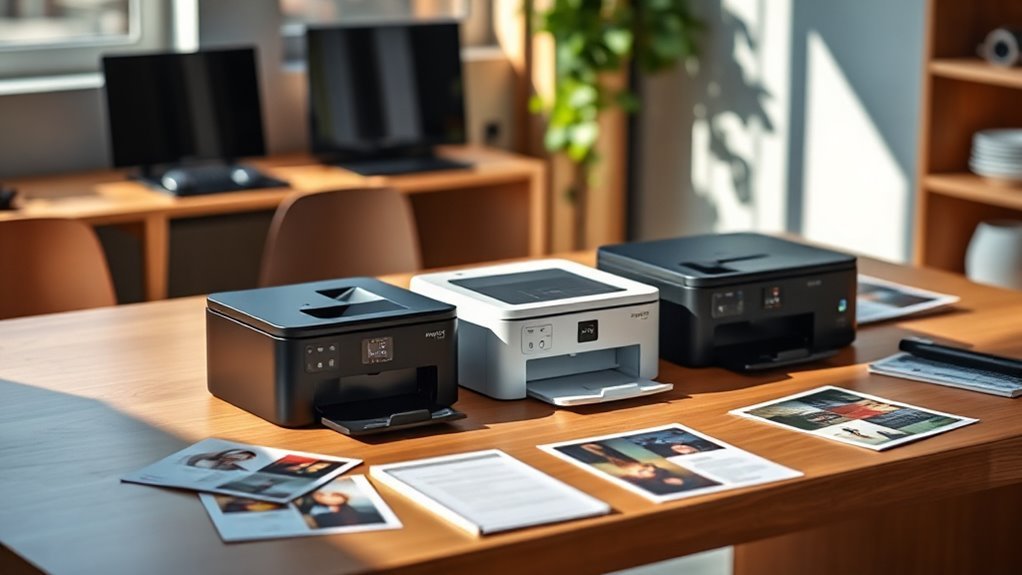
4 Best $200 Printers for 2027 That Deliver Quality and Value
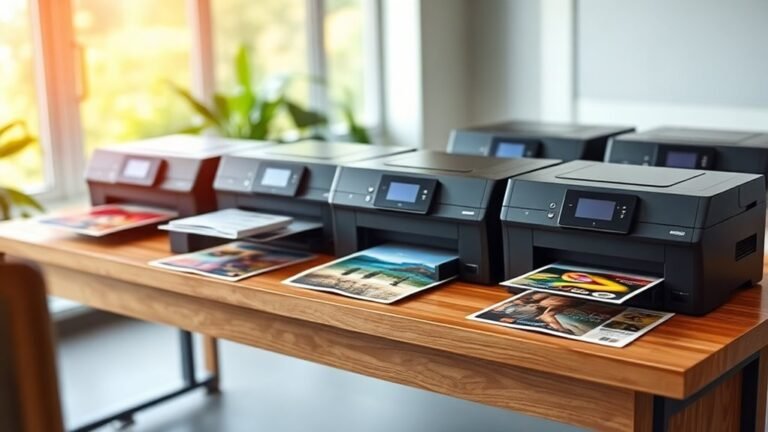
If you’re searching for a reliable $200 printer in 2027 that combines quality and value, you’ve got some great options to consider.
Whether you need vibrant color printing, fast black-and-white documents, or portable convenience, these printers deliver exactly what you want without breaking the bank.
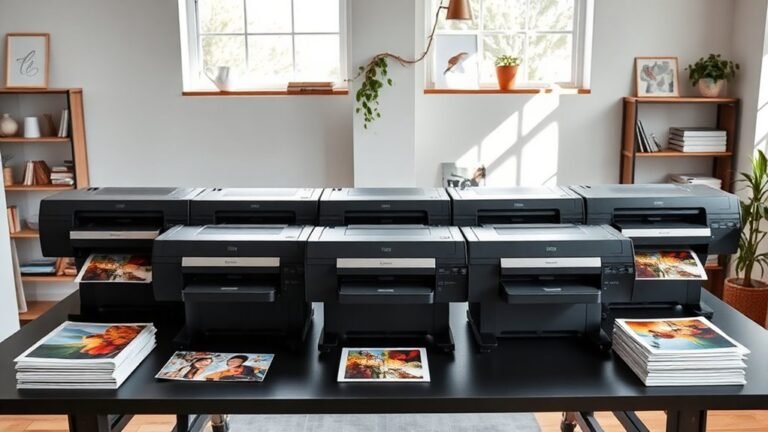
The Canon PIXMA TS4320 offers vibrant color and wireless printing with handy copy and scan features. For those who want sharp, fast black-and-white printing, the Brother HL-L2460DW laser printer is a solid choice.
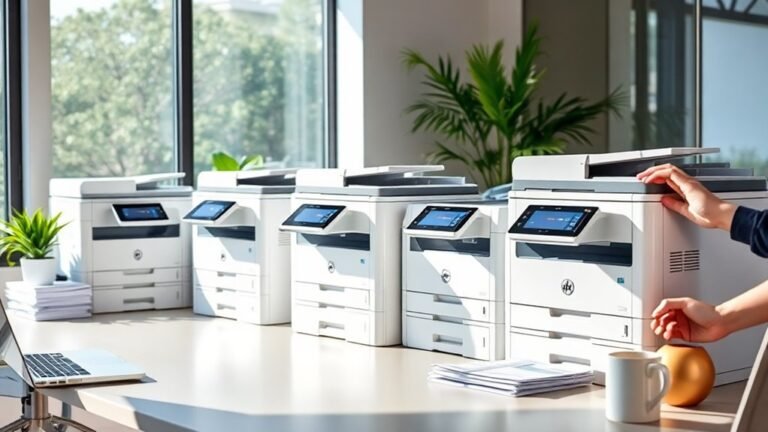
If compact monochrome laser output is your priority, the HP LaserJet M110w fits the bill perfectly. Meanwhile, the HP OfficeJet 200 is great for portable inkjet printing, complete with battery power for on-the-go use. These models balance speed, quality, and wireless convenience, giving you plenty of helpful details to guide your choice.
Canon PIXMA TS4320 – Wireless Color Inkjet Printer with Print, Copy, Scan
The Canon PIXMA TS4320 is designed to meet the needs of home users who want a compact and efficient all-in-one printer. It simplifies everyday tasks like printing, copying, and scanning, making it easy to manage homework, recipes, or light photo projects without cluttering your space. Its sleek design fits neatly in small areas, combining style with practicality.
This printer produces vibrant color prints at up to 1200 dpi, ensuring your photos and documents look sharp and lively. Automatic two-sided printing helps reduce paper use and saves time, while support for various media types, including glossy photo paper, broadens your creative options.
Wireless dual-band Wi-Fi connectivity enables seamless printing from smartphones and tablets through the Canon PRINT app, Apple AirPrint, or Mopria. However, it lacks an automatic document feeder, which means batch scanning or copying requires manual handling. Maintenance involves periodic ink replacement, which may be costly unless you opt for the PIXMA Print Plan subscription.
Best for: Home users or hybrid workers seeking a compact, versatile printer for occasional printing, scanning, and copying with reliable color output.
What We Like:
- Compact, stylish design ideal for limited spaces
- Automatic two-sided printing reduces paper waste
- Supports multiple media types including glossy photo paper
- Wireless printing via Canon PRINT app, Apple AirPrint, and Mopria
Specification:
| Feature | Details |
|---|---|
| Manufacturer | Canon |
| Dimensions (W×D×H) | Approx. 12.0 × 14.8 × 5.2 in (30.5 × 37.6 × 13.2 cm) |
| Weight | Approx. 9.3 lb (4.2 kg) |
| Printer Type | Wireless Color Inkjet |
| Connectivity | Dual-band Wi-Fi, USB |
| Functions | Print, Copy, Scan |
| Max Print Resolution | Up to 1200 dpi |
Brother HL-L2460DW Wireless Monochrome Laser Printer
The Brother HL-L2460DW Wireless Monochrome Laser Printer delivers fast and dependable black-and-white printing designed to meet the needs of busy home offices and small teams. Its 36 pages per minute speed ensures your documents are ready when you need them, helping you stay productive without delays.
This compact printer fits easily on any desk and supports multiple connectivity options, including dual-band Wi-Fi, Ethernet, and USB, allowing seamless integration with your existing setup. Mobile printing is simple through the Brother Mobile Connect app, giving you flexibility to print from your smartphone or tablet.
Maintenance is straightforward with a 250-sheet capacity tray and toner-saving mode that extends cartridge life, reducing the frequency of replacements. Automatic duplex printing helps cut paper waste, making it an efficient choice for everyday tasks.
While it only prints in monochrome and lacks scanning or copying features, the HL-L2460DW excels at reliable, high-quality document printing. Its energy-efficient design and Alexa compatibility add convenience without complicating your workflow.
Best for: Small teams and home office users who need a reliable, fast, and compact monochrome laser printer with wireless connectivity and duplex printing.
What We Like:
- Fast print speed of up to 36 ppm with sharp 1200 x 1200 dpi resolution
- Multiple connectivity options including dual-band Wi-Fi and mobile printing
- Automatic duplex printing reduces paper use and toner-saving mode extends cartridge life
Specification:
| Feature | Details |
|---|---|
| Manufacturer | Brother |
| Dimensions | 14.2 x 14.2 x 7.2 inches |
| Weight | 16.5 lbs (7.5 kg) |
| Printing Technology | Monochrome Laser |
| Connectivity | Dual-band Wi-Fi, Ethernet, USB |
| Paper Capacity | 250 sheets |
| Resolution | 1200 x 1200 dpi |
HP LaserJet M110w | Monochrome | Laser Printer
The HP LaserJet M110w is designed for small teams and individuals who need a compact and reliable laser printer. Its small footprint fits easily on any desk, saving valuable workspace without sacrificing performance. This printer produces sharp, clear black-and-white documents quickly, helping you maintain productivity with minimal wait times.
With a print speed of up to 21 pages per minute and a first page out in just over 8 seconds, it handles everyday printing tasks efficiently. The M110w supports wireless and USB connections, allowing seamless printing from various devices via the HP Smart app and Alexa voice commands. This flexibility makes it easy to print from your smartphone or laptop without hassle.
Maintenance is straightforward thanks to the use of original HP toner cartridges, which deliver consistent print quality and secure firmware updates. While the paper tray holds up to 150 sheets, it may require regular refilling in busy offices. The printer’s monochrome output is ideal for document-heavy environments but does not support color printing.
This model is perfect for small office settings where space is limited, but reliable, fast monochrome printing is essential. Its efficient design and connectivity options streamline your workflow and reduce downtime.
Best for: Small teams or individuals needing a compact, efficient monochrome laser printer for everyday document printing in small office environments.
What We Like:
- Compact size maximizes desk space.
- Fast printing speed with quick first page output.
- Wireless and USB connectivity with mobile printing support.
- Uses original HP toner cartridges for reliable quality.
- Supports voice-activated printing via Alexa.
Specification:
| Feature | Details |
|---|---|
| Manufacturer | HP |
| Dimensions | Compact (exact size not specified) |
| Weight | Not specified |
| Printing Technology | Monochrome Laser |
| Print Speed | Up to 21 pages per minute |
| Paper Capacity | 150 sheets |
| Connectivity | Wireless, USB |
| Mobile Printing | HP Smart app, Alexa |
HP OfficeJet 200 Inkjet Mobile Printer | Wireless |Battery Included
Experience true mobility with the HP OfficeJet 200 Inkjet Mobile Printer, designed for professionals who need reliable printing on the move. Its compact, lightweight design fits effortlessly into your backpack or briefcase, so you’re always ready to print wherever work takes you.
This portable printer includes a rechargeable battery that charges fully in just 90 minutes, offering hours of wireless printing without needing a power outlet. You can easily print and scan documents directly from your smartphone, tablet, or laptop using the HP app and Auto Wireless Connect, eliminating the hassle of finding a router.
The OfficeJet 200 supports a variety of paper sizes and uses Original HP 62 cartridges, which deliver crisp, high-quality prints whether you’re handling contracts or presentations. Maintenance is straightforward, making it a practical choice for busy mobile workers.
While it doesn’t accommodate envelopes larger than No. 10 size and has a shorter hardware warranty, its portability and wireless features make it a valuable tool for on-the-go printing needs.
Best for: Business professionals and mobile workers requiring a compact, wireless printer for high-quality printing anywhere.
What We Like:
- Lightweight design with a fast-charging, rechargeable battery
- Wireless printing and scanning via HP app and Auto Wireless Connect
- Supports various paper sizes and high-yield HP 62 cartridges
- Easy maintenance suited for mobile use
Specification:
| Feature | Details |
|---|---|
| Manufacturer | HP |
| Dimensions | Compact (fits in briefcase) |
| Weight | Lightweight |
| Battery | Rechargeable, charges in 90 min |
| Connectivity | Wireless via HP app and AutoConnect |
| Ink Cartridges | Original HP 62 |
Factors to Consider When Choosing a 200 Dollar Printer
When choosing a $200 printer, you’ll want to focus on print quality to assure sharp, clear results every time. Check the connectivity options to match your devices, and consider ink or toner costs to avoid surprises down the road.
Also, don’t forget to factor in speed and efficiency. And if portability matters to you, make sure to consider the printer’s size as well.
Print Quality Essentials
Because print quality varies widely among $200 printers, understanding key factors can help you choose the best model for your needs. Start by checking the maximum print resolution (dpi); higher dpi—600 to 1200 or more—means crisper text and smoother photos.
Decide between inkjet and laser technology: lasers excel at sharp black text and fast fills, while inkjets handle color photos and gradients better. Don’t overlook first-page-out time and print speeds for text and color, ensuring efficient output.
Also, assess color depth and print engine capabilities, which affect subtle color shifts and fine details. Finally, confirm the printer supports your preferred media types and sizes, like cardstock or borderless photo printing, if you want versatile, high-quality results.
Connectivity Options Available
Getting your printer hooked up seamlessly can make all the difference in convenience and productivity. When choosing a $200 printer, make certain it supports both 2.4 GHz and 5 GHz Wi‑Fi bands for stable wireless connections and less interference.
Look for multiple connection options like Wi‑Fi, Wi‑Fi Direct, USB, and Ethernet to print from mobile devices, PCs, or a wired network. Check if the printer supports mobile printing protocols such as AirPrint or Mopria so you can print directly from smartphones or tablets without installing drivers.
Consider models with cloud printing or companion apps for remote printing, scanning, and supply management. If you share the printer in an office, prioritize Ethernet connectivity and strong wireless security features like WPA3 and enterprise authentication for safer network use.
Ink and Toner Costs
Understand that the initial price of a $200 printer is just part of the total cost; ink and toner expenses can quickly add up. To get a clear picture, divide the replacement cartridge or toner price by its page yield to find the true cost per page.
Don’t overlook high-yield (XL) cartridges—they often reduce per-page costs despite their higher upfront price. Also, check if your printer uses individual color cartridges versus a combined one; replacing only the depleted color saves money and cuts waste.
Consider ink or toner subscription plans only if their fees and purchase requirements fit your usage. Finally, remember inkjet printers tend to cost more per black page but excel in photo quality, while laser printers offer cheaper printing for high-volume black-and-white documents.
Speed and Efficiency
When choosing a $200 printer, you’ll want to take into account how quickly it handles your print jobs and how efficiently it operates. Look for print speeds in pages per minute (ppm), noting that typical budget models offer 10–36 ppm for black-and-white and 5–15 ppm for color prints.
Check the first-page-out time—values around 8–10 seconds mean less waiting for quick tasks. Automatic duplex printing can double your efficiency by printing on both sides without manual flipping.
Consider paper tray capacity, ideally between 100 and 250 sheets, to reduce reload frequency. Also, assess connectivity options like dual-band Wi-Fi, Ethernet, USB, or mobile apps, since reliable and fast connections keep your workflow smooth and hassle-free.
Size and Portability
Several key factors influence the size and portability of a $200 printer, making it easier for you to find one that fits your space and mobility needs. Start by checking the printer’s physical footprint and weight—most compact models weigh between 7 and 15 pounds and measure roughly 7 to 15 inches in each dimension.
If you plan to travel with your printer, look for portable models under 10 pounds that fit in a backpack or briefcase, ideally with a built-in battery. Pay attention to paper trays; fold-flat designs save space compared to fixed trays.
Also, consider clearance for ventilation and cable access—printers with rear or top paper paths need extra room behind or above. Finally, balance compact size with connectivity options like Wi-Fi to maintain network flexibility without sacrificing portability.
Additional Features Included
Although price often dominates your choice, the additional features included in a $200 printer can greatly enhance your experience and efficiency. Look for built-in duplex printing to save paper without manual re-feeds.
Mobile printing support like AirPrint or Mopria, combined with dual-band Wi-Fi, guarantees stable connections from your phone or tablet. If you scan regularly, an integrated scanner with a flatbed or automatic document feeder (ADF) can be a huge time-saver.
Consider whether a touchscreen, physical buttons, or voice-assistant compatibility fits your workflow for easier control and setup. Don’t forget to check if the printer supports subscription ink plans or high-yield cartridges.
Also, see if it comes with starter consumables, so you can accurately estimate running costs before buying. These little details can make a big difference in the long run.
Frequently Asked Questions
Can These Printers Handle Photo Printing on Glossy Paper?
Yes, these printers can handle photo printing on glossy paper. You’ll get vibrant colors and sharp details, making your photos look professional.
Just make sure to use the recommended glossy paper for the best results every time. That way, your prints will always come out looking great!
Are There Any Printers With Built-In Fax Capabilities Under $200?
Oh sure, because faxing is the pinnacle of modern tech!
But seriously, you’ll struggle to find reliable printers under $200 with built-in fax. Most focus on scanning, copying, and printing—fax is rare in that price range.
How Do These Printers Perform With Third-Party Ink Cartridges?
You’ll usually find these printers work fine with third-party ink, but quality can vary. Some models may warn or block usage.
What Is the Average Lifespan of Toner or Ink Cartridges for These Models?
You’ll get about 1,500 to 2,000 pages per cartridge on average.
That means you won’t need to replace ink or toner too often, keeping your printing costs low and hassle-free for months at a time.
Do These Printers Support Mobile Printing Apps Like Airprint or Google Cloud Print?
Yes, most printers support mobile printing apps like AirPrint and Google Cloud Print. You can easily print from your smartphone or tablet without hassle.
This makes wireless printing super convenient and accessible wherever you are. Just a few taps and your document or photo is ready to go!
Conclusion
You might worry that a $200 printer won’t meet all your needs, but these options prove otherwise. Whether you want vibrant color prints, speedy laser output, or portability with battery power, you’ll find a reliable model here.
Investing in one of these printers means you won’t have to sacrifice quality or features for price. So go ahead—choose the perfect printer that balances value and performance without breaking the bank.
When looking for the best $200 printer, consider what matters most to you: print quality, speed, or convenience. These printers deliver excellent results and are perfect for home or office use. With this budget, you can enjoy a printer that offers vibrant colors, fast laser printing, and even wireless or portable options.
In short, a $200 printer can offer impressive quality and value. Don’t settle for less—pick a printer from this list that fits your needs and budget perfectly. This way, you’ll get the best combination of performance, features, and affordability in 2027.