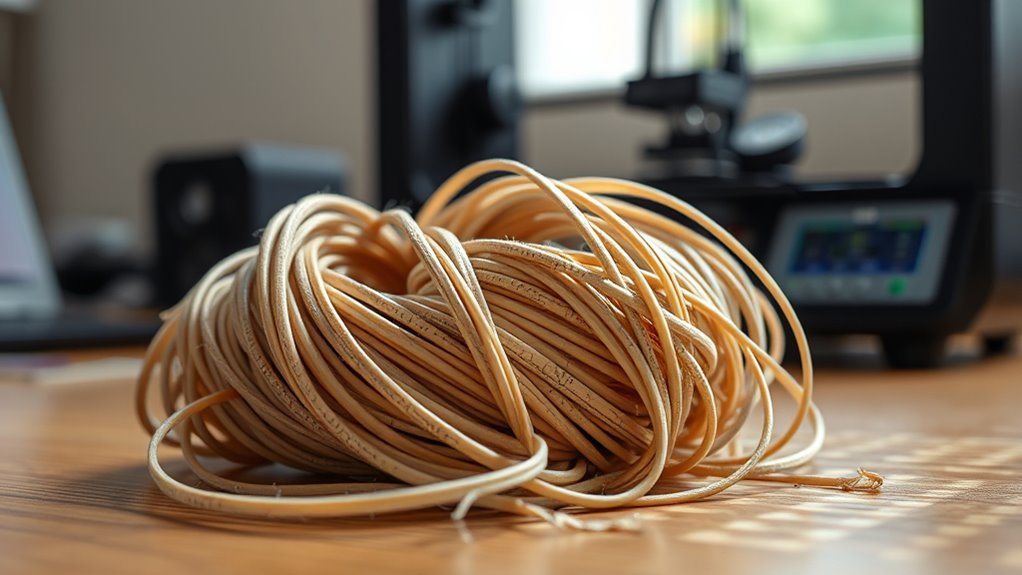
Does 3D Printer Filament Go Bad?
Yes, 3D printer filament does go bad, but not like food—it gradually loses quality over time. This is especially true if the filament is exposed to moisture, heat, or sunlight. Moisture is one of the biggest culprits, causing popping, bubbles, and weak prints that can ruin your project.
Heat and UV light can also degrade some materials, like ABS, making them brittle or less effective. So, proper storage is key to keeping your filament in good shape. Using airtight containers with desiccants and storing filament in cool, dark places can really help.
Occasional drying of your filament can also extend its life and improve print quality. If you want to avoid print failures and learn how to spot and prevent filament issues, there’s a bit more to take into account. Don’t worry—it’s easier than you think!
Key Takeaways
- 3D printer filament doesn’t expire suddenly but degrades gradually, reducing print reliability over time. So, it’s not like it goes bad overnight, but you might notice issues creeping in as time passes.
- Moisture absorption causes popping, micro-bubbles, and weak prints, which really messes with the filament quality. Keeping filament dry is super important to avoid these problems.
- Proper storage in sealed, desiccated, cool, and dark conditions extends filament shelf life for years. If you treat it right, your filament can last a long time without major issues.
- Different materials age differently; nylon and TPU absorb moisture rapidly, while ABS mainly degrades from UV exposure. So, you gotta pay attention to the type of filament you’re using because they don’t all behave the same.
- Signs of bad filament include poor bed adhesion, brittle prints, under-extrusion, surface defects, and popping sounds during extrusion. If you see or hear these things, it might be time to swap out your filament.
Does Filament Expire? What It Really Means
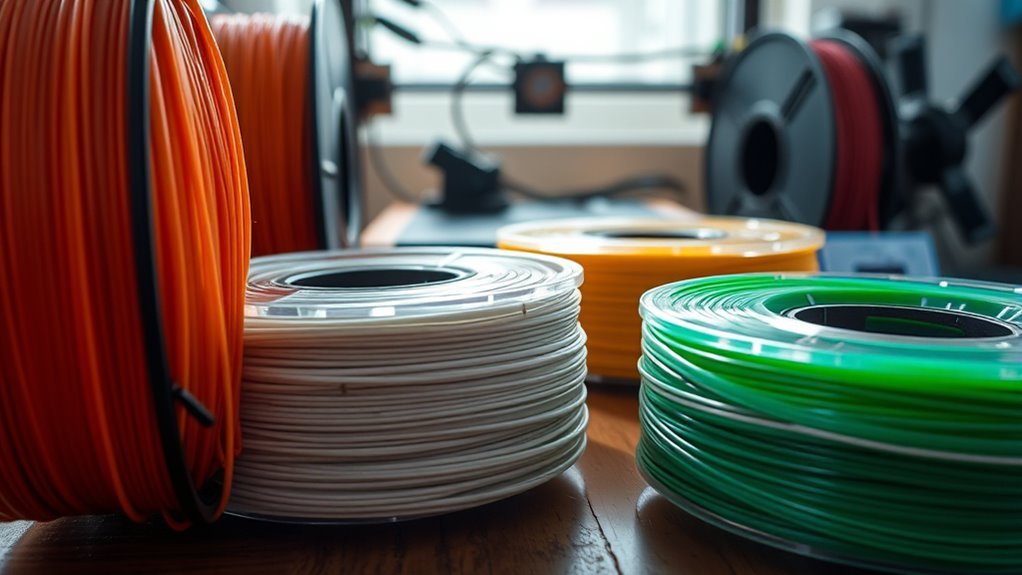
Although filament doesn’t expire like food, it does lose quality over time due to moisture absorption, UV exposure, and heat. When you hear that 3D printer filament can “expire,” it means the material gradually degrades, affecting print reliability rather than suddenly becoming unusable.
Your filament’s shelf life depends heavily on storage conditions—sealed spools with desiccant kept in a cool, dark place can last years without quality degradation. Materials like nylon absorb moisture faster than PLA, so they’re more sensitive to poor storage.
If your filament picks up moisture, drying filament according to manufacturer specs often restores printability since moisture effects are usually physical, not chemical. So, “expiration” really means diminishing quality influenced by how well you store your filament, not a strict expiration date.
How Moisture Ruins Your 3D Printing Filament
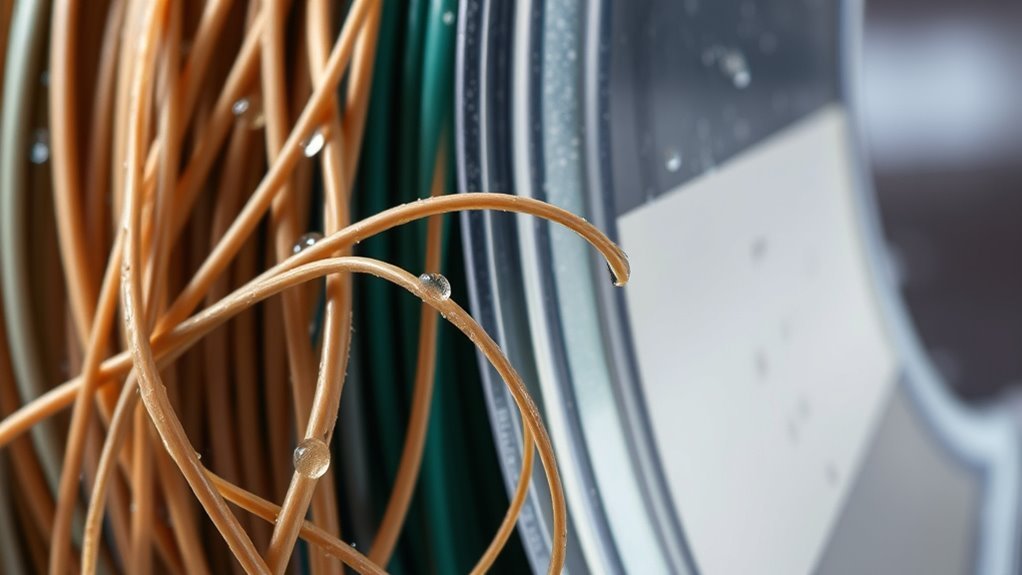
When moisture gets into your 3D printer filament, it can cause several problems that affect print quality and reliability. Most filaments like nylon, TPU, PETG, and PLA absorb moisture to varying degrees, with nylon and TPU soaking it up fastest.
Moisture in 3D printer filaments like nylon and TPU quickly degrades print quality and reliability.
This moisture flashes into steam during printing, causing popping sounds, micro-bubbles, voids, and surface pitting—leading to noticeable print defects. Hydrolysis worsens the issue by breaking down polymers like PLA and PETG, making your prints brittle over time.
You can restore filament by filament drying at specific temperatures, but prevention is key. Always store your filament with desiccant in sealed containers or dry boxes to slow moisture absorption and maintain print quality.
Proper desiccant and storage practices help keep your filament reliable and your prints flawless. It’s a simple step that makes a big difference!
Signs Your Filament Has Gone Bad
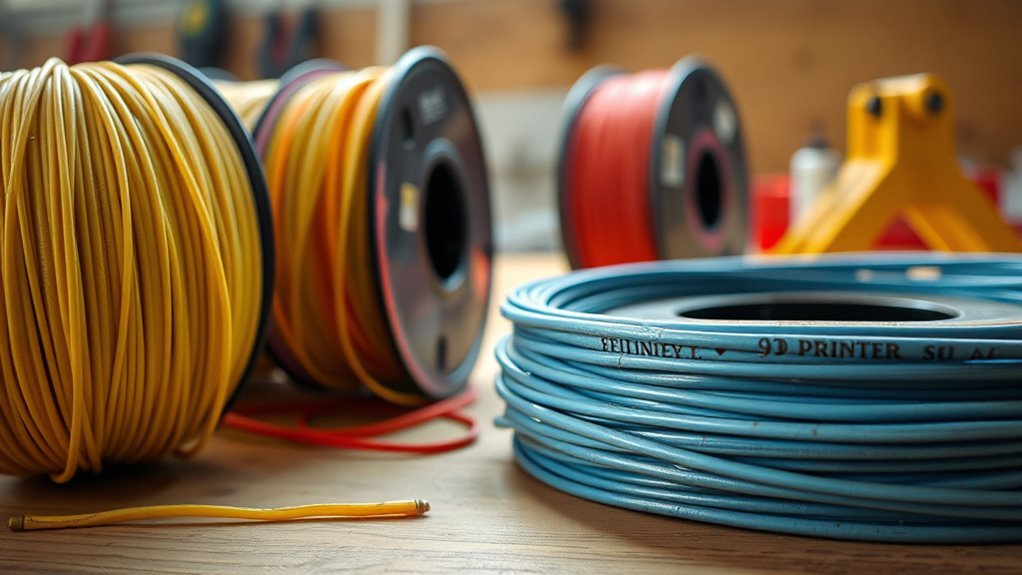
You’ll often notice telltale signs when your 3D printer filament has gone bad, especially if moisture or contamination has taken hold. Moisture causes popping, crackling sounds during extrusion and leaves micro-bubbles or pinholes in the filament strand.
You might see sudden loss of bed adhesion, especially if an old spool prints poorly while a new one works fine. Hydrolysis from moisture leads to filament degradation, causing increased stringing, brittle prints that snap easily, and weaker layer bonding.
Under-extrusion and frequent clogs signal contamination or partial breakdown of the polymer. Surface chalking and dull colors indicate photodegradation or thermal aging rather than immediate moisture damage.
If you experience inconsistent extrusion, rough finishes, or brittle parts, it’s a clear sign your filament’s quality has declined and needs attention.
How Different Filament Types Age and Change
Recognizing signs that your filament has gone bad helps you understand why different materials age and change over time. Filament degradation varies by type, especially due to moisture absorption (hygroscopic behavior).
PLA absorbs moisture moderately, causing steam-popping and print quality defects like micro-bubbles and poor bed adhesion after weeks exposed. So, if you notice these issues, moisture might be the culprit.
PLA moisture absorption leads to steam-popping, micro-bubbles, and poor bed adhesion after weeks of exposure.
PETG takes up moisture faster, leading to rough surfaces and micro-voids over months without proper drying and storage. You’ll want to keep it dry to avoid those problems.
Nylon (PA) is highly hygroscopic; it quickly softens and suffers severe steam-popping and weak layer bonding if not thoroughly dried before use. This one really needs careful drying before printing.
TPU and other flexible filaments absorb moisture readily, resulting in spitty, fuzzy prints when wet. So, don’t let these hang around in humid conditions.
Conversely, ABS/ASA resist moisture but degrade via photodegradation/UV exposure, causing color shifts and toughness loss if left in sunlight. Keeping them out of direct light helps maintain their quality.
Understanding these changes helps maintain print quality. It’s all about knowing your filament and how to care for it.
Best Ways to Store Filament for Longer Life
Storing your filament properly plays a crucial role in extending its lifespan and preserving print quality. For effective filament storage, seal spools in vacuum bags or airtight containers with silica gel packets to maintain humidity control below 20%.
Remember to renew desiccants when their indicator fades. Keep your filament in a cool, dark place, avoiding temperatures above 30°C to respect temperature limits and prevent degradation.
For materials with high hygroscopicity like nylon or PETG, use a dry box or spool dryer at 40–50°C when not printing to minimize moisture absorption. Always practice filament labeling by marking purchase or opening dates and drying history.
Avoid leaving spools exposed to air or heat sources, and reseal them immediately after use to maintain ideal conditions for longer filament life. It really helps keep your filament in top shape!
How and When to Dry Your Filament
When moisture sneaks into your filament, it can cause printing issues like bubbling, stringing, and weak layers. To tackle filament drying effectively, follow temperature guidelines and drying time for PLA, PETG, TPU, and nylon.
Use a dry box or controlled oven, but avoid high heat to prevent damage. After drying, perform an extrusion test to check for popping or bubbles.
Always store dried filament with desiccant to prevent rapid moisture absorption, especially nylon.
| Filament Type | Temp (°C) | Drying Time (hours) |
|---|---|---|
| PLA | 60–80 | 4–6 |
| PETG / TPU | 65–80 (PETG), 70–80 (TPU) | 4–6 |
| Nylon | 80–90 | 6–12+ |
Testing Old Filament Before Printing
Before you start printing, try bending a 6–8 cm piece of filament. If it snaps brittle or crumbles, it’s likely degraded.
Next, heat your nozzle and extrude some filament onto a scrap surface. Watch for popping sounds or uneven flow—that usually means there’s moisture in the filament.
These simple tests help you catch problems early. That way, you can decide if your filament needs drying or replacement.
Bend Test Indicators
Bend the filament a few inches from the end to get a quick sense of its condition. A dry PLA will snap cleanly, while moisture-plasticized filament bends or stretches before breaking, showing filament moisture.
For TPU and nylon, check for suppleness and flexibility—a rubbery feel that snaps back means dryness; softness or stickiness points to moisture absorption. Brittle, crumbly breaks often indicate polymer degradation from UV exposure or hydrolysis, not just moisture.
To avoid misleading results from localized moisture, perform the bend test on multiple spots across the spool, not just the tail. This way, you ensure thorough spool sampling.
Complement this with a hotend extrusion test: popping sounds or micro-bubbles when heating confirm wet filament despite the bend test results. It’s a good double-check to keep your prints consistent.
Extrusion Quality Check
To check if your old filament still performs well, start by heat-extruding about 60 to 100 mm at your usual print temperature onto a cooled build plate. Listen for popping or watch for steam and micro-bubbles; these indicate filament moisture and poor extrusion quality.
Then, weigh the spool to detect spool weight loss—significant loss suggests absorbed moisture. Pull a test sample for a three-point bend test to spot hydrolytic degradation.
Finish with a calibration print to check layer adhesion and spot under-extrusion. This way, you can be sure your filament is still good to go.
| Test Step | What to Look For |
|---|---|
| Extrusion Strand | Smooth, glossy; no micro-bubbles |
| Bend Test Sample | No brittleness or gummy texture |
| Calibration Print | Solid layer adhesion; no under-extrusion |
Common Filament Storage Mistakes to Avoid
When storing your 3D printer filament, avoiding common mistakes can save you from print failures and wasted material. One key error is leaving nylon and other hygroscopic filaments exposed, causing rapid moisture absorption that ruins prints.
Properly storing hygroscopic filaments like nylon prevents moisture damage and print failures.
Always use airtight containers or vacuum bags with fresh desiccant to prevent dust contamination and moisture uptake. Don’t forget that drying filament before storage is essential, and reseal it immediately to avoid reabsorption.
Also, avoid heat and UV degradation by keeping spools away from sunlight and hot rooms. It’s a simple step but makes a big difference.
Finally, prevent spool deformation by storing spools flat or on proper holders, not stacked or under tension. Proper filament storage guarantees consistent extrusion quality and longer shelf life.
This way, you keep your prints reliable and your material in top condition.
Frequently Asked Questions
How Fast Does Filament Go Bad?
Filament can go bad within weeks if exposed to humidity, especially nylons. PLA lasts months to years if kept dry.
You’ll notice printing issues faster with hygroscopic materials, so store them sealed and dry to extend usability.
Basically, keeping your filament away from moisture is key. It helps you avoid wasted prints and keeps your materials ready to use whenever you need them.
Is a 3D Pen Worth Buying?
Yes, a 3D pen’s worth it if you want quick repairs, creative projects, or prototyping.
Choose one with adjustable temperature and steady feed for better control, especially if you plan detailed work or frequent use.
It makes the whole experience smoother and way more enjoyable!
What Is Illegal to 3D Print?
You can’t 3D print firearms, magazines, or suppressors without proper licenses. Avoid printing counterfeit IDs, currency, drug paraphernalia, or devices meant for violent crimes.
Doing so risks serious legal trouble and criminal charges. Stay informed and safe!
How Long Will a 250G Spool of Filament Last?
Think of your 250g spool like a small fuel tank. It’ll last about 8–12 hours of printing small toys.
Or roughly 1–3 average phone holders, depending on your model size and print settings.
Conclusion
Don’t let your filament become a forgotten relic gathering dust. While 3D printer filament doesn’t exactly spoil like food, moisture and poor storage can turn it into a brittle, unusable mess.
By keeping it dry, sealed, and testing old spools before printing, you’ll keep your creations smooth and your prints flawless. It’s all about protecting your filament from humidity and air exposure.
Treat your filament like a delicate treasure, and it’ll reward you with countless successful prints. Proper filament storage is key to maintaining its quality over time.
Your 3D projects deserve nothing less than the best. So remember, good filament care means better print quality and fewer failed prints. Keep your filament dry, store it properly, and always check old spools—it’s the best way to extend the life of your 3D printer filament and ensure your prints come out perfect every time.