What Does Toner Do in a Printer?
Toner in your printer is a fine powder made of resin and pigment that holds an electrostatic charge. This special powder clings to the photoconductor drum’s charged areas, creating your image or text pattern. It’s pretty cool how this tiny powder works behind the scenes to bring your documents and photos to life.
As the paper moves through the printer, the toner transfers from the drum onto the paper. Then, it’s permanently fused when heated by the fuser. This process is what makes your prints sharp and durable.
Understanding how toner works inside your printer can really help you get the best quality and longest-lasting results from your device. So next time you print, you’ll know exactly what’s happening inside!
Key Takeaways
- Toner is a fine powder that contains pigment and resin to create printed images and text on paper. It’s pretty much the magic dust that makes your printouts look sharp and clear.
- It holds an electrostatic charge to stick to the photoconductor drum inside the printer. The laser or LED then discharges certain parts of the drum to form an electrostatic image pattern that pulls in the toner particles.
- Next, the toner particles move from the drum to the paper with the help of a transfer roller during printing. Finally, heated fuser rollers melt the toner particles, permanently bonding the image to the paper fibers.
What Toner Is and How It Works in Laser Printers
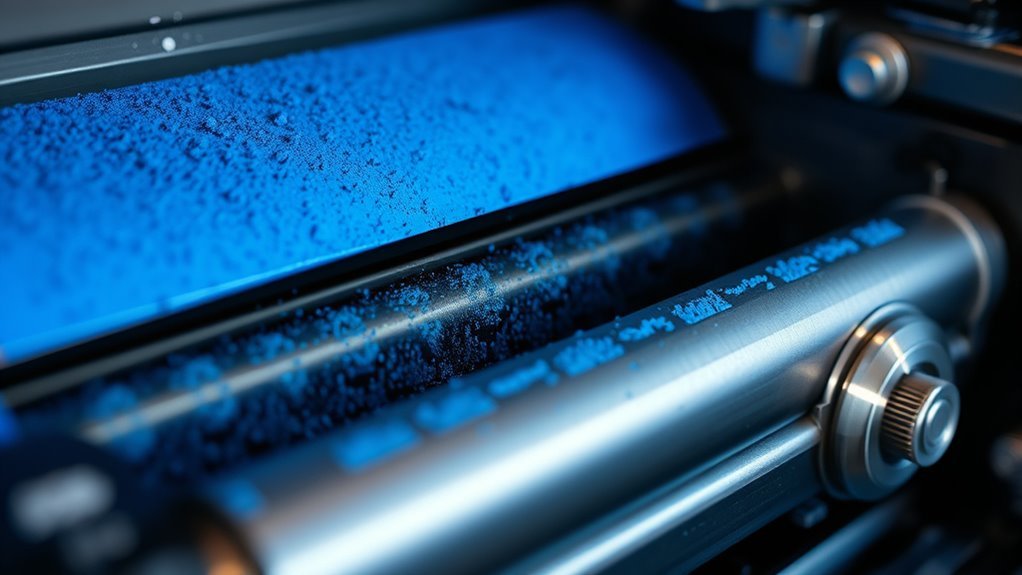
Toner plays an essential role in laser printers by using electrostatic charges to create your printed images. This fine powder mainly contains thermoplastic resin, pigment for color, and charge-control agents that help particles hold an electrostatic charge.
When your printer’s laser writes an electrostatic latent image onto the photoconductor drum, the charged toner particles stick to specific areas by electrostatic attraction. The toner’s particle size and shape, usually between 5 and 15 micrometers, affect the print’s resolution and density.
Your printer’s developer roller and doctor blade control how much toner is applied, influencing print quality and preventing clumping or speckling. To avoid print defects, you should store toner properly, keep it dry, and never mix different toners.
How Toner and the Photoconductor Drum Work Together

You’ll see the photoconductor drum plays a key role by holding an electrostatic charge that attracts toner particles in the exact pattern of your image. The laser selectively discharges areas on the drum, guiding where the toner sticks before it transfers onto paper.
Understanding how the drum charges and interacts with toner helps explain how your printer creates sharp, detailed prints. It’s pretty cool how these parts work together to bring your documents to life!
Toner Transfer Process
Imagine a photoconductor drum spinning inside your printer, ready to bring your digital image to life. Toner particles stick to the drum where the laser has discharged specific areas, creating an electrostatic image.
The developer roller supplies toner, and a developer blade guarantees the layer is even. Next, the toner image transfers from the drum to your paper using a stronger electrostatic charge at the transfer roller.
This charge pulls the toner particles off the drum and onto the paper’s surface. Finally, the paper moves through heated rollers called the fuser, which melts and fuses toner into the fibers, making the image permanent.
Any leftover toner on the drum is scraped away and collected, preparing the drum for the next print cycle. It’s quite the process, but that’s how your printer turns digital files into crisp prints!
Drum Charging Mechanism
To get the printing process started, the photoconductor drum gets charged uniformly by a primary charge roller or corona unit, holding several hundred volts on its surface. This uniform charge creates an electrostatic latent image as light discharges specific areas of the drum.
Toner particles, carrying an opposite electrical charge controlled by the charge roller and developer system, are then attracted to these discharged areas. The developer roller meters a precise, micron-thick layer of toner and supplies it to the drum while maintaining the correct charge for consistent transfer.
If the drum, charge roller, or developer components suffer wear or contamination, charging uniformity breaks down, causing print defects like repeating lines or poor density. So, proper charging is key—it guarantees the toner sticks exactly where it should for a sharp image.
Drum and Toner Interaction
Although the photoconductor drum starts with a uniform charge, it selectively lets light discharge specific areas to create a latent electrostatic image. Toner, a finely milled charged powder, sticks only to those discharged areas.
The developer roller applies a thin toner layer, while the doctor blade controls its amount precisely. Then, as the paper passes between the drum and transfer roller, an opposite charge pulls toner off the drum onto the paper before fusing.
| Component | Role | Effect on Print Quality |
|---|---|---|
| Photoconductor Drum | Holds latent electrostatic image | Precise toner adherence |
| Developer Roller | Supplies toner layer | Consistent toner thickness |
| Doctor Blade | Regulates toner amount | Prevents excess toner deposits |
| Transfer Roller | Transfers toner to paper | Sharp, clear print output |
The Role of Toner Cartridge Components in Print Quality
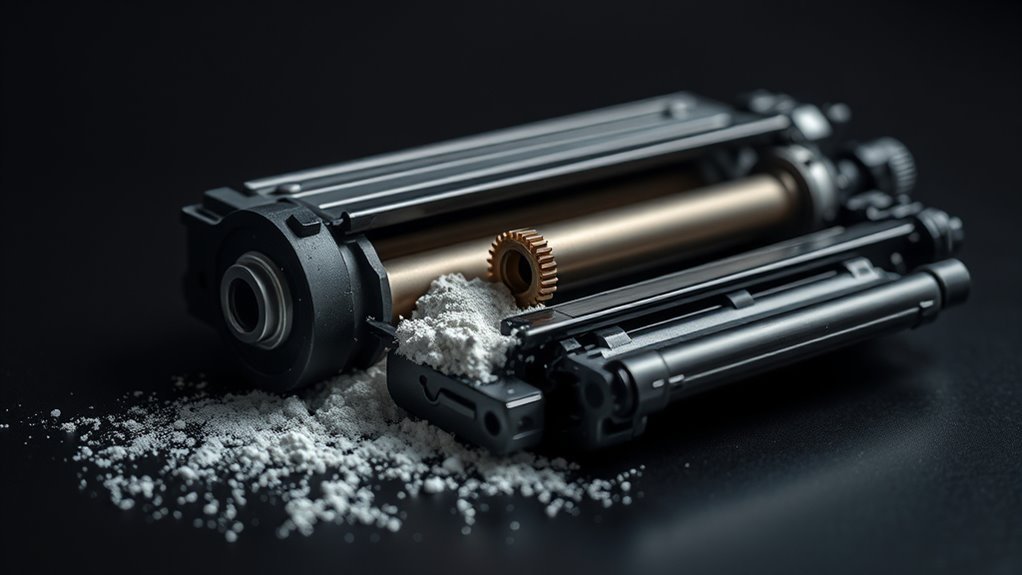
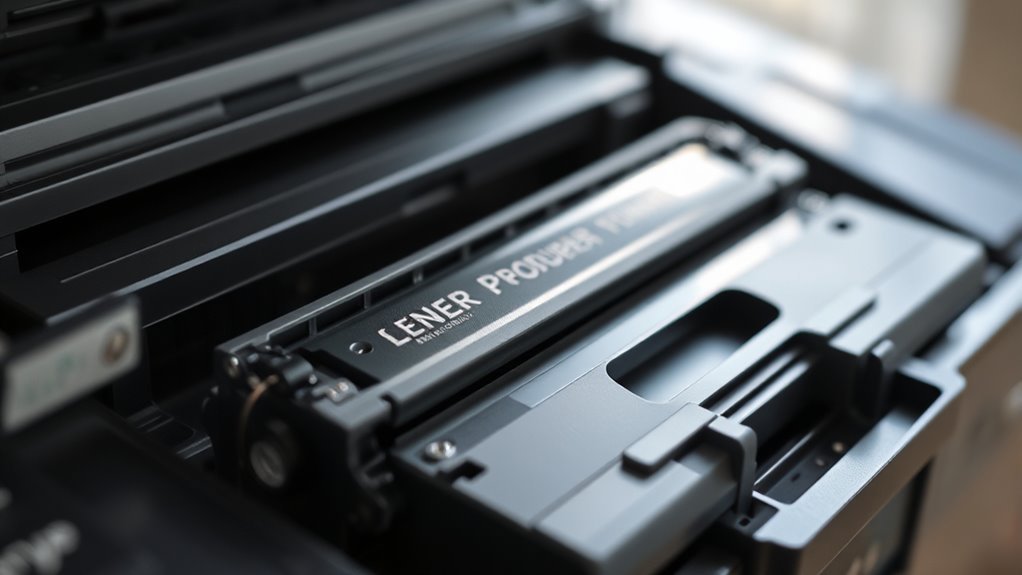
Understanding how each component inside your toner cartridge works is key to maintaining high print quality. The photoconductor drum holds the electrostatic image, so any scratches cause repeating defects on your prints.
The wiper blade cleans leftover toner; if it’s worn or stuck, you’ll see streaks or background buildup. The developer roller meters toner onto the drum, and any damage or buildup here leads to uneven density or light prints.
The charge roller applies the initial electrical charge—if it’s worn, expect excessive background or horizontal marks. Recovery blades, waste hoppers, bushings, and gears keep toner contained and parts aligned.
Failures in these parts cause random dots, leaks, or mechanical damage. So, keeping these components in good shape guarantees crisp, consistent print quality every time.
Common Toner Defects and How to Spot Them
When you spot streaks, uneven prints, or random dots on your pages, it’s usually a sign that something’s off with your toner or its components. Clumped or damp toner causes light, uneven prints because moist powder won’t transfer properly.
If you notice background graying or excess toner waste across pages, low-quality or mixed toners might be the culprit. Repeating black marks or bands hint at cuts or damage on rollers or the photoconductor drum.
Random dots or toner leakage often mean a damaged waste blade or an overflowing waste hopper. Finally, if defects worsen after long idle periods—like light lines or yellowing—it could be due to charge roller degradation or worn drum coatings.
Spotting these issues early helps you understand toner problems without guessing. It’s always better to catch them sooner rather than later!
How to Troubleshoot Toner Issues Before Replacing Parts
Noticing toner defects is only the first step; figuring out what’s causing them saves you time and money. Start by slowly rotating the drum and developer roller while printing or inspecting—if defects repeat at regular intervals, the cartridge likely causes them.
Remove and reinstall the cartridge, then test a known-good cartridge to confirm if the printer or toner cartridge is at fault. Visually inspect key parts like the photoconductor drum, developer and charge rollers, wiper blade, and gears for damage or buildup.
Rotate the developer roller about ten times to check for uneven toner transfer or buildup, which signals worn seals or contamination. Finally, clean the charge and developer rollers with a soft cloth—water for the charge roller, isopropyl alcohol for the drum.
Make certain no old or damp toner remains in the hopper before considering part replacement. This way, you can avoid unnecessary repairs and keep your printer running smoothly.
Tips for Storing and Refilling Toner to Avoid Problems
Since toner quality directly affects print results, you should store cartridges and loose toner in a cool, dry place with 40–60% humidity. This helps prevent clumping and damage to printer components.
Always keep refill toner in airtight, light-blocking containers to avoid moisture and light exposure that degrade toner granules. Don’t mix toner brands or types; remove old toner completely before refilling to prevent chemical clashes causing poor print density or clumps.
When refilling, clean rollers and seals with a lint-free cloth or isopropyl alcohol to avoid streaks.
- Protect your investment by storing toner properly and preventing costly printer damage.
- Enjoy crisp, consistent prints by handling toner carefully every time.
- Avoid frustration from wasted toner and repeated refills with simple, mindful steps.
Why Toner Quality and Handling Matter for Print Results
You need to pay close attention to toner quality and how you handle it because both directly impact your print results. Poor storage conditions can cause toner to clump or lose its charge, leading to streaks and faded images.
And honestly, using low-quality or mixed toner only makes these problems worse. This results in uneven prints and wasted supplies. So, taking care with toner really pays off!
Toner Storage Conditions
When handling toner, storing it correctly plays a crucial role in maintaining print quality. You need to keep toner in a cool, dry place—ideally between 15–25°C with less than 60% humidity.
Too much moisture causes clumping, while too little can create electrostatic issues that ruin prints. Don’t mix toners from different brands or batches either, as incompatible particles lead to fogging and waste buildup.
Always keep cartridges sealed until use and avoid exposing photoconductor drums to light to prevent uneven prints. When refilling, remove old toner and clean components thoroughly.
Remember, improper storage can cause flaky deposits and streaky prints you’ll hate. It also leads to premature wear that wastes your money.
Plus, you’ll get unpredictable print quality that just frustrates you.
Effects Of Toner Quality
Proper storage sets the stage, but the quality of toner you use has an even bigger impact on your print results. Low-quality or old toner can cause light, uneven prints, increased background fog, and more waste buildup that demands frequent cleaning.
If toner absorbs moisture, it leads to streaks and flaky deposits on vital parts. Mixing different toners or refilling without cleaning out old toner changes how it flows and charges, creating inconsistent density and damaging components.
Using toner that’s too coarse or chemically mismatched accelerates wear on rollers and drums, causing defects. Ultimately, poor-quality toner increases maintenance needs by promoting clumps and abrasive particles that harm seals and blades.
Choosing the right toner and handling it properly guarantees sharper prints and a longer printer lifespan. It really makes all the difference!
How Toner Forms Images and Text on Paper
Toner particles cling electrostatically to a photoconductor drum. A laser or LED array then selectively discharges the drum to create a precise pattern that matches your desired image or text.
Toner particles stick to a photoconductor drum, shaped by a laser into your exact image or text.
Next, the developer roller transfers toner onto the drum, keeping the density consistent. As paper passes between the drum and transfer roller, the toner image moves onto the paper.
Finally, the fuser melts the toner’s polymer particles, fusing them permanently into the paper fibers. This makes sure your text and images stay sharp and durable.
This process guarantees you get crisp, clear prints that bring your ideas to life. You can count on reliable results every time you hit print.
Plus, your documents will last long and won’t smudge or fade.
Frequently Asked Questions
How Do You Know if a Printer Needs Toner?
You know your printer needs toner when prints fade or get lighter, show streaks, or patchy areas. Low-toner messages and shaking the cartridge can help, but replacing it confirms if toner’s truly the problem.
It’s kind of like a little test. If the print quality improves after replacing the cartridge, then you know that toner was the issue. If not, there might be something else going on with your printer.
How Does a Laser Printer Work?
You’ll see your laser printer uses a laser to create a charged image on a drum. It then attracts toner to that charged image.
Next, it transfers and fuses the toner onto paper. This process produces sharp, fast, and precise prints every time.
Pretty cool how it all works together, right?
What Is the Difference Between a Printer Cartridge and a Drum Unit?
You’ll find the printer cartridge holds toner powder and components, while the drum unit contains the photoconductor drum.
Some printers combine them, but others separate drum and toner for different replacement schedules and maintenance needs.
It’s kind of handy because you can replace just the part that needs it without swapping everything out at once. Makes things a bit easier on your wallet and your printer!
How Do You Put Toner in a Printer?
Wondering how to put toner in your printer? Simply remove the empty cartridge and install a new one firmly.
Or, if you’re feeling a bit adventurous, you can carefully refill the cartridge using gloves and a funnel. Just be sure to follow the instructions closely.
Don’t forget to clean up any spills you might make. Also, check the related parts to make sure everything is working smoothly!
Conclusion
Think of toner as the magician’s dust that brings your ideas to life on paper. Without it, your printer’s story remains untold, blank and silent.
By understanding how toner works and treating it with care, you keep your prints sharp and vibrant. This helps avoid smudges and streaks that dull your message.
So, handle your toner wisely. When you do, your words and images will dance vividly from screen to page every time. Proper toner use is key to maintaining print quality, ensuring crisp text and bright images. Taking care of your toner cartridge means fewer printing problems and longer-lasting results. In short, toner is the secret ingredient that transforms your digital content into beautiful printed pages you can be proud of.