How Does an FDM 3D Printer Work?
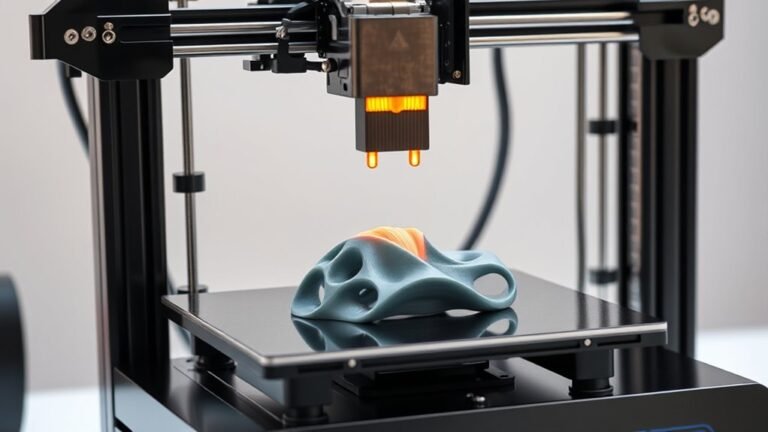
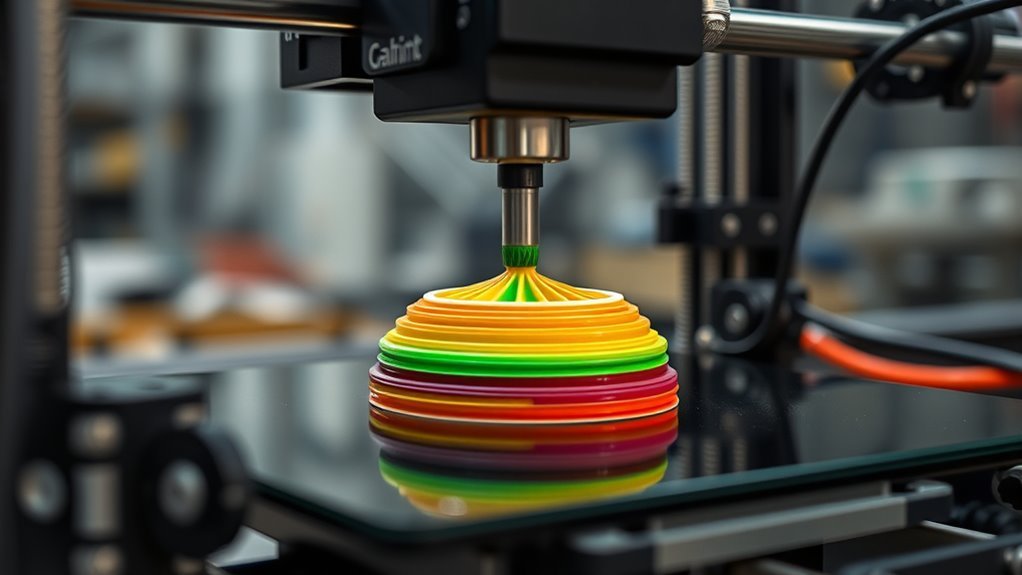
You use an FDM 3D printer by feeding a thermoplastic filament through a heated nozzle that melts it. This process is called Fused Deposition Modeling, where the printer deposits molten plastic layer by layer. It builds your object from the bottom up, making it easier to create complex shapes.
The nozzle moves according to precise software instructions, ensuring each layer fuses properly for strength and shape. Factors like bed temperature, print speed, and material choice all affect the final quality and durability.
If you’re curious about how different types of filaments work or want tips to improve your prints, keep exploring. There’s a lot to learn that can make every print successful and even more fun!
Key Takeaways
- FDM printers melt thermoplastic filament and extrude it through a heated nozzle to build objects layer by layer. The nozzle moves precisely in X, Y, and Z directions following slicer-generated G-code instructions.
- Filament softens in the hot end before deposition onto the build platform or heated bed. Each extruded layer fuses with the previous one to gradually form the final 3D object.
- Bed temperature and cooling management ensure proper adhesion and reduce warping during printing. This helps keep everything sticking together nicely as your print takes shape.
What Is FDM 3D Printing?
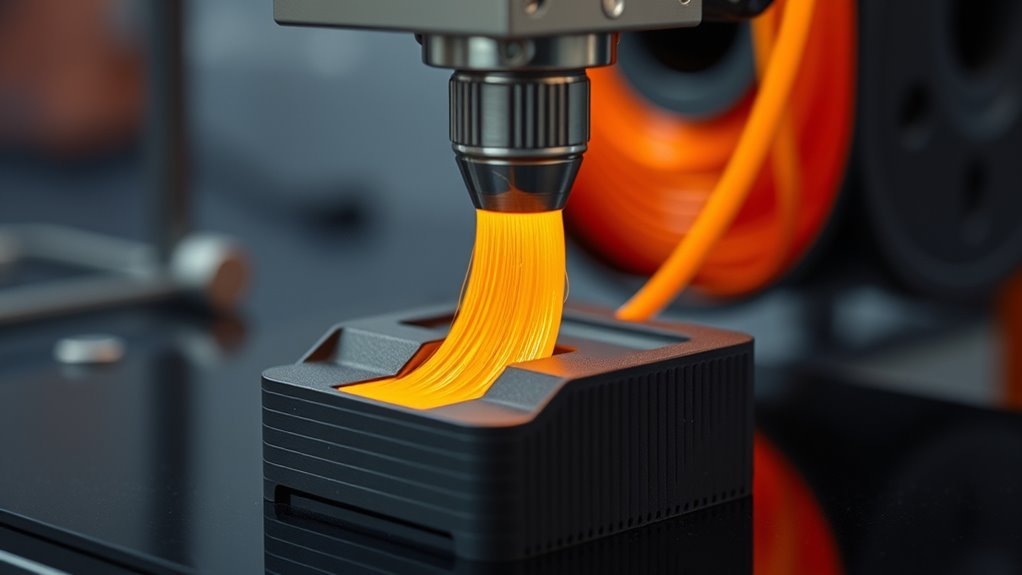
FDM 3D printing builds objects by melting and extruding thermoplastic filament through a heated nozzle, laying down material layer by layer. In this process, the filament feeds into the hot end, where it softens and is pushed through the nozzle onto the build platform.
You control the nozzle’s movement with a slicer, which converts your 3D model into specific paths that define each layer’s shape. Layer height, typically between 0.10 and 0.25 mm, determines the print’s resolution and surface finish.
The extrusion process fuses each strand of thermoplastics with the previous one, gradually creating your part. Understanding how filament diameter, nozzle size, and layer height affect your print helps you optimize strength and detail in your FDM 3D printing projects.
The FDM Printing Process Explained
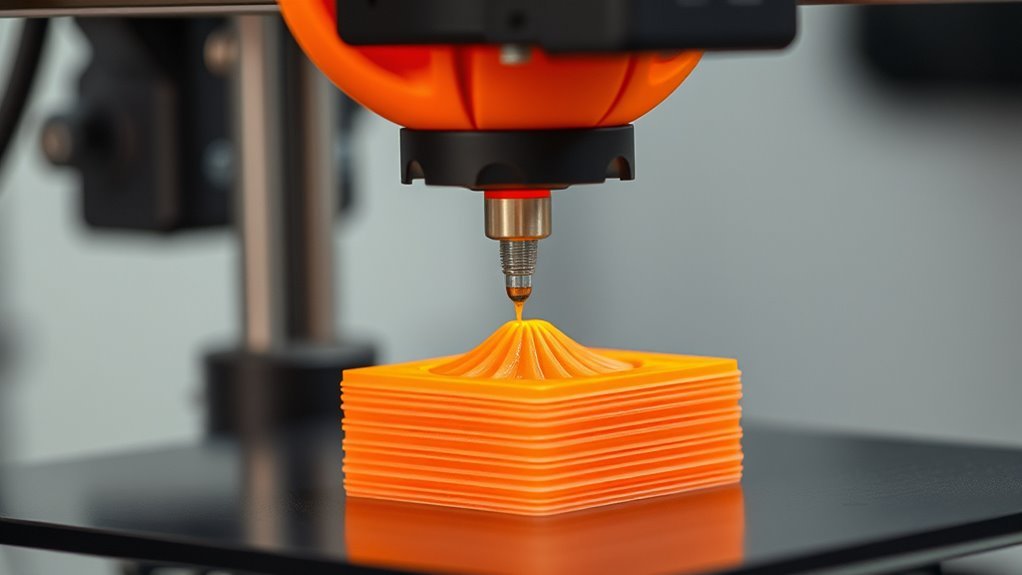
Start by slicing your 3D model into horizontal layers using specialized software that generates precise G-code instructions. This G-code directs the Fused Deposition Modeling (FDM) printer’s extruder to feed thermoplastic filament through a heated hot end.
The hot end melts the filament, pushing it out of the nozzle onto the build platform or heated build plate. The printer moves the nozzle along X, Y, and Z axes, laying down each layer with a specific layer height, typically between 0.10 and 0.25 mm for desktop printers.
Key steps in the FDM printing process include:
- Feeding filament into the extruder to melt via the hot end
- Depositing molten plastic layer-by-layer following G-code paths
- Controlling build platform temperature to guarantee adhesion and reduce warping
Types and Scales of FDM Printers
When choosing an FDM printer, you’ll notice desktop models usually handle build volumes around 200 × 200 × 200 mm. They’re perfect for quick prototypes and hobby projects.
Industrial printers, on the other hand, can produce much larger parts—sometimes up to a cubic meter. They also offer greater precision and more material options.
Understanding these differences helps you pick the right scale for your specific needs. So, think about what you want to create before deciding!
Desktop Vs Industrial
Although both desktop and industrial machines use fused deposition modeling, they serve very different needs and scales.
Desktop FDM printers are perfect for rapid prototyping with smaller build volumes and affordable thermoplastic filament. They usually lack advanced features like heated/enclosed chambers or dual/multi-material extruders.
Industrial FDM systems, however, handle larger parts, support engineering-grade materials, and offer higher precision with features like soluble support material and controlled environments.
When your project exceeds desktop limits, you might split parts for post-assembly or turn to industrial options.
- Desktop FDM: compact, cost-effective, ideal for basic thermoplastics
- Industrial FDM: large build volume, high-temp materials, advanced extruders
- Post-assembly often bridges desktop limitations for bigger prints
Build Volume Differences
FDM printers come in various sizes, each designed to handle different build volumes that directly impact the scale of your projects. Desktop FDM printers offer build volumes around 200 × 200 × 200 mm, perfect for quick prototypes and small parts.
Large-format desktop models expand this to about 400 × 400 × 400 mm, letting you print bigger single-piece designs. Industrial FDM machines boast much larger build chambers—often near 900 × 600 × 900 mm or more. These are ideal for large end-use parts and batch production.
When your model exceeds the build volume, split printing with part assembly becomes necessary. Larger build volumes demand stiffer frames and enclosed chambers to maintain dimensional accuracy and reduce warping, especially with temperature-sensitive materials.
This precision makes certain your prints come out reliably, no matter the scale. So, choosing the right build volume really depends on what kind of projects you’re aiming to create.
Common Materials Used in FDM Printing
When you start printing with FDM, choosing the right filament is key because each type offers different strengths and challenges.
You’ll find popular materials like PLA and ABS, along with specialty options like flexible TPU or high-performance carbon-fiber blends.
Understanding their properties helps you pick the best material for your specific project needs.
Popular Filament Types
Since choosing the right filament affects both print quality and part functionality, you’ll want to know the common materials used in FDM printing. FDM printers use thermoplastics like PLA, ABS, PETG, Nylon, and TPU, each with specific print temperatures and characteristics. Understanding these helps you pick the best filament for your project.
- PLA: Easy to print at 190–220 °C, great for beginners and visual prototypes.
- ABS: Tougher and heat-resistant, prints at 230–260 °C but may warp without a heated chamber.
- PETG: Balances strength and printability with good layer adhesion, printing at 230–250 °C.
Nylon offers strength and wear resistance but requires careful moisture control. TPU is flexible but demands slower speeds and specialized extruders for reliable feeding.
Material Properties Overview
Although choosing the right filament might seem straightforward, understanding material properties is key to getting the best results from your 3D prints. FDM materials mainly consist of thermoplastic filaments like PLA, ABS, and PETG, each with distinct nozzle temperature needs and print behaviors.
Engineering plastics such as Nylon, PC, and PEI offer higher strength and heat resistance but require precise temperature control and careful moisture management due to their hygroscopic nature. It’s important to keep these filaments dry to avoid print issues.
Flexible filaments like TPU give your prints elasticity but demand slower print speeds and compatible extruders to avoid deformation. So, take your time when printing with these to get the best flexibility without mess.
Composite filaments add stiffness or aesthetic appeal but can wear down nozzles and reduce layer adhesion. Always consider moisture sensitivity and match your nozzle temperature settings to each filament’s requirements to guarantee reliable, high-quality prints every time.
Specialty Filament Options
Exploring specialty filament options lets you tailor your FDM prints to specific needs, from basic prototypes to demanding industrial parts. You can choose engineering-grade thermoplastics like Nylon or polycarbonate for toughness and chemical resistance. Just keep in mind they demand strict temperature requirements and filament drying.
Flexible filaments such as TPU need a direct-drive extruder to prevent buckling and slower print speeds. These materials require careful extrusion and temperature control to get the best results.
Composite filaments, including carbon-fiber reinforced types, boost stiffness but tend to wear down abrasive nozzles. So, you’ll want hardened nozzles if you’re working with these.
Water-soluble supports are great for complex designs since they’re easy to remove on dual-extruder setups.
- Composite filaments increase strength but need abrasive nozzles
- Flexible filaments require careful extrusion and temperature control
- Engineering-grade thermoplastics offer durability with precise drying and heating needs
Key Print Parameters and Their Effects
When you adjust key print parameters like nozzle temperature, bed temperature, layer height, print speed, and cooling, you directly influence the quality, strength, and accuracy of your FDM 3D prints. Setting the right nozzle temperature guarantees proper melt viscosity for strong layer adhesion—too low causes under-extrusion, too high leads to stringing.
Bed temperature helps reduce warping by improving adhesion of the first layers, which is vital for good part stability. Layer height affects vertical resolution and print time: smaller layers mean finer detail but longer prints.
Print speed and travel speed balance surface finish with throughput; slower speeds improve bonding and detail. Filament cooling varies by material—higher cooling sharpens PLA details, while lower cooling prevents delamination in ABS or PC.
Considering material selection helps you optimize these parameters effectively. It’s all about finding the right balance for your specific print and filament.
Typical Challenges and Print Quality Factors
Since FDM 3D printing builds objects layer by layer, you’ll often face challenges like weak layer adhesion, warping, and surface imperfections. In Fused Deposition Modeling, strength depends on proper bonding between layers, so it’s a good idea to align critical loads with the print orientation.
Warping happens from uneven cooling, especially with ABS. But don’t worry—a heated bed and enclosure can really help reduce this issue.
Dimensional accuracy is limited by nozzle diameter and extrusion temperature. These factors affect the detail and surface finish of your print. Common print defects like under-extrusion and layer shifting usually come from poor calibration or feed issues.
To improve print quality, focus on optimizing extrusion temperature and print orientation for stronger layer adhesion. Using heated beds and bed adhesives can minimize warping. Also, selecting the right nozzle diameter helps achieve the dimensional accuracy and surface finish you want.
Practical Applications of FDM Technology
Although FDM technology started as a rapid prototyping tool, you’ll find it’s now widely used across industries for producing durable thermoplastic parts quickly and affordably.
FDM 3D printing excels at creating functional prototypes, jigs and fixtures, and tooling from engineering-grade materials like ABS and Nylon. Its versatility supports low-volume production and on-demand spare parts, reducing lead times and inventory.
Specialty filaments, including carbon-fiber reinforced ones, enable parts with enhanced strength and heat resistance. Build volume varies from desktop to large industrial systems, accommodating diverse project sizes.
| Application | Key Features |
|---|---|
| Functional prototypes | Quick, durable thermoplastics |
| Jigs and fixtures | Engineering-grade, shop-floor ready |
| Low-volume production | On-demand, reduces inventory |
| Spare parts | Distributed manufacturing model |
Frequently Asked Questions
Is 3D Printing 40K Illegal?
Yes, 3D printing 40K models can be illegal if you sell or share them without permission.
Personal use is a gray area, but Games Workshop actively protects its copyrights, so be cautious and respect their IP rights.
It’s always best to play it safe and avoid any potential legal issues.
What Are the Downsides of FDM Printing?
FDM flaws frequently frustrate: you’ll face weaker layers, visible lines, warping woes, and limited detail due to nozzle size.
Plus, tuning troubles like stringing or shifting demand diligent maintenance to deliver decent designs.
Is FDM Different From PLA?
Yes, FDM and PLA are different. You use FDM to describe the printing process, while PLA is a specific filament material you feed into the printer.
Which Is Better, FDM or SLA?
It depends on your needs. Choose FDM for durable, functional parts with lower cost, and SLA if you want high detail and smooth surfaces.
Both have strengths, so pick based on your project’s priorities. Think about what matters most to you before deciding.
Conclusion
Now that you know how FDM 3D printing works, you can see why it’s a go-to method for many makers. Remember, “practice makes perfect”—tweaking print settings and materials will help you get the best results.
Whether you’re creating prototypes or functional parts, FDM offers versatility and accessibility. Keep experimenting, and you’ll unleash the full potential of this technology in no time.
With FDM 3D printing, your creativity is the only limit! By fine-tuning your printer and exploring different filament types, you can achieve impressive quality and detail. This makes FDM an ideal choice for hobbyists, educators, and professionals alike looking for cost-effective and reliable 3D printing solutions. So dive in, keep learning, and watch your ideas come to life layer by layer!