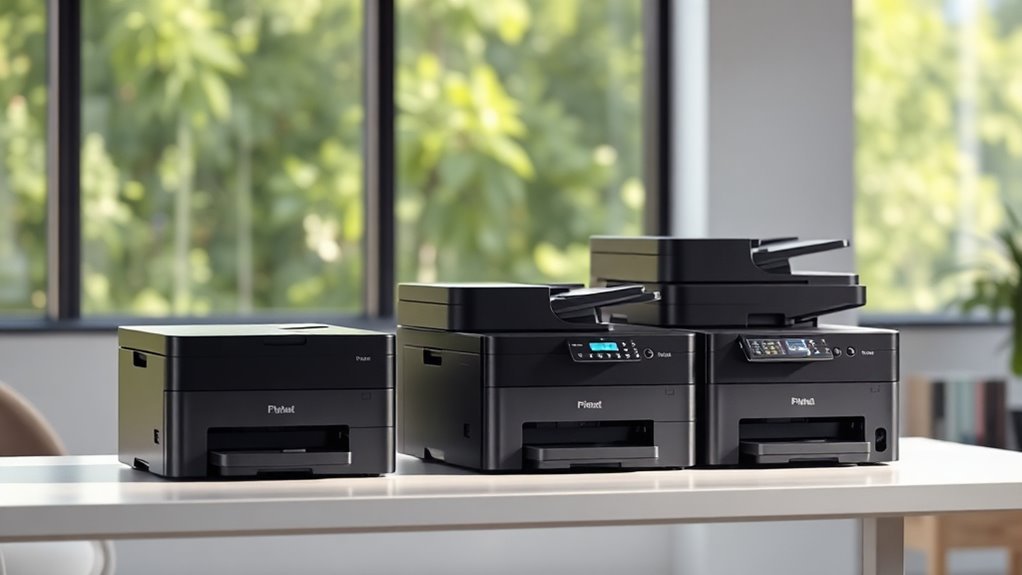
4 Best Compact Colour Laser Printers for 2027
You want a compact color laser printer that’s fast, efficient, and fits small spaces perfectly. Whether for your home office or a small workgroup, finding a printer that balances speed, quality, and convenience is key. The Canon imageCLASS LBP646Cdw, Brother HL-L3220CDW, Lexmark CS331dw, and Xerox C240 stand out as some of the best options in 2027.
These models offer speedy print rates around 26 ppm and come with automatic duplexing, so you can save paper without extra effort. Plus, wireless connectivity makes printing from multiple devices a breeze. They’re designed to keep energy use low, which is great if you want to reduce your environmental footprint.
Toner options on these printers help cut maintenance costs too, so you won’t have to worry about frequent replacements. Keep exploring to find the features that match your specific printing needs perfectly.
| Image | Name | Editor's Rating | Price |
|---|---|---|---|

|
|
||

|
|
||

|
|
||

|
|
Canon imageCLASS LBP646Cdw Wireless Laser Printer
- Single-Function, Color, Wireless, Duplex Printer: Print only. — No Scanning, Copying, or Faxing
- Fast Print Speeds: Print up to 26 ppm in both color and monochrome and spend less time waiting with a quick first print time of approximately 10.3 seconds.
- Easy Wireless Setup: Setup your wireless connection and get up and running in just a few steps.
- 5-inch LCD Screen: Navigate through all the features using the 5-line LCD screen.
- Mobile Device Printing: Print from your compatible mobile devices using the free Canon PRINT app, Apple AirPrint and Mopria Print Service.

If you need a dependable color laser printer that fits seamlessly into your small or home office, the Canon imageCLASS LBP646Cdw is designed to meet those needs. It produces vibrant color and sharp monochrome prints at a speed of up to 26 pages per minute, helping you finish tasks quickly and efficiently.
This printer simplifies your workflow with automatic duplex printing and a large 250-sheet tray that accommodates legal-size documents. Wireless and Ethernet connectivity options allow easy printing from laptops, smartphones, or Chromebooks via the Canon PRINT app, AirPrint, or Mopria, reducing cable clutter and boosting convenience.
Maintenance is straightforward, though the starter toner yields are modest, which means more frequent replacements if you print heavily. While it focuses solely on printing, lacking scanning or copying functions, its compact and energy-efficient design keeps your workspace tidy and operational costs manageable.
The Canon imageCLASS LBP646Cdw offers reliable performance with user-friendly features, making it ideal for users who prioritize speed and quality in color laser printing without extra multifunction capabilities.
Best for: Small or home office users who need a reliable, fast color laser printer with wireless connectivity and duplex printing.
What We Like:
- Fast printing speed of up to 26 ppm in both color and monochrome.
- Automatic two-sided printing with a large 250-sheet tray supporting legal-size paper.
- Multiple connectivity options including Wi-Fi, Ethernet, and mobile printing apps.
- Compact and energy-efficient design suitable for tight office spaces.
Specification:
| Feature | Details |
|---|---|
| Manufacturer | Canon |
| Dimensions | Not specified |
| Weight | Not specified |
| Printing Technology | Color laser |
| Print Speed | Up to 26 pages per minute |
| Paper Tray Capacity | 250 sheets (legal size supported) |
| Connectivity | Wireless, Ethernet, Mobile apps |
Brother HL-L3220CDW Wireless Color Laser Printer
- Professional Quality: Brother Genuine color laser printer delivers stunning business documents with crisp text and vibrant graphics at impressive 19 PPM speed...
- Wireless Connectivity: Brother Genuine advanced wireless capabilities enable seamless printing from laptops, smartphones, and tablets, with built-in security protocols...
- High-Volume Capacity: Brother Genuine laser printer includes a generous 250-sheet paper tray minimizing refills, while the manual feed slot offers versatility for...
- Efficient Performance: Brother Genuine automatic duplex printing saves time and paper, while delivering professional-quality double-sided documents at speeds up to...
- Mobile Integration: Brother Genuine technology ensures seamless compatibility with major mobile printing platforms and cloud services, enabling effortless document...
The Brother HL-L3220CDW is designed to bring professional-quality color printing to your home office. It tackles slow print jobs by delivering sharp, vibrant documents at a steady 19 pages per minute. This reliable printer helps you maintain productivity without sacrificing print quality.
Its compact white design fits comfortably on any desk, making it ideal for small spaces. The 250-sheet tray and automatic duplex printing reduce the need for constant paper refills and manual double-sided printing. This saves you time and effort on everyday tasks.
Maintenance is straightforward with high-yield toner options that keep running costs manageable. The printer supports various media types, including envelopes and glossy photo paper, expanding your home office capabilities. Easy wireless and USB connections make setup and printing from multiple devices hassle-free.
While it focuses solely on printing, lacking scanning or copying functions, it remains a solid choice for straightforward, high-quality color output. Its built-in security safeguards your wireless printing, ensuring your documents stay protected.
Best for: Professionals and small workgroups needing a compact, efficient color laser printer for versatile home office use.
What We Like:
- Crisp color printing at 2400 x 600 dpi with 19 ppm speed
- Automatic duplexing and large 250-sheet input for efficiency
- Simple wireless and USB connectivity with mobile printing options
- Supports multiple media types for versatile printing needs
- High-yield toner lowers maintenance frequency and cost
Specification:
| Feature | Details |
|---|---|
| Manufacturer | Brother |
| Dimensions | 16.1 x 18.7 x 15 inches |
| Weight | 24.7 lbs |
| Color Options | White |
| Print Speed | 19 ppm |
| Print Resolution | 2400 x 600 dpi |
| Paper Capacity | 250 sheets |
| Connectivity | Wireless, USB |
Lexmark CS331dw Wireless Color Laser Printer (40N9020)
- Compact color laser printer that has dimensions that can easily fit in most places with a tray capacity up to 250 pages, plus single-sheet feeder
- Wireless. Setup is fast and easy. Standard Wi-Fi makes it easy to print from mobile devices. USB and Ethernet connectivity also available. Mobile support via Lexmark...
- Secure. Includes Lexmark’s full-spectrum security architecture keep your information safely The document, on the device, over the network and at all points in between...
- Output that works. Capable of printing up to 26 pages per minute, 1-GHz dual-core processor and 512 MB of memory and standard two-sided printing
- Rated Epeat Silver and energy Star Certified with Lexmark toner cartridge recycling available. That benefits the planet and your budget.
The Lexmark CS331dw Wireless Color Laser Printer offers a practical solution for users needing reliable, fast color printing in limited space. Its compact design fits easily on desks or shelves, making it ideal where space is tight. You can print up to 26 pages per minute, reducing wait times for everyday documents.
This printer handles up to 250 sheets, minimizing frequent paper refills. Automatic duplexing saves paper and simplifies double-sided printing without manual effort. The 600 x 600 dpi resolution ensures clear, sharp prints in both color and black-and-white, suitable for professional reports or presentations.
Connectivity is straightforward with built-in Wi-Fi, Gigabit Ethernet, and mobile printing support via AirPrint and Mopria. These options make it easy to print from multiple devices without hassle. Maintenance is user-friendly, and energy-efficient certifications help reduce running costs while supporting sustainability.
While the CS331dw is designed for standard letter-sized paper, its memory and USB connectivity are optimized for typical office printing needs. This balance of features makes it a dependable choice for home offices or small businesses aiming for quality and convenience.
Best for: Small office or home users who need a compact, fast, and secure color laser printer with versatile connectivity and efficient duplex printing.
What We Like:
- Fast print speed with sharp 600 x 600 dpi output
- Multiple connectivity options including Wi-Fi and mobile printing
- Automatic duplexing for easy double-sided printing
- ENERGY STAR certified for energy efficiency
- High-yield cartridges lower overall printing costs
Specification:
| Feature | Details |
|---|---|
| Manufacturer | Lexmark |
| Dimensions (W x D x H) | 15.7 x 15.5 x 10.7 inches |
| Weight | 28.7 lbs |
| Print Speed | Up to 26 pages per minute |
| Resolution | 600 x 600 dpi |
| Paper Capacity | 250 sheets |
| Connectivity | Wi-Fi, Gigabit Ethernet, USB, AirPrint, Mopria |
Xerox C240 Wireless Color Laser Printer – Print Only
- PROFESSIONAL VALUE & QUALITY: Built for small businesses and professional teams that need reliable printing up to 1,500 pages per month. Standard-yield toner supports...
- VIBRANT PRINT QUALITY: Produce sharp text and brilliant color graphics. Ensure your business documents, presentations, and reports look professional and impressive every...
- WIRELESS & MOBILE PRINTING: Stay connected with dual-band Wi-Fi, Apple AirPrint, and Mopria. Effortlessly print from your laptop, smartphone, or tablet from anywhere.
- EASY SMARTPHONE SETUP: Get printing in minutes. Use the Xerox Easy Assist App for a simplified, guided installation that eliminates complex manuals and traditional driver...
- FAST COLOR PRINTING: Deliver professional results with letter speeds up to 26 ppm. Consistent throughput ensures productivity for small businesses and hybrid workers...
The Xerox C240 Wireless Color Laser Printer delivers consistent, vibrant color printing designed to meet the needs of small businesses and hybrid teams. Its ability to produce sharp text and vivid graphics at speeds up to 26 pages per minute helps streamline daily printing tasks. This printer’s compact design fits easily into any workspace without sacrificing performance.
With a recommended monthly duty cycle of up to 1,500 pages, the C240 balances productivity and cost efficiency. It offers both standard and high-yield toner options, allowing users to manage printing expenses based on their volume. This makes maintenance straightforward, although heavier use may require more frequent toner replacement.
Connectivity is simple and versatile, featuring dual-band Wi-Fi, Apple AirPrint, Mopria, and support for mobile printing. These options ensure smooth integration with laptops, smartphones, and tablets, so users can print effortlessly from multiple devices. The printer’s print-only functionality focuses solely on delivering quality prints without additional scanning or copying features.
Best for: Small businesses and hybrid teams needing reliable, vibrant color printing with moderate monthly volume.
What We Like:
- Delivers sharp text and vibrant color graphics at up to 26 ppm
- Flexible connectivity with dual-band Wi-Fi and mobile printing support
- Offers cost-effective toner options to suit different budgets
- Compact design fits well in limited office spaces
Specification:
| Feature | Details |
|---|---|
| Manufacturer | Xerox |
| Dimensions | Not specified |
| Weight | Not specified |
| Color Options | Standard printer color only |
Factors to Consider When Choosing a Compact Colour Laser Printer
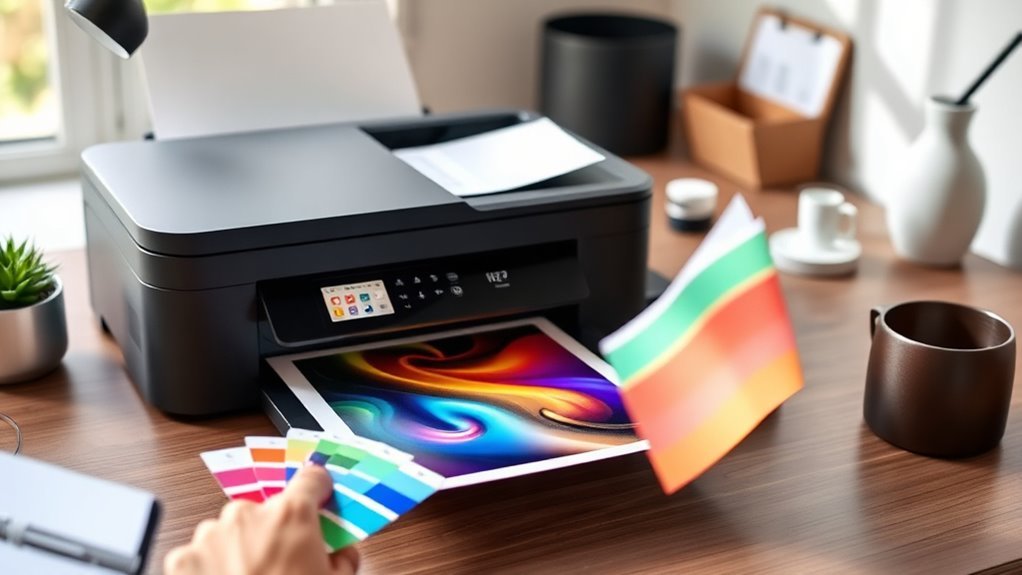
When choosing a compact colour laser printer, you’ll want to compare print speed and quality to match your needs. Check the connectivity options and paper handling capacity to guarantee seamless workflow.
Also, don’t forget to weigh toner efficiency for cost-effective printing. It really makes a difference in the long run!
Print Speed Comparison
Although print speed isn’t the only factor to weigh, it plays a crucial role in how efficiently you handle your printing tasks. Measured in pages per minute (ppm), print speed shows how fast your printer produces single-sided pages.
If you often print large batches, a higher ppm—say in the mid-20s rather than under 20—can markedly cut wait times. Don’t overlook first-page-out time either; it affects how quickly your printer responds to short jobs.
Also, consider duplex printing speeds if you regularly print double-sided documents, as this changes total throughput. Keep in mind manufacturers’ speed ratings reflect ideal conditions, so your real-world results may vary depending on resolution, color complexity, and file types.
Comparing these factors helps you pick a printer that matches your workflow needs. It’s all about finding what works best for you.
Print Quality Metrics
Print speed helps you manage your workload, but how your prints look matters just as much. When choosing a compact colour laser printer, focus on resolution—measured in dpi—as higher values like 1200 x 1200 or 2400 x 600 dpi produce sharper text and finer graphics.
Also, check the color gamut and toner formulation to ensure vibrant, accurate colors that match your photos and graphics well. Halftoning and screening technology matter too, as they smooth gradients and reduce banding in large color areas.
Don’t overlook registration accuracy and duplex alignment; these guarantee multi-color layers and double-sided prints line up perfectly. That’s essential for professional-quality documents.
Together, these print quality metrics ensure your output looks crisp, colorful, and consistent every time.
Connectivity Options Available
Since connectivity dictates how easily you can integrate a compact colour laser printer into your workflow, you’ll want to make certain it supports both wireless and wired options.
Look for dual-band Wi-Fi (2.4/5 GHz) to seamlessly handle mobile devices alongside Ethernet for stable, high-volume tasks.
Mobile printing protocols like AirPrint, Mopria, or proprietary apps let you print straight from smartphones and tablets without driver hassle.
Make certain USB host or USB-A ports allow direct USB-to-printer connections, while USB-B or USB-C ports support PC tethering when networks fail.
Wired Gigabit Ethernet enhances speed and reliability for shared use in small workgroups.
And don’t overlook built-in security like WPA2/WPA3, secure boot, and firmware updates to protect your network and simplify remote management. That way, your printer stays safe and accessible.
Paper Handling Capacity
Beyond connectivity, you’ll want to pay close attention to a printer’s paper handling capacity to keep your workflow smooth. Check the standard paper tray capacity and multipurpose/manual feed options to know how many sheets you can load at once—typically, main trays hold 150 to 250 sheets, with a single-sheet multipurpose tray.
Also, verify the output tray capacity, which usually ranges from 100 to 250 sheets, so you won’t need to clear it frequently. Confirm automatic duplex support if you need two-sided printing to save paper and speed up jobs.
Look at supported paper sizes and media types to guarantee compatibility with your tasks. Finally, consider the recommended monthly print volume alongside maximum input capacity to match your workload and avoid constant reloading or premature wear.
Toner Efficiency Levels
When choosing a compact colour laser printer, you’ll want to examine toner efficiency closely to keep running costs manageable. Start by comparing toner yield, or pages per cartridge, and calculate the cost per page by dividing the cartridge price by its rated yield.
Opt for high-yield or extra-high-yield cartridges—they often cost more upfront but reduce replacement frequency and lower overall costs. Check if the printer uses separate CMYK cartridges so you only replace the depleted color instead of the entire set, which improves efficiency and cuts waste.
Keep in mind that manufacturer-stated yields assume 5% page coverage; heavy graphics can reduce this. Also, consider drum and consumable lifespans, especially if combined with toner cartridges, as this can increase downtime and service costs.
Device Size And Weight
Although compact colour laser printers are designed to save space, you still need to check their physical footprint carefully to make certain they fit your workspace. Measure the depth, width, and height—compact models typically range between 9 and 17 inches in one or more dimensions.
If you move your printer often, consider weight; lightweight options weigh under 30 pounds, while feature-packed ones can exceed 35 pounds. Don’t forget to factor in extra clearance for paper trays and access panels, as you’ll need room to load paper and replace toner.
Also, evaluate where you’ll place the printer—desk, shelf, or credenza—and make sure the surface can support its weight. If portability matters, compare both size and power requirements, since some models need stable mains connections and aren’t ideal for frequent relocation.
Frequently Asked Questions
How Long Do Toner Cartridges Typically Last in Compact Color Laser Printers?
Toner cartridges in compact color laser printers typically last between 1,500 to 3,000 pages. You’ll get longer life with higher-capacity cartridges, but actual longevity depends on your printing habits and the complexity of your documents.
Can These Printers Connect to Mobile Devices via Bluetooth?
Of course, because who doesn’t want another Bluetooth device to pair?
Yes, you can connect these printers to your mobile via Bluetooth, making wireless printing easy and convenient.
No cables, no fuss, just seamless printing from your phone.
What Is the Average Warm-Up Time for These Laser Printers?
You can expect an average warm-up time of about 20 to 45 seconds. Most compact color laser printers heat up quickly, so you won’t have to wait long before printing your documents or photos.
It’s pretty convenient, right? You just power it on, and before you know it, you’re good to go!
Are There Eco-Friendly Toner Options Available for These Models?
Yes, you can find eco-friendly toner options for many models, often made from recycled materials or designed to reduce waste. Choosing these helps lower your carbon footprint while maintaining print quality and efficiency.
It’s a smart way to keep your printing green without sacrificing performance. Plus, many brands now offer cartridges that are easy to recycle or refill. So, going eco-friendly has never been easier!
Do These Printers Support Duplex Scanning or Just Duplex Printing?
Wondering if your printer can juggle two tasks? Most compact color laser printers support duplex printing but not duplex scanning.
You’ll need to check each model carefully, as duplex scanning is less common in compact designs. It’s a bit of a rarity, really. So, don’t assume your printer can do both without a quick look!
Conclusion
When choosing your perfect compact colour laser printer in 2027, remember—just like a trusty quill in the digital age, the right printer blends reliability with modern convenience. Whether you lean towards Canon’s sharp imageCLASS or Brother’s dependable HL-L3220CDW, you’ll find options that suit your style.
Lexmark’s sleek CS331dw and Xerox’s straightforward C240 also make the list, offering quality and efficiency in a compact design. These printers fit neatly into your space without compromising performance.
Pick one that keeps up with your pace and makes every print job feel effortlessly timeless. A great compact colour laser printer in 2027 isn’t just about looks—it’s about matching your printing needs with speed, clarity, and ease. Find the perfect printer to enhance your workflow and bring vibrant colour to every page.