4 Best Budget 3D Printers Under $300 for 2027
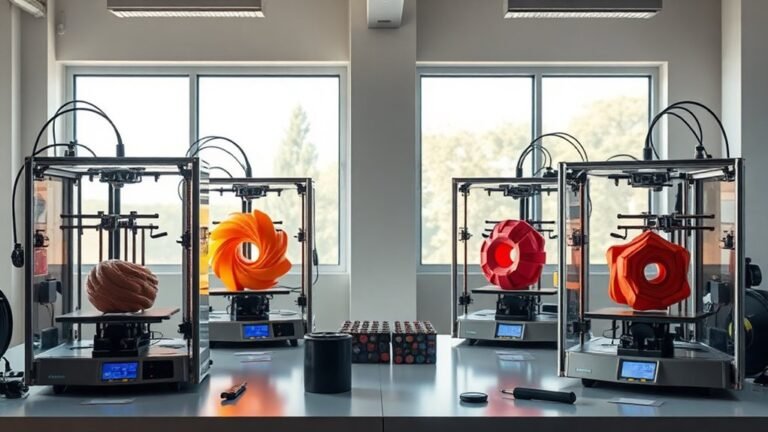
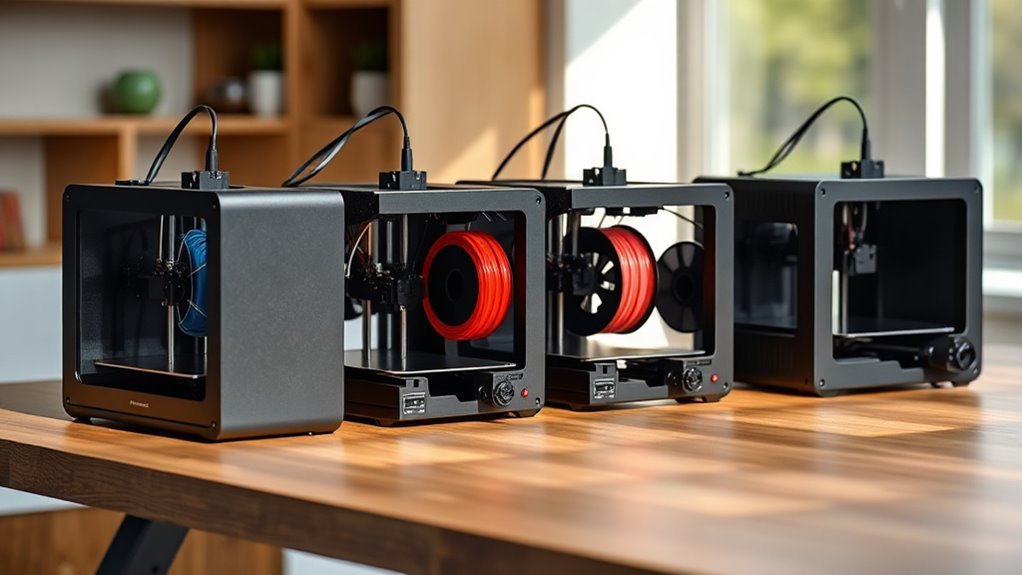
You’ll find the TINA2C, Yoidesu Small, ENTINA MINI, and TIAN2PLUS offer compact, beginner-friendly 3D printing under $300 for 2027. These budget 3D printers are perfect for those looking to start without breaking the bank. They combine affordability with features that make 3D printing accessible and enjoyable.
These models boast easy setup—some ready in 5 minutes—with quiet operation, removable build plates, and helpful auto-leveling. They support common filaments like PLA and TPU and connect via Wi-Fi, USB-C, or SD cards.
These printers balance portability and solid print quality, making them great for hobbyists and students. Keep exploring to uncover what makes each one stand out.
| Image | Name | Editor's Rating | Price |
|---|---|---|---|

|
|
||

|
|
||

|
|
||
|
|
Portable Compact FDM 3D Printer for Beginners
- Foolproof Setup with Video Guides – Never get stuck! We provide a crystal-clear Quick Start Guide and step-by-step video tutorials. Watch them online to get started.
- Simple Assembly with Video Guide – Requires quick modular setup (watch our step-by-step video). Comes with 10m PLA filament, TF card, tools, and 12V Type-C power...
- Versatile Filament Compatibility – Unleash your creativity with both PLA and flexible TPU (1.75mm). The reliable 0.4mm nozzle and precise 0.05-0.3mm layer thickness...
- Reliable Performance & Compact Design – Features stable FDM technology and a removable build plate for easy model removal. The perfect 100x100x100mm build volume is...
- Complete Package – No Hidden Costs – Includes printer, 10m PLA filament, 8GB TF card + reader, tools, illustrated manual, and 12V Type-C power adapter. Plus free...
Experience the ease of 3D printing with this portable compact FDM 3D printer, designed to fit seamlessly into your workspace. Its small size and lightweight build make it ideal for desks with limited space, while still offering enough room for creative expression. The 100 x 100 x 100 mm build volume is perfect for crafting detailed, small-scale projects.
This printer simplifies your workflow with a removable build plate, making print removal and maintenance effortless. Equipped with a precise 0.4 mm nozzle, it delivers smooth and accurate prints that bring your ideas to life. It supports both PLA and TPU filaments, providing flexibility for varied beginner projects.
Ideal for students and hobbyists, setup is straightforward thanks to clear guides and helpful video tutorials. You can start printing quickly without the typical learning curve associated with 3D printers. Its user-friendly design reduces frustration and keeps you focused on creativity.
While the compact size limits larger prints, and filament options are focused on PLA and TPU, this printer balances ease of use with practical functionality. It’s a dependable choice for anyone looking to explore 3D printing without overwhelming complexity.
Best for: Beginners, students, and hobbyists seeking a user-friendly, space-saving 3D printer for small projects and learning.
What We Like:
- Compact and lightweight, fits easily on any desk
- Removable build plate for easy print removal and cleaning
- Supports PLA and TPU filaments for versatile beginner use
- Precise 0.4 mm nozzle enables smooth, detailed prints
- Clear setup guides and video tutorials simplify the learning process
Specification:
| Feature | Details |
|---|---|
| Manufacturer | Not specified |
| Build Volume | 100 x 100 x 100 mm |
| Nozzle Diameter | 0.4 mm |
| Supported Filaments | PLA, TPU |
| Weight | Lightweight (exact weight not specified) |
| Design | Portable, compact |
TINA2C 3D Printer Beginner Friendly, Easy-Ready to Print in 5 Mins
- 【BEGINNER FRIENDLY-READY TO PRINT】Hephi3d Tina2C 3d printer friendly for home, fully assembled, factory preset, auto leveling, ready to print right out of the box, no...
- 【EASY TO USE-ONE TAP PRINTING】Tina2C mini 3d printer provides 3500+ online massive ready to print model library, new designs update every day. You can print in one...
- 【UNLIMITED CREATIVITY-EASY DIY】Tina2C beginner friendly 3d printer with APP provides STEM Learning Module and 25+ design modules for simply customizing. AIGC & Photo...
- 【FULLY OPEN SOURCE-NO LIMITS】Tina2C beginner 3d printer is no software lock-In. Print you way freely with Wiibuilder or Cura on PC and laptops, one-click wifi upload...
- 【FAMILY & BEGINNER FRIENDLY】 Tina2c compact 3d printer for home can print anytime anywhere, space save. Silent Printing and Auto Detect Bed function give more safe...
Step into the world of 3D printing effortlessly with the TINA2C 3D printer. Designed to have beginners printing within five minutes, it removes the common barriers of complex setup and calibration. The printer arrives fully assembled and auto-leveled, so you can start creating immediately.
Its compact and silent design fits seamlessly into any workspace without distractions. Maintenance is simplified with a quick hotend release, allowing easy cleaning and part replacement to keep your printer running smoothly. The ability to resume printing after interruptions minimizes wasted material and time.
Control is intuitive through a mobile app that offers one-tap printing and access to over 3,500 daily-updated models. This app also supports STEM learning with creative customization options and AI-generated 3D designs, fostering both education and innovation.
Flexible file management via Wi-Fi, TF card, or USB-C means you can upload projects conveniently. While ideal for beginners and hobbyists, the TINA2C may lack some advanced features preferred by professionals. Starter filament and tools cover basics but may require additional supplies for extended projects.
Best for: Beginners and hobbyists seeking a user-friendly, ready-to-print 3D printer with app control and educational features.
What We Like:
- Fully assembled with auto-leveling for fast setup
- Mobile app with one-tap printing and extensive model library
- Quiet operation with resume print functionality
- Easy hotend maintenance for hassle-free upkeep
Specification:
| Feature | Details |
|---|---|
| Manufacturer | TINA2C |
| Dimensions | Compact size (exact dims not provided) |
| Weight | Not specified |
| Material | Not specified |
| Color Options | Not specified |
Yoidesu Small 3D Printer with Fast Heating for Beginners (Black)
- [Beginner Friendly Operation] Designed for beginners and educational projects, this compact 3D printing machine supports printing from preloaded Gcode files stored on a...
- [Compact Printing with Fine Detail] With a 100 x 100 x 100mm (4 x 4 x 4in) build volume, this small 3D printer is suitable for mini models, classroom projects and...
- [Fast Nozzle Heating and Adjustable Speed] The nozzle can access 180°C in approximately 5 minutes under suitable conditions, helping reduce waiting time before printing...
- [Flexible File and Connection Options] Print versions from the included memory card or prepare compatible designs using supported slicing software. The printer accepts...
- [Durable Construction and Setup Guidance] Made from ABS, this compact 3D printer comes with the main axis components, printing platform, control box and printhead...
The Yoidesu Small 3D Printer offers a quick start to your creative projects with its fast-heating nozzle, reaching 180°C in about five minutes. Its compact design fits well on any desk or workbench, making it ideal for tight spaces. This printer helps beginners overcome the usual delays in printing by reducing wait times and simplifying setup.
Designed with ease of use in mind, it features simple filament loading and comes with preloaded Gcode on an included memory card. The printer supports common filaments like PLA and TPU, allowing users to experiment with flexible and rigid materials. Careful leveling of the print bed ensures consistent quality and prevents print failures.
Maintenance is straightforward, but users should be attentive during assembly and bed leveling to avoid hardware issues. Compatibility with slicing software such as Easyware, Cura, and Simplify3D lets users work with popular file types like STL and OBJ, enhancing the printer’s versatility.
Its small build volume of 100 x 100 x 100 mm limits large prints but suits hobbyists and educators working on small-scale projects. The printer accepts 1.75 mm filament and operates within a temperature range of 180–230°C, providing reliable performance for beginner-friendly printing tasks.
Best for: beginners, educators, and DIY enthusiasts seeking a compact and easy-to-use 3D printer for small creative projects and learning.
What We Like:
- Fast nozzle heating for quick project starts
- Easy filament loading with preloaded Gcode support
- Compatible with popular slicing software and common filament types
- Compact size ideal for limited workspace
- Supports flexible TPU and standard PLA filaments
Specification:
| Feature | Details |
|---|---|
| Manufacturer | Yoidesu |
| Build Volume | 100 x 100 x 100 mm |
| Filament Diameter | 1.75 mm |
| Temperature Range | 180–230°C |
| Supported Filaments | PLA, TPU |
| Compatible Software | Easyware, Cura, Simplify3D |
| Material | ABS |
| Color | Black |
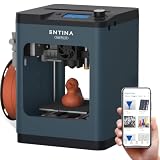
ENTINA MINI 3D Printer,TIAN2PLUS 250mm/s Fast 3D Printer for Beginners
- Open the Box & Start Printing in Minutes:The TINA2 PLUS arrives fully pre-assembled, pre-calibrated, and ready to go. No tedious setup, no complicated tuning. Just plug...
- Blazing Fast Prints with ±0.1 mm Precision :Achieve print speeds up to 250 mm/s without sacrificing quality. The 0.4 mm nozzle and high‑efficiency cooling fan...
- One‑Touch Auto Leveling & Dual Z‑Axis Stability :The 9‑point intelligent leveling system ensures perfect first layers every time, while the dual Z‑axis...
- Super‑Quiet Operation & Flexible Connectivity :Upgraded silent motherboard and adjustable fan keep noise below a whisper – perfect for bedrooms, libraries, or...
- Compact Footprint, Wide Material Compatibility & Slicer Freedom :Measuring just 200×200×290 mm with a 100×105×100 mm build volume, this space‑saving 3D printer...
The ENTINA MINI 3D Printer, TIAN2PLUS model, offers a streamlined start to 3D printing for beginners. Its fully pre-assembled design means you can set it up quickly—just plug it in and load the filament. This simplicity removes common setup hurdles, allowing new users to focus on creating.
With a maximum speed of 250 mm/s and precision up to ±0.1 mm, it handles detailed projects reliably. The dual Z-axis and 9-point auto-leveling system ensure stable and accurate prints, reducing the need for manual adjustments. This design supports consistent results on its compact build volume of 100 × 105 × 100 mm.
Maintenance is straightforward due to its pre-calibrated setup and easy-to-access parts. The printer supports a variety of materials, broadening the scope for experimenting with different filament types. Connectivity options include remote control via the Polypoint Cloud app, enhancing ease of use and access to a large model library.
Its compact footprint suits small workspaces, though the build volume may limit larger projects. The nozzle’s max temperature of 245°C restricts some high-temperature materials, but overall, it balances speed, precision, and user-friendly features well.
Best for: Beginners, students, and hobbyists seeking a quick-to-start, stable 3D printer with versatile material support and remote management.
What We Like:
- Fully pre-assembled for hassle-free setup
- Fast printing speed with high precision and stable mechanics
- Supports multiple filament types and remote operation via app
- Compact design ideal for limited workspace
Specification:
| Feature | Details |
|---|---|
| Manufacturer | ENTINA |
| Dimensions | Not specified |
| Weight | Not specified |
| Build Volume | 100 × 105 × 100 mm |
| Max Print Speed | 250 mm/s |
| Precision | ±0.1 mm |
| Max Nozzle Temperature | 245°C |
| Connectivity | Polypoint Cloud app |
Factors to Consider When Choosing a Budget 3D Printer Under 300
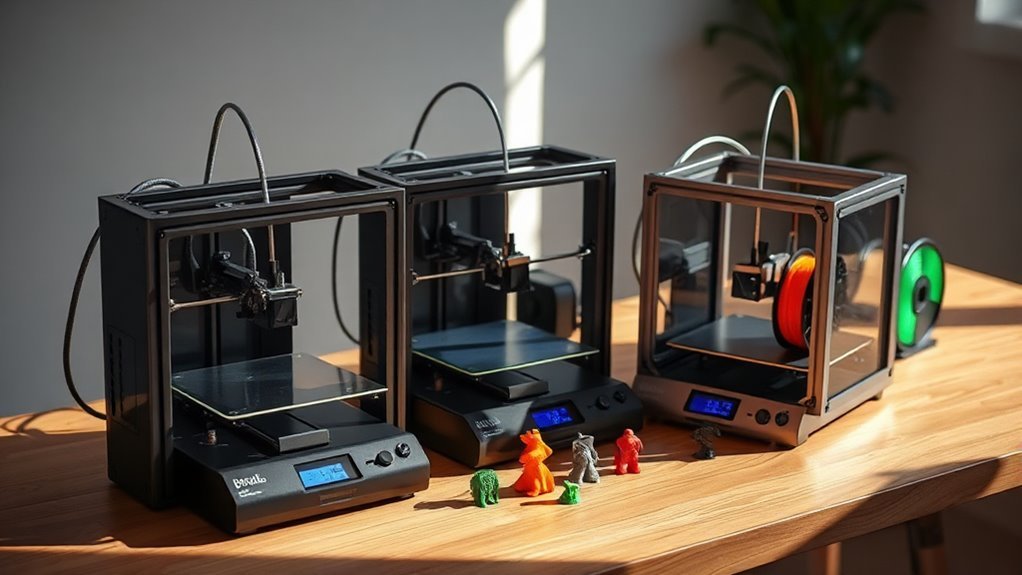
When choosing a budget 3D printer under $300, you’ll want to focus on print quality and resolution to get the best results. It’s important to make sure your prints come out looking sharp and detailed.
Also, consider how easy it is to set up the printer. You don’t want to spend hours just getting started. Think about which materials the printer supports, too—this will affect what kinds of projects you can create.
Don’t forget to check the build volume size. You want to make sure it’s big enough for the models you plan to print. And take a look at the connectivity options available, so it fits how you like to work.
Print Quality and Resolution
Although budget 3D printers under $300 come with limitations, you can still achieve impressive print quality by understanding key factors like layer height, nozzle diameter, and print speed. Layer height controls vertical resolution; expect 0.05–0.3 mm on budget FDM printers—finer detail at 0.05–0.1 mm, faster prints at 0.2–0.3 mm.
Most low-cost models have a 0.4 mm nozzle, which sets minimum feature size and affects surface smoothness. Print speed matters too; speeds above 60–80 mm/s can reduce detail and cause ringing, so sticking to 10–50 mm/s generally improves finish.
Mechanical stability and precise axis movement play a bigger role in fine details than slicing alone. Also, use quality filament with consistent diameter and stable extrusion to guarantee reliable layer adhesion and consistent resolution.
Ease Of Setup
Print quality matters, but getting your budget 3D printer up and running quickly can save you frustration and time. Look for models that come fully pre-assembled or require minimal modular assembly, so you can start printing within 5 to 30 minutes.
Features like auto bed-leveling or guided manual leveling with clear prompts reduce setup time and improve your chances of success on the first print. Printers that include preloaded test G-code, starter filament, and SD cards with tutorials make the initial experience smoother.
Simple filament loading controls, filament runout detection, and quick-release hotends speed up routine tasks. Plus, intuitive companion apps and one-tap print workflows compatible with common slicers help streamline file transfer and calibration, making your start hassle-free and beginner-friendly.
Material Compatibility
Material compatibility plays a pivotal role in choosing a budget 3D printer under $300, as it determines the range of projects you can tackle. First, check if the printer supports the common 1.75 mm filament diameter to avoid extra adapters.
Most budget models handle PLA and TPU, so make certain the nozzle and bed can reach the necessary temperatures—TPU needs around 200–220°C, PETG up to 250°C. If you want to print flexible filaments like TPU reliably, look for features like a direct-drive extruder or a hardened steel nozzle for abrasive materials.
A heated bed, typically around 60–80°C, improves adhesion for PETG and PLA+ variants. Also, confirm compatibility with slicers like Cura or PrusaSlicer and the ability to tweak print settings to optimize different filaments. That way, you get the most out of your printer no matter the material.
Build Volume Size
When selecting a budget 3D printer under $300, you’ll want to pick a build volume that matches the size of your typical projects. Common budget printers offer volumes from about 100×100×100 mm, ideal for miniatures or classroom kits, up to roughly 200×200×200 mm, better for functional parts or prototypes.
Keep in mind larger volumes increase print times and require a sturdy frame to maintain quality. Don’t just check XY dimensions; height matters too, since many prints are taller than wide. A 100 mm height limits tall models despite ample XY space.
Also, consider upgrade options—some smaller printers allow bed extensions or enclosures, letting you accommodate bigger prints later without replacing the whole machine. This flexibility can extend your printer’s usefulness as your needs grow.
Connectivity Options
Choosing the right connectivity options can make or break your experience with a budget 3D printer under $300. Most models offer USB (wired) connections, giving you reliable, low-latency control directly from your PC.
If you prefer standalone printing, look for SD or TF card slots—just load your sliced files and print without needing a computer. Some printers include Wi-Fi, allowing remote file transfers and monitoring through mobile apps. But keep in mind, cheap hardware may struggle with reliability and setup.
Faster USB-C ports or direct USB drive support provide quicker, more universal file transfers compared to older USB-B or proprietary ports. Also, consider printers with print resume and filament-runout sensors tied to connectivity. This way, you can pause and retry prints via app or local controls if interruptions occur.
Noise And Maintenance
You’ll often notice that noise levels can make a big difference in how comfortable your 3D printing experience is, especially in shared spaces like homes or classrooms. Look for printers with “silent” stepper drivers, like TMC drivers, or noise ratings under 50 dB to keep distractions low.
Maintenance matters too—choose models with removable build plates, quick-release hotends, and filament runout detection to reduce downtime. Easy bed leveling, whether auto or assisted multi-point, saves you frequent calibration hassle.
Prioritize modular designs with user-replaceable parts and widely available spares to simplify repairs and cut costs. Also, consider cooling and dust management features, such as enclosed frames and accessible fans, since poor ventilation raises noise and accelerates wear, impacting both noise and maintenance in the long run.
Frequently Asked Questions
What Types of Filaments Are Compatible With Budget 3D Printers?
You’ll find budget 3D printers usually work with PLA and ABS filaments. Some also handle PETG or TPU, but PLA’s the easiest to use and most common.
Especially if you’re just starting out or want reliable prints, PLA is a great choice. It’s user-friendly and gives consistent results.
How Do I Maintain and Clean a Budget 3D Printer?
Think of your 3D printer like a garden; you’ll maintain it by regularly cleaning the nozzle, lubricating rods, and tightening screws.
Don’t forget to remove leftover filament and keep the bed clean for smooth, thriving prints. It really helps keep everything running smoothly.
Can These Printers Handle Printing Detailed Miniatures?
You can print detailed miniatures with these printers, but don’t expect ultra-fine resolution. You’ll need to fine-tune settings, use high-quality filament, and possibly upgrade parts to get the best detail possible on small models.
It’s definitely doable, but some tweaking is required. Think of it like a little project to get things just right for those tiny details.
What Software Is Best for Designing 3D Models?
You might think complex software is necessary, but you don’t need it. Tinkercad’s intuitive design lets you create detailed 3D models easily.
For more control, try Fusion 360 or Blender—they’re powerful and free! Give them a shot and see which one clicks with you.
Are There Any Safety Tips for Using 3D Printers at Home?
You should always use your 3D printer in a well-ventilated area. Never leave it unattended while it’s printing.
Also, keep it away from flammable materials to avoid any risks. When handling hot parts, make sure to wear gloves to stay safe at home.
Conclusion
Choosing a budget 3D printer under $300 doesn’t mean you have to sacrifice quality or features. For instance, did you know that over 60% of beginners prefer models with fast heating times, like the Yoidesu? This shows how important quick setup is for a smooth printing experience.
By considering portability, ease of use, and speed, you’ll find a printer that fits your needs perfectly without breaking the bank. These factors are key when picking from the best budget 3D printers under $300 for 2027.
So, whether you’re just starting out or looking to upgrade, focusing on these features will help you get the most out of your 3D printing journey. Happy printing!