5 Best Cheap Duplex Printers for 2027
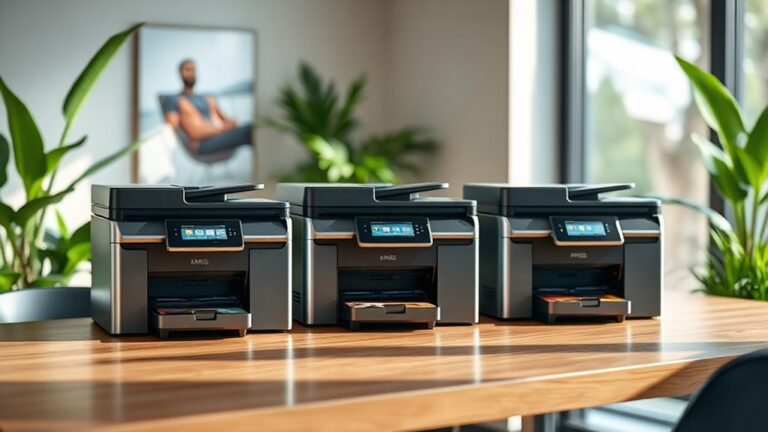
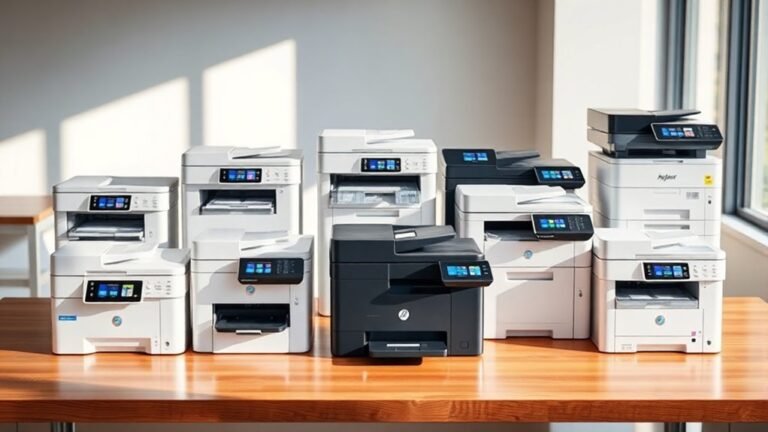
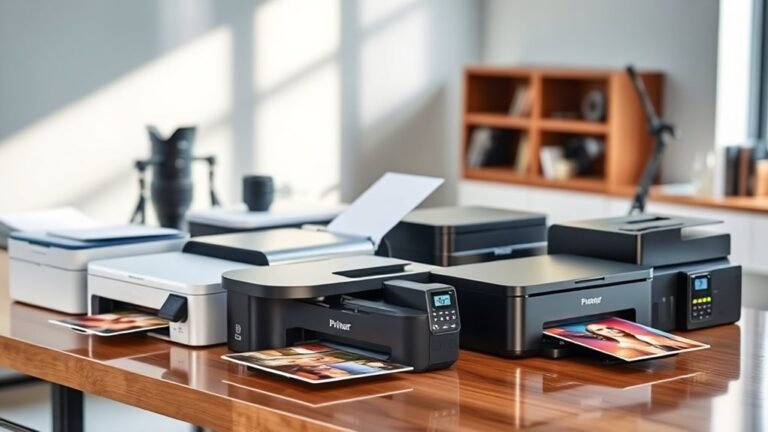
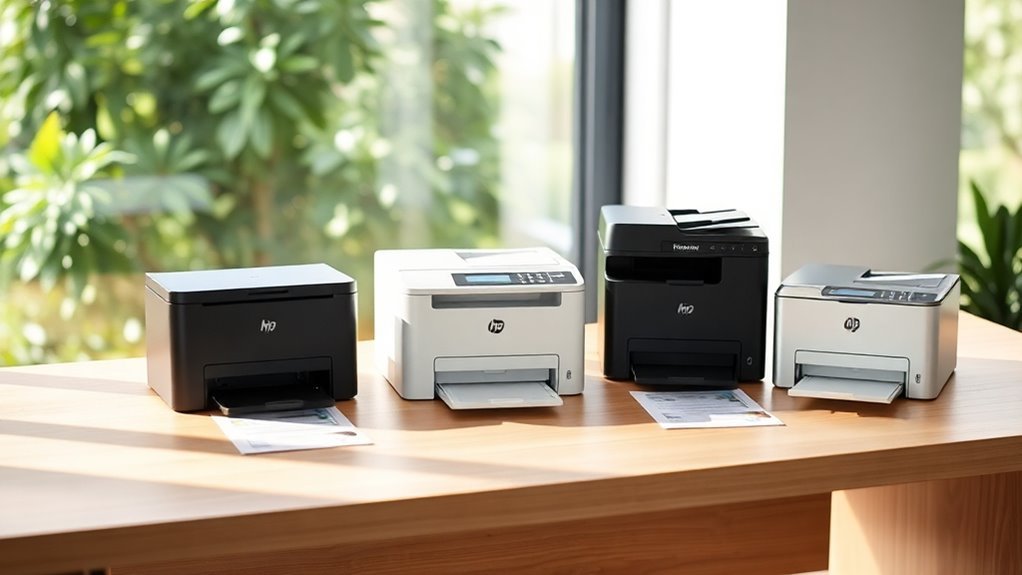
If you’re on the hunt for an affordable duplex printer that doesn’t skimp on features, you’re in the right place. Duplex printers let you print on both sides of the paper automatically, saving time and reducing paper waste. Whether you need one for your home office, remote work setup, or just everyday printing, finding a budget-friendly model with good speed and reliability is key.
Check out the HP Envy 6155 or 6555 for compact all-in-one functionality. These models support wireless connectivity and smartphone printing, making them super convenient for multitasking.
Brother’s Work Smart 1410 stands out by offering faster color duplex printing, which is great if you do a lot of color documents.
The DCP-L2640DW delivers high-speed monochrome laser output and is energy efficient, perfect for those who mainly print black-and-white pages.
Epson Workforce WF-2860 adds extras like NFC and voice control, bringing a modern touch to your printing needs.
These choices balance cost, speed, and features, so you can find one that fits your space and workflow. You’ll find key tips and specs that matter next!
| Image | Name | Editor's Rating | Price |
|---|---|---|---|

|
|
||

|
|
||

|
|
||

|
|
||

|
|
HP Envy 6155 Wireless All-in-One Inkjet Printer
- FROM AMERICA'S MOST TRUSTED PRINTER BRAND – The Envy 6155 is perfect for homes printing everyday high-quality color documents like homework and borderless photos. Print...
- 3 MONTH TRIAL OF INSTANT INK – Subscribe to the Instant Ink delivery service to get ink delivered directly to your door before you run out, and you save up to 50% on...
- KEY FEATURES – Color print, copy and scan, plus auto 2-sided printing and a 100-sheet input tray
- HP'S MOST INTUITIVE COLOR TOUCHSCREEN – Smoothly navigate your printer with the easy-to-use 2.4" touchscreen
- WIRELESS PRINTING – Stay connected with our most reliable dual-band Wi-Fi, which automatically detects and resolves connection issues

The HP Envy 6155 Wireless All-in-One Inkjet Printer is designed to simplify your home printing tasks. It combines printing, scanning, and copying in one compact device, reducing clutter and saving space. Automatic duplex printing helps cut paper use, making your workflow more efficient and eco-friendly.
This printer offers smooth wireless connectivity with dual-band Wi-Fi, allowing you to print and scan directly from your phone using the HP App. Its 2.4-inch touchscreen makes navigation straightforward, so you can manage tasks quickly without hassle. AI print optimization ensures your documents and photos come out sharp and vibrant every time.
Loading and maintenance are easy, with a 100-sheet input tray and support for original HP cartridges that maintain print quality. While print speeds reach up to 10 pages per minute in black and 7 in color, this model suits moderate home or student use rather than heavy office demands. Keep in mind, Instant Ink subscription fees apply after the initial trial unless canceled.
Best for: homeowners and students needing a versatile, easy-to-use printer for everyday documents, homework, and photo printing.
What We Like:
- Automatic duplex printing reduces paper waste
- Reliable wireless connection with dual-band Wi-Fi and HP App
- AI-enhanced print quality with true-to-screen P3 color accuracy
- Compact design fits well in limited spaces
- Easy touchscreen controls for quick operation
Specification:
| Feature | Details |
|---|---|
| Manufacturer | HP |
| Dimensions (in) | Approx. 17.3 x 14.5 x 5.7 |
| Weight (lb) | Approx. 11.5 |
| Color Options | White with black accents |
| Connectivity | Dual-band Wi-Fi, USB |
| Display | 2.4-inch touchscreen |
Brother Work Smart 1410 Wireless Color Inkjet Printer
- BEST FOR HOME OFFICE AND SMALL OFFICE: Get your work done with a multifunction printer. Print, copy, and scan on one convenient, compact printer, with quick and easy...
- EASY-TO-USE TOUCHSCREEN WITH CLOUD APP CONNECTIONS: Seamless integration with the Cloud(2). Print from and scan to popular Cloud apps(2), including Google Drive, Dropbox...
- PRODUCTIVITY-FOCUSED FEATURES: Automatic duplex (2-sided) printing, 20-sheet single-sided Automatic Document Feeder (ADF)(3), 150-sheet paper tray(3). Print at fast...
- MULTIPLE CONNECTION OPTIONS: Connect your way. Interface with your printer on your wireless network or via USB.
- THE BROTHER MOBILE CONNECT APP: Go mobile with the Brother Mobile Connect app(5) for easy onscreen menu navigation for printing, copying, scanning, and device management...
The Brother Work Smart 1410 Wireless Color Inkjet Printer is designed to simplify printing tasks for home and small office users. Its fast duplex printing helps you save time by producing double-sided documents quickly and efficiently. This printer fits neatly on your desk, thanks to its compact size and lightweight design.
With a 2.7″ color touchscreen and wireless connectivity, controlling your print jobs is straightforward. The Brother Mobile Connect app enhances convenience by allowing you to print and scan directly from your smartphone. This feature is ideal for busy users who need flexible device integration.
Maintenance is hassle-free with the included ink subscription trial, helping you manage costs and reduce downtime. The 150-sheet tray supports various paper types, making it versatile for everyday printing tasks. However, the single paper tray and limited USB connectivity may restrict some users.
Best for: Home users, home offices, and small offices seeking a compact wireless all-in-one printer with fast duplex color printing and mobile device compatibility.
What We Like:
- Fast duplex printing speeds up to 16 ppm black and 9 ppm color
- Easy operation with 2.7″ touchscreen and wireless connectivity
- Mobile app support for remote print and scan tasks
- Ink subscription trial to manage printing expenses
Specification:
| Feature | Details |
|---|---|
| Manufacturer | Brother |
| Dimensions | Compact size (exact dimensions not provided) |
| Weight | 16.8 lbs (7.62 kg) |
| Connectivity | Wireless, USB 2.0 |
| Display | 2.7″ color touchscreen |
| Paper Capacity | 150-sheet tray |
Brother DCP-L2640DW Wireless Monochrome Printer
- BEST FOR SMALL BUSINESSES – Engineered for extraordinary productivity, the Brother DCP-L2640DW Monochrome (Black & White) 3-in-1 combines laser printer, scanner, copier...
- FAST PRINTER WITH EFFICIENT SCANNING – Produces documents quickly with print speeds up to 36 ppm(2) and scan speeds up to 23.6/7.9 ipm(3) (black/color). A 50-page auto...
- FLEXIBLE CONNECTION OPTIONS – Easily navigate the changing demands of your business with secure multi-device connectivity via built-in dual-band wireless (2.4GHz...
- BROTHER MOBILE CONNECT APP – Print, scan, and manage your wireless printer anytime, from almost anywhere from your mobile device. Order Brother Genuine Supplies, track...
- CHOOSE BROTHER GENUINE TONER – When it’s time to replace your toner, be sure to choose Brother Genuine TN830 or TN830XL replacement toner. And with Refresh EZ Print...
The Brother DCP-L2640DW offers fast, wireless monochrome printing designed to keep small offices productive. Its compact 3-in-1 design combines printing, copying, and scanning, helping streamline daily tasks. With print speeds up to 36 pages per minute, it handles busy workloads efficiently.
This printer features a 50-page auto document feeder, reducing manual input and saving time on multi-page documents. Its duplex printing function cuts paper use, supporting eco-friendly office practices. Wireless dual-band Wi-Fi and Ethernet connections ensure flexible network options.
Maintenance is straightforward with a 250-sheet paper tray that balances capacity and space. Using Brother Genuine toner ensures consistent quality and reliability for high-volume black-and-white printing needs. The printer integrates easily with laptops, smartphones, and tablets via the Brother Mobile Connect app.
While limited to monochrome printing and a moderate tray size, the DCP-L2640DW meets the demands of energy-conscious users through ENERGY STAR and EPEAT Silver certifications. It is a practical choice for those needing solid performance and wireless convenience.
Best for: small businesses and home offices requiring fast, reliable, and energy-efficient black-and-white printing with wireless connectivity.
What We Like:
- Fast print and copy speeds up to 36 ppm with an efficient 50-page document feeder
- Dual-band Wi-Fi and Ethernet provide versatile network connections
- Automatic duplex printing reduces paper waste
- Compatible with mobile devices via Brother Mobile Connect app
- ENERGY STAR and EPEAT Silver certifications highlight eco-friendly design
Specification:
| Feature | Details |
|---|---|
| Manufacturer | Brother |
| Dimensions (W×D×H) | 16.1 × 15.7 × 12.5 in |
| Weight | 15.7 lb (7.1 kg) |
| Printing Technology | Monochrome Laser |
| Connectivity | Dual-band Wi-Fi, Ethernet |
| Paper Tray Capacity | 250 sheets |
HP Envy 6555 Wireless All-in-One Printer (C2XR6A)
- FROM AMERICA'S MOST TRUSTED PRINTER BRAND – The Envy 6555 is perfect for homes printing everyday high-quality color documents like homework and borderless photos. Print...
- 3 MONTH TRIAL OF INSTANT INK – Subscribe to the Instant Ink delivery service to get ink delivered directly to your door before you run out, and you save up to 50% on...
- KEY FEATURES – Color print, copy and scan, plus auto 2-sided printing, a 35-sheet auto document feeder and a 100-sheet input tray
- HP'S MOST INTUITIVE COLOR TOUCHSCREEN – Smoothly navigate your printer with the easy-to-use 2.4" touchscreen
- WIRELESS PRINTING – Stay connected with our most reliable dual-band Wi-Fi, which automatically detects and resolves connection issues
Experience smooth and efficient printing with the HP Envy 6555 Wireless All-in-One Printer. Designed to simplify your daily tasks, this device handles printing, scanning, and copying effortlessly. Its automatic duplex printing helps save paper and time, making it ideal for busy home environments.
The Envy 6555 features a 35-sheet automatic document feeder that speeds up multi-page jobs. A 2.4-inch color touchscreen ensures intuitive control, so you can manage your print tasks without hassle. Wireless connectivity with Wi-Fi, Apple AirPrint, and Chromebook compatibility keeps your workflow flexible.
Maintenance is straightforward with the use of original HP cartridges, though this may increase ink costs. The printer’s sustainable design includes 60% recycled plastics, reflecting a commitment to eco-friendly printing. AI-powered print optimization ensures your documents and photos look their best.
While the print speed is moderate, this printer delivers true-to-screen photo quality using P3 technology and supports borderless photos. It’s best suited for individuals or families needing a reliable, user-friendly all-in-one printer for everyday color printing and photo projects.
Best for: individuals and families seeking an affordable wireless printer that combines everyday document handling with quality photo printing.
What We Like:
- Automatic two-sided printing and 35-sheet ADF for efficient workflows
- High-quality borderless photo printing with P3 color technology
- Sustainable build using 60% recycled plastics
- AI-driven print optimization for enhanced output quality
Specification:
| Feature | Details |
|---|---|
| Manufacturer | HP |
| Model | Envy 6555 (C2XR6A) |
| Dimensions | Approx. 17.2 x 14.5 x 7.7 in |
| Weight | Approx. 14.7 lb (6.7 kg) |
| Connectivity | Wi-Fi, Apple AirPrint, Chromebook |
| Input Capacity | 100 sheets |
| Automatic Document Feeder | 35 sheets |
| Display | 2.4-inch color touchscreen |
| Duplex Printing | Automatic |
| Material | 60% recycled plastics |
Epson Workforce WF-2860 Wireless All-in-One Printer
Experience efficient double-sided printing with the Epson Workforce WF-2860, designed to meet the needs of busy home offices. This all-in-one device simplifies everyday tasks by combining printing, scanning, copying, and faxing in a compact unit. Its automatic duplex printing helps reduce paper waste and saves time when handling double-sided documents.
The WF-2860 delivers sharp, high-resolution prints at 14 pages per minute, making it suitable for moderate workloads. Its 30-sheet automatic document feeder and 150-sheet output tray streamline multi-page jobs and minimize interruptions. Connectivity options like Wi-Fi, NFC, Ethernet, and voice control offer flexible ways to print from various devices.
Maintenance is straightforward, with easy access to ink cartridges and a user-friendly 2.4″ color LCD screen for quick setup and operation. Borderless printing adds versatility, allowing you to produce professional-looking photos and documents without margins. Although the single paper tray limits simultaneous media handling, it keeps the design simple and functional.
Best for: Small home offices or remote workers needing a versatile, reliable all-in-one printer with convenient wireless connectivity.
What We Like:
- Automatic duplex printing for efficient double-sided output
- Multiple wireless and wired connectivity options
- High print resolution of 4800 x 1200 dpi for crisp results
- Compact design with easy maintenance features
Specification:
| Feature | Details |
|---|---|
| Manufacturer | Epson |
| Dimensions (W×D×H) | 14.8 × 12.2 × 7.9 inches |
| Weight | 13.7 lbs (6.2 kg) |
| Color Options | Black |
| Connectivity | Wi-Fi, NFC, Ethernet, Voice |
Factors to Consider When Choosing a Cheap Duplex Printer
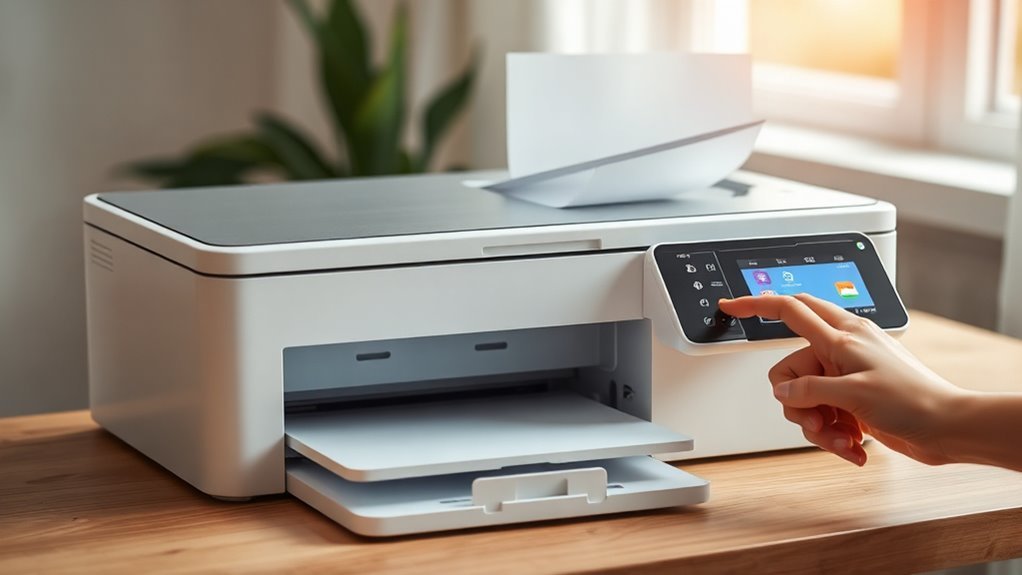
When choosing a cheap duplex printer, you’ll want to focus on print speed and the quality of double-sided prints.
Don’t forget to check connectivity options and how much ink or toner will cost you over time.
Also, consider the paper handling capacity to avoid frequent refills during busy print jobs.
Print Speed Efficiency
Although cheap duplex printers may seem similar at first glance, their print speed efficiency can vary considerably, affecting your overall productivity. You should check the pages-per-minute (ppm) ratings separately for black and color prints, since color is often slower.
First-page-out time matters too—it impacts how quickly short jobs start, so faster times reduce your wait. Pay attention to duplex print speed and whether it uses single-pass duplexing, which keeps speed near single-sided printing, unlike manual duplexing that halves it.
Don’t overlook warm-up and processor latency, especially if you print frequently in small batches. Finally, consider the duty cycle and recommended monthly volume to make certain the printer can handle your workload without slowing down due to overheating or maintenance.
Duplex Printing Quality
Since duplex printing involves producing content on both sides of a page, you’ll want to make certain your cheap duplex printer delivers high-quality results without alignment issues or ink bleed-through.
Look for models with true automatic duplexing so the printer flips and feeds pages without your help. This reduces errors and speeds up jobs.
Compare duplex print speeds carefully, as some printers slow down markedly when printing double-sided. Check alignment accuracy to avoid offset or ghosting that ruins your documents’ appearance.
Also, verify paper handling limits—ensure your printer supports the paper weight and type you need without jams or curling.
Finally, assess print quality metrics like DPI and ink soak-through resistance to guarantee consistent, sharp prints on both sides every time.
Connectivity Options Available
How do you make sure your cheap duplex printer connects seamlessly to your devices? First, check if it supports dual-band Wi-Fi (2.4 GHz and 5 GHz) or Wi-Fi Direct for stable wireless connections, especially in busy networks.
If you need reliable, high-speed printing for multiple users, look for Ethernet capability. It really helps keep things running smoothly when lots of people are printing.
For direct connections, confirm USB options like USB-A or USB-B. These also speed up setup when network access is limited, which can be a lifesaver sometimes.
Don’t forget to verify mobile and cloud printing compatibility, such as AirPrint, Mopria, or proprietary apps. This way, you can easily print or scan from smartphones and cloud storage without any hassle.
Finally, if your workflow involves scanning or multi-page documents, choose a model with an automatic document feeder. Network scanning features like scan-to-email are great for easy shared access too.
Ink and Toner Costs
After ensuring your cheap duplex printer connects smoothly, the next step is to factor in the ongoing costs of ink or toner. Calculate the cost per page (CPP) by dividing the cartridge or toner price by its rated page yield. This helps you understand how much each page truly costs.
Opt for high-yield or XL cartridges and multipacks, which usually reduce CPP by 20–60% compared to standard cartridges. Check if the printer uses individual color cartridges or combined tri-color ones. Combined cartridges increase costs since you replace all colors when one runs out.
Consider subscription plans only if their monthly cost and page allotment lower your effective CPP. Finally, estimate your total annual cost by multiplying your monthly print volume by CPP and adding maintenance, rather than focusing solely on the printer’s upfront price.
Paper Handling Capacity
When choosing a cheap duplex printer, you’ll want to take into account its paper handling capacity to avoid constant refills and jams. Check the input tray capacity—ideally between 50 and 250 sheets—to match your typical job size, so you’re not stopping mid-print.
Look for an automatic duplexer and verify the rated duplex duty cycle to handle your expected workload reliably. If you scan or copy multi-page double-sided documents, consider whether the printer has an automatic document feeder (ADF) and its sheet capacity.
Don’t forget to confirm the output tray capacity and paper path design; these help prevent jams and stacking issues during long duplex runs. Finally, make certain the printer supports the paper sizes and weights you use for two-sided printing to guarantee smooth feeding and accurate registration.
Mobile Printing Features
Although cheap duplex printers focus on affordability, they often include essential mobile printing features that let you print directly from your smartphone or tablet without hassle. Make sure the printer supports standard protocols like AirPrint, Mopria, or Wi‑Fi Direct so you can skip installing drivers.
Also, check if it offers a companion app for scanning, remote management, and troubleshooting. See whether features like scan-to-cloud require an account.
Dual-band Wi‑Fi or Wi‑Fi Direct improves connection stability, which helps reduce dropouts. Look for mobile-optimized functions such as web content trimming or true-to-screen photo colors to avoid wasting pages.
Finally, if you print sensitive documents, confirm it supports secure options like PIN printing or app-based authentication. This way, your jobs stay private and protected.
Device Compatibility Range
Since your devices and operating systems vary, you’ll want to make certain the cheap duplex printer you choose supports all the platforms you use—whether that’s Windows, macOS, Linux, or ChromeOS. Check that the manufacturer provides drivers for your specific OS version or that generic PCL/PostScript drivers are available.
If you print from smartphones or tablets, confirm mobile and cloud printing support like AirPrint, Mopria, or vendor apps. Match the printer’s network interfaces with your setup—dual-band Wi-Fi, Ethernet, Wi-Fi Direct, or USB—and verify it supports your security needs, such as WPA3.
Don’t forget multifunction features: guarantee scanning, copying, and faxing work across your devices, including macOS-compatible ADF drivers and mobile scan-to-cloud options. Finally, verify compatibility with third-party apps and ink services you rely on.
Energy Consumption Levels
Beyond compatibility, energy consumption plays a key role in choosing a cheap duplex printer that fits your needs and budget. Look for models with ENERGY STAR or similar ratings—they consume much less power in sleep and idle modes than non-certified ones.
Check typical power consumption and sleep power; printers with sleep power under 1–2 watts cost less to keep always-on. Remember, laser printers draw high peak power during warm-up, so if you print infrequently, an inkjet might be more energy-efficient.
Automatic duplexing saves paper but can slightly increase print time, so consider energy per page rather than just watts. Finally, choose printers with aggressive low-power or auto-off modes and quick wake-up times to minimize idle energy without disrupting your workflow.
Frequently Asked Questions
How Does Duplex Printing Save Paper and Reduce Environmental Impact?
Duplex printing saves paper by printing on both sides, so you use half the sheets. You’ll reduce waste, lower paper consumption, and decrease energy use.
This helps cut your environmental impact and support sustainable printing practices effortlessly. It’s an easy way to go green without changing how you work.
Can Duplex Printers Handle Different Paper Sizes and Types Effectively?
Sure, smart duplex printers skillfully support several sizes and several types of paper. You’ll find many models managing mixed media, from cardstock to labels, letting you leverage your printing needs without limits or lags.
They make switching between different paper types pretty seamless. So, whether you’re printing photos, documents, or labels, these printers handle it all with ease.
What Are Common Maintenance Tips for Prolonging Duplex Printer Lifespan?
You should regularly clean the printer heads and keep the rollers free from dust. Using the recommended paper types is also important to avoid jams and damage.
Make sure to update the firmware whenever there’s a new version available. Also, try not to overload the paper tray too much.
These simple steps will help you prolong your duplex printer’s lifespan effectively. It’s all about giving your printer a little regular TLC!
Are There Any Compatibility Issues With Duplex Printers and Certain Operating Systems?
Think of your duplex printer like a dance partner—sometimes, it just won’t sync with certain operating systems. You’ll want to check compatibility lists before buying to avoid frustrating missteps and keep your printing rhythm smooth.
It’s always a good idea to peek at the specs or user reviews to see if others have had issues. That way, you can save yourself some headaches and keep everything running seamlessly.
How Do Duplex Printers Affect Print Speed Compared to Single-Sided Printers?
Duplex printers usually print slower than single-sided ones because they flip the paper to print on both sides. However, modern models minimize this delay, so you won’t notice much difference during everyday printing tasks.
It’s kind of like a quick pause while the printer gets ready to print the other side. But honestly, for most people, that little pause isn’t a big deal. The convenience of printing double-sided often outweighs the slight slowdown.
Conclusion
When choosing a cheap duplex printer, remember that “you get what you pay for.” But that doesn’t mean you have to overspend to get quality.
The HP Envy 6155 and Brother DCP-L2640DW, for instance, offer great features without breaking the bank. Consider your printing needs, wireless capabilities, and budget carefully.
With the right choice, you’ll enjoy efficient, double-sided printing that saves time and paper. Smart and affordable printing is just a click away! Picking the best cheap duplex printer means balancing cost with functionality, so you get reliable performance without draining your wallet. Whether for home or office, these printers make double-sided printing easy and budget-friendly.