3 Cool Things You Can Make With a 3D Printer
You can easily 3D print compact kitchen tools like toothpaste squeezers and spice racks to save space and reduce waste. These small gadgets are perfect for making your kitchen more organized and eco-friendly. Plus, they’re quick to make and super handy.
In your car, create handy AC vent phone holders and cable organizers to tidy things up without fuss. These simple prints help keep your essentials within reach and prevent annoying clutter while driving.
For everyday use, make phone stands with cable channels and modular trays that keep your desk clutter-free. These small, practical prints boost convenience and efficiency—keep exploring to discover even more smart and simple designs you’ll love.
Key Takeaways
– Create compact kitchen tools like toothpaste squeezers to reduce waste and enhance daily convenience.
They’re super handy and help keep things neat in your kitchen. Plus, you can make them just the right size for your needs.
– Print modular organizers and spice racks to maximize kitchen space efficiently using food-safe materials.
These organizers help keep everything in place, and you can customize them to fit your shelves perfectly. It’s a great way to stay organized without clutter.
– Design customizable phone and tablet stands for hands-free use at home, work, or in vehicles.
Whether you’re watching videos or following a recipe, these stands make life easier. Plus, you can personalize them to match your style.
– Build cable holders and under-desk guides to keep workspace wiring neat and manageable.
No more tangled cords! These little helpers keep your desk clean and your cables in order.
– Produce automotive accessories such as AC vent phone holders and trunk towel hooks for added functionality.
They make driving and car organization simpler. Plus, they’re easy to make and customize to fit your vehicle perfectly.
3 Kitchen Tools You’ll Love to 3D Print Today
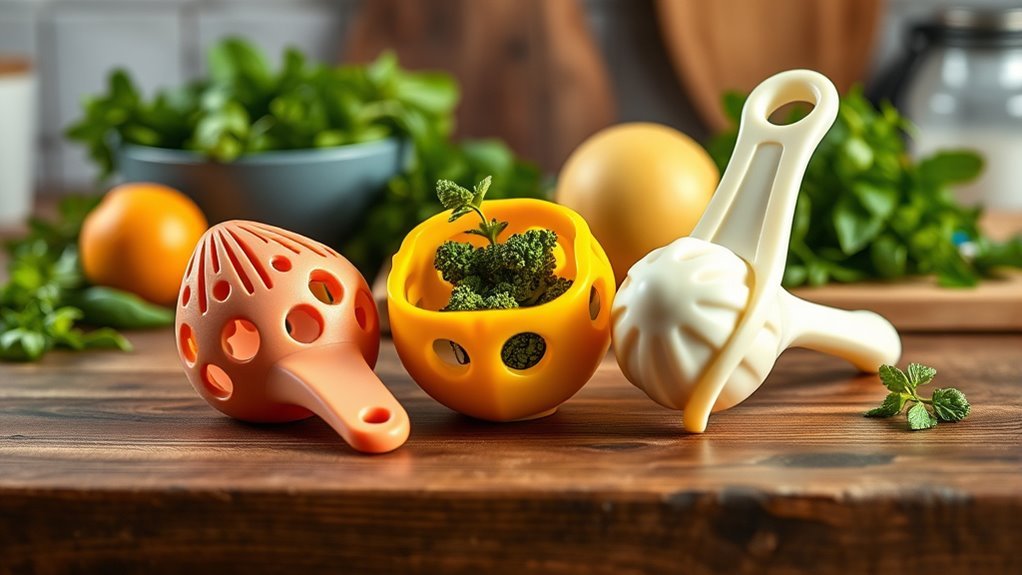
When you explore into 3D printing kitchen tools, you’ll find clever gadgets that make everyday tasks easier and more efficient. Start with a compact toothpaste squeezer to recover nearly all paste from tubes, perfect for travel packs.
Next, print a quick-print towel hook featuring an improved design with rounded corners and easy double-sided tape mounting—ideal for hygiene and convenience.
For kitchen storage, create a wall-mounted kitchen organizer using food-safe filament and a stainless nozzle. Add spice racks and bag clip stations to free up counter space.
Customize your drawers with modular trays or drawer dividers sized perfectly for utensils and baking tools. These compact tools optimize your kitchen’s functionality while showcasing how versatile 3D printing can be in everyday life.
Handy Automotive Accessories to 3D Print for Your Car
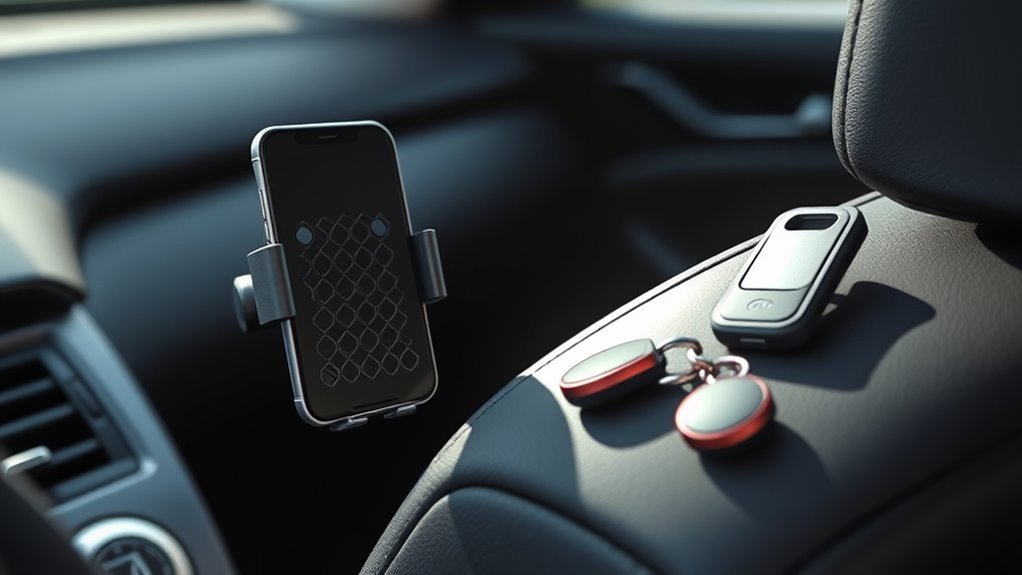
Beyond the kitchen, 3D printing offers practical solutions for your car too. You can create an AC vent phone holder with a screwless click assembly that fits most car vents, securely locking your phone on a lower support bar.
3D printing transforms car accessories with easy-to-install, screwless phone holders that fit most AC vents.
A tablet stand tailored to your device’s dimensions lets you enjoy hands-free navigation or media. Keep cables tidy with custom cable organizers, and mount a printable towel hook in trunks or utility areas for extra convenience.
Don’t forget the compact toothpaste squeezer—travel-friendly and perfect for car trips, it minimizes waste. You can also print dice towers for glove compartment storage or produce replacement parts to keep your car running smoothly.
These printed parts enhance your vehicle’s functionality, making every drive easier and more organized. It’s a smart way to add convenience without breaking the bank.
Cool Gadgets to 3D Print for Everyday Use
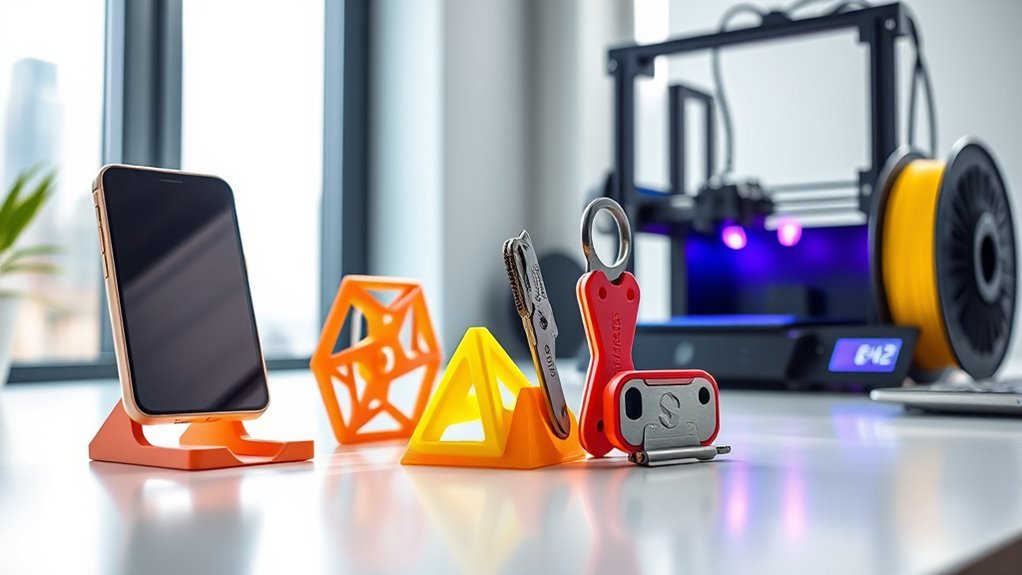
Countless cool gadgets are within your reach when you 3D print for everyday use. For quick wins, try printing cable holders or under-desk cable guides—these beginner friendly projects take just 15–30 minutes and keep wires tidy.
A phone stand with a built-in cable channel and second-device slot prints in under two hours, perfect for your desk or nightstand. Explore modular organization with Gridfinity-style trays that customize your storage; print a test tray first, then expand your system.
Replacement knobs and pegboard hooks also make practical, low-cost prints, just avoid safety-critical uses. Don’t overlook wall mounts, towel hooks, or portable car phone holders, which add convenience without clutter.
These Things to 3D Print combine function and fun, enhancing daily life with minimal effort and material. Give them a try—you might be surprised how much they improve your space!
Frequently Asked Questions
What Materials Are Best for Printing Durable Outdoor Items?
You’ll want to use PETG or ASA for durable outdoor prints since they resist UV rays and moisture well.
ABS also works but can warp. Consider nylon for strength, but it needs careful drying before printing.
These materials really stand up to the elements, so your outdoor projects will last longer. Just keep in mind the special care some of them need when printing.
How Do I Design Custom Pet Accessories for 3D Printing?
Picture crafting a unique collar like a tailor sewing a custom suit. You’ll sketch your pet’s size, choose flexible materials, and use software like Tinkercad.
Test fits often, so your furry friend stays comfy and stylish! It’s all about making something that fits just right and looks great too.
Can I Use a 3D Printer to Create Educational Toys?
Yes, you can create educational toys with a 3D printer. You’ll design interactive models that teach concepts like math or science.
Plus, you can customize shapes and sizes to really engage kids and make learning hands-on and fun. It’s a great way to bring lessons to life!
What Software Is Recommended for Beginners in 3D Design?
Think of Tinkercad as your friendly guide through a mysterious forest—it’s simple and welcoming.
You’ll also love Fusion 360 for growing skills, and SketchUp for quick, creative escapes.
Plunge in, and watch your ideas bloom!
How Do I Maintain and Clean My 3D Printer Regularly?
You’ll want to clean the nozzle and bed regularly, lubricate moving parts, and check belts for tension. Don’t forget to update firmware and remove filament debris.
Doing this keeps your 3D printer running smoothly and reliably. It’s really not that hard once you get into the habit! Just a little care goes a long way.
Conclusion
Now that you’ve seen these awesome 3D printing ideas, it’s time to get creative and start making! Whether you print kitchen tools, car accessories, or cool gadgets, you’ll save money and add a personal touch to everyday items.
Remember, “a stitch in time saves nine”—taking a bit of time now to craft something useful can prevent bigger hassles later.
So grab your printer and bring your ideas to life today! 3D printing lets you customize and innovate in ways that traditional manufacturing can’t match. From practical tools to unique accessories, the possibilities are endless. Dive into the world of 3D printing and transform your ideas into reality, all while enjoying the satisfaction of creating something with your own hands.