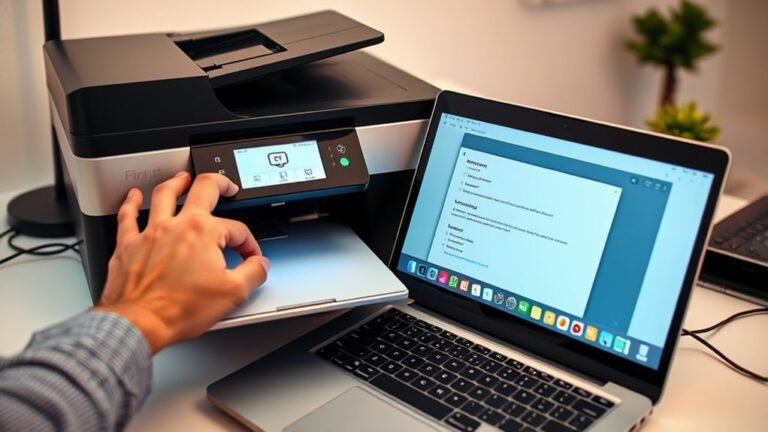
How to Fix a Printer Offline With a Step-By-Step Guide
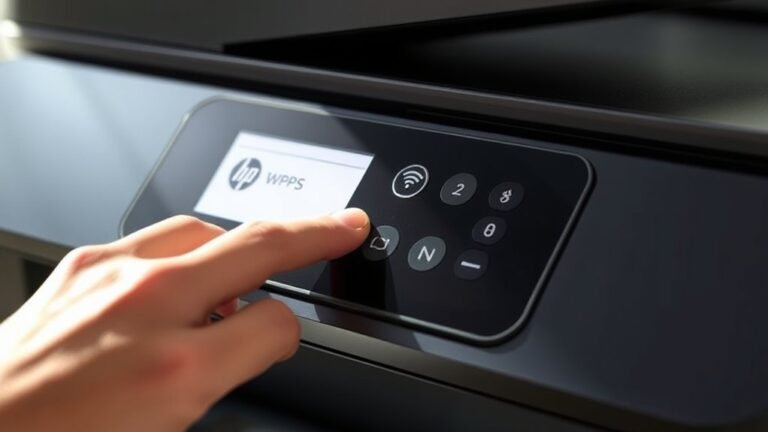
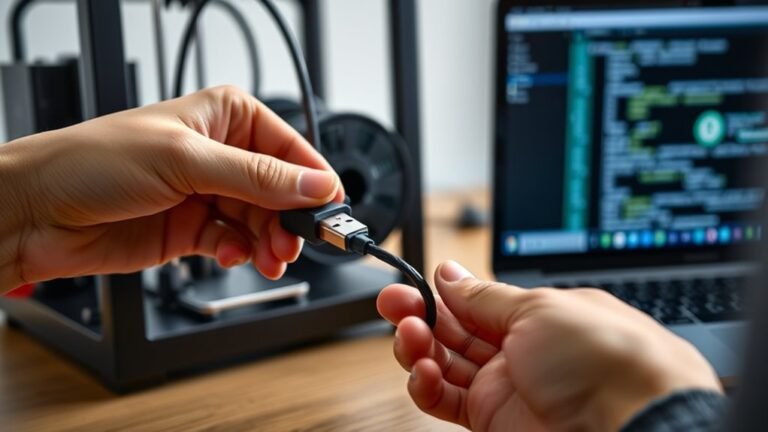
To fix your printer offline, first check the blue Wi-Fi indicator is solid and ensure both your printer and device connect to the same network. Disconnect any USB or Ethernet cables, then restart your printer and computer.
Next, use your printer’s Wi-Fi Setup Wizard or the HP Smart app to reconnect to Wi-Fi. You can also run the Diagnose & Fix tool if needed.
If issues persist, resetting network settings and re-adding the printer often helps. Keep going to uncover more detailed troubleshooting steps.