9 Best Colour Printers for Certificate Printing in 2027
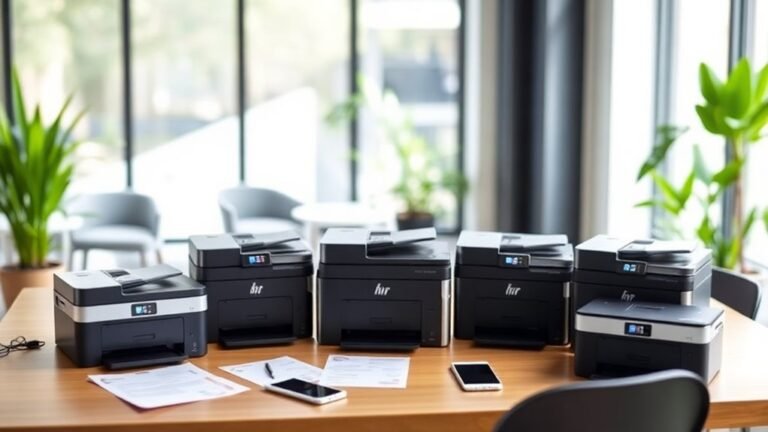
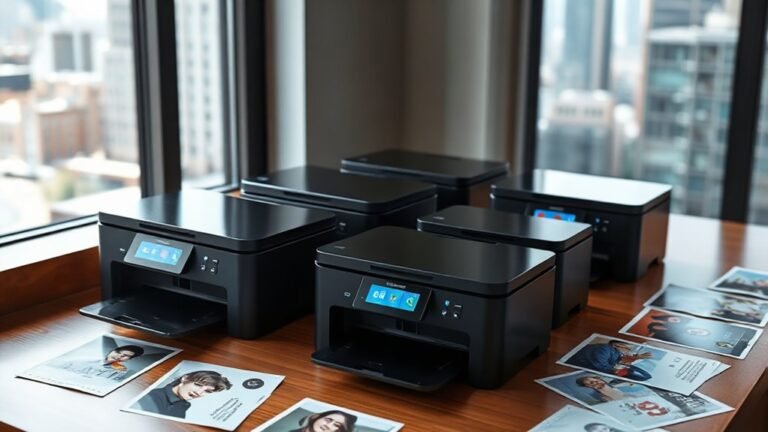
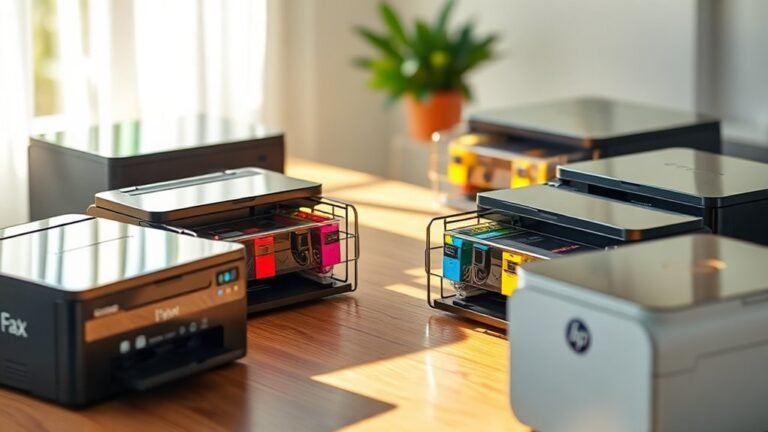
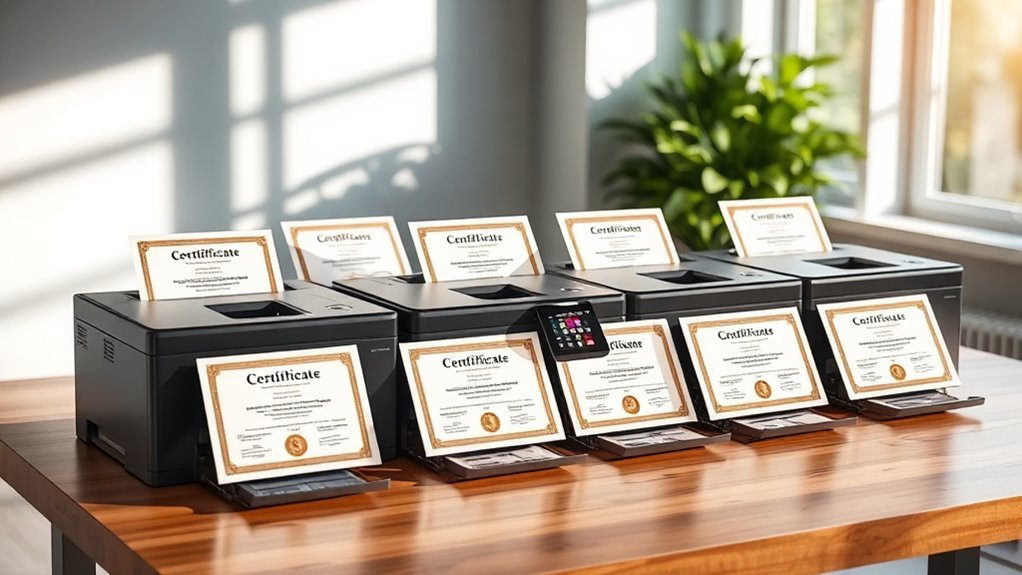
You’ll want a printer that balances crisp, vibrant colour with fast speeds and versatile media handling for certificates. Colour printers designed for certificate printing need to deliver sharp details and rich hues to make your documents stand out. The HP OfficeJet Pro 8125 and Canon MegaTank G3270 offer high resolutions up to 4800 x 1200 dpi with reliable borderless printing.
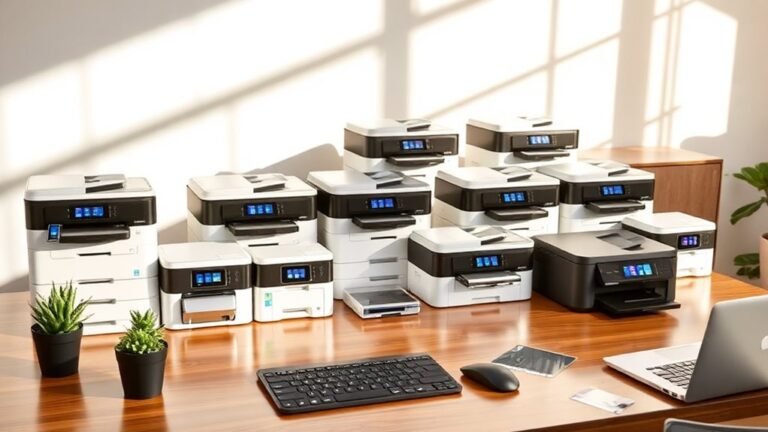
Laser options like the Canon MF753Cdw II and Brother MFC-L3780CDW deliver sharp 1200+ dpi for professional results and duplex support. Each model suits different needs, from small offices to high-volume use, and the right choice depends on your specific workflow and colour accuracy demands. Explore these options to find the perfect fit.
| Image | Name | Editor's Rating | Price |
|---|---|---|---|

|
|
||

|
|
||

|
|
||
|
|
||

|
|
HP OfficeJet Pro 8125 Wireless All-in-One Printer
- FROM AMERICA'S MOST TRUSTED PRINTER BRAND – The OfficeJet Pro 8125 is perfect for home offices printing professional-quality color documents like business documents...
- 3 MONTH TRIAL OF INSTANT INK INCLUDED – Subscribe to the Instant Ink delivery service to get ink delivered directly to your door before you run out, and you save up to...
- KEY FEATURES – Fast color printing, scan, copy, auto 2-sided printing, auto document feeder, and a 225-sheet input tray
- 2.7-INCH TOUCHSCREEN – Quickly navigate your printer with a large color touchscreen and a phone-like user interface
- WIRELESS PRINTING – Stay connected with our most reliable dual-band Wi-Fi, which automatically detects and resolves connection issues

The HP OfficeJet Pro 8125 Wireless All-in-One printer brings professional-quality colour printing right to your home or office. It produces sharp, vibrant prints at up to 10 pages per minute for colour and 20 ppm for black and white. This makes handling everyday documents and certificates efficient and straightforward.
Designed for convenience, it offers scanning, copying, and faxing through an intuitive 2.7-inch touchscreen or the HP Smart app. Its wireless connectivity lets you print from multiple devices without hassle. The 225-sheet tray supports a variety of paper sizes, reducing the need for frequent refills.
Automatic duplex printing helps save time and paper by printing on both sides. Maintenance is simplified by using original HP cartridges, ensuring consistent print quality. However, third-party cartridges are not supported, and firmware updates may restrict cartridge compatibility.
Overall, the OfficeJet Pro 8125 combines versatility and reliability, making it a practical choice for users who require high-quality colour prints and all-in-one functionality.
Best for: Small home offices and individuals needing a versatile, wireless colour printer with efficient duplex printing.
What We Like:
- Produces high-resolution colour prints (up to 4800 x 1200 dpi).
- Supports automatic two-sided printing and a large 225-sheet input tray.
- Easy-to-use touchscreen and mobile app for multiple functions.
- Wireless connectivity for convenient printing from various devices.
Specification:
| Feature | Details |
|---|---|
| Manufacturer | HP |
| Dimensions | Not specified |
| Weight | Not specified |
| Paper Tray Capacity | 225 sheets |
| Print Resolution | Up to 4800 x 1200 dpi |
| Print Speed | Colour: up to 10 ppm; Black: 20 ppm |
| Display | 2.7-inch touchscreen |
| Connectivity | Wireless |
HP Color LaserJet Pro MFP 3301sdw Printer
- FROM AMERICA'S MOST TRUSTED PRINTER BRAND – Perfect for small teams printing, scanning and copying professional-quality color documents and reports. Print speeds up to...
- PROFESSIONAL PRODUCTIVITY – Proficiency with every print—next-generation TerraJet toner brings your business to life with more vivid colors.
- ORIGINAL HP TONER CARTRIDGES – This HP printer uses Original HP 218A standard and 218X high yield LaserJet toner cartridges.
- UPGRADED FEATURES – Fast color printing, scan, copy, auto 2-sided printing, auto document feeder, and a 250-sheet input tray.
- AWARD-WINNING RELIABILITY – Performance you can count on page after page, and always ready for the high demands of business.
The HP Color LaserJet Pro MFP 3301sdw is designed to boost productivity for small teams needing reliable color printing. It tackles everyday printing challenges by delivering vibrant, sharp prints quickly, helping you handle certificates and documents with professional quality.
This compact all-in-one printer simplifies your workflow. It offers fast color printing at 30 pages per minute and includes auto duplexing for efficient double-sided output. Scanning and copying are straightforward, while mobile control via the HP app adds convenience.
Maintenance is hassle-free with the next-generation TerraJet toner, which produces consistent, rich colors. However, it requires original HP cartridges with chips to ensure quality and firmware compatibility, which may limit cartridge choices. The printer’s size and firmware updates should be considered in tight office spaces.
Connectivity is robust, featuring Wi-Fi, Ethernet, USB, and mobile options. This keeps your team connected and your work secure with HP Wolf Pro security features. The 250-sheet tray supports various paper sizes up to 8.5 x 14 inches, ideal for batch jobs.
Best for: Small offices and teams needing secure, fast, and high-quality color printing with easy mobile access.
What We Like:
- Fast 30 ppm color printing with auto duplexing
- High-quality TerraJet toner for vibrant, sharp output
- Multiple connectivity options including Wi-Fi and Ethernet
- Convenient mobile app control for on-the-go printing
Specification:
| Feature | Details |
|---|---|
| Manufacturer | HP |
| Dimensions | Not specified |
| Weight | Not specified |
| Paper Capacity | 250 sheets |
| Max Paper Size | 8.5 x 14 inches |
| Connectivity | Wi-Fi, Ethernet, USB |
| Toner Type | TerraJet toner (original HP cartridges required) |
Brother MFC-L3780CDW Wireless Digital Color All-in-One Printer
- Best for Small Businesses: The Brother MFC L3780CDW small business printer is a wireless multi-function digital color printer with copy, scan, and fax functionalities...
- AMPLIFY YOUR PROFESSIONAL DOCUMENTS. This Brother laser printer provides the consistent performance of laser-quality digital color printing
- MAXIMIZE EFFICIENCY WITH ALL-IN-ONE FUNCTIONALITY. This Brother all in one printer has print speeds up to 31 ppm(1) and scan speeds up to 29/22 ipm(2) (black/color) with...
- RELIABLE RESULTS WITH BROTHER GENUINE TONER. Choose Brother Genuine TN229 Standard Yield, TN229XL High Yield, or TN229XXL Super High Yield for your Brother printer...
- Flexible Connection Options: Brother laser color printer has built-in dual band wireless (2.4GHz / 5GHz)(5), Gigabit Ethernet, and Wi-Fi Direct connections, plus a USB...
Experience efficient, high-quality printing with the Brother MFC-L3780CDW, designed to meet the demands of small offices and home workspaces. Its fast color laser printing delivers sharp, smudge-free documents, helping you produce professional results like certificates and reports without delay.
This all-in-one device simplifies your workflow by combining printing, copying, scanning, and faxing in one compact unit. The intuitive 3.5″ touchscreen and Alexa voice control make operation straightforward, while its ability to handle various media types ensures versatility for different projects.
Maintenance is hassle-free thanks to durable components and energy-saving modes that reduce power consumption. Connectivity options such as dual-band wireless, Ethernet, NFC, and USB allow easy integration into your existing network, keeping your office connected and productive.
While it offers impressive features, the unit is relatively heavy and may require ample space. Initial setup and some advanced functions depend on network connections and compatible apps, which may present a learning curve for non-technical users.
Best for: Small businesses and home offices needing a reliable, multifunction color laser printer with advanced connectivity and versatile media handling.
What We Like:
- Fast printing at up to 31 ppm with crisp 2400 x 600 dpi resolution
- User-friendly 3.5″ touchscreen paired with Alexa voice commands
- Supports multiple media types, including card stock and glossy paper
- Robust connectivity options: dual-band wireless, Ethernet, NFC, and USB
Specification:
| Feature | Details |
|---|---|
| Manufacturer | Brother |
| Dimensions | Approx. 16.1 x 18.7 x 17.7 in (40.9 x 47.5 x 45 cm) |
| Weight | 47.8 lb (21.7 kg) |
| Color Options | White/Gray |
HP OfficeJet Pro 9720 Color Inkjet Printer | Wireless | All-in-One
- Perfect FOR OFFICE - The wide-format OfficeJet Pro 9720 is perfect for offices printing professional-quality color documents like floorplans, mood boards and...
- 3 MONTH TRIAL OF INSTANT INK INCLUDED – Subscribe to the Instant Ink delivery service to get ink delivered directly to your office door before you run out and after...
- KEY FEATURES – Fast color printing up to 11 x 17, copy, auto 2-sided printing, auto document feeder and 250-sheet input tray
- EASILY ACHIEVE VIBRANT, SCREEN-ACCURATE PRINTS – Print true to screen with the world's first and only wide-format printer with P3 for a wider color gamut vs. sRGB
- 2.7-INCH TOUCHSCREEN – Quickly navigate your printer with a large color touchscreen and a phone-like user interface
Experience professional-quality wide-format printing with the HP OfficeJet Pro 9720. It delivers sharp, vibrant prints up to 11 x 17 inches, making it ideal for certificates, presentations, and marketing materials. The printer’s advanced color technology ensures your documents look rich and true to screen colors, reducing the need for costly reprints.
Designed for busy professionals, this all-in-one printer handles multiple tasks with ease. Its large 250-sheet input tray and automatic two-sided printing save time and paper. The 2.7-inch touchscreen offers straightforward control, while dual-band Wi-Fi and the HP Smart app allow seamless printing and scanning from your mobile device.
Maintenance is simple with HP AI technology, which optimizes print formatting to reduce errors and waste. However, users should note that the Instant Ink subscription continues after the trial unless canceled, and the print speeds may be slower than some laser models for high-volume black-and-white jobs. The compact touchscreen size might also limit navigation for some users.
The HP OfficeJet Pro 9720 balances functionality, wireless convenience, and security features, making it a dependable choice for small offices and professionals needing quality wide-format color prints.
Best for: Professionals and small businesses needing reliable, high-quality wide-format color printing with wireless and security features.
What We Like:
- Vibrant, accurate colors with P3 color gamut for superior print quality
- Wireless printing and scanning via HP Smart app for easy mobile use
- Large 250-sheet tray and automatic two-sided printing improve efficiency
- AI-driven print optimization reduces errors and ink waste
Specification:
| Feature | Details |
|---|---|
| Manufacturer | HP |
| Dimensions | Not specified |
| Weight | Not specified |
| Maximum Print Size | 11 x 17 inches |
| Color Technology | P3 color gamut |
| Input Tray Capacity | 250 sheets |
| Touchscreen Size | 2.7 inches |
| Connectivity | Dual-band Wi-Fi, Wireless |
| App Support | HP Smart app (print/scan) |
Canon Color imageCLASS MF753Cdw II – All-in-One Color Duplex Laser Printer
- Color, Wireless, Duplex 4-in-1: Print, scan, copy, fax.
The Canon Color imageCLASS MF753Cdw II is designed to meet the demands of small offices and hybrid workspaces. It provides fast, high-quality color printing at up to 35 pages per minute, helping you complete print jobs quickly without sacrificing clarity. The sharp 1200 x 1200 dpi resolution ensures your certificates and documents look professional and detailed.
This all-in-one printer simplifies your workflow with one-pass duplex printing and a 50-sheet duplex automatic document feeder. These features save time and reduce paper use by handling double-sided printing and scanning efficiently. You can also copy and fax, making it a versatile office companion.
Connectivity is straightforward with Ethernet, USB, Wi-Fi, and mobile printing options. This flexibility allows easy integration into various network setups and supports remote printing from smartphones or tablets. The 5-inch touchscreen offers intuitive control, while the energy-efficient design helps reduce operational costs.
Maintenance is manageable, though the starter toner yield is moderate, meaning frequent replacement might be needed for high-volume users. The printer’s weight and size may require dedicated space, but its robust build supports consistent, reliable performance.
Best for: Small offices and hybrid workspaces needing reliable, fast, and versatile color printing with efficient scanning and copying capabilities.
What We Like:
- Sharp 1200 x 1200 dpi resolution for crisp, professional prints
- One-pass duplex printing and duplex ADF for quick double-sided tasks
- Multiple connectivity options including Wi-Fi and mobile printing
- User-friendly 5-inch touchscreen for easy operation
Specification:
| Feature | Details |
|---|---|
| Manufacturer | Canon |
| Dimensions (W×D×H) | 16.5 × 18.3 × 15.7 inches |
| Weight | 50 lb (22.7 kg) |
| Printing Speed | Up to 35 pages per minute |
| Resolution | 1200 x 1200 dpi |
| Connectivity | Ethernet, USB, Wi-Fi, Mobile |
| ADF Capacity | 50 sheets duplex |
Canon MegaTank G3270 All-in-One Wireless Color Printer

- Wireless Print/Copy/Scan
- Up to 2 years of ink included (2)
- Print up to 6,000 black & white / 7,700 color pages using a single set of inks! (1)
- Save up to $1,000 on ink (1)
- 1.35” Square LCD display
The Canon MegaTank G3270 is designed to simplify high-volume color printing for home offices and small businesses. Its refillable MegaTank system delivers up to 7,700 color pages per ink set, reducing the hassle and cost of frequent cartridge replacements. This feature helps users maintain productivity without constant interruptions.
Wireless connectivity via Wi-Fi and smartphone apps makes printing and scanning straightforward. You can easily manage tasks from your devices, saving time and effort. The printer produces sharp, vibrant prints at a 4800 × 1200 dpi resolution, ideal for professional-looking documents and certificates.
While the G3270 handles only single-sided printing, its 100-sheet tray supports continuous workflows with fewer paper refills. Borderless printing adds a polished finish to your materials. The printer is also Energy Star and EPEAT certified, promoting responsible energy use without compromising output quality.
Maintenance is simple thanks to the easy-to-refill ink tanks, which extend ink life and minimize waste. This makes the MegaTank G3270 a practical choice for users seeking reliable, cost-effective color printing with minimal upkeep.
Best for: Home offices and small businesses needing efficient, high-volume wireless color printing with low-maintenance ink management.
What We Like:
- High ink yield delivering up to 7,700 color pages per refill set
- Convenient wireless printing and scanning via Wi-Fi and smartphone apps
- Sharp, vibrant prints with 4800 × 1200 dpi resolution and borderless options
- Simple maintenance with refillable ink tanks
- Energy Star and EPEAT certified for eco-friendly operation
Specification:
| Feature | Details |
|---|---|
| Manufacturer | Canon |
| Model | MegaTank G3270 |
| Printing Technology | Inkjet |
| Print Resolution | 4800 × 1200 dpi |
| Connectivity | Wi-Fi, Smartphone apps |
| Paper Capacity | 100 sheets |
| Printing Type | Single-sided (simplex) |
| Color Printing | Yes |
| Certifications | Energy Star, EPEAT |
Brother INKvestment 6560 Wireless Color All-in-One Printer
- BEST FOR SMALL BUSINESS: This multifunction printer makes it easy to print, copy, scan, and fax, and includes one 1,800-page yield black ink cartridge and one 750-page...
- PRODUCTIVITY-FOCUSED FEATURES: A 250-sheet paper tray(3), 50-page single-sided ADF(3), and automatic duplex (2-sided) printing for media-handling capabilities on paper up...
- SPEED & QUALITY: Engineered with MAXIDRIVE Technology with print speeds of up to 31 pages per minute (ppm) in black and up to 30 ppm in color(5). The Brother PerfectPrint...
- INNOVATIVE TECHNOLOGY: With Wi-Fi Direct, print wirelessly without an external network connection. Print from and scan to Cloud apps(6), including Google Drive, Dropbox...
- THE BROTHER MOBILE CONNECT APP: The power of printing at your fingertips. Go mobile with the simple-to-use Brother Mobile Connect app(7) that delivers onscreen menu...
Experience fast, versatile printing designed to meet the demands of busy offices with the Brother INKvestment 6560 Wireless Color All-in-One Printer. It handles various media sizes up to 11” x 17”, making it ideal for certificates, presentations, and detailed documents. This printer solves common office challenges by delivering sharp, professional-quality prints quickly.
With print speeds of 31 ppm in black and 30 ppm in color, you can power through large tasks efficiently. The automatic duplex feature reduces paper waste and streamlines double-sided printing. Wireless connectivity and a 2.7” touchscreen simplify operation, while mobile app control allows you to print directly from your smartphone or tablet.
Maintenance is straightforward thanks to the included high-yield ink cartridges. They lower running costs by producing more pages before replacement. Scanning, copying, and faxing functions add flexibility, although fax use may be limited in digital-centric workspaces.
The device’s large footprint might require ample space, but its reliable performance and broad connectivity options make it a solid choice for small businesses needing dependable color output without compromise.
Best for: Small businesses and office environments requiring fast, versatile color printing with scanning, copying, and faxing capabilities.
What We Like:
- Supports media up to 11” x 17” with automatic duplex printing
- High print speeds combined with sharp 1,200 x 4,800 dpi resolution
- Multiple connectivity options including dual-band Wi-Fi, Ethernet, and mobile app control
- High-yield ink cartridges reduce maintenance frequency and cost
Specification:
| Feature | Details |
|---|---|
| Manufacturer | Brother |
| Dimensions (W×D×H) | Approx. 16.1” × 16.7” × 13.7” |
| Weight | Approx. 23.4 lbs (10.6 kg) |
| Media Size | Up to 11” × 17” |
| Connectivity | Dual-band Wi-Fi, Ethernet, USB |
| Display | 2.7” Color Touchscreen |
HP Color LaserJet Pro M454dw Printer (W1Y45A),White

- BUILT TO KEEP YOUR BUSINESS MOVING FORWARD – Print consistently high-quality documents and vivid graphics with the HP Color LaserJet Pro M454dw, a wireless color laser...
- HP WOLF PRO SECURITY – Protect company data and safeguard against cyberattacks with protection built into the printer hardware, firmware and OS
- WALK-UP USB PRINTING - Print Microsoft Office-formatted files in addition to PDFs right off your USB drive, using a port on the front of the printer, and save paper with...
- PRINT WITH OR WITHOUT A NETWORK – Use built-in Wi-Fi Direct to connect your smartphone directly to your wireless color laser printer for easy mobile printing, even...
- MANAGE TASKS QUICKLY AND EASILY – Take control of your projects with this laser printer's intuitive 2.7" color touchscreen, 250-sheet input tray, and print speeds of up...
Experience fast, vibrant color printing that keeps your business moving with the HP Color LaserJet Pro M454dw. Designed to handle busy work environments, this printer delivers sharp, professional-quality documents quickly, helping you meet tight deadlines with ease.
Its automatic duplex printing and 250-sheet input tray reduce paper waste and minimize interruptions, so you can focus on your tasks. The intuitive 2.7-inch color touchscreen simplifies job management, making everyday printing straightforward and efficient.
Wireless connectivity is seamless with built-in Wi-Fi Direct, allowing you to print directly from your smartphone without a network. Security features powered by HP Wolf Pro Security protect your sensitive data, giving you peace of mind in every print job.
Maintenance is hassle-free when using Original HP 414A/414X toner cartridges, ensuring consistent output and reducing downtime. While the input capacity suits small to medium workloads, frequent refills may be needed in high-volume settings.
Best for: Small to medium-sized businesses and professionals needing reliable, high-quality color printing with secure wireless capabilities.
What We Like:
- Fast output of up to 28 pages per minute with duplex printing
- Easy mobile printing via built-in Wi-Fi Direct
- Strong security with HP Wolf Pro Security
- User-friendly 2.7-inch color touchscreen
- Consistent, sharp prints using Original HP toner cartridges
Specification:
| Feature | Details |
|---|---|
| Manufacturer | HP |
| Model | Color LaserJet Pro M454dw |
| Dimensions (W x D x H) | 16.54 x 18.11 x 14.17 inches |
| Weight | 38.2 lb (17.33 kg) |
| Color Options | White |
Epson WorkForce Pro WF-4720 Wireless Color Printer

- Epson printing system is designed to be used exclusively with Epson Genuine Cartridges. Use of non-genuine ink could cause damage not covered under the printer’s ltd...
- Get performance beyond laser — the workforce Pro WF-4720, powered by Precision Core
- Lightning fast Color Print speeds — fastest in its class (1); 20 ISO ppm (black) and 20 ISO ppm (color) ()
- Easy on the budget — up to 50 percent lower printing costs vs. Color laser (2)
- Replace paper less often — large 250-sheet capacity
The Epson WorkForce Pro WF-4720 delivers fast, professional-quality color printing designed to meet the demands of busy offices. It tackles certificate printing with precision, producing sharp, vibrant results thanks to advanced PrecisionCore technology. This printer streamlines workflows by combining speed and quality in a compact design.
With a print speed of 20 ISO ppm for both color and black, it ensures minimal wait times during high-volume tasks. Its large 250-sheet paper capacity and 35-page auto document feeder help keep productivity high without frequent interruptions. Wireless connectivity and automatic two-sided printing add convenience and reduce paper waste.
Maintenance is straightforward but requires genuine Epson cartridges to maintain optimal performance and warranty coverage. This all-in-one printer balances efficiency with cost savings, cutting printing expenses by up to 50%. Its design suits environments where reliability and output quality are critical.
Best for: offices and professionals needing fast, reliable color printing with efficient all-in-one features.
What We Like:
- PrecisionCore technology for sharp, vivid prints
- Fast 20 ISO ppm print speeds in color and black
- Large 250-sheet input and 35-page auto document feeder
- Wireless connectivity and automatic duplex printing
- Efficient design that reduces printing costs
Specification:
| Feature | Details |
|---|---|
| Manufacturer | Epson |
| Model | WorkForce Pro WF-4720 |
| Dimensions (W x D x H) | 16.5 x 14.8 x 9.7 inches |
| Weight | 18.1 lb (8.2 kg) |
| Printing Technology | PrecisionCore |
| Paper Capacity | 250 sheets |
| Auto Document Feeder | 35 pages |
| Connectivity | Wireless |
Factors to Consider When Choosing a Colour Printer for Certificate Printing
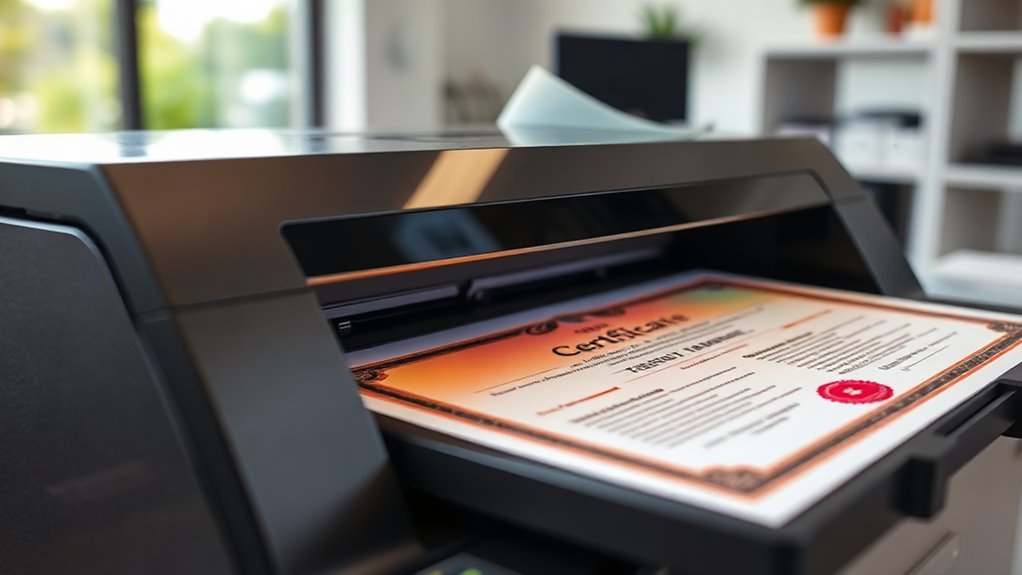
When choosing a colour printer for certificate printing, you’ll want to focus on print resolution and color accuracy to guarantee sharp, vibrant results.
Also, think about the media sizes the printer supports and whether it uses ink or toner. This can affect both the quality and the cost.
Don’t forget to check the print speed. You want to work efficiently without sacrificing detail.
Print Resolution Quality
Print resolution plays a pivotal role in producing sharp, professional certificates that stand out. You should aim for at least 1200 x 1200 dpi to guarantee crisp text edges and fine details.
If your certificates include photos or gradients, look for printers offering 2400–4800 dpi or optimized photo resolutions to capture smooth tonal shifts. Remember, effective resolution combined with quality halftoning reduces banding and keeps seals and borders sharp.
When printing on textured or heavyweight stock, select a printer with precise dot placement and good media handling. High dpi alone won’t prevent ink bleed or detail loss on absorbent surfaces.
Also, consider the rendered resolution separately for text and color graphics. Some engines produce sharper monochrome text than color at the same dpi.
Color Accuracy Importance
Color accuracy plays a critical role in ensuring your certificates look professional and consistent every time you print. Aim for a Delta E of 3 or less to match the colors on your screen with the printed output closely.
Choose printers that support wide color gamuts like Adobe RGB or P3. This is especially important if your certificates feature vibrant or brand-specific hues.
Be sure to calibrate and profile both your monitor and printer using a spectrophotometer. Creating accurate ICC profiles helps ensure colors reproduce predictably across multiple print runs.
Also, select papers with stable, archival-friendly color properties. Remember, the type of paper can affect both color and gloss.
Finally, implement a color-managed workflow with embedded ICC profiles and soft-proofing. This approach minimizes surprises and reduces costly reprints in your certificate projects.
Media Size Compatibility
Achieving accurate color reproduction is just one part of producing professional certificates; you also need a printer that handles the right media sizes and types. Make sure your printer supports common certificate dimensions like 8.5″×11″, A4, or larger formats such as 11″×17″ to print full-bleed or border layouts without scaling.
Check the maximum media weight and thickness it accommodates—ideally up to 200–300 gsm—to feed heavy cardstock without jams. Look for adjustable trays or manual feed options that handle multi-size paper, envelopes, and specialty stocks reliably.
Also, confirm if the printer offers borderless printing to avoid unwanted cropping. And if you plan to print duplex certificates or multi-page portfolios, verify your printer supports automatic two-sided printing for your chosen media. This helps maintain perfect alignment while saving you time and effort.
Ink or Toner Type
Choosing the right ink or toner is crucial when you want your certificates to look professional and stand the test of time. Laser toner produces crisp, smudge-resistant text and graphics, with better fade and water resistance than dye-based inks. This makes it ideal for frequently handled certificates.
Pigment-based inks also offer excellent water and fade resistance, delivering sharp, archival-quality results. Meanwhile, dye-based inks provide vibrant colors and smooth gradients but tend to fade faster unless used with coated papers and lamination.
For durability, inkjet pigment systems or laser toner combined with heavyweight certificate paper work best. Don’t forget to consider consumable yield and cost per page; high-yield cartridges or refillable tanks can save money on large print runs.
But keep in mind, cartridge restrictions and firmware compatibility can be a factor when selecting supplies. So, it pays to check these details before making your choice.
Print Speed Efficiency
Once you’ve settled on the right ink or toner for durability and cost, the next step is to think about how quickly your printer can handle certificate jobs. Aim for a sustained print speed of at least 20 ppm for mono and 10–15 ppm for color. This helps balance fast turnaround with quality.
Check the first-page-out time—it should be under 15–20 seconds to avoid delays, especially when printing small batches. If you print double-sided certificates or scan in bulk, make sure duplex and ADF speeds match single-sided print speeds. That way, you won’t get stuck waiting around.
Connectivity Options Available
When printing certificates, your connectivity options can make a significant difference in workflow efficiency and reliability. Choose printers supporting dual-band Wi-Fi (2.4 GHz and 5 GHz) or Ethernet to guarantee stable, high-throughput connections for large batches.
Direct printing features like Wi-Fi Direct or USB host support let you print securely without a network. If you print from mobile devices, confirm compatibility with AirPrint, Mopria, or vendor apps.
Opt for Gigabit Ethernet or USB 3.0 ports to speed up data transfer and cut latency, especially with high-resolution files. For remote or centralized printing, look for cloud-printing and app-based workflows offering secure print release, email-to-print, and audit trails.
Prioritizing these connectivity features streamlines your certificate printing process effectively. It makes everything run smoother and saves you time in the long run.
Frequently Asked Questions
How Do I Maintain Print Quality Over Time?
You maintain print quality by regularly cleaning the printer heads, using high-quality ink and paper, updating firmware, and performing routine maintenance.
Don’t let cartridges run dry, and store your printer in a dust-free, cool environment.
Doing these simple things helps keep your prints looking sharp and clear over time. Just a little care goes a long way!
Are These Printers Eco-Friendly or Energy Efficient?
You won’t believe it, but these printers practically hug trees! They’re super eco-friendly and energy efficient, saving power like it’s gold.
You’ll cut waste and costs while printing stunning certificates—win-win for you and the planet!
What Types of Paper Work Best for Certificate Printing?
You’ll want to use heavyweight, smooth, and matte or semi-gloss paper for certificates. Look for acid-free or archival-quality paper to guarantee durability and vibrant colors.
This way, your certificates will look professional and last a long time. It’s all about making a great impression with quality materials!
Can These Printers Connect to Mobile Devices Easily?
Yes, these printers easily connect to mobile devices via Wi-Fi, Bluetooth, or dedicated apps.
You’ll enjoy convenient, wireless printing directly from your smartphone or tablet without needing cables or a computer.
It’s super simple and hassle-free, perfect for printing on the go!
What Is the Average Cost of Replacement Ink or Toner?
Replacement ink or toner usually costs between $30 and $100, depending on your printer. It’s like fueling your printer’s heart—without it, you’re stuck.
You’ll want to budget carefully to keep those colors vibrant. After all, nobody wants to deal with faded prints or empty cartridges when you need them most.
Conclusion
When choosing your colour printer for certificate printing, consider clarity, cost, and convenience carefully. You’ll want a device delivering dazzling detail and dependable durability while keeping expenses economical. Whether you prioritize wireless wonders or want all-in-one adaptability, selecting a savvy, streamlined solution simplifies your setup.
By balancing brilliance and budget, you’ll breeze through beautiful, bold certificates every time. Trust these top-tier tools to transform your printing tasks with terrific, premium-quality technology. With the right colour printer, certificate printing becomes not only efficient but also a joy. So, pick a model that fits your needs and watch your certificates come to life with vibrant, crisp colors and lasting quality.