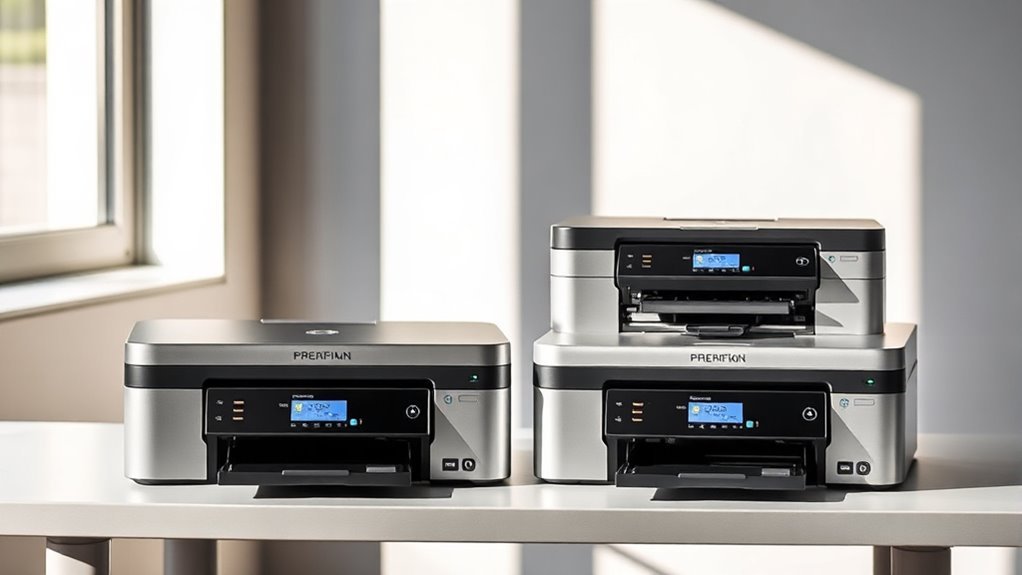
4 Best Cheap Sublimation Printers for 2027
You’ll find four affordable sublimation printers perfect for vibrant, high-quality prints in 2027. If you’re on a budget but don’t want to sacrifice quality, these options deliver excellent value.
Whether you’re into crafting, personalized gifts, or small business printing, these printers have something to offer.
The Brother Sublimation Printer offers wireless connectivity and app access for creative ease.
The Pinckney Cartridge-Free Super-Tank Printer combines high resolution with scanner functionality.
Epson’s SureColor F170 delivers compact, precise dye-sublimation printing, while the portable Liene Amber M110 pairs quickly via Bluetooth.
Each balances value and quality, and there’s more to help you pick the ideal one for your needs.
| Image | Name | Editor's Rating | Price |
|---|---|---|---|

|
|
||

|
|
||

|
|
Brother Sublimation Printer
No products found.
If you want to create vibrant custom apparel and home decor with ease, the Brother Sublimation Printer (Model SP-1) offers a smart solution. Its compact and lightweight design fits well in any workspace. You can connect it via Wi-Fi, Ethernet, or USB, making setup quick and flexible.
This sublimation printer uses genuine Brother ink and paper, ensuring your prints stay bright and durable through multiple washes. The Artspira App enhances your creative process by giving access to over 100 designs and allowing you to save your own. Simply print your high-resolution design, then transfer it onto your chosen item using a heat press (sold separately).
Maintenance is straightforward, with reliable materials that help reduce fading and wear over time. The printer supports standard media sizes up to 8.5 x 11 inches, making it ideal for small to medium projects. However, keep in mind that the black and white print resolution is lower, which may affect some monochrome prints.
Best for: DIY enthusiasts and crafters seeking an easy-to-use sublimation printer for vibrant custom apparel and home decor.
What We Like:
- Compact, lightweight design with multiple connectivity options
- Access to 100+ designs and custom image saving via Artspira App
- Genuine Brother sublimation ink and paper for lasting, vivid prints
- Simple maintenance with durable print materials
Specification:
| Feature | Details |
|---|---|
| Manufacturer | Brother |
| Dimensions | Compact (exact size not specified) |
| Weight | Lightweight |
| Connectivity | Wi-Fi, Ethernet, USB |
| Max Media Size | 8.5 x 11 inches |
| Print Resolution | Color: High; B&W: 300 x 300 dpi |
| Ink Type | Genuine Brother sublimation ink |
Pinckney Cartridge-Free Super-Tank Printer with Scanner
- 【Sublimation Printing】Wireless Super-Tank AIl-in-One Printer with Scanner and Copier. High-capacity ink tanks mean no more ink cartridges.
- 【Sublimation Ink Contents】Black 127mL; Magenta 85mL; Cyan 85mL; Yellow 85mL. Ink may be shipped in a separate package based on logistic optimizations.
- 【Easy to Fill】the auto-fill nozzle fits the printer ink inlet perfectly and allows easily ink fill. No syringe needed, no squeezing, no ink leakage.
- 【Supported Paper Sizes】Letter A Size (8.5 in x 11 in), Legal (8.5 in x 14 in), Executive (7.25 in x 10.5 in), A4 (8.25 in x 11.7 in), A6 (4.13 in x 5.83 in), 5.5 in x...
- 【High-resolution printing】up to 5760 x 1440 dpi. Finer ink droplet size, Worry less about clogging.
The Pinckney Cartridge-Free Super-Tank Printer transforms your printing experience by eliminating the hassle of cartridges. Its cartridge-free system with high-capacity ink tanks ensures you spend less time refilling and more time printing. The easy-fill design helps prevent leaks, making maintenance straightforward and mess-free.
This wireless all-in-one printer delivers dye sublimation printing with up to 5760 x 1440 dpi resolution. It creates sharp, vibrant images ideal for both documents and photos. While its print speed is moderate at 5 color pages per minute, it balances quality and functionality for everyday use.
Designed for versatility, it supports multiple paper sizes and includes a built-in scanner and copier. Connectivity options like Wi-Fi and USB allow seamless integration into home or office setups. The user-friendly LCD screen simplifies operation and settings management.
Overall, this printer is a practical choice for those who need reliable, high-quality printing without the interruptions of cartridge replacements. Its design focuses on ease of use and consistent output, making it well suited for small office or personal projects.
Best for: Individuals and small offices needing efficient, cartridge-free dye sublimation printing with scanning and copying features in a wireless all-in-one device.
What We Like:
- High-resolution dye sublimation printing for sharp, vibrant images
- Cartridge-free design with large ink tanks and spill-prevention system
- Wireless and USB connectivity with built-in scanner and copier
- Easy maintenance thanks to leak-proof, refillable ink tanks
Specification:
| Feature | Details |
|---|---|
| Manufacturer | Pinckney |
| Print Technology | Dye Sublimation |
| Maximum Resolution | 5760 x 1440 dpi |
| Print Speed | 5 color pages per minute |
| Connectivity | Wi-Fi, USB |
| Functions | Print, Scan, Copy |
| Ink System | Cartridge-Free Super-Tank |
| Paper Sizes Supported | Multiple |
| Display | LCD Screen |
Epson SureColor F170 Compact Dye-Sublimation Printer
- 𝗔𝘀𝘁𝗼𝘂𝗻𝗱𝗶𝗻𝗴 𝗣𝗿𝗶𝗻𝘁 𝗤𝘂𝗮𝗹𝗶𝘁𝘆: Epson's Surecolor F170 Sublimation printer boasts the PrecisionCore printhead...
- 𝗚𝗲𝗻𝘂𝗶𝗻𝗲 𝗘𝗽𝘀𝗼𝗻 𝗗𝘆𝗲-𝗦𝘂𝗯𝗹𝗶𝗺𝗮𝘁𝗶𝗼𝗻 𝗜𝗻𝗸 𝗧𝗲𝗰𝗵𝗻𝗼𝗹𝗼𝗴𝘆: Epson...
- 𝗩𝗲𝗿𝘀𝗮𝘁𝗶𝗹𝗲 𝗠𝗲𝗱𝗶𝗮 𝗦𝘂𝗽𝗽𝗼𝗿𝘁: Includes a 150-sheet auto-feed tray for added efficiency. Epson SureColor...
- 𝗥𝗲𝗽𝗹𝗮𝗰𝗲 𝗜𝗻𝗸 𝗟𝗲𝘀𝘀 𝗢𝗳𝘁𝗲𝗻: Our high-capacity sublimation ink bottles with auto-stop for easy, mess-free filling...
- Versatile Wi-Fi and USB Connectivity: Easily print from Windows or macOS computers using Epson Print Layout or Epson Edge Print software. Compatible with the Epson iPrint...
Experience vibrant, professional-quality sublimation printing with the Epson SureColor F170. Designed for compact spaces, this dye-sublimation printer fits neatly on your desk while delivering sharp, detailed images. Its PrecisionCore printhead ensures crisp output up to 5760 x 1440 dpi, solving the challenge of achieving high-resolution prints without bulky equipment.
Maintenance is straightforward thanks to high-capacity sublimation ink bottles that reduce frequent replacements. Keep in mind, once inks are loaded, the printer cannot be returned due to potential leakage risks. The 150-sheet auto-feed tray is enclosed to keep your media dust-free, ensuring consistent print quality over time.
Connectivity options are versatile, with wireless, USB, and Ethernet support. This flexibility allows easy integration into various work environments, from home studios to small business settings. The printer supports media sizes up to 8.5″ x 11″, making it ideal for personalized items and small batch production.
The SureColor F170 is optimized for users needing efficient, high-quality sublimation printing in a compact footprint. Its thoughtful design and practical features help improve workflow while maintaining vibrant, durable prints.
Best for: Small businesses and hobbyists seeking a compact, reliable dye-sublimation printer with easy maintenance and versatile connectivity.
What We Like:
- Sharp, high-resolution printing with PrecisionCore technology
- Compact size with a dust-resistant 150-sheet auto-feed tray
- Multiple connectivity options including wireless, USB, and Ethernet
- High-capacity ink bottles for less frequent replacements
Specification:
| Feature | Details |
|---|---|
| Manufacturer | Epson |
| Dimensions (W×D×H) | Compact size (exact not specified) |
| Weight | 15.8 lb (7.17 kg) |
| Media Size | Up to 8.5″ x 11″ (Letter) |
| Connectivity | Wireless, USB, Ethernet |
| Print Resolution | Up to 5760 x 1440 dpi |
Liene Amber M110 Bluetooth Portable Photo Printer
- Dual 4x6" & 3x3" Photo Printer Paper Tray Convenience: Seamlessly print both 6-inch standard photo paper and 3-inch sticky-backed paper with our innovative dual tray...
- Fast Bluetooth Connectivity: Experience lightning-fast printing with our liene photo printer's Bluetooth connection, which pairs in just 13 seconds. Enjoy a seamless and...
- Superior Quality Photo Printer 4x6 - Print photos like no other thanks to the thermal-dye sublimation tech adopted by the picture printer for iphone. The dyes deeply...
- Multiple Device Compatibility - Liene picture printer for iphone provides instant photo printing for up to mutiple simultaneous connections. Share with family and friends...
- Customize your Printing with the Liene App - Customize your photos with our specialized App! You can add a Polaroid border, insert filters, enhance the contrast and...
Experience the freedom of wireless photo printing with the Liene Amber M110 Bluetooth Portable Photo Printer. Designed for those who want quick, vibrant prints on the go, this compact printer works seamlessly with your iPhone, Android, or laptop. It pairs via Bluetooth in just 13 seconds, letting you print effortlessly from the Liene app.
Using thermal dye sublimation, it produces rich, colorful photos at 300 dpi in either 4×6 or 3×3-inch sizes. This means your memories come to life with sharp details and vivid hues. The printer’s compact design, weighing less than 3 pounds, makes it easy to carry for travel or events.
Maintaining the printer is simple. It holds up to 60 sheets and includes two cartridges, so you can print multiple photos before needing to reload. However, note that the print speed is about one page per minute, and it offers only one USB port for wired connections.
This portable printer suits users who need a reliable, wireless photo printer that balances quality, portability, and ease of use without overwhelming complexity.
Best for: Anyone needing a compact, wireless photo printer for high-quality, customizable prints on the move.
What We Like:
- Quick Bluetooth pairing and smooth app integration for easy photo customization
- Vibrant thermal dye sublimation prints at 300 dpi
- Lightweight design with a decent paper capacity and included cartridges
Specification:
| Feature | Details |
|---|---|
| Manufacturer | Liene |
| Dimensions | Not specified |
| Weight | Under 3 pounds (~1.36 kg) |
| Material | Not specified |
| Color Options | Not specified |
Factors to Consider When Choosing a Cheap Sublimation Printer
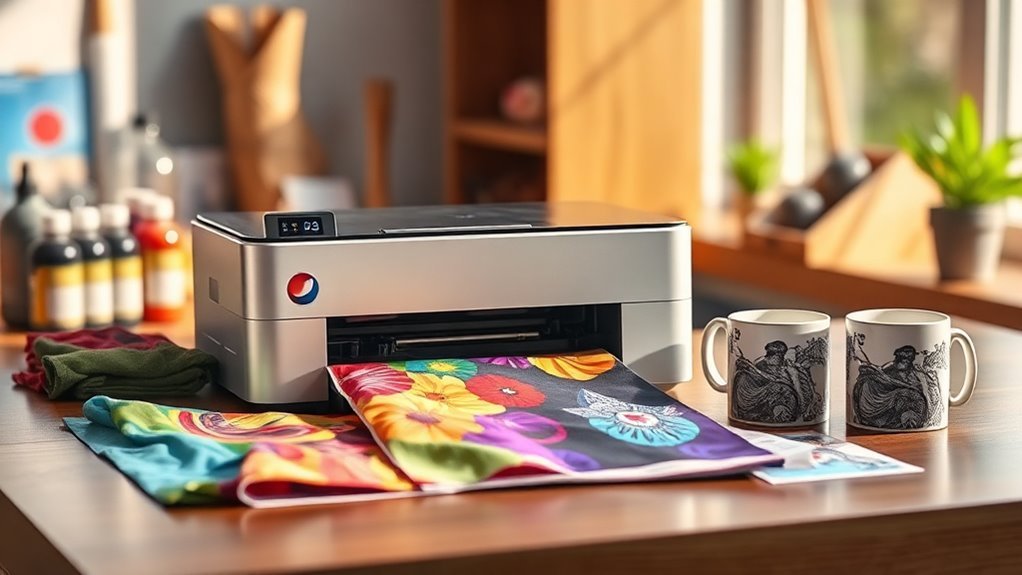
When choosing a cheap sublimation printer, focus on print quality and resolution to guarantee sharp results. Check the ink type and capacity, along with connectivity options that fit your setup.
Don’t forget to take into account media size compatibility and the warranty or support offered for peace of mind. It’s always good to know you’re covered if something goes wrong.
Print Quality and Resolution
Print quality hinges on a printer’s maximum resolution and color accuracy, which directly impact the sharpness and vibrancy of your sublimation projects. Look for printers offering high resolutions, like 5760 x 1440 dpi, to capture fine details and vivid colors.
A color resolution of 1440 x 1440 dpi guarantees your prints pop, especially on textiles and custom items. The printhead technology matters too—PrecisionCore or similar tech controls droplet size precisely, minimizing banding and enhancing color accuracy.
Don’t overlook the media; using recommended sublimation paper maximizes color transfer and vibrancy. By focusing on these factors, you’ll secure your cheap sublimation printer produces consistently sharp, vibrant images that bring your designs to life without breaking your budget.
Ink Type and Capacity
Sharp images and vibrant colors depend not just on resolution but also on the ink you use. Sublimation printers rely on dye sublimation ink that turns into gas when heated, bonding with materials like fabric or ceramics for lasting, vivid prints.
When choosing a printer, consider ink capacity. Models with large tanks or cartridge-free systems reduce refills and mess, saving you time and money.
High-quality inks boost color accuracy and saturation, enhancing your designs. Also, check the availability and price of replacement inks since some brands use proprietary types that can be costly or hard to find.
Connectivity Options Available
Since connectivity directly impacts how easily you access your sublimation printer, you’ll want to evaluate the options available before making a purchase. Look for printers offering Wi-Fi, USB, and Ethernet to guarantee compatibility with your devices.
Wireless connectivity gives you flexibility in placement and lets you print from multiple devices without being tied down. USB connections deliver stable, fast data transfer, ideal for consistent print quality.
If you plan to share your printer in a networked environment, Ethernet is a smart choice. It allows multiple users to print simultaneously without slowing down.
Some printers also support app-based control, making remote printing from your smartphone or tablet convenient and easy. Choosing the right connectivity options streamlines your workflow and boosts productivity.
Media Size Compatibility
Beyond connectivity, you’ll want to take into account the media size compatibility of your sublimation printer. The maximum media size it supports directly affects the types of projects you can create, from apparel to home decor.
Many printers handle standard sizes like 8.5 x 11 inches, perfect for common crafts, while others accommodate larger formats for bigger prints. Check if the printer supports various paper sizes—A4, Letter, or custom dimensions—to guarantee versatility for mugs, banners, and more.
Also, look for media handling features like auto-feed trays, which boost efficiency by allowing multiple sheets to print without manual loading. Finally, confirm the printer works with recommended sublimation paper to maintain peak print quality and durability, avoiding any compromises from incompatible media.
Warranty and Support
When choosing a cheap sublimation printer, you’ll want to pay close attention to the warranty and support options. A longer warranty offers better protection against defects, saving you repair costs.
Check if the warranty covers ink and media components, as this can reduce your overall expenses. Also, prioritize printers with responsive customer support teams to quickly resolve any technical issues.
Don’t forget to review the seller’s return policy; a favorable one gives you peace of mind if the printer doesn’t meet your expectations. Finally, look for available online resources like user guides and troubleshooting tips.
These can help you get the most out of your printer and address common problems without delay. Trust me, these factors guarantee a smoother ownership experience.
Frequently Asked Questions
Can Sublimation Printers Be Used on Dark Fabrics?
No, you can’t use sublimation printers directly on dark fabrics since sublimation ink is transparent.
Instead, you’ll want to use a white polyester base or a special transfer paper designed for dark materials to get vibrant results.
This way, your colors really pop and your design looks sharp. It’s a simple trick to make sublimation work beautifully on darker backgrounds!
What Maintenance Is Required for Sublimation Printers?
You’ll need to regularly clean the print heads, flush the ink lines, and keep the printer covered when not in use.
Also, check for clogs and replace ink cartridges promptly to guarantee vibrant, consistent prints every time.
Are Sublimation Inks Safe for Skin Contact?
Sublimation inks aren’t designed for direct skin contact, so you shouldn’t touch them frequently or let them sit on your skin. Always wear gloves and work in a well-ventilated area to stay safe while printing.
It’s just a good idea to be careful with these inks. You want to avoid any unnecessary exposure to keep things safe and comfortable.
Can I Use Third-Party Sublimation Ink Cartridges?
You absolutely can use third-party sublimation ink cartridges, but beware—they can either make your prints look like masterpieces or turn your printer into a paperweight!
Always check compatibility and reviews before risking your gear. It’s better to be safe than sorry when it comes to your printer.
How Long Do Sublimation Prints Typically Last?
Sublimation prints typically last several years, often 5 to 10, if you keep them away from direct sunlight and harsh chemicals. You’ll enjoy vibrant, durable colors that resist fading much longer than regular prints.
It’s pretty great because the colors stay bright and strong for a long time. Just a little care goes a long way in preserving that fresh look!
Conclusion
Choosing the right sublimation printer doesn’t have to feel like searching for a needle in a haystack. Whether you want the reliability of Brother or the cartridge-free convenience of Pinckney, there’s an option that fits your budget and needs.
Maybe you’re after the professional touch of Epson, or the portability of Liene Amber. Whatever your choice, keep your priorities clear.
By focusing on what matters most to you—whether it’s cost, quality, or ease of use—you can turn your creative visions into vibrant, lasting prints without breaking the bank. Finding the best cheap sublimation printer for 2027 is easier than you think when you know what to look for. So go ahead, pick the perfect sublimation printer that suits your style and budget, and start creating amazing prints today!